
We may earn a commission if you buy through links on this page. It never changes a score or a ranking. How we make money
The bottom line
BigTime ties project delivery to billing, but small teams pay $20 per seat to get started.
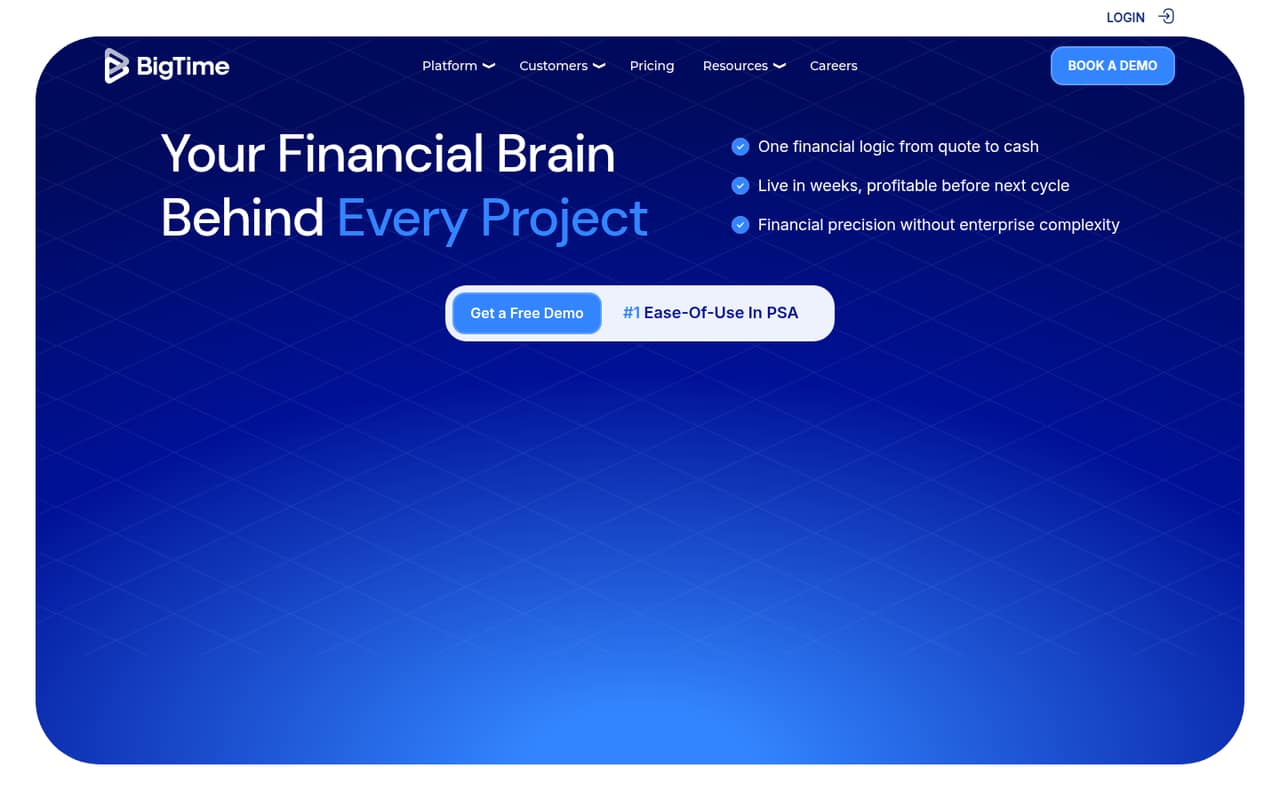
BigTime is a professional services automation platform for managing projects from quote to cash. It combines time and expense tracking with quoting, resource planning, invoicing, payments, and reporting—useful when project finances are the main job, not just a side task.
Essentials starts at $20 per user per month, and there’s no free plan. That makes it a harder sell for a very small team that only needs timesheets, but a more plausible fit for service firms that want billing and project finances together. Reddit comments about the product are mixed, especially on usability and support.
Good fit if
- Professional services firms
- Teams billing project time
- Small teams needing project finances
Skip it if
- Teams looking for free time tracking
- Businesses needing deep IT integrations
- Teams wanting published setup guidance
ScoresHow it rates
What works
- Combines time and expense management with project finances
- Approved quotes can become projects
- Essentials includes billing and invoicing
- QuickBooks integration is included in Essentials
- Resource planning and financial scenario modeling
What doesn't
- No free plan
- Essentials starts at $20 per user monthly
- Billing terms and discounts are not stated
- Advanced and Premier prices are not published
- Some Reddit users report bugs and weak support
01Who BigTime is for
BigTime is for professional services firms that need project delivery and project finances in one place. It brings together time and expense tracking, quotes and statements of work, resource planning, invoicing, payments, and reporting. Approved quotes can be converted into projects, while resource tools help plan capacity and model financial scenarios.
For a team of one to ten, the fit depends less on headcount than on how much of that workflow you need. A small consultancy that bills by project time may get value from linking timesheets, expenses, and invoices. A team that only wants a basic clock or timesheet is paying for more than it needs. Essentials is listed at $20 per user per month, so even a three-person team starts at $60 monthly at that rate. BigTime does not publish a free tier, and the prices for higher plans are not listed.
02BigTime free plan and trial
BigTime does not offer a free plan, according to its listed pricing. The pricing information does not state whether a free trial is available, so ask the vendor about trial access and its terms before budgeting or moving project data.
The cheapest listed way in is Essentials at $20 per user per month. It includes time and expense management, project portfolio management, billing and invoicing, automatic reconciliation, and QuickBooks integration. That is a substantial starting point if your team needs project billing as well as time capture. If you only need to track hours, the lack of a free option makes BigTime harder to justify against a free or lower-cost time tracker. The vendor does not publish the trial terms or any free-plan limits.
03What a small team pays for BigTime
The pricing page lists Essentials at $20 per user per month. At that rate, one person costs $20 monthly, three people cost $60, and five cost $100. These are per-seat calculations from the listed rate, not a confirmed invoice quote. BigTime does not state whether that rate requires monthly or annual billing, or whether it offers annual discounts, so confirm the billing term before signing up.
Advanced and Premier are also per-user plans, but their prices are not published. Enterprise is custom-priced. Advanced adds multi-currency expense management, custom reporting, and project and invoice templates. Premier adds multi-currency invoicing, custom cost and rate management, and project budgeting with multi-level approvals.
BigTime Quotes and BigTime Resource Management are available as standalone options, and Data Hub is also listed as an add-on; the vendor does not publish their prices. Ask whether any add-on is needed for your workflow, and whether there are seat minimums or fees beyond the listed Essentials rate.
04Getting started with BigTime
BigTime’s setup effort and learning curve are not published, so a small team should ask for a product walkthrough and a clear onboarding estimate before committing. The platform covers several connected workflows—time, expenses, quotes, projects, resource planning, and invoicing—so setup may involve more decisions than switching on a standalone timer. We would start by mapping how your team captures time and turns approved work into invoices.
For day one, the pricing page lists QuickBooks integration in Essentials. BigTime also describes reporting tools and connections to BI tools, but the available plan details do not specify which connections are included at each level. Confirm which integrations your team needs and whether they are available on Essentials. One Reddit commenter praised BigTime’s time entry, while another reported bugs and unhelpful support. Those conflicting accounts make it worth asking the vendor how support and onboarding work for your plan.
05When small teams outgrow BigTime
BigTime may stop fitting when your needs move beyond Essentials or when per-seat pricing weighs heavily on a growing team. Advanced and Premier add capabilities such as custom reporting, templates, multi-currency billing, and more detailed budgeting and approvals, but their prices are not published. Get a quote before relying on those features as part of your budget. The vendor also lists custom-priced Enterprise for organizations with complex systems.
A different kind of growing pain is integration fit. In one Reddit discussion, a commenter cautioned that broad professional-services tools may lack integrations that matter to a specific IT-services workflow. Another commenter said they had found BigTime buggy and support unhelpful; a different user praised its time entry. These are individual reports, not a settled verdict, but they point to practical questions: does BigTime connect to your core systems, and does its time-entry process suit your staff? If not, a tool built around your industry or existing workflow may be a better fit.
From the threadsWhat users say
Reddit comments show mixed sentiment: one person praised BigTime’s time entry, while another reported bugs and poor support. Other commenters raised concerns about integration fit, so small teams should check their workflows before choosing it.
Personally, it’s the smoothest time entry I’ve used. So much better than Ajera or multiple other options
Yeah we used to use it for HR/time tracking stuff mostly. Did not enjoy, was always buggy and support was not very helpful
I think you’ll have the same issue with Bigtime. Looks cool, but by casting a wide net of professional service firms, you probably won’t get 90% of the integrations that, at the end of the day, save time and money
BigTime provides timesheet management, expense tracking, project budgeting, and billing within a single platform for professional services organizations
Questions people ask
What is BigTime software?
BigTime is a professional services automation platform for managing project finances and delivery. It combines time and expense tracking, quoting, resource planning, invoicing, payments, and reporting, with tools for turning approved quotes into projects.
What is BigTime used for?
Service firms can use BigTime to track time and expenses, plan project resources, prepare quotes, create invoices, manage payments, and report on project activity. Its focus is connecting project delivery with billing and financial management.
How much does BigTime cost for a small team?
The pricing page lists Essentials at $20 per user per month. At that rate, three seats total $60 monthly and five total $100. BigTime does not state whether the listed rate requires monthly or annual billing, so confirm the terms with the vendor.
Does BigTime have a free plan or trial?
BigTime does not have a free plan. The available pricing details do not state whether a free trial is available, so ask the vendor about trial access and its terms. Essentials is the lowest-priced listed plan at $20 per user per month.
Does BigTime integrate with QuickBooks?
Yes. QuickBooks integration is included in the Essentials plan, per the listed plan details. If your team depends on other accounting, project, or BI tools, confirm with BigTime which integrations are available and whether they require a higher plan or add-on.