We may earn a commission if you buy through links on this page. It never changes a score or a ranking. How we make money
A small team may not need dedicated time tracking software if a shared timesheet covers payroll and project billing. If you need attendance records, approvals, or job-level time, a purpose-built tool can save admin work. Clockify is our best overall pick for a small team: its free plan covers up to five people, and paid plans start at $3.99. Jibble is worth a look for free tracking, while shift-based teams should compare ZoomShift and time-clock options. Check the free-plan limits and the full bill before you move everyone over.
Quick picksThe shortlist
 ClockifyClockifyBest overall for small teams · $3.99/mo
 JibbleJibbleBest free tracker · Free
 OpenTimeClockOpenTimeClockBest free time clock · $39/mo
 TimeStationTimeStationBest for under 10 · $19.95/mo
 ZoomShiftZoomShiftBest for hourly teams · $2/mo
 Time Clock WizardTime Clock WizardBest free basics · $29.95/mo
 HarvestHarvestBest for client billing · $9/mo
 Toggl TrackToggl TrackBest for project planning · $9/mo
 Easy Time ClockEasy Time ClockBest low-cost clock · $1.50/mo
 OnTheClockOnTheClockBest for shifts and PTO · $4/mo
01Compared at a glance
| Tool | Score | From | Free plan | Trial |
|---|---|---|---|---|
| ClockifyClockify | 7.3 | $3.99/mo | Yes | — |
| JibbleJibble | 7.8 | Free | Yes | — |
| OpenTimeClockOpenTimeClock | 8.0 | $39/mo | Yes | 30 days |
| TimeStationTimeStation | 7.2 | $19.95/mo | Yes | 30 days |
| ZoomShiftZoomShift | 7.4 | $2/mo | Yes | 14 days |
| Time Clock WizardTime Clock Wizard | 6.7 | $29.95/mo | Yes | 14 days |
| HarvestHarvest | 6.7 | $9/mo | Yes | 30 days |
| Toggl TrackToggl Track | 7.1 | $9/mo | Yes | 30 days |
| Easy Time ClockEasy Time Clock | 6.5 | $1.50/mo | No | 1 month |
| OnTheClockOnTheClock | 7.0 | $4/mo | No | 30 days |
02The picks, in detail
- Best overall for small teamsClockifyClockify
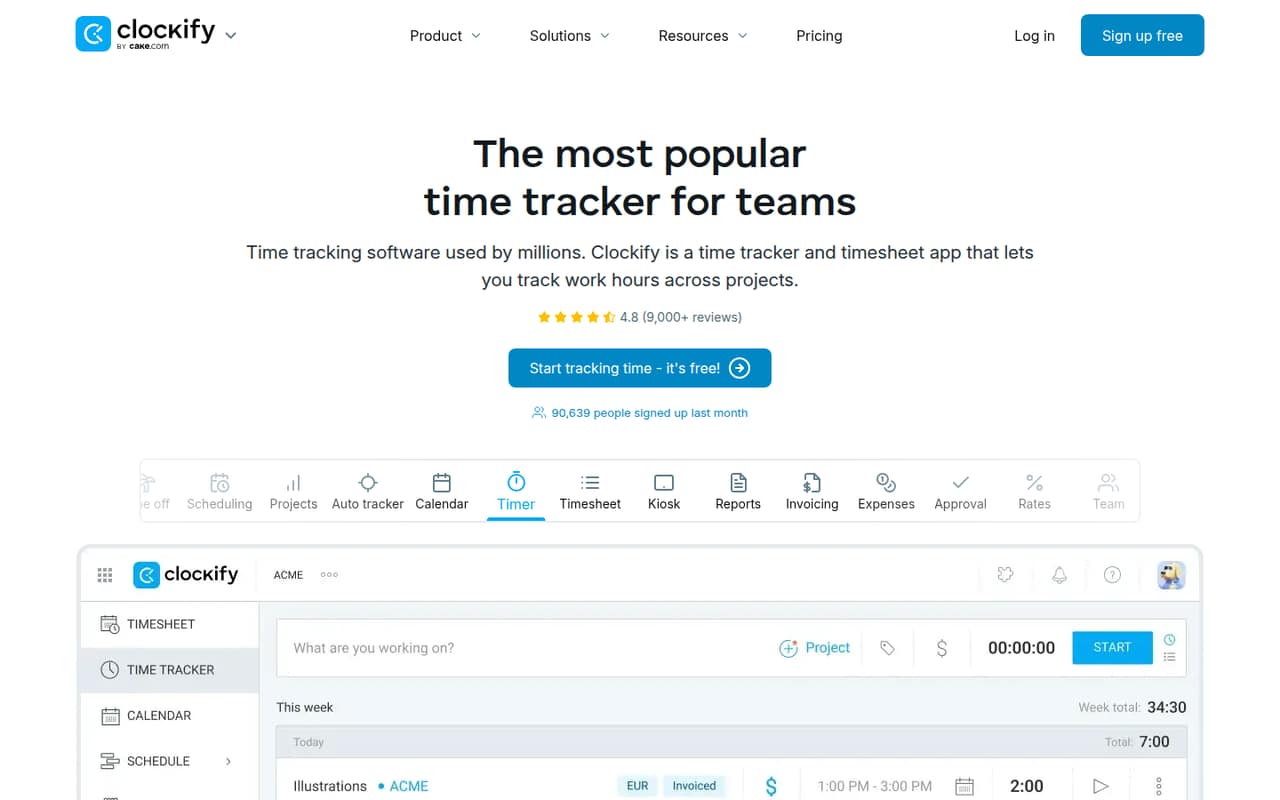
Clockify is a practical starting point for teams that need project-based time tracking without an immediate subscription. The free plan covers up to five people, and the pricing page lists paid plans from $3.99. The source listing does not specify what that starting price applies to, so confirm the full team cost. Paid admin and billing features can raise the bill as your needs grow.
What works
- Free plan supports up to five users
- Unlimited time tracking on Free
- Timer and weekly timesheet included
What doesn't
- Free plan has a five-user cap
- Paid features require per-seat upgrades
- Monthly rates cost more than annual rates
- Best free trackerJibbleJibble
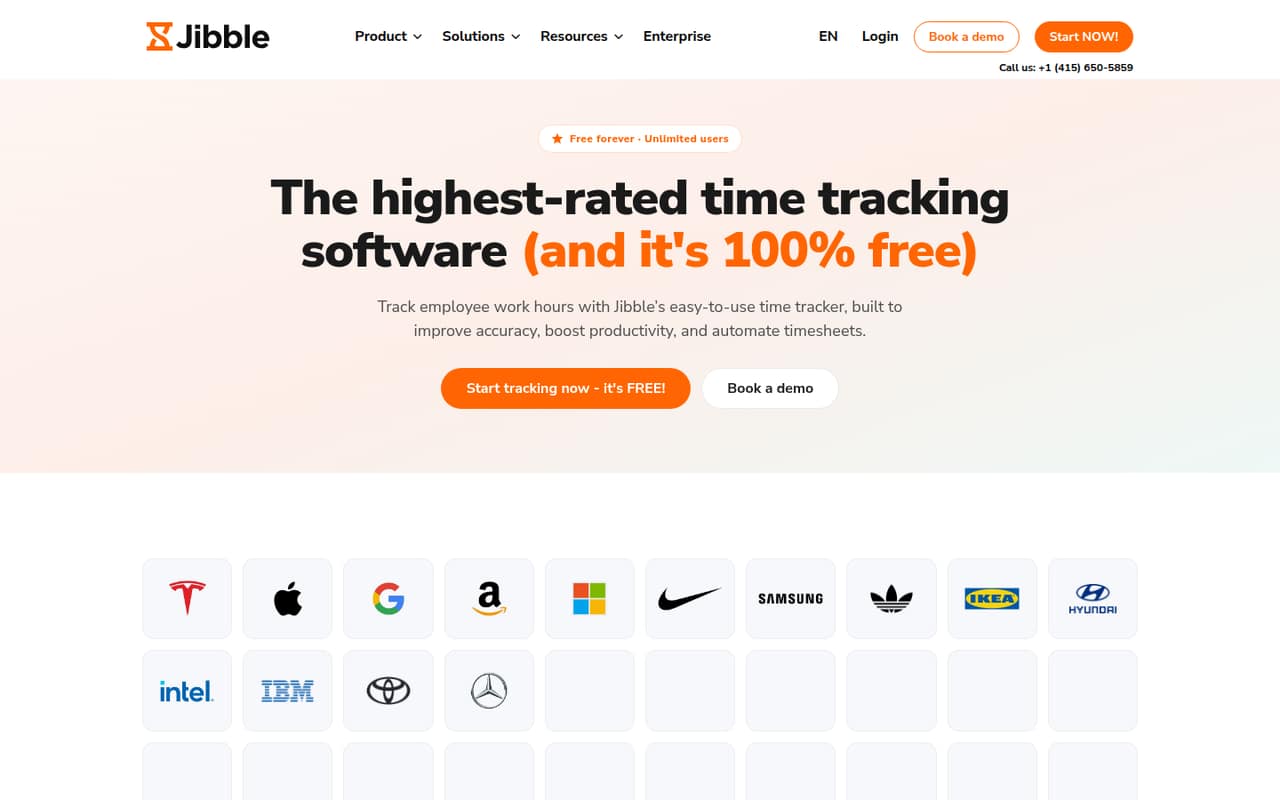
Jibble is a strong shortlist choice if keeping the subscription at zero matters most. It offers a free time tracker suited to small teams and attendance tracking, with Slack and QuickBooks among its listed integrations. The vendor’s paid-plan costs and limits are hard to plan around, so check those before relying on features your team may need later.
What works
- Free plan allows unlimited users
- Clock in on web, desktop, or mobile
- Offline clock-ins sync when back online
What doesn't
- Paid-plan prices aren't published
- Paid-plan limits aren't published
- Free timesheets are described as basic
- Best free time clockOpenTimeClockOpenTimeClock
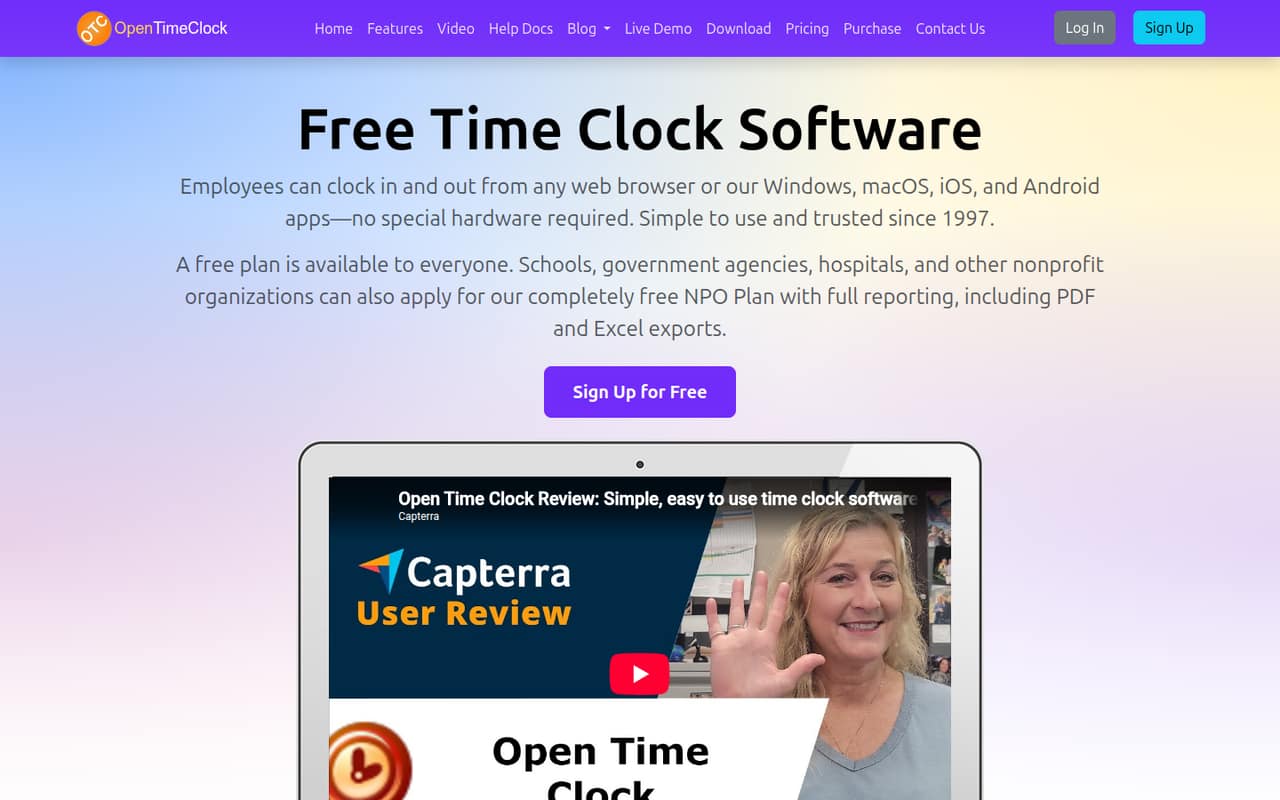
OpenTimeClock offers unlimited free users and location-based clock-ins, which makes it a useful option when headcount changes or per-seat charges are a concern. The main trade-off listed is that free users cannot download reports. Its paid price starts at $39, but confirm which plan includes the reporting your payroll process needs.
What works
- Free plan includes unlimited users
- Browser and app clock-ins need no special hardware
- Supports GPS and geofencing controls
What doesn't
- Free plan excludes PDF and Excel downloads
- Paid plan costs $39 monthly for any team size
- NPO plan requires an application
- Best for under 10TimeStationTimeStation
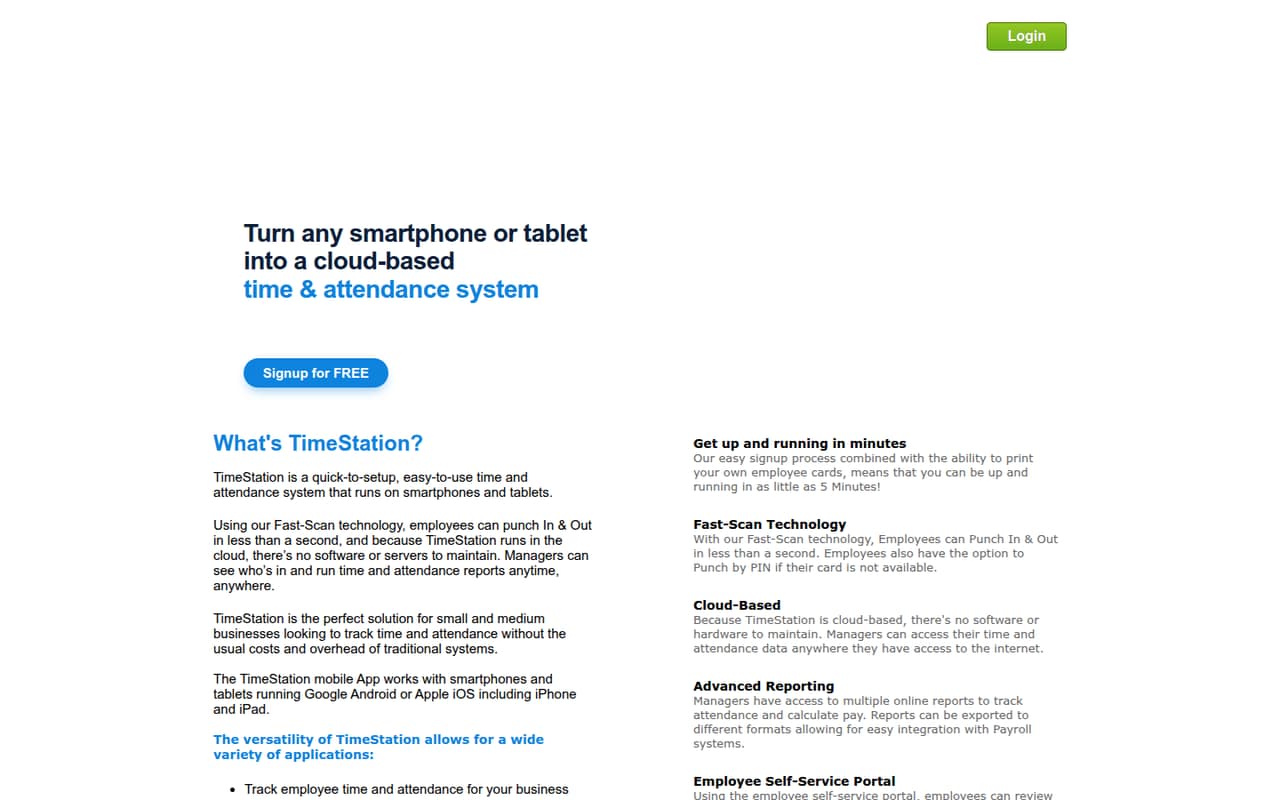
TimeStation is aimed at teams with up to 10 employees and straightforward mobile attendance tracking. It has a free plan, and its listed starting price is $19.95. The free-plan limits and what the paid starting price covers are not specified here, so check the plan details before counting on it for all 10 people or payroll routines.
What works
- Free plan covers up to 10 employees
- GPS tagging is included across listed plans
- Unlimited departments and devices on the free plan
What doesn't
- Paid plans start at $19.95 per month
- Annual prices are not published
- Named integrations are not published
- Best for hourly teamsZoomShiftZoomShift
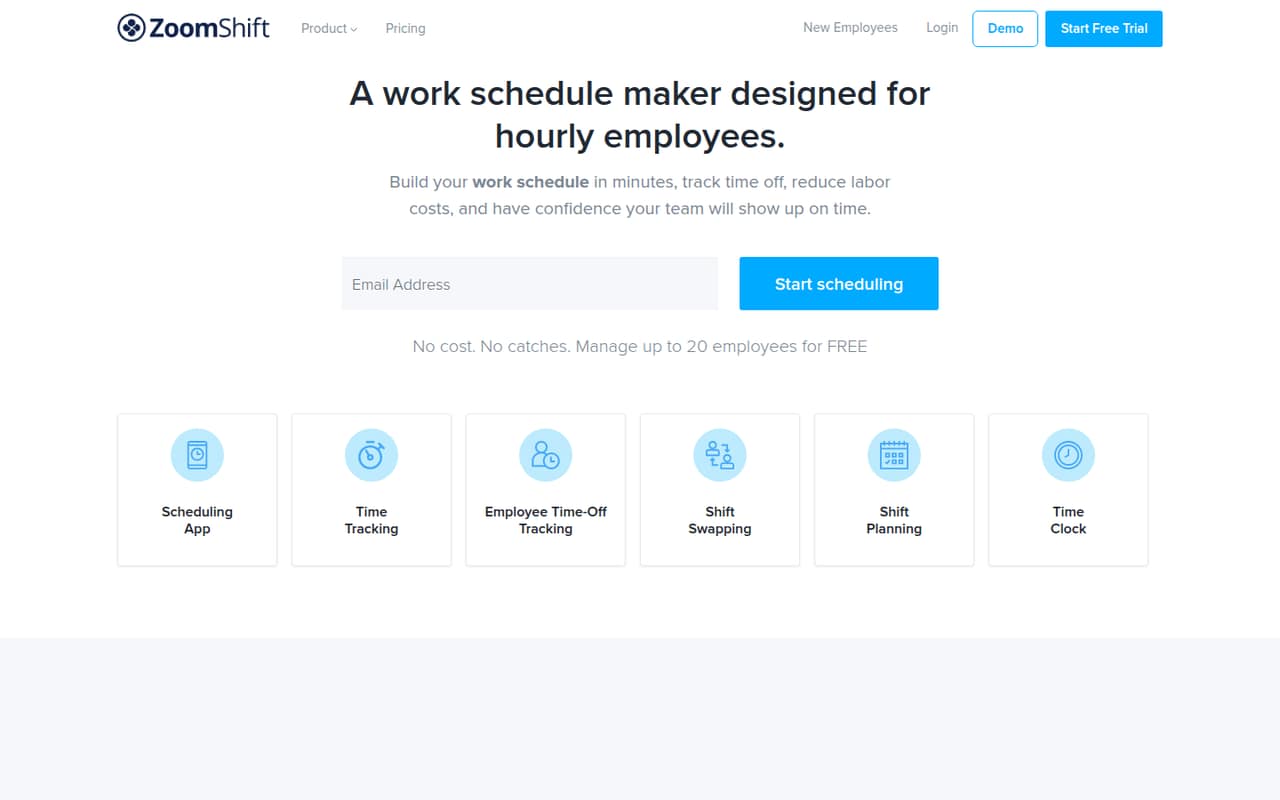
ZoomShift fits hourly teams that want scheduling alongside time tracking. Its free plan covers basic scheduling for up to 20 users; time tracking starts at $2 per active member monthly. That distinction matters: a team may be able to schedule for free but should budget for tracking. Check what the paid time-tracking plan includes before moving timesheets into it.
What works
- Free plan covers up to 20 users
- Unlimited positions on the free plan
- Starter includes timesheets and a time clock
What doesn't
- Free scheduling reaches only two weeks ahead
- Free plan is limited to one location
- Time tracking requires the paid Starter plan
- Best free basicsTime Clock WizardTime Clock Wizard
Time Clock Wizard offers free basic time tracking for unlimited users, which can suit a small team that mainly needs simple hours records. For scheduling and payroll reporting, the listed annual price is $49.95 per month; the starting price is $29.95. Confirm which plan covers the functions you need, since free basics are not the same as a complete payroll workflow.
What works
- Free plan includes unlimited users
- Paid Value plan adds reporting and support
- Pro lists scheduling and payroll reporting
What doesn't
- Scheduling requires the higher-priced Pro plan
- Free plan is limited to basic tracking
- Trial feature access is not published
- Best for client billingHarvestHarvest
Harvest is worth considering when tracked time feeds client billing and expense reports. It has a free plan, and paid plans start at $9. The listing warns that usage-based charges can add up as projects grow, so estimate the cost using your likely project volume. Check the free-plan limits too; they are not specified here.
What works
- Free plan includes time tracking, invoicing, and expenses
- Invoices can use tracked time and expenses
- Budgets compare estimates with actuals
What doesn't
- Free plan is limited to one seat and two projects
- Teams seats are billed individually
- Extra projects, clients, tasks, and invoices can cost more
- Best for project planningToggl TrackToggl Track
Toggl Track combines task timers with workload and capacity planning, making it a candidate for a small team that needs more than basic attendance records. It has a free plan, while paid plans start at $9 and team features carry a per-seat bill. Confirm the free-plan limits and calculate the paid cost for everyone who needs those team features.
What works
- Free plan includes timers, tasks, boards, and estimates
- Starter includes billable rates and team reports
- Reports compare project estimates with actual time
What doesn't
- Free reports are personal-level, not team reports
- Starter pricing multiplies with every user
- Capacity Management costs extra
- Best low-cost clockEasy Time ClockEasy Time Clock
Easy Time Clock is a low-entry-price option for employee attendance, payroll exports, PTO, and location tracking. Its listed starting price is $1.50, but there is also a $5 monthly base fee and no ongoing free plan. Ask how the base fee combines with user charges, and check which plan includes the features your team needs.
What works
- Clock in from a computer or mobile device
- Biometric reader clock-in is supported
- Employees can request time card changes
What doesn't
- No free plan is listed
- A $5 monthly account fee applies
- Annual billing is not listed
- Best for shifts and PTOOnTheClockOnTheClock
OnTheClock suits small businesses tracking shifts and PTO, especially if GPS clock-ins and manager approval before payroll matter. Its starting price is $4, but it has no free plan and a base fee to budget for. The full cost for your team is not specified here, so request a quote or calculate it from the vendor’s current pricing details.
What works
- Combines time tracking, scheduling and PTO
- Employees can clock in on phones or computers
- GPS, geofencing and location controls are included
What doesn't
- No ongoing free plan
- The time-tracking plan adds a $5 monthly base fee
- Payroll adds a separate $40 monthly base fee
03How we chose
We ranked these tools for teams of one to 10, giving weight to a usable free plan, the listed starting price, and whether the product fits project work, attendance, or shifts. We also considered stated plan limits and how clearly a buyer can estimate the bill for a few seats. Setup effort, vendor documentation, and Reddit sentiment belong in the decision too; we treat them as checks to make before purchase, rather than claiming an onboarding experience or user consensus without clear evidence.
04Check what the free plan really covers
“Free” can mean a useful tracker, a limited number of users, or just scheduling. Clockify’s free plan covers up to five people, while OpenTimeClock lists unlimited free users but does not allow report downloads on its free plan. ZoomShift’s free plan covers scheduling for up to 20 users; time tracking starts at $2 per active member monthly. Those plans solve different problems.
Before signing up, write down what your team needs: clock-ins, project timers, approvals, payroll exports, PTO, or downloadable reports. Then check each item against the exact plan, not just the product’s free-plan label. If limits or paid add-ons are unclear, ask the vendor what a team of your size would pay. A free tier that leaves payroll work manual may cost more in admin time than a modest subscription.
05Estimate the full cost and setup before switching
A starting price is not always the cost for your team. Some products charge per seat, some have a base fee, and some warn that usage can increase the bill. Toggl Track’s team features carry a per-seat charge, Easy Time Clock has a $5 monthly base fee, and Harvest notes that usage-based charges can add up as projects grow. Ask for the total at your expected headcount, including any features needed for payroll or approvals.
Keep setup manageable by deciding who will enter time, who approves it, and what reports payroll needs before importing everyone. Check the vendor’s documentation for the steps involved, and look for recent user comments about setup friction. As your team grows, reassess when free-plan limits, missing reports, or manual approval work start getting in the way.
Questions people ask
What is the best free time tracking software for a small team?
Clockify’s free plan covers up to five people, making its scope clear for a very small team. Jibble also offers a free tracker, but its paid-plan costs and limits can be difficult to plan around. Compare the free features your team needs, especially reports and attendance tools.
How much does time tracking software cost for a small team?
Listed starting prices range from $1.50 for Easy Time Clock to $9 for Harvest and Toggl Track among these picks. Those figures may not equal your team’s full bill: Easy Time Clock has a $5 monthly base fee, and Toggl Track charges per seat for team features. Confirm your total before buying.
Can free time tracking software handle payroll?
It depends on the plan. OpenTimeClock’s free plan does not allow report downloads, while Time Clock Wizard lists payroll reporting on its $49.95-per-month annual plan. Check whether the free plan provides the reports and approvals your payroll process needs before you depend on it.
When should a small team switch to paid time tracking software?
Consider paying when the free plan’s user or feature limits block your workflow, or when you need paid reporting, scheduling, approvals, or project tools. Compare the subscription cost with the admin work still required. Confirm the paid tier covers those needs before moving your team.