
We may earn a commission if you buy through links on this page. It never changes a score or a ranking. How we make money
The bottom line
A strong-value choice for small Jira teams, if the free tier’s build and storage limits work for you.
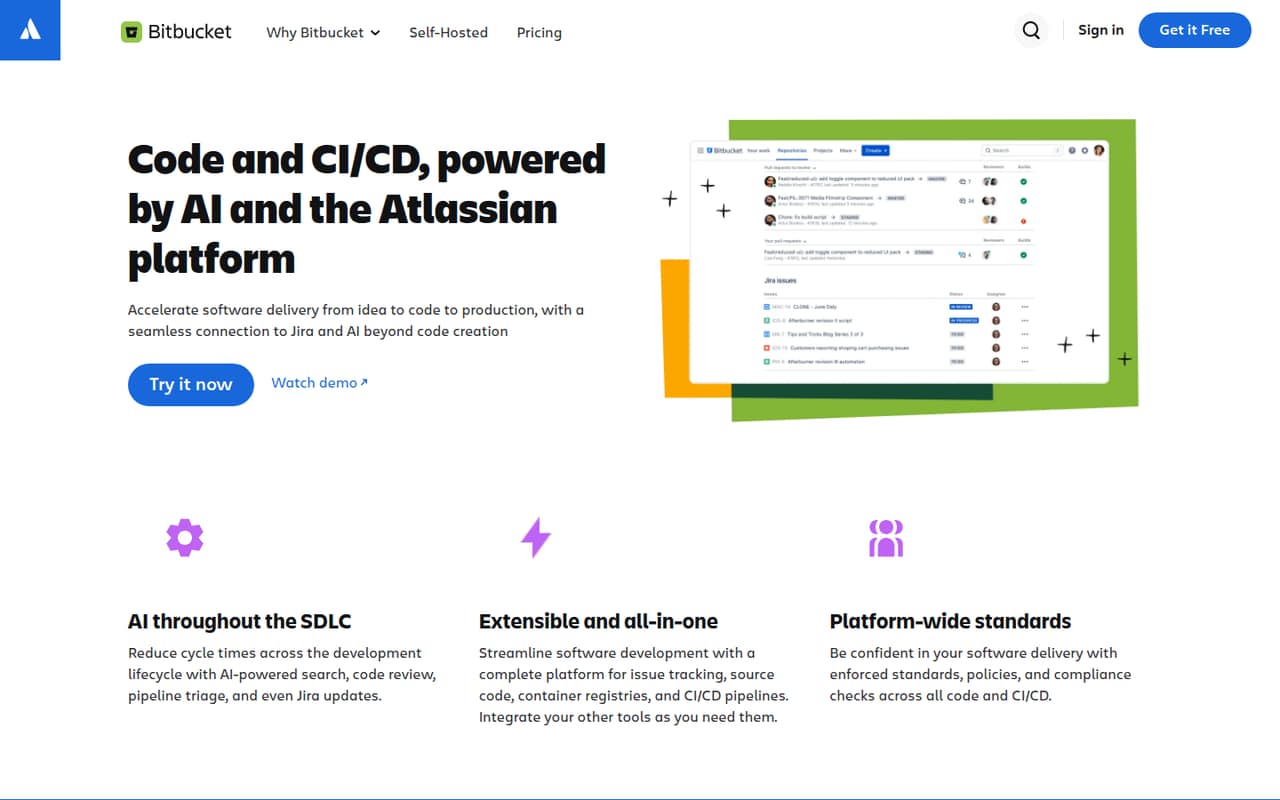
Bitbucket combines source code hosting, code review, and CI/CD, with Jira connections and access controls. The Free plan covers up to five users, but includes 50 build minutes and 1 GB of LFS storage.
For a small team already using Jira, the free tier is an easy place to start. Standard costs $3.65 per user monthly when you need its paid plan, while Premium adds security and admin controls for $8 per user monthly.
Good fit if
- Small teams already using Jira
- Teams with modest CI/CD needs
- Code teams wanting a free start
Skip it if
- Teams needing unlimited build minutes
- Teams requiring self-managed hosting on a budget
- Teams seeking a published annual rate
ScoresHow it rates
What works
- Free for up to five users
- Unlimited public and private repositories on Free
- Connects code and CI/CD with Jira work items
- Standard starts at $3.65 per user monthly
- Premium includes enforced merge checks and IP allowlisting
What doesn't
- Free includes 50 build minutes
- Free includes 1 GB of LFS storage
- No annual rate is listed
- Data Center pricing is custom
- Reddit users report a self-hosted runner charge
01Who Bitbucket is for
Bitbucket suits individuals and small teams that need a home for source code, code reviews, and CI/CD workflows. The Free plan covers up to five users, making it a practical starting point for a team of one to five if its build-minute and file-storage allowances are enough.
The clearest fit is a team already working in Jira. Bitbucket connects code and CI/CD workflows with Jira work items, and offers merge checks, permissions, and hosted or private runners. That gives a small team code hosting and delivery tools without requiring a paid subscription on day one.
For teams that need more administration or security controls, Premium adds enforced merge checks, IP allowlisting, deployment permissions, and required two-step verification. Data Center is the self-managed option, but its price is custom. If your team does not need Jira connections or CI/CD in the same platform, compare the fit and total costs before standardizing on Bitbucket.
02Bitbucket free plan and trial
The Free plan costs $0 and supports up to five users. The pricing page lists unlimited public and private repositories, 1 GB of LFS file storage, and 50 build minutes. That can cover a small team’s source-code hosting and a limited amount of pipeline use without a monthly bill.
The main boundaries are the user cap and the listed storage and build-minute allowances. If you need more LFS storage or Pipelines minutes, Bitbucket lists an add-on for $10 per month for either 100 GB of LFS storage or 1,000 additional build minutes. The vendor does not list a free-trial period. When you need paid features rather than just extra capacity, Standard starts at $3.65 per user monthly; Premium starts at $8.
03What a small team pays for Bitbucket
The pricing page lists Standard at $3.65 per user per month. That works out to $3.65 for one person, $10.95 for three, and $18.25 for five. Free already covers up to five users, so those Standard totals matter when your team needs a paid plan’s terms or has outgrown the free allowances—not simply because you have five seats.
For comparison, Premium is $8 per user monthly: $8 for one person, $24 for three, and $40 for five. It includes everything in Standard plus enforced merge checks, IP allowlisting, deployment permissions, and required two-step verification.
The pricing page does not specify annual billing or a separate annual rate, so treat these as listed monthly prices. For extra capacity, it lists 1,000 additional build minutes or 100 GB of Git LFS storage for $10 per month. One Reddit post reports a $15 monthly charge per concurrent build slot for self-hosted runners; check current terms with the vendor before budgeting around that report.
04Getting started with Bitbucket
The vendor does not publish a setup-time estimate, so we would not assume a same-day rollout or a long implementation from the feature list alone. A sensible first step is to decide where your team will keep repositories, who needs access, and whether your work already runs through Jira.
Bitbucket supports permissions at workspace, project, repository, branch, environment, and package levels. Small teams can start by deciding who can view or change code, then add merge checks as needed. If you plan to run CI/CD, choose between hosted and private runners and keep the Free plan’s 50 build minutes in mind.
Jira is the key day-one connection for teams that use it: Bitbucket links code and CI/CD workflows with Jira work items. One Reddit commenter praised the integration between Atlassian products, while another user said Jira and Confluence helped make Bitbucket a sensible choice. The learning curve and exact setup steps depend on your workflow; the vendor does not publish an effort estimate.
05When small teams outgrow Bitbucket
The first limit to watch is the Free plan’s 50 build minutes and 1 GB of LFS storage. If either runs short, Bitbucket lists a $10 monthly add-on for 1,000 more build minutes or 100 GB of LFS storage. A team that grows beyond five users also needs to move off Free; Standard is $3.65 per user monthly, or $36.50 for ten seats.
A team may also outgrow Standard’s controls. Premium costs $8 per user monthly and adds enforced merge checks, IP allowlisting, deployment permissions, and required two-step verification. For teams that require a self-managed deployment, Data Center is available with custom pricing.
Reddit feedback is mixed. One commenter valued how Atlassian products work together, while a DevOps post complained about a reported $15 monthly charge per concurrent self-hosted runner build slot. That concern is worth checking against current terms if you rely on your own build hardware.
From the threadsWhat users say
Reddit comments show Bitbucket’s Atlassian connections can be a draw, especially for teams already using Jira. Cost and self-hosted runner pricing also come up as concerns, so sentiment is mixed rather than uniformly positive.
Currently I'm in a team using Jira and Confluence so I think it makes sense for us to go with BitBucket
The integration between Atlassian products works well too
It probably just boils down to money tbh
they also changed their pricing from no charge for self-hosted runners to $15/month per concurrent build slot
Questions people ask
Does Bitbucket have a CI/CD equivalent to GitHub Actions?
Bitbucket includes Pipelines for running CI/CD workflows using hosted or private runners. The vendor describes CI/CD as part of the platform, but does not publish a feature-by-feature comparison with GitHub Actions.
Does Bitbucket include issue tracking?
Bitbucket connects code and CI/CD workflows with Jira work items. The product description does not say that Bitbucket itself includes a separate issue tracker, so teams should check whether they need Jira or another issue-management tool.
Is Bitbucket being deprecated?
The vendor lists Free, Standard, Premium, and Data Center plans for Bitbucket. Ask the vendor directly if you need a formal product-lifecycle statement or a deprecation commitment for procurement.
Can Bitbucket run CI/CD on private hardware?
Yes. Bitbucket supports hosted or private runners for pipelines. One Reddit post reports a charge of $15 per month per concurrent self-hosted build slot; confirm current runner pricing with the vendor before relying on that figure.
What security controls does Bitbucket offer?
Premium lists enforced merge checks, IP allowlisting, deployment permissions, and required two-step verification. The product also supports permissions at workspace, project, repository, branch, environment, and package levels.
Sources
- Bitbucket homepage
- Bitbucket pricing page
- Reddit: How do I decide between Gitlab CI, Bitbucket Pipelines, Jenkins, and Azure Pipelines?
- Reddit: Full suite comparison: BitBucket vs Gitlab vs Github?
- Reddit: It's 2025, can someone explain simply why some places use Bitbucket/Gitlab over Github or Github over Bitbucket/Gitlab?
- Reddit: Bitbucket bait-and-switched, now charging $15/month per self-hosted runner