We may earn a commission if you buy through links on this page. It never changes a score or a ranking. How we make money
Most teams of 1–10 need version control, but they may not need a paid platform: free hosting or a desktop Git client can cover a small workflow. Bitbucket is our best overall fit for teams that want a hosted free start and already use Jira. Gitea and Forgejo cost nothing for the software if your team can manage hosting. For code review, Review Board has a free on-prem option. Before paying, check the limits that matter to your team and multiply any per-seat price by the people who need access.
Quick picksThe shortlist
 BitbucketBitbucketBest for small teams · $3.65/mo
- GiteaGiteaBest free self-hosted · $9.50/mo
 ForgejoForgejoBest free forge · Free
 Review BoardReview BoardBest code review · $6/mo
 GraphiteGraphiteBest for stacked PRs · $20/mo
 Gerrit Code ReviewGerrit Code ReviewBest configurable reviews · Free
 TortoiseSVNTortoiseSVNBest for Windows SVN · Free
 Sublime MergeSublime MergeBest desktop Git client · $6.25/mo
 ForkForkBest one-time purchase · Custom
 TowerTowerBest visual Git controls · $5.75/mo
 KaleidoscopeKaleidoscopeBest diff and merge · $8/mo
 GitKrakenGitKrakenBest visual Git graph · €4/mo
 GiteeGiteeBest for teams of five · CN¥24.92/mo
 Helix CoreHelix CoreBest for large projects · $39/mo
01Compared at a glance
| Tool | Score | From | Free plan | Trial |
|---|---|---|---|---|
| BitbucketBitbucket | 7.5 | $3.65/mo | Yes | — |
| GiteaGitea | 8.0 | $9.50/mo | Yes | 30 days |
| ForgejoForgejo | 7.8 | Free | Yes | — |
| Review BoardReview Board | 7.0 | $6/mo | Yes | 30 days |
| GraphiteGraphite | 7.5 | $20/mo | Yes | 30 days |
| Gerrit Code ReviewGerrit Code Review | 7.4 | Free | Yes | — |
| TortoiseSVNTortoiseSVN | 7.4 | Free | Yes | — |
| Sublime MergeSublime Merge | 7.7 | $6.25/mo | No | Yes |
| ForkFork | 7.2 | Custom | No | — |
| TowerTower | 7.0 | $5.75/mo | No | 30 days |
| KaleidoscopeKaleidoscope | 7.2 | $8/mo | No | 7 days |
| GitKrakenGitKraken | 6.9 | €4/mo | Yes | 14 days |
| GiteeGitee | 6.4 | CN¥24.92/mo | Yes | 30 days |
| Helix CoreHelix Core | 6.1 | $39/mo | Yes | — |
02The picks, in detail
- Best for small teamsBitbucketBitbucket
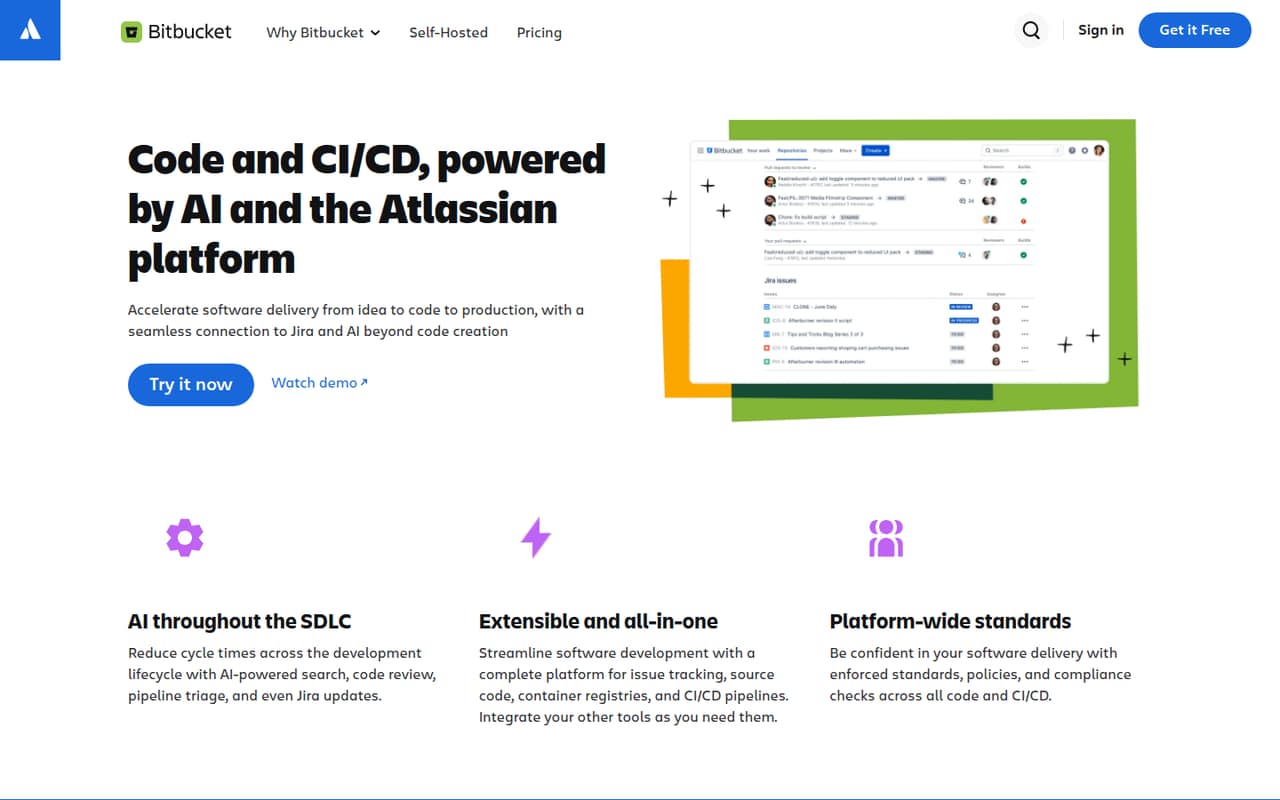
Bitbucket is our first pick for a small team that wants a hosted start, especially if it already uses Jira. The pricing page lists a free plan and paid pricing from $3.65. Its build and storage limits may be the catch for teams with heavier CI/CD needs, so check those before moving repositories or inviting more contributors.
What works
- Free for up to five users
- Unlimited public and private repositories on Free
- Connects code and CI/CD with Jira work items
What doesn't
- Free includes 50 build minutes
- Free includes 1 GB of LFS storage
- No annual rate is listed
- Best free self-hosted
GiteaGitea
Gitea offers free Git hosting for teams willing to own the setup, and it includes project tools. Managed hosting is listed from $9.50 for teams that would rather offload that work. The trade-off is operational responsibility: hosting and maintenance still need an owner if you choose the free, self-hosted route.
What works
- Open Source plan lists unlimited users and repositories
- Git, code review, projects, packages, and CI/CD
- Can run on several operating systems and Kubernetes
What doesn't
- Self-hosting means your team owns setup and upkeep
- Enterprise annual billing requires a one-year commitment
- Cloud instance starts with two users

- Best free forgeForgejoForgejo
Forgejo costs $0 for the software and suits teams that are happy to self-host. That can keep license spending down, but your team remains responsible for hosting and maintenance. It is a practical fit for budget-conscious software teams that want a federated forge, provided someone has time to run it.
What works
- Software is free and open source
- No per-seat price is listed
- Project describes it as lightweight
What doesn't
- Your team must run the server
- Hosting and maintenance costs are not priced
- No commercial tiers or add-ons are listed
- Best code reviewReview BoardReview Board
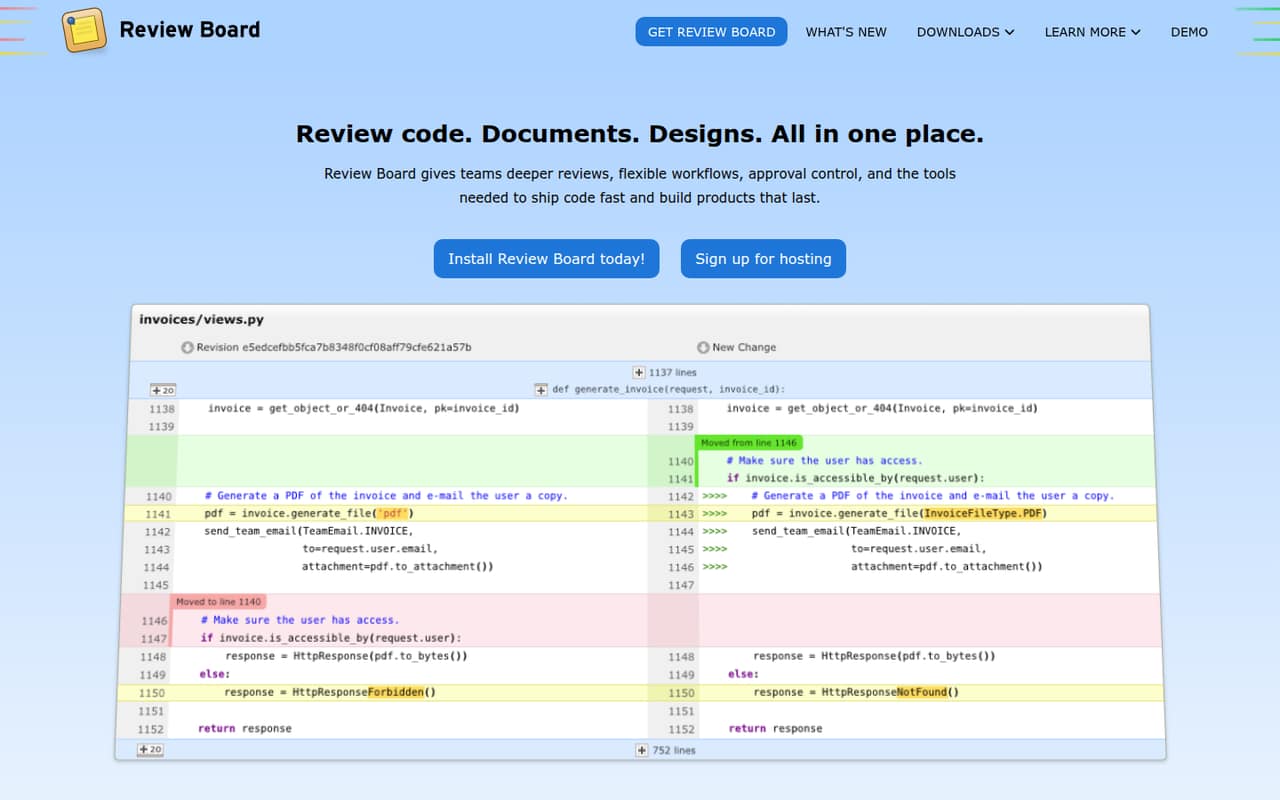
Review Board is a good fit when the job is reviewing code and documents, not just hosting Git repositories. It offers a free on-prem option, while hosted plans start at $6 per user monthly. Small teams should compare the effort of running it themselves with the recurring hosted bill; image diffs are another reason to consider it.
What works
- Free Community plan for on-prem reviews
- Reviews code, documents, designs, and images
- Image diffs include several viewing modes
What doesn't
- Seat limits are not published
- Community usage limits are not published
- Hosted annual billing is not published
- Best for stacked PRsGraphiteGraphite
Graphite is aimed at GitHub teams with busy review queues that want to break work into smaller stacked pull requests. A free plan gives a team a way to start, while the listed paid price starts at $20 and uses annual per-seat pricing. Monthly rates are not published, so ask for the cost before budgeting several seats.
What works
- Free Hobby plan includes CLI for stacked PRs
- AI reviews can flag critical bugs
- Starter covers all GitHub Organization repos
What doesn't
- Hobby is limited to personal account repos
- Hobby Chat and AI Reviews are limited
- Monthly prices for paid plans are not published

- Best configurable reviewsGerrit Code ReviewGerrit Code Review
Gerrit offers code review without license fees and supports configurable approvals, which can suit teams already running Git infrastructure. The cost is setup effort: it is a more hands-on choice than a hosted service. It fits small teams that can manage their own infrastructure and want to avoid adding a per-seat review license.
What works
- No licensing fees are listed
- No seat or usage limits are stated
- Supports patchset-based code review
What doesn't
- Hosting and operating costs aren't published
- No monthly or annual price is listed
- Authentication changes may complicate adoption
- Best for Windows SVNTortoiseSVNTortoiseSVN
TortoiseSVN is a zero-cost Windows interface for teams already committed to Subversion. Its shell-menu commands make it a focused option for that workflow, rather than a general-purpose hosted Git platform. Choose it when SVN is already your team’s version control system; switching systems just to use this tool would miss the point.
What works
- Free to use, including commercially
- No Subversion command-line client required
- Integrates with the Windows shell
What doesn't
- Windows shell extension, not a cross-platform client
- Works with Subversion, not Git
- Reddit users report cumbersome shell menus

- Best desktop Git clientSublime MergeSublime Merge
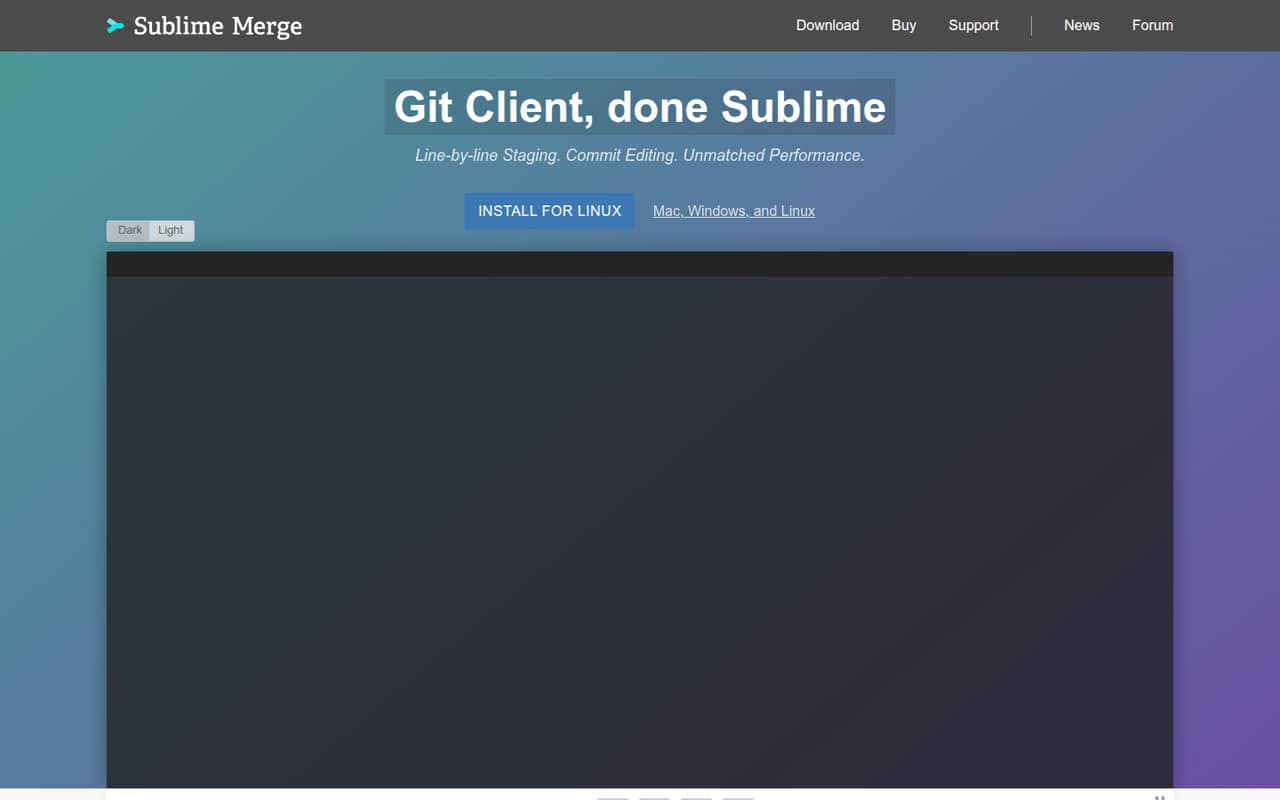
Sublime Merge is a feature-rich Git client for developers who prefer desktop tools and are comfortable with annual per-seat pricing. It has a one-time personal option, but no free plan for a team. That makes it easier to justify for individual use than for a small group that needs shared access without recurring costs.
What works
- Stages files, hunks, and individual lines
- Searches commits, authors, paths, and contents
- Includes a built-in merge conflict resolver
What doesn't
- No free plan
- Business pricing is per seat
- Business monthly billing is not published
- Best one-time purchaseForkFork
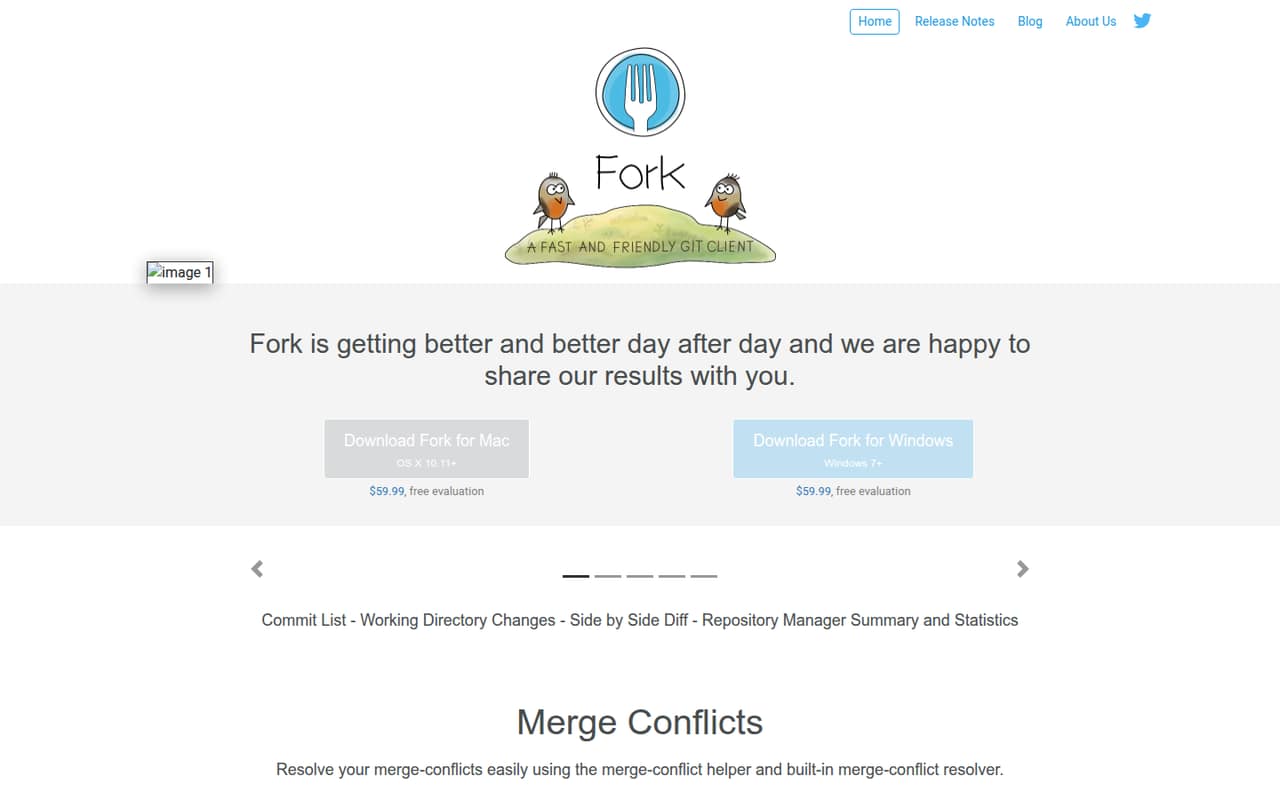
Fork is a desktop Git client for developers who want to edit branches and commit history without budgeting for a subscription. The listed price is $59.99 one time per user, and there is no free plan. Multiply that price by everyone who needs a license, then compare the upfront total with a hosted option.
What works
- One-time $59.99 price per user
- Personal and commercial use included
- Up to three machines per license
What doesn't
- No free plan
- Each user needs a license
- Evaluation duration isn’t published
- Best visual Git controlsTowerTower
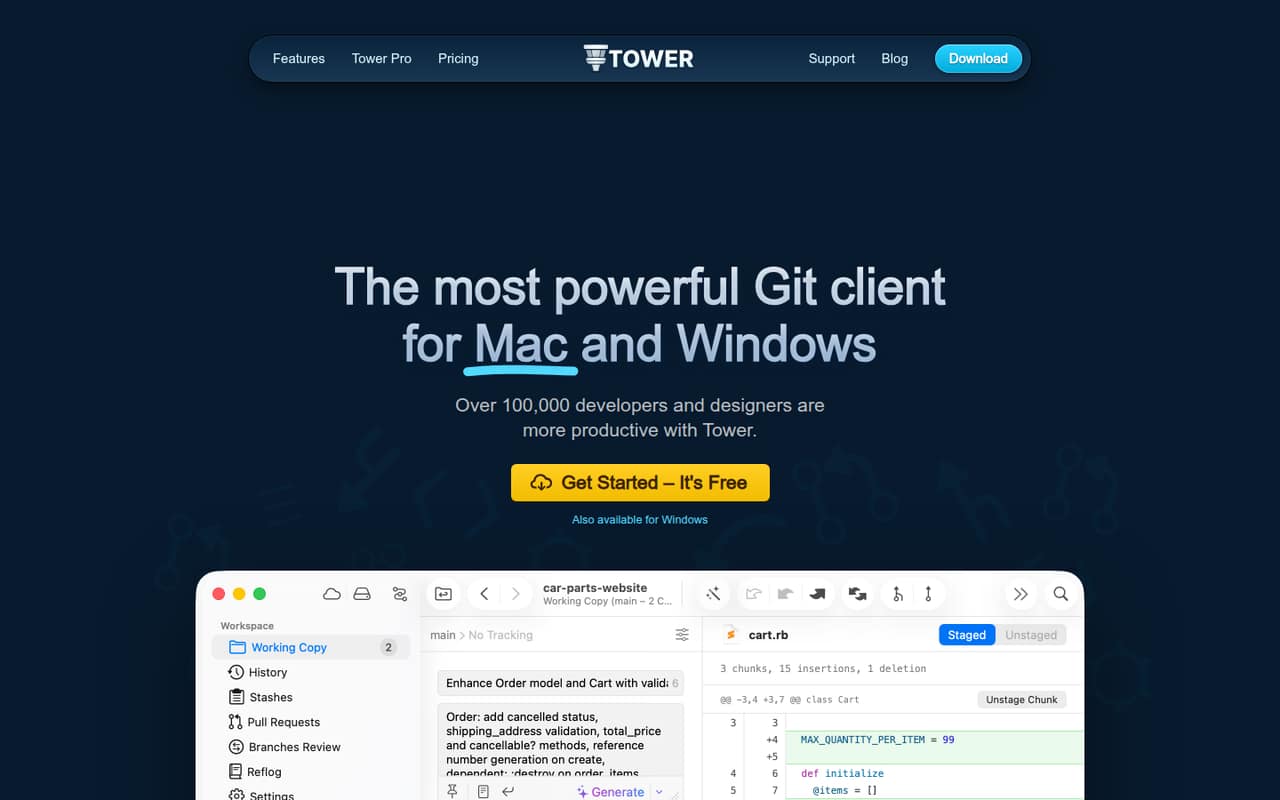
Tower makes advanced Git workflows visual and supports Mac and Windows development teams. Its listed starting price is $5.75, with annual paid seats to budget for. A small team should check the billing terms and add up the seats it needs before choosing it over free desktop clients or hosted services.
What works
- Available for macOS and Windows
- Visual drag-and-drop Git controls
- Undo actions with ⌘+Z
What doesn't
- No free plan
- Monthly billing prices are not listed
- Basic is listed for one user
- Best diff and mergeKaleidoscopeKaleidoscope
Kaleidoscope focuses on Git diffs and merge conflict resolution, and it can compare images and folders. Pricing starts at $8, and a seven-day trial is the only free way in. It may suit a team that needs those review tools, but the short trial leaves no ongoing free plan for a budget-conscious group.
What works
- Three-way merge shows the commits and changes behind a conflict.
- Changesets compare commits and include live working-copy updates.
- Text comparison highlights character-level differences.
What doesn't
- There’s no permanent free plan, only a seven-day trial.
- The trial requires macOS Sequoia 15.x or later.
- Team pricing is billed yearly.
- Best visual Git graphGitKrakenGitKraken
GitKraken suits developers who prefer a visual Git graph and want Git and IDE coverage. It has a free plan, but private repositories for a team of three cost €504 a year. That specific team total is worth comparing with hosted alternatives before committing; check which plan includes the private-repository access your team needs.
What works
- Free Community plan for local and public repos
- Desktop, IDE, CLI, and AI tools in one platform
- GitLens adds history and authorship context in IDEs
What doesn't
- Community does not include private repos
- Pro is capped at two seats
- Advanced costs €14 per seat monthly, billed annually
- Best for teams of fiveGiteeGitee
Gitee offers a broad DevOps toolkit and a free tier described as useful for teams of up to five. Paid pricing starts at $24.92, but teams should verify the paid price and access requirements before signing up. It is a possible fit for a small group that wants integrated tools, with plan details to confirm first.
What works
- Free plan allows up to five members
- Free tier includes 12,000 build minutes yearly
- Free plan includes 10 projects
What doesn't
- Paid plans have a five-user minimum
- Standard listed rate conflicts with listed starting price
- Additional seat pricing is not published

- Best for large projectsHelix CoreHelix Core
Helix Core is worth considering for large projects, including game development teams, and for teams that need global version control. A free plan is listed, with paid pricing starting at $39. Small teams should first test whether the free limits cover their project; otherwise, the paid cost may be hard to justify for a modest workflow.
What works
- Free plan covers up to five users
- Free plan includes up to 20 workspaces
- Cloud supports up to 100 users
What doesn't
- Reddit users report a confusing client
- Cloud costs $39 per user monthly
- Annual pricing for Free and Cloud is unpublished
03How we chose
We ranked these tools for teams of 1–10, weighing whether there is a free plan, the listed starting price, likely seat costs, and the setup work implied by hosted versus self-managed options. We also considered stated plan limits, such as build and storage constraints, and the product’s intended workflow. Product documentation and recurring Reddit sentiment are useful checks for buyers, but we do not treat them as a substitute for confirming current prices and limits with the vendor. Where billing terms are not published, ask before buying.
04Check the real cost for your seats
A starting price is not always the total your team will pay. Check whether it is per user, whether billing is annual, and which plan gives every teammate the access they need. Review Board lists hosted plans from $6 per user monthly, while Graphite’s listed paid price starts at $20 with annual per-seat pricing; its monthly rates are not published. GitKraken gives a useful small-team example: private repositories for three people cost €504 a year. For tools with a one-time per-user price, such as Fork at $59.99, multiply by the people who need licenses. If a vendor does not publish the billing terms you need, ask for a quote before moving your team.
05Match setup and limits to your workflow
A free plan is valuable only if its limits fit your work. Bitbucket’s build and storage limits may matter to teams with modest CI/CD needs; check the current plan details against your expected use. Self-hosted tools such as Gitea and Forgejo avoid software license fees, but your team owns hosting and maintenance. Gerrit also asks for a more hands-on setup. If nobody can take responsibility for those tasks, compare the managed option’s price with the time saved. Finally, choose for the workflow you actually use: TortoiseSVN is for Windows teams already using SVN, while Graphite is for GitHub teams adopting stacked PRs. Ask for a demo or check the vendor docs when a key limit or setup step is unclear.
Questions people ask
Can a small team use version control software for free?
Yes. Bitbucket, Gitea, Forgejo, Gerrit, and other picks list free options. The trade-offs differ: self-hosted tools require your team to manage hosting, and hosted plans may have limits. Check the current plan details against your repository, review, and build needs before relying on a free tier.
What is the cheapest option for a team?
The software for Gitea and Forgejo costs $0 if you self-host, but your team owns hosting and maintenance. For a hosted option, Bitbucket lists a free plan and paid pricing from $3.65. Compare access, limits, and billing terms rather than assuming the lowest starting price covers every teammate.
How much does GitKraken cost for three people?
Private repositories for a team of three cost €504 a year, according to the listed pricing summary. GitKraken also has a free plan, but check which plan includes the private-repository access your team needs. Compare the annual team total with the cost of other hosted options before choosing.
When should a small team move beyond a free plan?
Consider upgrading when the free plan’s limits block your work, when you need features reserved for a paid plan, or when self-hosting takes more time than it saves. For Bitbucket, check build and storage limits; for self-hosted tools, weigh maintenance against managed hosting. Confirm the current limits with the vendor.