We may earn a commission if you buy through links on this page. It never changes a score or a ranking. How we make money
The bottom line
Good for quick business videos; less budget-friendly once you need several seats.
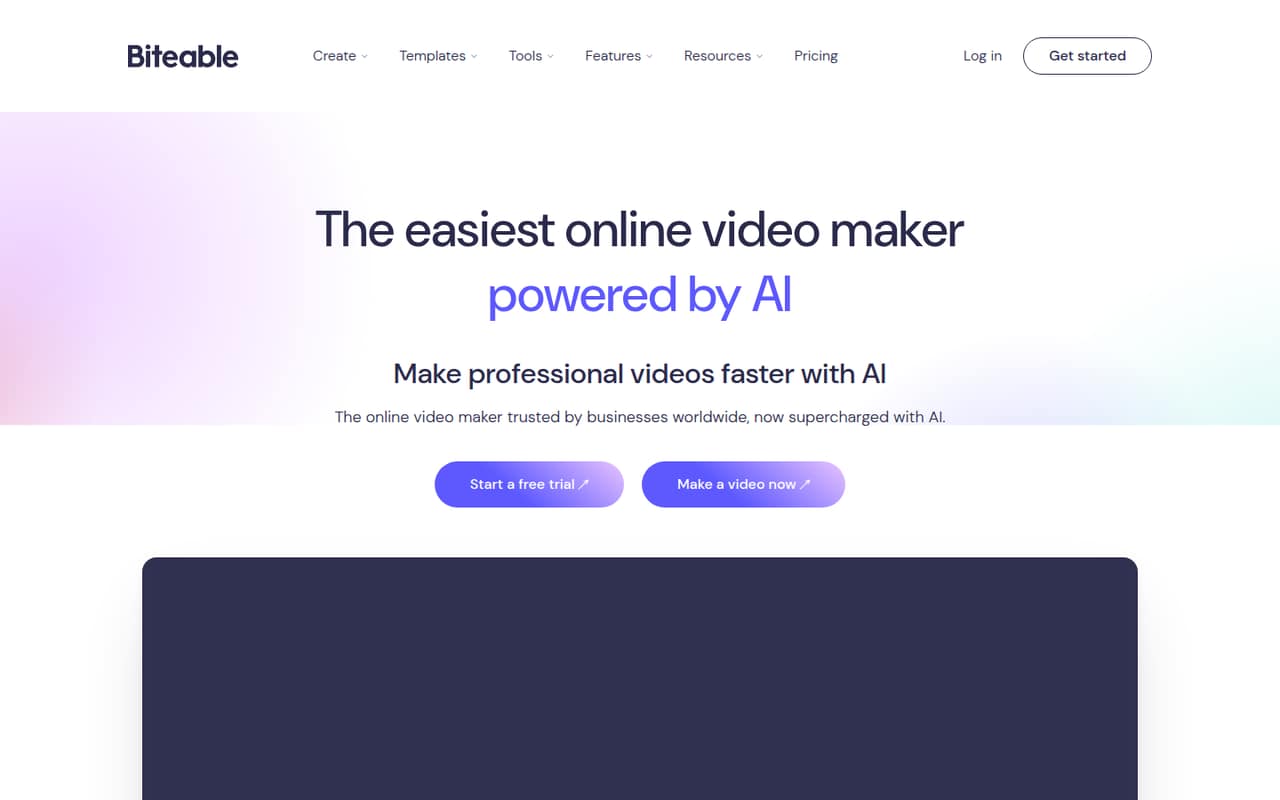
Biteable combines templates and editing tools with AI scripts, avatars, voiceovers, captions, and translation. It fits small teams making ads, training videos, or internal updates, but there’s no free plan to keep using after the seven-day trial.
The Pro plan starts at $15 per month per user when billed annually. For a team, Premium includes three users for $49 per month billed annually; the price for extra seats isn’t published.
Good fit if
- Small teams making business videos
- Template-led ads and training
- Three-person teams needing shared access
Skip it if
- Teams needing a permanent free plan
- Video work that must run offline
- Five-seat teams needing clear pricing
ScoresHow it rates
What works
- Templates and tools for brand colors, fonts, and logos
- AI scripts can turn an idea into an editable storyboard
- More than 50 AI voiceover voices, accents, and languages
- Pro includes unlimited HD exports
- Premium includes three users
What doesn't
- No free plan
- Trial lasts seven days
- Extra Premium user pricing isn’t published
- Pro videos are limited to 10 minutes
- Offline editing isn’t listed
01Who Biteable is for
Biteable is for a small team that needs business videos without building every edit from scratch. The product combines templates and editing tools with AI scripts, avatars, voiceovers, captions, and translation. That makes it a fit for short ads, training content, and internal communications.
A solo creator can start with Pro. For a team that wants multiple users on one plan, Premium covers three; teams of five need to ask about the cost of extra seats. The best budget fit is a team making videos regularly enough to justify a subscription, rather than someone who only needs an occasional clip. Biteable is an online tool, so it suits work done with an internet connection. A Reddit user said they liked its ready-made templates, while another creator’s experience with a free demo raised concerns about editing control.
02Biteable free plan and trial
Biteable doesn’t offer a free plan, according to its pricing page. It does list a seven-day free trial, but the page doesn’t spell out which plan features, export options, or usage limits the trial includes. Check those details before you build a video you need to publish.
The cheapest listed way to keep using Biteable is Pro: $15 per month when billed annually, or $29 when billed monthly. The annual option is billed yearly, and the pricing page says annual plans save up to 50%. Pro includes one user, videos up to 10 minutes, unlimited HD exports, 20 AI avatar clips per month, and 100 AI voiceover clips per month. There’s no ongoing free tier for a team to fall back on after the trial.
03What a small team pays for Biteable
For one person, Pro costs $15 per month billed annually ($180 for the year) or $29 month to month. For three users, Premium costs $49 per month billed annually ($588 for the year), or $99 month to month. That works out to about $16.33 per included seat monthly on annual billing, or $33 per seat month to month.
Premium is the clearest listed team plan: it includes three users, videos up to 20 minutes, 40 AI avatar clips per month, and unlimited 4K, HD, and SD exports. A five-person team can use those three included seats, but the price for two additional Premium users isn’t published, so the five-seat total is unknown. Buying five separate Pro plans would total $75 per month billed annually or $145 month to month, but those are individual plans, not a listed five-person team package. Ask Biteable for the extra-seat price before budgeting.
04Getting started with Biteable
Biteable is an online video maker, and its feature set is built around templates, editing tools, and AI-assisted creation. A small team can start with an idea or script, turn it into an editable storyboard, then add branding, voiceover, avatars, captions, or translation as needed. That template-led workflow sounds more approachable than starting with a blank editing timeline, though the vendor doesn’t publish a setup-time estimate.
The published feature details don’t name integrations, so we wouldn’t make an integration setup part of the day-one plan without checking with Biteable. A Reddit creator who tried a free demo said they had little control over text positioning, fonts, and colors; that is one person’s experience with a demo, not a description of current paid-plan limits. Before committing, use the trial to check the editing controls and export needs your team relies on.
05When small teams outgrow Biteable
The first pressure point is seats. Pro is for one user, Premium includes three, and the price for additional Premium users isn’t published. A five-person team should confirm the total before choosing a plan. The next is video length: Pro caps videos at 10 minutes, while Premium allows up to 20. Business lists unlimited publishers and team members, SSO, priority support, and invoice billing, but its price isn’t published.
A team may also outgrow Biteable if it needs offline editing. The product is described as an online video maker, and an r/marketing poster specifically looked for an offline option because of unreliable internet. Another Reddit creator said a free demo limited their control over text, fonts, and colors; replies also suggested improving contrast and tightening the script. That’s useful caution for teams that need precise creative control, though it reflects an older demo rather than a confirmed current plan limit.
From the threadsWhat users say
The small amount of Reddit discussion is mixed: one user liked Biteable’s ready-made templates, while another creator was dissatisfied with a video and described limits in a free demo. Comments also focused on script clarity and visual contrast, not just the tool.
I quite like the ready made video templates of biteable.com
It is a very limiting free demo but I wanted to see the response it got to validate a purchase
am not completely satisfied by it
the white text on yellow is really hard to read
Questions people ask
Is Biteable free?
No permanent free plan is listed. Biteable’s pricing page lists a seven-day free trial, but it doesn’t specify the trial’s feature or export limits. After the trial, the cheapest listed plan is Pro, at $15 per month when billed annually or $29 month to month.
What does Biteable cost for one user?
The Pro plan is for one user and costs $15 per month when billed annually, or $29 per month with monthly billing. Annual billing is charged yearly, so the $15 monthly equivalent comes to $180 for the year. Pro includes videos up to 10 minutes and unlimited HD exports.
Can a three-person team use Biteable?
Yes. The Premium plan includes three users and costs $49 per month billed annually, or $99 month to month. It also includes videos up to 20 minutes and unlimited 4K, HD, and SD exports. The annual option totals $588 for the year.
How long can Biteable videos be?
The Pro plan allows videos up to 10 minutes. Premium allows videos up to 20 minutes. The listed Business plan includes access to all platform features, but Biteable doesn’t publish a video-length limit for Business in the pricing details. Ask the vendor if your videos need to be longer.
Can I use Biteable offline?
Biteable is described as an online video creation tool, and offline editing isn’t listed among its features. If your team works where internet access is unreliable or expensive, ask Biteable whether any part of the workflow works offline before subscribing.
Sources
- Biteable homepage
- Biteable pricing page
- Reddit: Seeking thoughts on easy video creation tools
- Reddit: Used Biteable to create this video, am not completely satisfied by it. Any suggestions or advice for a better alternative? Thanks so much.
- Reddit: For marketing videos: Looking for offline software program alternative to biteable.com,