
We may earn a commission if you buy through links on this page. It never changes a score or a ranking. How we make money
The bottom line
A practical, low-cost password manager with a genuinely useful free plan and affordable team seats.
Small teams that only need a shared password vault can start with Bitwarden Free: it covers unlimited passwords and devices, plus sharing with one other user. For wider team sharing and collections, Teams is the clearest business fit at $4 per user per month on annual billing.
Bitwarden also lists autofill, password generation, encrypted storage, and business controls such as event logs and SCIM provisioning. The trade-off is that costs rise per seat, and users have debated changes to how some app builds are licensed.
Good fit if
- Budget-conscious teams of 3–10
- Solo users who want a free vault
- Teams needing shared password collections
Skip it if
- Teams that need extensive setup hand-holding
- People requiring every app build to be open-source
- Organizations wanting custom pricing without a sales quote
ScoresHow it rates
What works
- Free plan includes unlimited passwords and devices
- Free sharing with one other user
- Apps are listed for browser, mobile, and desktop
- Teams includes unlimited password collections
- Enterprise lists passwordless SSO integration
What doesn't
- Teams pricing is per user
- Listed prices are based on annual subscriptions
- Taxes are extra
- Premium’s monthly price is not published
- Some users object to app-build licensing changes
01Who Bitwarden is for
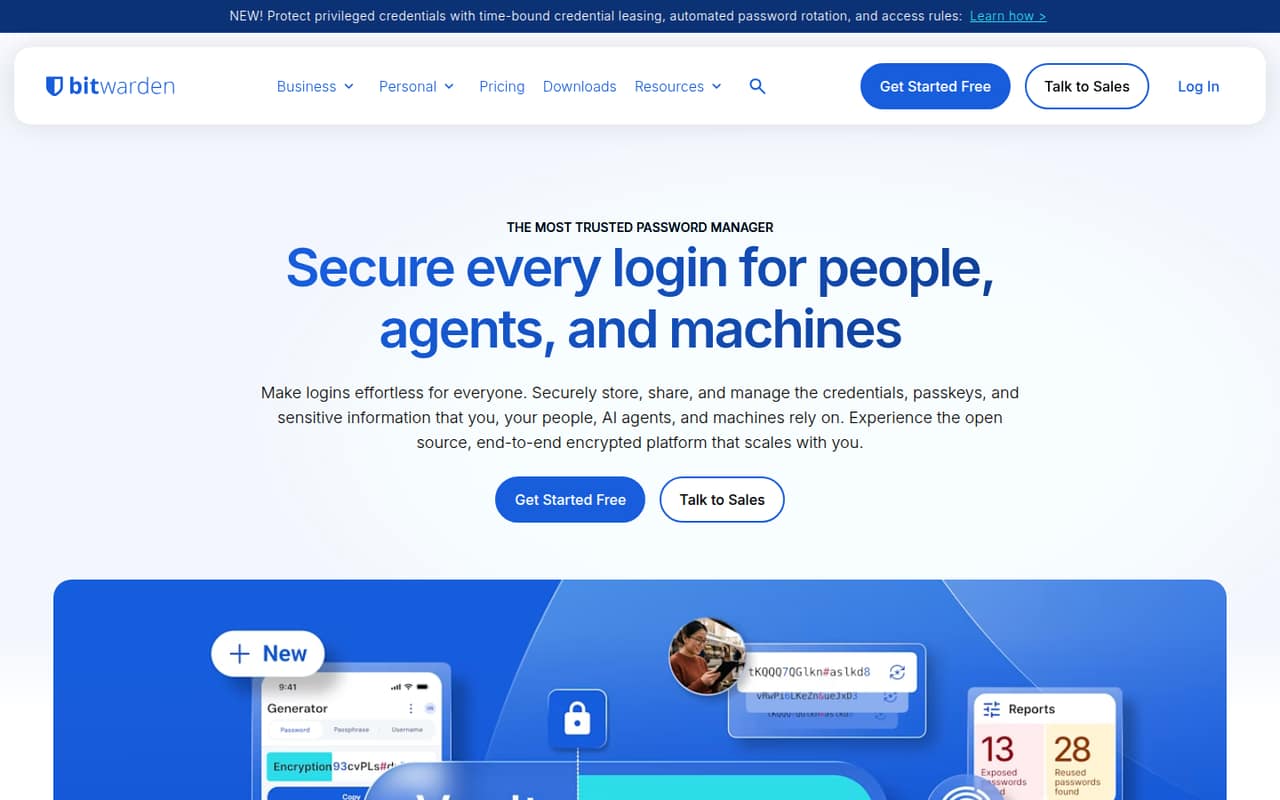
Bitwarden suits solo users and small teams that want a shared place for logins without a large software bill. It stores credentials, passkeys, and sensitive information in an end-to-end encrypted vault, and can autofill logins across devices. Password generation and secure sharing cover the everyday jobs most small teams need from a password manager.
For a team of one or two, Free may be enough if sharing with one other user meets the need. Teams of three to ten are more likely to want the Teams plan’s unlimited password collections and event logs. Bitwarden also lists business controls including directory synchronization and SCIM provisioning, and offers self-hosting options. We’d consider it when a team wants straightforward credential sharing at a predictable per-seat price; teams needing advanced controls can look at Enterprise.
02Bitwarden free plan and trial
Bitwarden Free includes unlimited passwords and devices, free sharing with one other user, and browser, mobile, and desktop apps. For a solo user, that is a substantial starting point; for a two-person household or work pair, it can cover basic shared logins without a subscription.
The free plan’s sharing is limited to one other user, so it is not a fit for a larger group that needs shared collections. Premium adds an integrated authenticator, file attachments, emergency access, and security reports. The pricing page lists Free at $0, and the published pricing details do not list a free trial. If you need paid premium features for one person, Premium is listed at $1.65 per month on annual billing.
03What a small team pays for Bitwarden
The pricing page lists Teams at $4 per user per month, based on an annual subscription, with taxes extra. That works out to $12 per month for three seats, or $144 for a year; five seats cost $20 per month, or $240 for a year. One Teams seat is $4 per month, equivalent to $48 a year.
For one person who does not need team controls, Premium is listed at $1.65 per month on annual billing, or $19.80 for a year. Its monthly-billing price is not published. Families costs $3.99 per month on annual billing and covers up to six users, but its listed features are family sharing rather than business controls. Teams includes unlimited users, unlimited password collections, indefinite event-log retention, and 5 GB each for personal and organization attachments. If you need developer secrets, Secrets Manager Teams is listed separately at $6 per user per month; additional machine accounts beyond the included limit cost $1 each.
04Getting started with Bitwarden
Bitwarden lists browser, mobile, and desktop apps, so a small team can choose the clients it needs rather than relying on a single device. A sensible first step is to set up accounts, add or generate credentials, and agree on which logins should be shared. Use autofill and test the shared credentials in the places your team relies on before making the vault its main source of truth.
For a team, decide who should have access to shared collections and whether you need event logs or business controls such as directory synchronization and SCIM provisioning. Bitwarden lists these capabilities, but setup time and the effort required for a particular team are not published. We’d budget time for agreeing on access rules and moving credentials; the exact workload depends on the team’s current setup.
05When small teams outgrow Bitwarden
A team is likely to outgrow Free when more than two people need password sharing. Teams is the step up for broader collaboration, with unlimited password collections and event logs; at $4 per user per month on annual billing, each additional seat adds $48 a year before tax. Enterprise is listed at $6 per user per month and adds passwordless SSO integration, Access Intelligence, and a free Families plan for users.
Teams may also need a higher Secrets Manager tier as machine-account needs grow: Secrets Manager Teams includes up to 20 machine accounts, while Secrets Manager Enterprise includes up to 50. On Reddit, some users say Bitwarden remains simple, inexpensive, and worth keeping; others discuss licensing changes or prefer a different autofill experience. If open-source app builds are a requirement, check the current distribution options: Reddit commenters describe full open-source versions remaining available through Bitwarden’s GitHub repository, while some store-distributed builds changed licensing.
From the threadsWhat users say
Reddit sentiment is generally pragmatic but mixed: users praise Bitwarden’s price and simplicity, while some raise concerns about licensing changes or prefer another autofill experience. Several commenters say they plan to keep using it.
1Password is better. Bitwarden is cheaper
bitwarden, would recommed neat simple and app is good, plus its free
A lot of people chose Bitwarden over alternatives because they wanted to support open source
Nothing. Will keep using bitwarden
Questions people ask
Is Bitwarden safe in 2026?
Bitwarden describes its vault as end-to-end encrypted and says it stores credentials, passkeys, and sensitive information. That is a useful security design claim, not a guarantee that any service is risk-free. Teams should also review access permissions and decide whether they need business controls such as event logs or directory synchronization.
What does Bitwarden Free include?
The Free plan includes unlimited passwords and devices, sharing with one other user, and browser, mobile, and desktop apps. It does not list Premium features such as an integrated authenticator, file attachments, emergency access, or security reports. The pricing page lists Free at $0.
What is the difference between Bitwarden Free and Premium?
Free covers unlimited passwords and devices, basic sharing with one other user, and apps for browser, mobile, and desktop. Premium adds an integrated authenticator, file attachments, emergency access, and security reports. The pricing page lists Premium at $1.65 per month on annual billing; its monthly-billing price is not published.
Can a small team share passwords with Bitwarden?
Yes. Free includes sharing with one other user, while the Teams plan lists unlimited password collections and users. Teams costs $4 per user per month on an annual subscription, before tax. For a group that needs broader access controls, compare the business features listed for Teams and Enterprise.
Does Bitwarden offer self-hosting?
Yes. Bitwarden offers self-hosting options. The available details do not specify the technical requirements, effort, or any additional cost for self-hosting, so ask Bitwarden what applies to your preferred setup before choosing that route.
Sources
- Bitwarden homepage
- Bitwarden pricing page
- Reddit: If bitwarden gets enshittified where do you guys go?
- Reddit: Alternatives to bitwarden?
- Reddit: Bitwarden vs 1Password: Which one is the play? Or is there a better alternative?
- Reddit: Bitwarden alternatives: anyone considering switching after the recent changes?