We may earn a commission if you buy through links on this page. It never changes a score or a ranking. How we make money
A team of 1–10 people probably needs a password manager if staff share business logins or use multiple devices; a personal vault may be enough if only one person needs access. For a low-cost starting point, Bitwarden has a free plan and is listed from $1.65. Proton Pass also has a free plan, though its team pricing and administration are less clear. Before picking, confirm what the starting price covers: the listed prices don't tell us the full cost for a few seats, and free plans may not include the team controls you need.
Quick picksThe shortlist
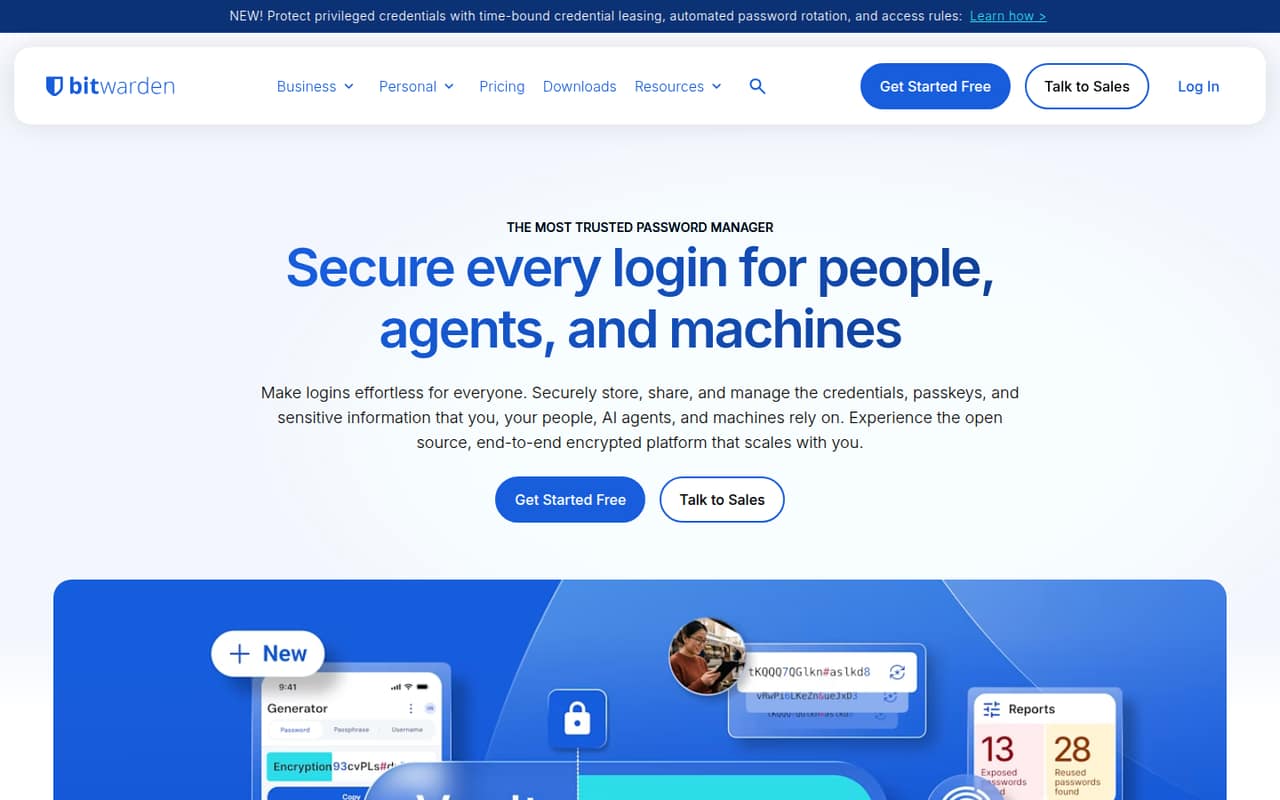
 BitwardenBitwardenBest for small teams · $1.65/mo
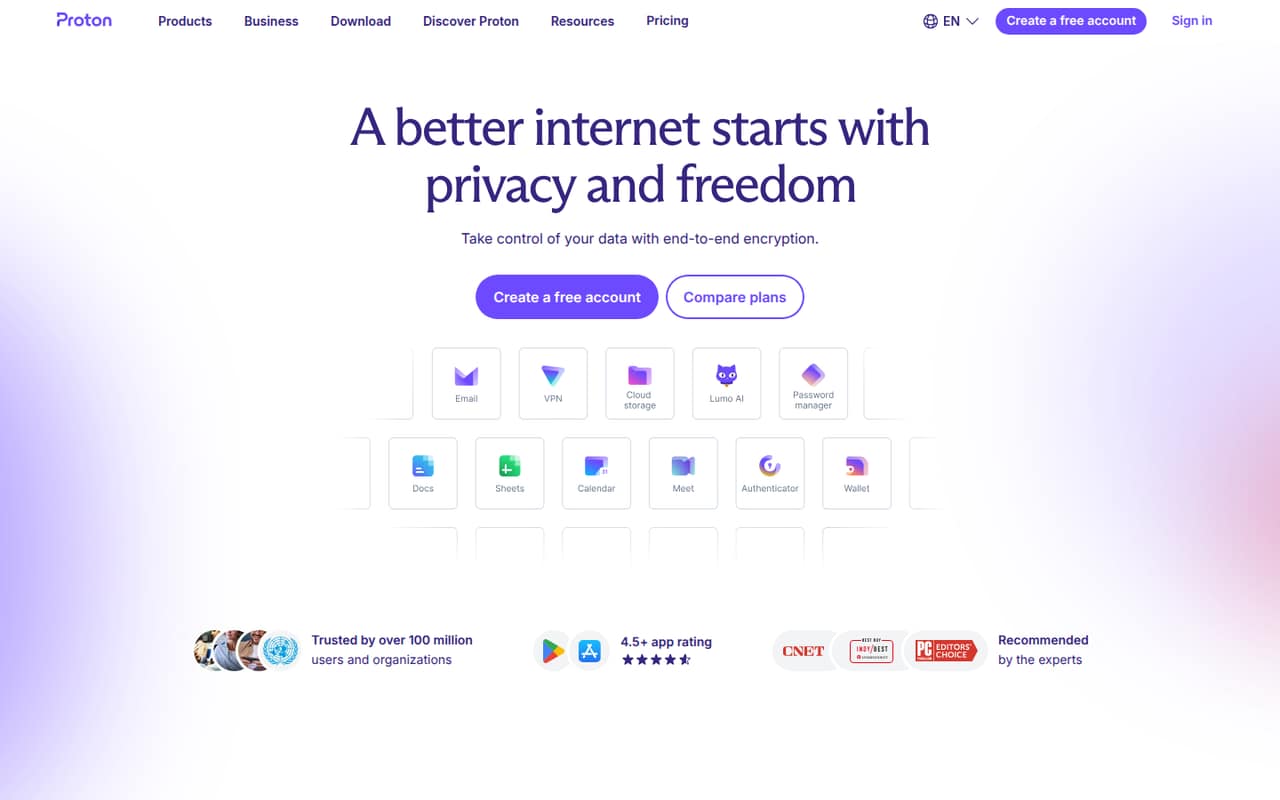
 Proton PassProton PassBest free option · $3.99/mo
 Password BossPassword BossBest for five seats · $2.50/mo
 Sticky PasswordSticky PasswordBest for flexible sync · $2.50/mo
 NordPassNordPassBest for free storage · $1.39/mo
 EnpassEnpassBest for storage control · $1.99/mo
 1Password1PasswordBest for SaaS access · $8.99/mo
 DashlaneDashlaneBest for workplace security · $4/mo
 KeeperKeeperBest for privileged access · Custom
01Compared at a glance
| Tool | Score | From | Free plan | Trial |
|---|---|---|---|---|
| BitwardenBitwarden | 8.2 | $1.65/mo | Yes | — |
| Proton PassProton Pass | 7.5 | $3.99/mo | Yes | — |
| Password BossPassword Boss | 6.6 | $2.50/mo | Yes | 30 days |
| Sticky PasswordSticky Password | 7.0 | $2.50/mo | No | 30 days |
| NordPassNordPass | 6.8 | $1.39/mo | Yes | — |
| EnpassEnpass | 6.8 | $1.99/mo | Yes | — |
| 1Password1Password | 6.8 | $8.99/mo | No | 14 days |
| DashlaneDashlane | 6.3 | $4/mo | No | 14 days |
| KeeperKeeper | 5.0 | Custom | No | — |
02The picks, in detail
- Best for small teamsBitwardenBitwarden
Bitwarden is our first pick for budget-conscious teams that need shared password collections. It has a free plan, and the listed starting price is $1.65. That makes it a practical place to start comparing costs, but confirm which plan includes the sharing and administration your team needs, and whether the listed price is per person or requires a particular billing term.
What works
- Free plan includes unlimited passwords and devices
- Free sharing with one other user
- Apps are listed for browser, mobile, and desktop
What doesn't
- Teams pricing is per user
- Listed prices are based on annual subscriptions
- Taxes are extra
- Best free optionProton PassProton Pass
Proton Pass suits a solo user or a small team of up to three looking for free password management and basic sharing. Its listed starting price is $3.99, but team pricing and administration are less clear. Ask what the free plan allows for shared access and what a paid team plan costs for your actual number of seats before moving business logins into it.
What works
- Free plan includes unlimited logins and notes
- Syncs across unlimited devices on Free
- Free plan allows sharing with up to two others
What doesn't
- Team-seat pricing is not published
- Free sharing is limited to two others
- Unlimited costs more than Mail Plus
- Best for five seatsPassword BossPassword Boss
Password Boss is worth considering if your team needs sharing or centralized controls for customer credentials. It has a free plan and is listed from $2.50, but the fit is clearest for five-seat teams on annual billing. If you have fewer than five people, check whether the minimum seat count still applies and ask for the total annual bill, not just the starting price.
What works
- Central portal for customer accounts, users and devices
- Role-based access for team members
- Encrypted password and note sharing
What doesn't
- Business plans require at least five users
- Free plan is limited to one device
- Free storage is local only
- Best for flexible syncSticky PasswordSticky Password
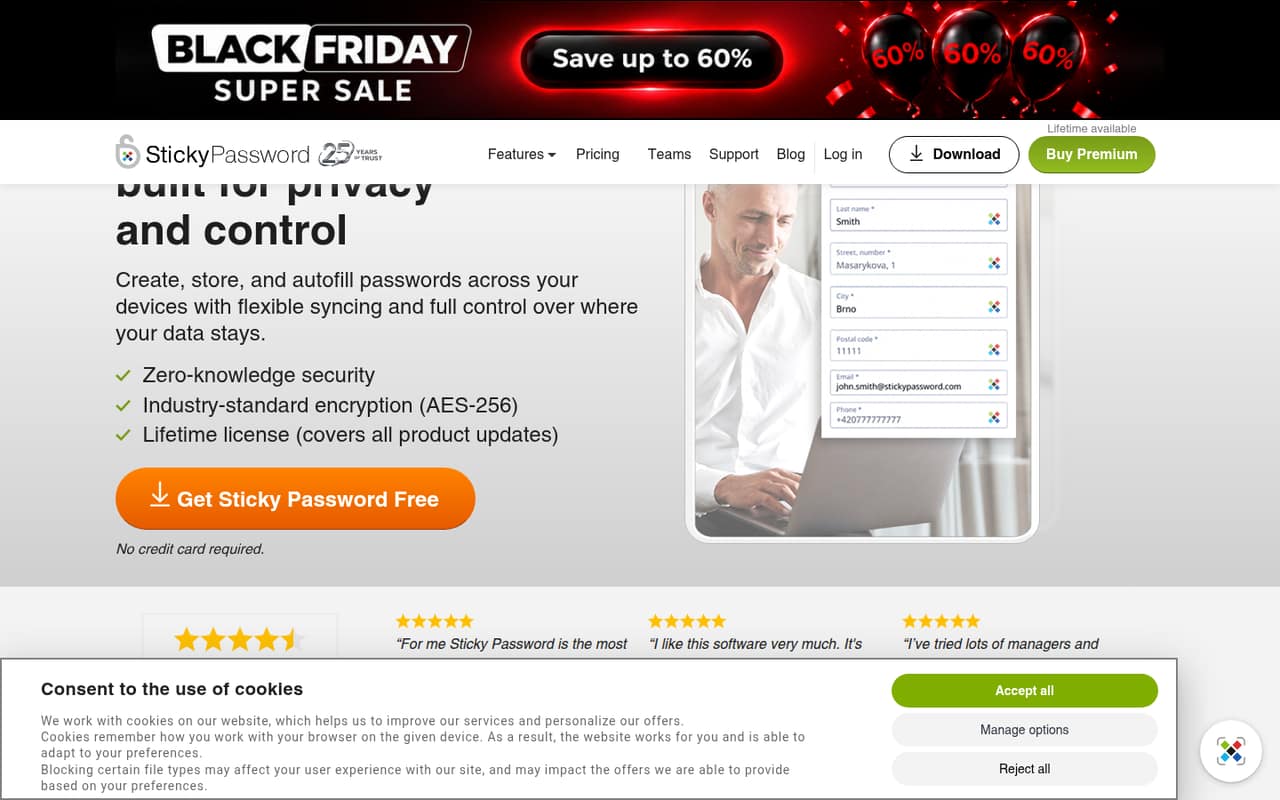
Sticky Password is a candidate for small teams that want to share account access and prefer local Wi-Fi sync. The listed starting price is $2.50, and the product also offers a lifetime license. Check which plan includes the sharing and sync options your team expects; the available feature summary flags gaps, so get those details in writing before choosing it for work accounts.
What works
- Cloud, local Wi-Fi or device-only storage
- Team plan includes an admin console
- Team annual plan costs $2.50 per seat monthly equivalent
What doesn't
- No permanent free plan
- Monthly billing is not published
- Lifetime price is a one-time $79.99
- Best for free storageNordPassNordPass
NordPass is worth a look if your immediate need is free password storage, especially for a solo user. It is listed from $1.39 and has a free plan, but small teams should check business features and pricing before relying on it for shared workplace access. Ask for the business plan’s seat cost and confirm that the features you need are included.
What works
- Free includes autosave, autofill and secure storage
- Stores passwords, passkeys, cards and documents
- Premium lists Password Health and breach alerts
What doesn't
- Listed prices don't include a business plan
- No monthly billing option is shown
- Free doesn't list multi-device access
- Best for storage controlEnpassEnpass
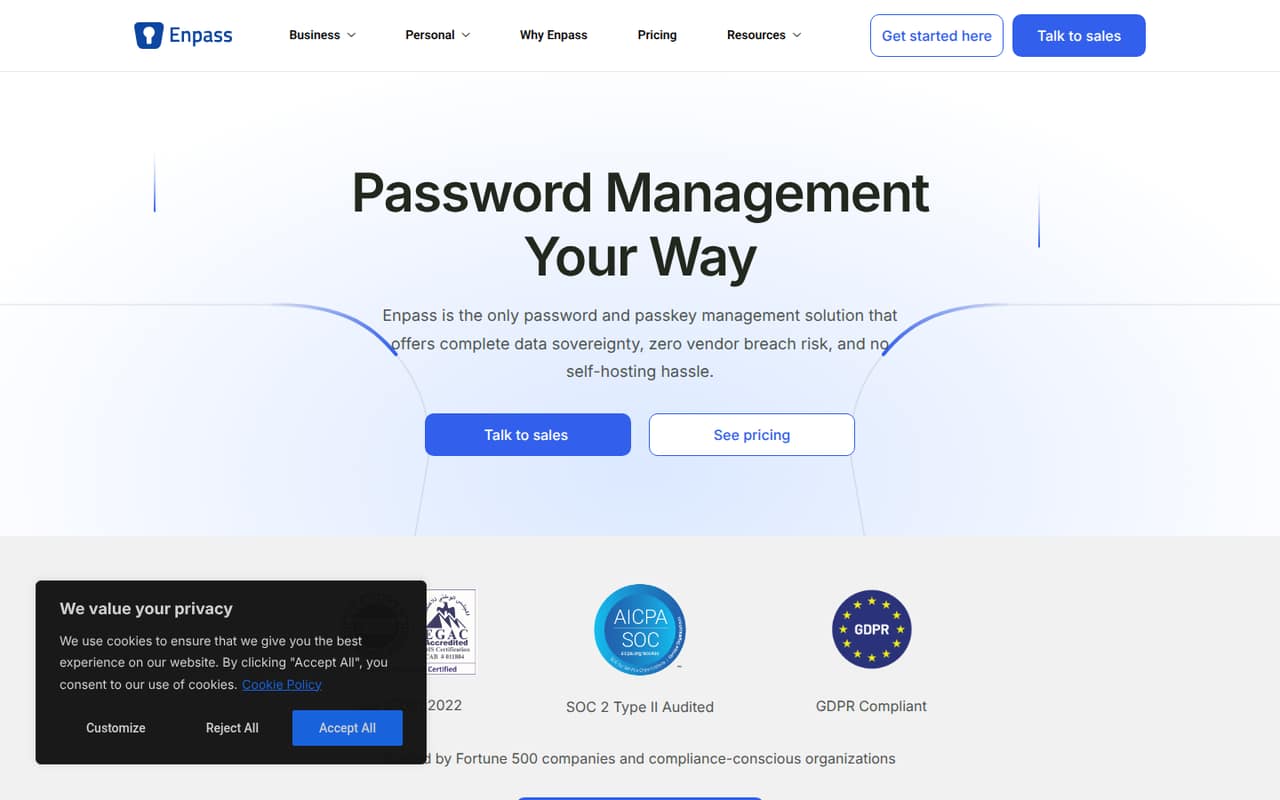
Enpass may suit people who want a say in where their password data is stored. It has a free plan and is listed from $1.99, but the strongest fit described is for individuals and families, not clearly priced small business teams. Before buying for staff, ask what business plans cost and which team-sharing and administration features they include.
What works
- Encrypted data can stay in your chosen environment
- Free plan covers one account and 25 items
- Premium includes unlimited items and vaults
What doesn't
- Free plan is limited to 25 items
- Business pricing is not published
- Premium and Family prices require annual billing
- Best for SaaS access1Password1Password
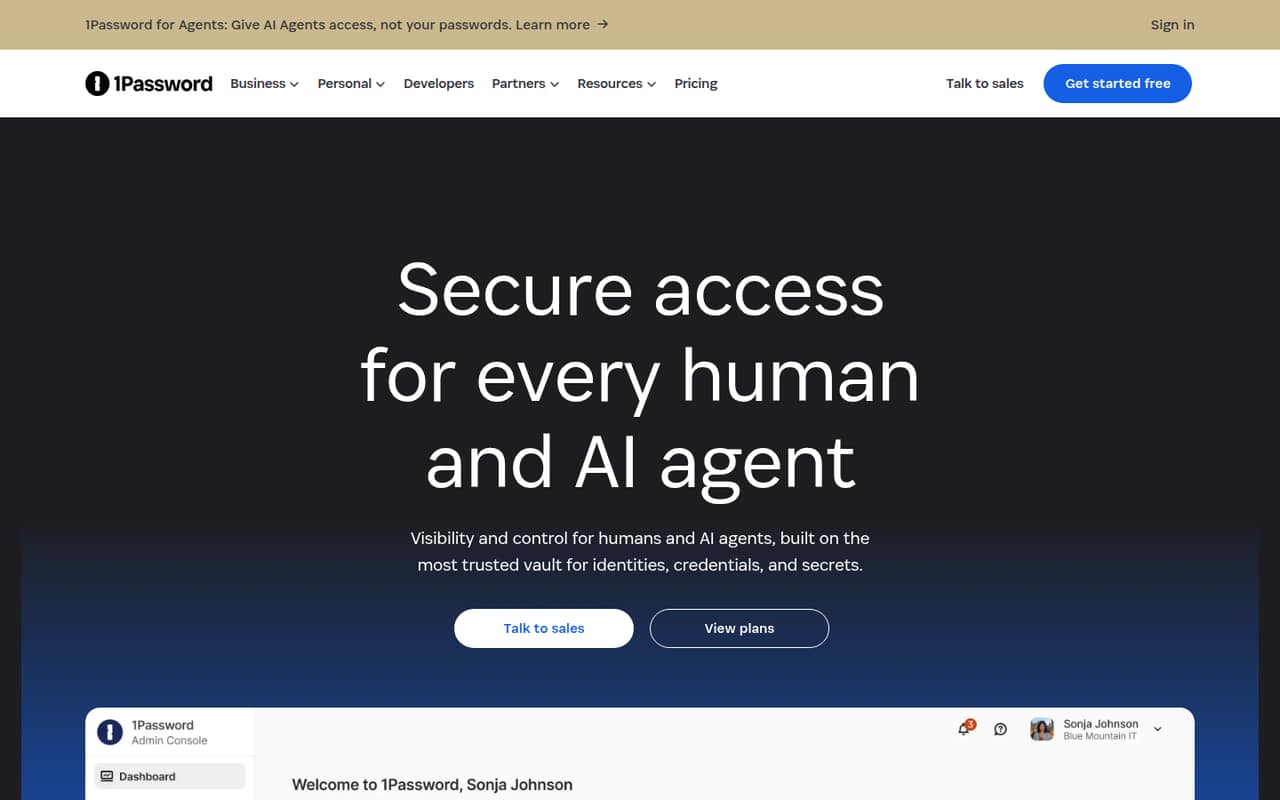
1Password is a fit for teams sharing business credentials, managing SaaS access, or planning for AI credentials. The trade-off for a budget-conscious team is that it has no permanent free plan and is listed from $8.99. Ask how the price scales with seats and which plan covers your needed controls; its broader access toolkit may be more than a very small team needs.
What works
- Covers passwords, machine credentials, and agent credentials
- Includes privileged access and SaaS management offerings
- Business includes a Families plan for every user
What doesn't
- No permanent free plan is listed
- Listed prices require annual billing
- Starter Pack extra-seat pricing is unpublished
- Best for workplace securityDashlaneDashlane
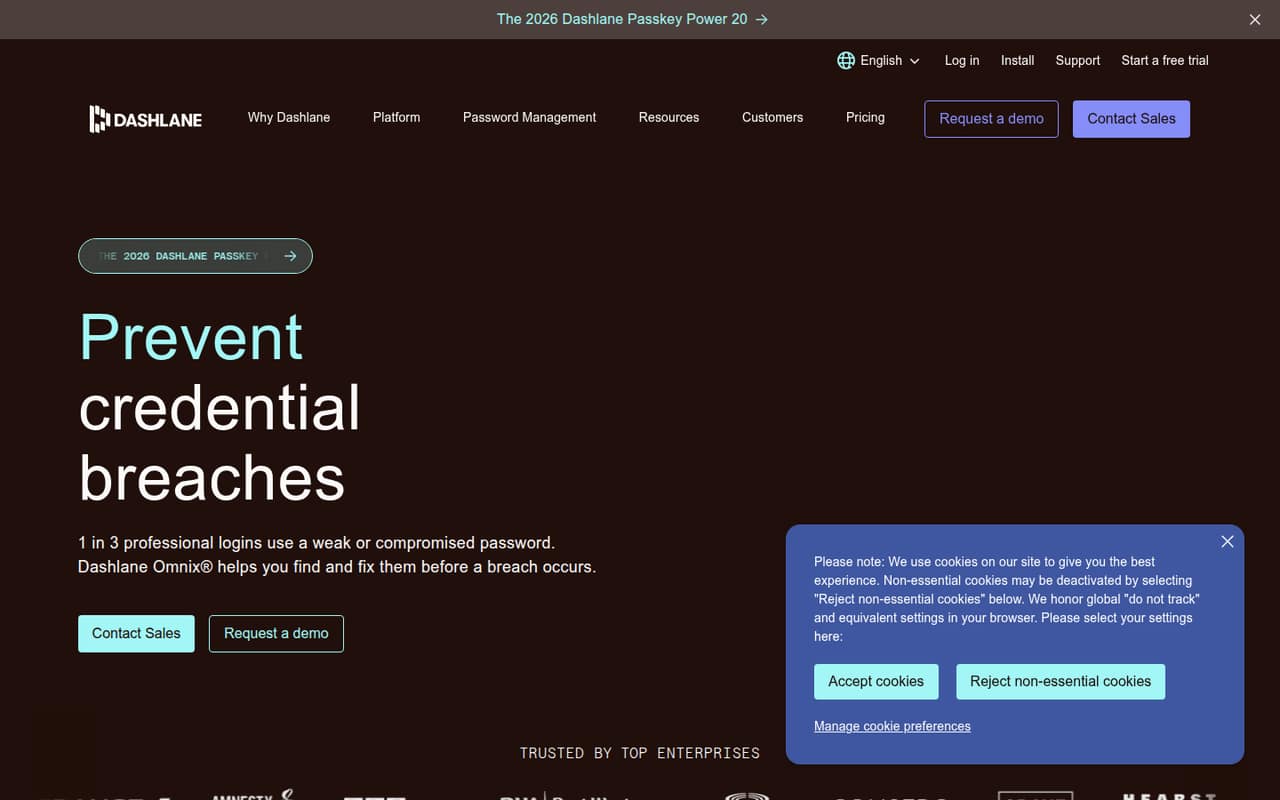
Dashlane offers workplace password tools and security features for monitoring browser risks. It is listed from $4, has no free plan, and uses separate plans, so check the exact plan and seat total for your team before budgeting. It may make sense when your security needs extend beyond SSO, but confirm which tools are included in the plan you would actually buy.
What works
- Encrypted vaults are accessible across devices
- Workforce sharing includes role-based permissions
- Detects weak and compromised credentials in browsers
What doesn't
- No free plan
- Monthly prices are not published
- Credential Protection excludes password vault management
- Best for privileged accessKeeperKeeper
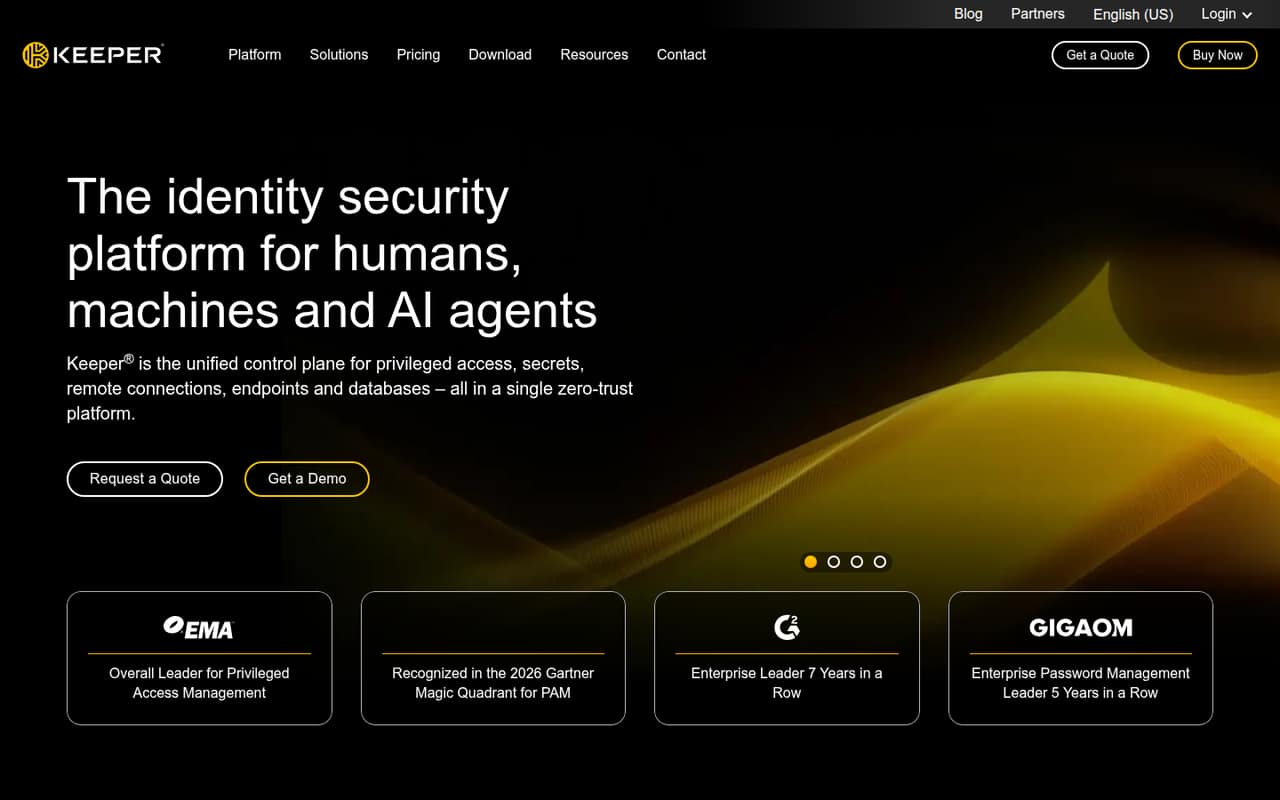
Keeper is aimed at teams managing privileged access, machine identities, or session audit trails. Those needs may justify a closer look, but the price is not published as a starting figure; small teams must request a quote. Ask for pricing for your seat count and whether the specific access and audit features you need are included, rather than assuming the broad toolkit comes with every plan.
What works
- Just-in-time access and elevation
- Privileged-session controls and audit trails
- Secrets management included in the platform
What doesn't
- No published monthly or annual prices
- Quote-based pricing makes budgeting harder
- Pricing is volume-based, not per seat
03How we chose
We ranked these tools for teams of 1–10, giving extra weight to a useful free plan, a clear cost for a few seats, and a credible fit for shared work credentials. We also considered setup effort, plan limits, documentation clarity, and Reddit sentiment as supporting signals. A listed starting price is not enough to calculate a team bill if the seat basis or billing term is unclear, so we treat those costs cautiously. We did not claim hands-on testing; where setup or plan details need confirmation, we say what to ask the vendor.
04Check the real cost and setup before you switch
Start with the number of people who need access, then ask for a written quote or checkout total for that seat count and billing term. A “from” price does not tell you whether the price is per user, whether there is a seat minimum, or which sharing features are included. Password Boss, for example, is described as a fit for five-seat teams on annual billing; Keeper requires a quote to learn the cost.
Ask how to import existing passwords, invite staff, remove someone’s access, and recover an account if the administrator is unavailable. Vendors do not publish setup effort consistently, so don’t assume migration is a one-click job. Test your planned process with a small group before rolling it out to everyone, and confirm whether the free plan can support that workflow.
05Choose controls that match how your team works
A shared vault can help a small team keep business logins in one managed place, but the right fit depends on who needs access and how that access changes. List the accounts you share, who should see each one, and what needs to happen when a teammate leaves. Then check that the plan you’re considering supports those needs; a free personal vault may not be the same as a team plan.
Ask vendors about account recovery, access removal, data storage, and any audit or administration features your team expects. If you need privileged-access controls or session audit trails, Keeper is positioned for those use cases; if you only need basic sharing, a broader toolkit may be unnecessary. Revisit the choice when your team grows or needs controls the current plan doesn’t include.
Questions people ask
What is the absolute best password manager?
There isn’t one best choice for every team. For a budget-conscious team of 1–10, Bitwarden is our top pick because it has a free plan and is listed from $1.65. Check the plan’s sharing features and full seat cost before deciding; another tool may fit better if you need specialized access controls.
What password manager has never been hacked?
We wouldn’t describe any password manager as proven to have “never been hacked” without reliable, current evidence. Ask vendors about security incidents, independent assessments, encryption, and account recovery. Also consider your team’s own practices: strong unique passwords and removing former staff’s access matter alongside the product you choose.
What are the top 10 password managers?
Our ranked list covers nine products: Bitwarden, Proton Pass, Password Boss, Sticky Password, NordPass, Enpass, 1Password, Dashlane, and Keeper. We don’t have a tenth pick to add. The ranking prioritizes small-team fit, including free plans, the cost of a few seats, and how clearly team features are described.
Which is safer, 1Password or Google Password Manager?
There isn’t a universal answer from product names alone. Compare current security documentation, account recovery, sharing and administration controls, and independent assessments against your team’s needs. For a workplace choosing 1Password, also check the paid plan’s seat cost and included features; it has no permanent free plan and is listed from $8.99.