We may earn a commission if you buy through links on this page. It never changes a score or a ranking. How we make money
The bottom line
A wide-ranging education platform, but custom pricing and reported transition headaches make it a tough small-team buy.
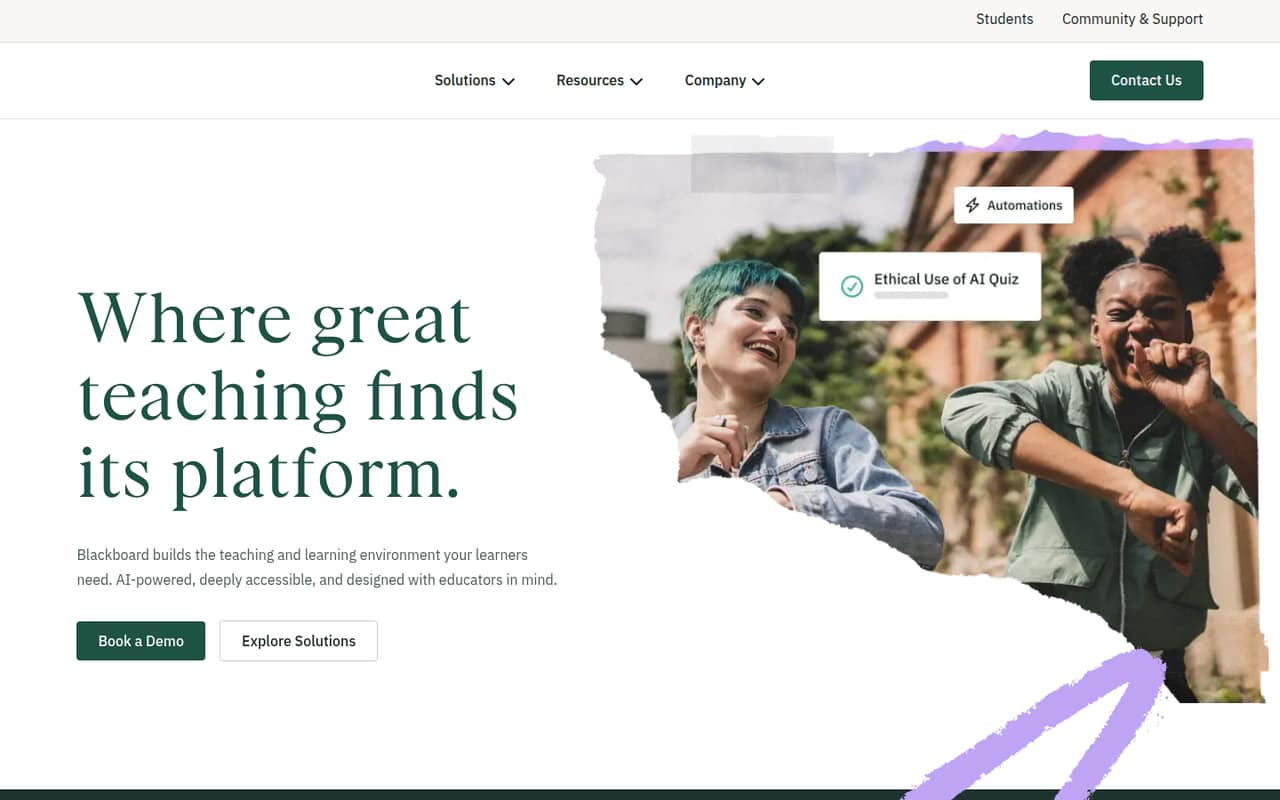
Blackboard Learn combines an LMS with accessibility, course evaluation, analytics, and institutional effectiveness tools. It’s best suited to education institutions that can buy through a custom contract, rather than a small team shopping for a clear per-seat price.
There’s no free plan, and the starting price isn’t published. A 30-day trial is listed, but trial terms and inclusions aren’t specified. Reddit feedback on Learn Ultra is mixed to negative, with users reporting course-transition and usability problems.
Good fit if
- Education institutions with procurement support
- Teams needing several teaching tools
- Schools planning an institution-wide LMS
Skip it if
- Teams requiring a published per-seat price
- Small groups needing a free LMS
- Teams wanting a low-effort migration
ScoresHow it rates
What works
- Combines LMS, accessibility, evaluation, and analytics tools
- Includes institutional effectiveness tools
- Connected products are designed to work together
- A 30-day trial is listed
- Supports teaching and learning needs
What doesn't
- No free plan
- Starting price and contract costs aren’t published
- Seat and usage limits aren’t published
- Trial inclusions aren’t published
- Reddit users report Ultra transition and usability problems
01Who Blackboard Learn is for
Blackboard Learn is an education-focused learning management system, not a general-purpose tool for a small business. It fits schools and other education institutions that need to manage teaching and learning, and may also want accessibility, course evaluation, analytics, and institutional effectiveness tools.
For a team of 1–10, the key question is whether you’re buying for an institution or just a handful of instructors. A small teaching team inside a school may use Blackboard as part of an institution-wide purchase; a standalone group will need to ask whether a custom contract makes sense for its size. The vendor doesn’t publish a starting price, seat limits, or usage limits, so there’s no public way to check whether the budget works before requesting a quote. We’d consider it when an institution needs a connected set of education tools, not when a tiny team needs a simple, low-cost LMS.
02Blackboard Learn free plan and trial
Blackboard Learn has no free plan. Available pricing information lists a 30-day trial, but the vendor doesn’t publish what the trial includes, which features are available, or whether there are limits on users or usage. Ask for those details before relying on the trial to evaluate a real course or team workflow.
The cheapest way in is a custom, quote-based contract; there’s no published entry-level plan or price to compare. That makes a trial useful for checking fit, but not enough to settle the budget question. Before starting one, ask whether it includes the tools your institution needs, what happens when the trial ends, and whether the trial can be set up with your team’s actual course content.
03What a small team pays for Blackboard Learn
Blackboard Learn is listed as a custom, quote-based contract. The vendor doesn’t publish a starting price, per-seat rate, monthly or annual billing price, seat limits, or usage limits. So the cost for one person, three people, or five people is not published—and we can’t responsibly calculate monthly or annual totals for those team sizes.
No add-on prices are listed. Blackboard offers accessibility tools, Blackboard Evaluate for course feedback, and Blackboard Illuminate analytics, but the available pricing details don’t say whether these are included in a Learn contract or priced separately. Ask for a quote covering the specific tools you want, all intended users, and both monthly and annual terms if available. For a small team watching every subscription, the lack of public pricing means you’ll need a vendor conversation before you can compare the real cost with alternatives.
04Getting started with Blackboard Learn
Setup effort depends on the institution’s course content and its transition plan. Blackboard says its products are built to work together, but the vendor doesn’t publish a setup timeline or a small-team onboarding checklist here. Ask who handles configuration, course transfer, and user access before committing.
Reddit reports about Learn Ultra show why that planning matters. One instructor said rebuilding four classes took four months; another commenter said course-copy options can depend on settings controlled by the institution’s Blackboard administrator. That’s not a universal timeline, but it’s a good reason to confirm exactly what can be copied and who can enable it. For day one, identify which LMS functions and connected Blackboard tools you need, then ask the vendor or institution administrator to confirm access and migration steps. Users also disagree on the interface: some find Ultra difficult, while another said it worked fine for their simpler course needs.
05When small teams outgrow Blackboard Learn
For a small team, the first pressure point may be the contract rather than a published product limit: seat and usage limits aren’t public, so ask how costs change as you add users or courses. The vendor also doesn’t publish feature tiers that show when an upgrade is required. Get those terms in writing before your team grows.
A different kind of growing pain can come with a move to Learn Ultra. Reddit users report difficulty uploading content, missing or changed controls, and frustration with grading and course rebuilding. Other commenters say some course-copy options exist but may be switched off by an institution administrator, so confirm your local setup rather than assuming a feature is unavailable. If your team is spending too much time rebuilding courses, working around a setting, or chasing an unclear contract price, compare the cost and migration effort of staying with Blackboard against other education LMS options.
From the threadsWhat users say
Reddit sentiment about Learn Ultra leans negative, especially around course migration, interface changes, and reported problems with uploads or grading. Some users say the newer interface is improved or that Ultra works fine for their needs, so experiences vary.
The one good thing I can say about BB Learn Ultra is it has an improved user interface
It took me 4 months to build 4 classes
I do all of my own course materials, though, so I have no need to upload anything except the occasional .pdf
I've had a ticket out to tech support for the past week that requires Blackboard to revert something to a previous version, and they haven't budged on it
Questions people ask
Does Blackboard Learn have a free plan?
No. Blackboard Learn does not have a free plan. Available pricing information lists a 30-day trial, but the vendor doesn’t publish its inclusions or limits. Ask which tools and users the trial covers, and what contract and pricing apply after it ends.
How much does Blackboard Learn cost for a small team?
The vendor doesn’t publish a starting price or per-seat rate. Blackboard Learn is listed as a custom, quote-based contract, so costs for one, three, or five people aren’t available for public calculation. Request a quote for your team size and ask about monthly and annual terms.
What does Blackboard Learn include?
Blackboard Learn is an AI-powered LMS for teaching and learning. Blackboard also offers accessibility tools, Blackboard Evaluate for course feedback, Blackboard Illuminate analytics, and institutional effectiveness tools. The vendor says its solutions are built to work together; ask which products are included in the contract you’re considering.
How difficult is it to move courses to Blackboard Learn Ultra?
The effort can depend on course content and institution settings. Reddit users report that rebuilding courses took substantial time, while a commenter said course-copy options can be controlled by an institution administrator. Confirm which course materials and settings can transfer in your specific setup before planning a transition.
Can a small team buy Blackboard Learn without a school-wide contract?
Blackboard Learn is listed with custom, quote-based contracts, but the vendor doesn’t publish a minimum team size or seat limit. A small team should ask whether a standalone contract is available, what it costs for its intended users, and whether desired tools are included or separately priced.
Sources
- Blackboard Learn homepage
- Blackboard Learn pricing, compiled via web search from educate-me.co, rfp.wiki, saaskart.co, apis.io, saasworthy.com, capterra.com, coursera.org
- Reddit: Blackboard Learn Ultra is a Nightmare
- Reddit: Anyone else being forced over to Blackboard Ultra from Blackboard Learn Original?
- Reddit: Can Blackboard learn stop logging me out ??
- Reddit: Blackboard learn