
We may earn a commission if you buy through links on this page. It never changes a score or a ranking. How we make money
The bottom line
Bluescape brings people, AI agents and content together, but team use starts at $36 monthly for three Pro seats.
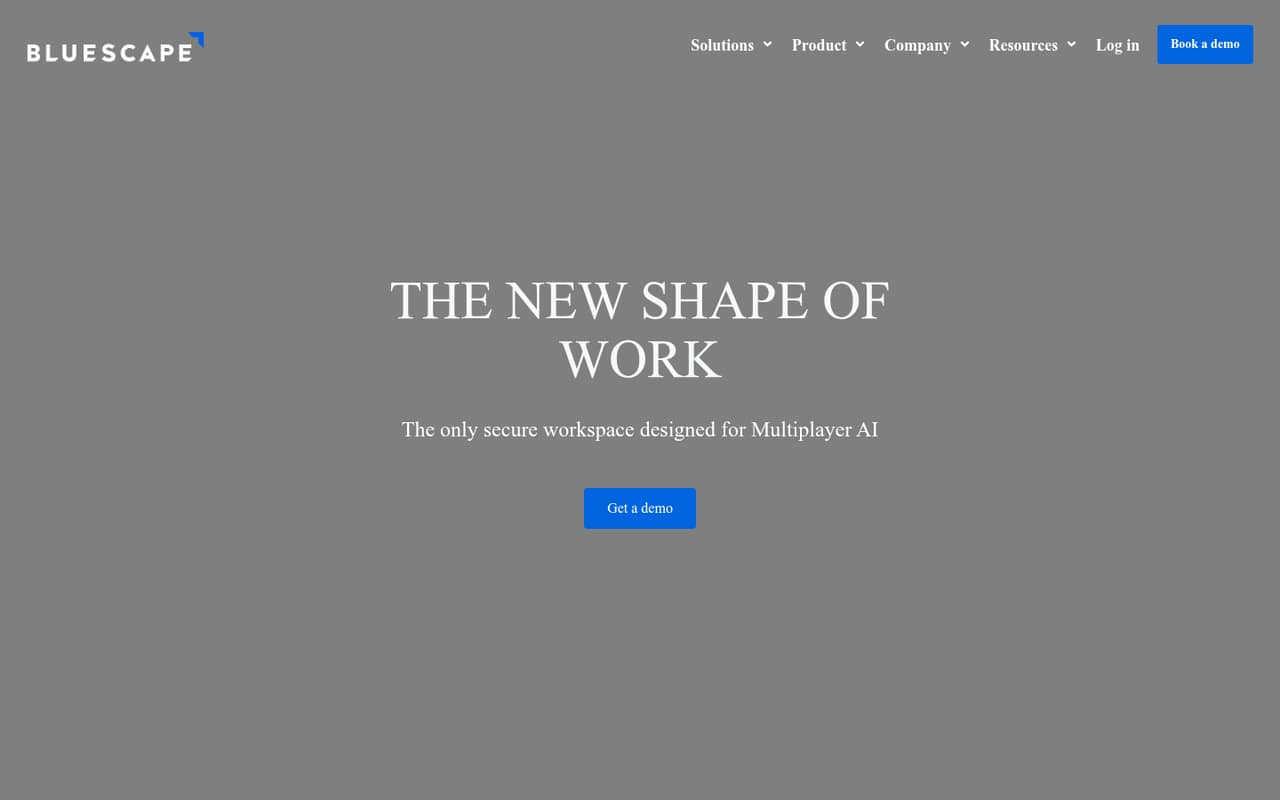
Bluescape is a shared visual workspace for teams coordinating people, AI agents, content and apps around complex information. Its features include workflow orchestration and real-time access controls; the homepage says it is authorized at FedRAMP Moderate and U.S. DoD IL4/IL5 for CUI data.
The free Go plan is limited to one user and 600 MB of storage. Pro starts at $12 per user monthly, or $36 for three seats at the listed monthly rate. That makes Bluescape worth considering when its security and coordination features fit the work, but a pricey choice for teams that only need a basic whiteboard.
Good fit if
- Teams coordinating human and AI work
- Groups handling complex information
- Teams with CUI security needs
Skip it if
- Teams needing a free shared plan
- Budget-first whiteboard shoppers
- Teams wanting published setup guidance
ScoresHow it rates
What works
- Combines people, AI agents and content
- Coordinates human and AI workflows
- Supports documents, images, video and live streams
- Includes real-time access controls
- Homepage lists FedRAMP Moderate and DoD IL4/IL5 authorization
What doesn't
- Free Go plan is limited to one user
- Go includes only 600 MB of storage
- Three Pro seats cost $36 monthly
- Annual-billing prices are not published
- Specific integrations and setup steps are not published
01Who Bluescape is for
Bluescape is aimed at teams that need more than a blank board: it brings people, AI agents, content and apps into a shared visual workspace, with workflows and access controls. That suits a small group coordinating complex information or work where it matters who can view content and which agents can act.
For a team of one to ten, the price can fit if those controls and workflows solve a real need. Pro costs $12 per user monthly, so three seats come to $36 and five to $60 at the listed monthly rate. Go is free, but it is for one user, so it does not cover a shared team workspace. The homepage says Bluescape is authorized at FedRAMP Moderate and U.S. DoD IL4/IL5 for CUI data, making it a candidate for teams with those security requirements. If your group mainly needs simple brainstorming, the paid seats may be more tool than you need.
02Bluescape free plan and trial
The free Go plan includes one user, two workspaces and 600 MB of storage. It gives an individual a way to start, but the one-user limit means it is not a free plan for a collaborating team. The pricing information also lists a 30-day free trial; it does not specify which paid plan the trial covers, so ask Bluescape before relying on it.
For a team, the cheapest listed paid option is Pro at $12 per user monthly. Pro includes unlimited workspaces, 25 GB of storage and meetings for up to 100 participants. Those limits are a meaningful step up from Go, but a small team should check whether Pro has the access controls and workflow capabilities it needs before budgeting for seats.
03What a small team pays for Bluescape
The pricing page lists Pro at $12 per user per month. That works out to $12 for one person, $36 for three, or $60 for five, billed monthly. At the same monthly rate, those totals equal $144, $432 and $720 over 12 months. These are calculations from the monthly price, not published annual-billing prices; Bluescape does not publish annual rates.
Business is $24 per user monthly: $24 for one, $72 for three or $120 for five. At the monthly rate, those totals equal $288, $864 and $1,440 over 12 months. Business includes 200 GB of storage and meetings for up to 250 participants, compared with Pro’s 25 GB and 100-person meetings. Go costs $0 but is limited to one user. Enterprise has no published price; its listed inclusions are 500 GB of storage, unlimited editors and unlimited anonymous users. No add-ons are listed. For most small teams, the first paid-seat decision is whether Pro’s storage and meeting limits are enough.
04Getting started with Bluescape
Bluescape’s basic idea is straightforward: bring team members, AI agents, content and apps into a shared workspace, then coordinate work there. Its listed content types include documents, images, video and live streams. The product also describes calling data stores and opening preferred apps, but specific integrations and step-by-step setup instructions are not published in the information available to buyers.
That leaves some planning work for a small team. Before committing, identify which apps and data stores you need, how you will organize workspaces, and which people or agents should have access to each item. The real-time controls may be valuable for sensitive work, but configuring permissions and workflows could take more thought than opening a basic whiteboard. Bluescape’s published pricing does not describe onboarding or support, so ask the vendor about setup help, training and the integrations you rely on.
05When small teams outgrow Bluescape
A team may outgrow Go as soon as more than one person needs to work in Bluescape: the free plan lists one user, two workspaces and 600 MB of storage. Moving to Pro removes the workspace limit and raises storage to 25 GB, but it also starts a recurring per-seat bill. Three seats cost $36 monthly and five cost $60 at the listed rate.
Pro’s meeting limit is 100 participants. If your team needs more storage or meetings for up to 250 participants, Business lists 200 GB and costs $24 per user monthly—$72 for three seats or $120 for five. Enterprise lists 500 GB, unlimited editors and anonymous users, but its price is not published, so ask for a quote as your team grows. Bluescape may also be a poor fit if your needs center on a simple shared board rather than coordinated workflows, app connections and access controls. Check required integrations and annual pricing before adding more seats.
Questions people ask
Does Bluescape have a free plan?
Yes. The Go plan costs $0 and includes one user, two workspaces and 600 MB of storage. Because it is limited to one user, it does not provide a free shared plan for a team. Pro is the cheapest listed paid plan at $12 per user monthly.
How much does Bluescape cost for a small team?
Pro is listed at $12 per user monthly, so three seats cost $36 and five cost $60 per month. Business is $24 per user monthly, or $72 for three and $120 for five. Bluescape does not publish annual-billing prices.
What is included in Bluescape Pro?
The pricing page lists one user, unlimited workspaces, 25 GB of storage and meetings for up to 100 participants with Pro. The listed price is $12 per user monthly. For multiple people, budget for a seat for each user.
Does Bluescape offer a free trial?
The pricing information lists a 30-day free trial, but does not specify which paid plan it covers. Ask Bluescape which features, seat count and storage are included during the trial before deciding whether it matches your team’s needs.
Is Bluescape authorized for sensitive government work?
Bluescape’s homepage says it is authorized at FedRAMP Moderate and U.S. DoD IL4/IL5 for CUI data. Teams with government or regulated-work requirements should confirm with Bluescape that the authorization and configuration meet their specific agency and project requirements.