We may earn a commission if you buy through links on this page. It never changes a score or a ranking. How we make money
A small team may not need a paid whiteboard at all: start with a free plan if its board limits fit your next few projects. Miro is our best overall pick for visual teamwork, while FigJam and Excalidraw stand out when price or simple diagrams matter more. The cheapest starting price is not always the cheapest team bill, so check whether pricing is per person and what the free plan limits. For workshops, moodboards, or project planning, choose the tool that matches how your team works—not the longest feature list.
Quick picksThe shortlist
 MiroMiroBest for small teams · $8/mo
 FigJamFigJamBest budget pick · $3/mo
 ExcalidrawExcalidrawBest for diagrams · $6/mo
 MilanoteMilanoteBest for creative teams · $9.99/mo
 MuralMuralBest for workshops · $9.99/mo
 ConceptboardConceptboardBest for project planning · €5/mo
 ZiteboardZiteboardBest for remote groups · $5/mo
 WhimsicalWhimsicalBest for product teams · $10/mo
 LucidsparkLucidsparkBest for idea-to-task work · $9/mo
 PadletPadletBest for shared ideas · $10/mo
 BluescapeBluescapeBest for complex work · $12/mo
 Whiteboard FoxWhiteboard FoxBest for quick sketches · $7.90/mo
 AWW AppAWW AppBest for product history · Custom
01Compared at a glance
| Tool | Score | From | Free plan | Trial |
|---|---|---|---|---|
| MiroMiro | 8.0 | $8/mo | Yes | — |
| FigJamFigJam | 7.5 | $3/mo | Yes | — |
| ExcalidrawExcalidraw | 8.0 | $6/mo | Yes | 14 days |
| MilanoteMilanote | 7.0 | $9.99/mo | Yes | — |
| MuralMural | 7.4 | $9.99/mo | Yes | — |
| ConceptboardConceptboard | 7.1 | €5/mo | Yes | 30 days |
| ZiteboardZiteboard | 7.2 | $5/mo | Yes | — |
| WhimsicalWhimsical | 7.2 | $10/mo | Yes | — |
| LucidsparkLucidspark | 7.2 | $9/mo | Yes | 7 days |
| PadletPadlet | 7.0 | $10/mo | Yes | Yes |
| BluescapeBluescape | 6.8 | $12/mo | Yes | 30 days |
| Whiteboard FoxWhiteboard Fox | 4.8 | $7.90/mo | Yes | — |
| AWW AppAWW App | 1.5 | Custom | No | — |
02The picks, in detail
- Best for small teamsMiroMiro
Miro is our best overall fit for teams that brainstorm, plan, and run recurring workshops on visual boards. Its free plan includes three editable boards, which gives a small group a clear place to start but may not stretch across many projects. The listed starting price is $8. Check the pricing page for the current seat cost and billing terms before budgeting.
What works
- Free plan includes three editable boards
- More than 7,000 templates on Free
- Starter includes unlimited private boards
What doesn't
- Free plan is limited to three editable boards
- Monthly-billing prices are not published
- Starter costs more with every seat
- Best budget pickFigJamFigJam
FigJam has the lowest listed starting price in this group at $3, and it has a free plan. It is a natural fit for teams already using Figma and for workshop-heavy work. The trade-off in the listing is that it may feel limited if you want a broader work hub. Confirm the free-plan limits and paid seat terms before inviting everyone.
What works
- Starter costs $0
- Unlimited drafts on Starter
- Voting and sticky-note sorting
What doesn't
- Extra AI credit prices are not published
- Open-session access requires login
- Professional full seats cost $16 monthly
- Best for diagramsExcalidrawExcalidraw
Excalidraw is a useful starting point for small teams sketching workflows or sharing diagrams in real time. Its free plan suits a one-scene need; the listing says an upgrade becomes relevant when one scene is no longer enough. The starting price is $6. If your team needs multiple ongoing boards, check the plan limits and per-seat cost before settling in.
What works
- Free plan includes one infinite scene
- Unlimited collaborators on the free plan
- No account required for local saving
What doesn't
- Free plan is limited to one scene
- Plus is billed per user seat
- Enterprise pricing and limits are unpublished

- Best for creative teamsMilanoteMilanote
Milanote is a tidy option for creative teams gathering visual research, building moodboards, and planning projects. There is a free plan, but the listing warns that it can run out quickly, so check its limits against the number of boards your team expects to keep. The starting price is $9.99. Confirm whether the paid plan’s billing model works for all the people who need access.
What works
- Combines notes, images, videos, sketches and links
- Unlimited shared boards on the free plan
- Useful for moodboards and storyboards
What doesn't
- Free plan stops at 100 notes, images or links
- Free plan allows only 10 file uploads
- Monthly team prices are not published
- Best for workshopsMuralMural
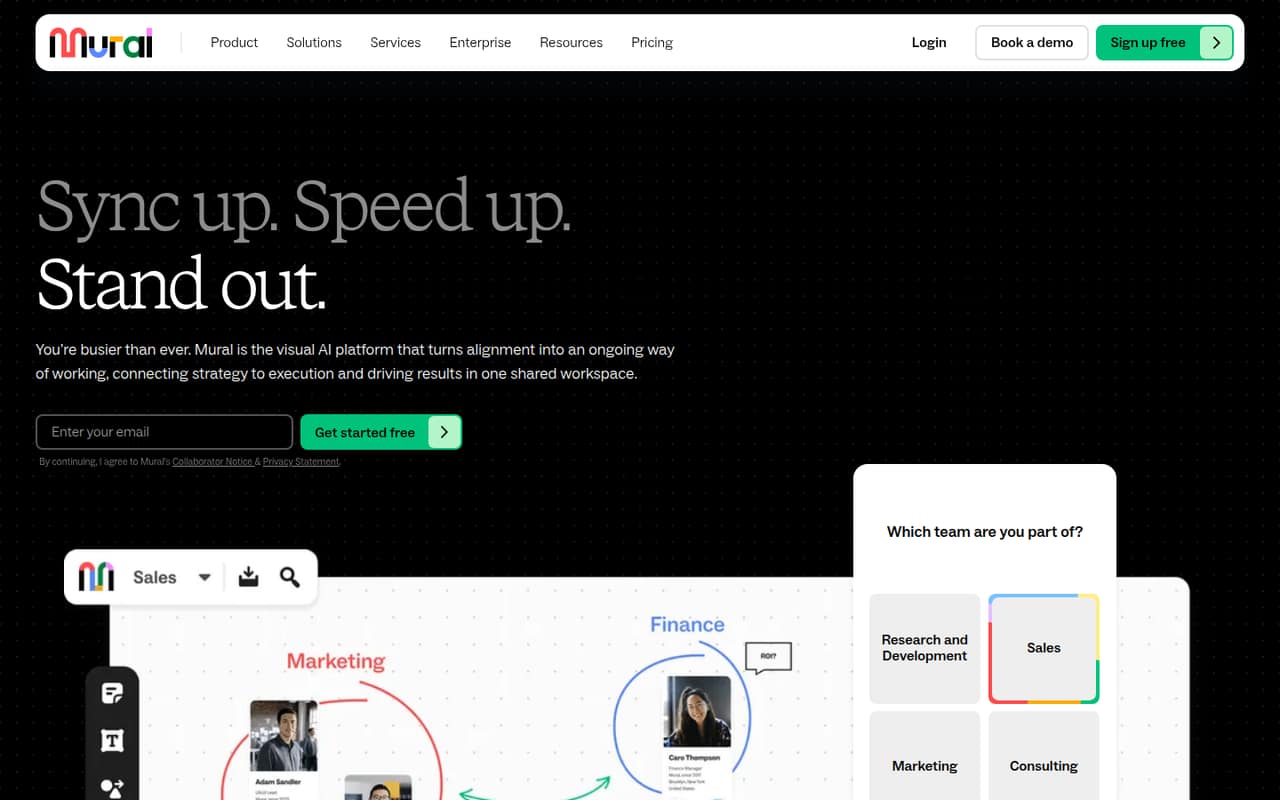
Mural suits teams that run visual planning sessions and facilitators who want voting and timers. Its free plan covers three editable murals, according to the listing; expect a paid per-seat plan when your work needs more. The starting price is $9.99. For a team of 1–10, count the seats that need editing rather than assuming one shared workspace means one subscription.
What works
- Free plan includes unlimited members
- Three editable murals on Free
- Templates give sessions structure
What doesn't
- Free plan caps editable murals at three
- Paid plans charge per member
- Private rooms require Team+
- Best for project planningConceptboardConceptboard
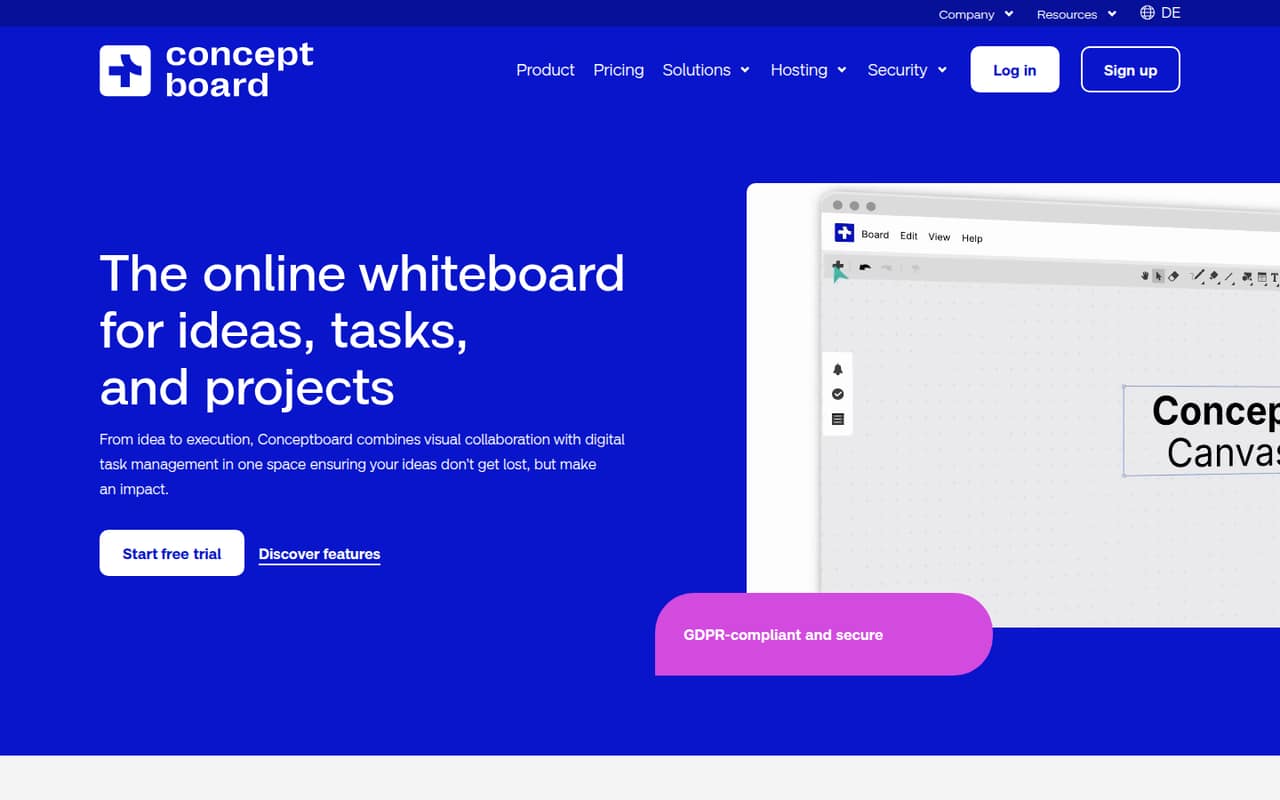
Conceptboard connects visual planning with turning board ideas into tasks, making it a useful fit for teams that want more than a sketch space. Its listed starting price is $5, and team access starts at €5 per person monthly. That makes the seat count important when estimating a small-team bill. Check the free-plan limits and whether the task workflow fits your process.
What works
- Combines visual boards with task management
- Starter includes unlimited boards and objects
- Tasks can have assignees and deadlines
What doesn't
- Free plan is limited to one user
- Free plan caps boards, objects and storage
- Starter limits teams to five active projects
- Best for remote groupsZiteboardZiteboard
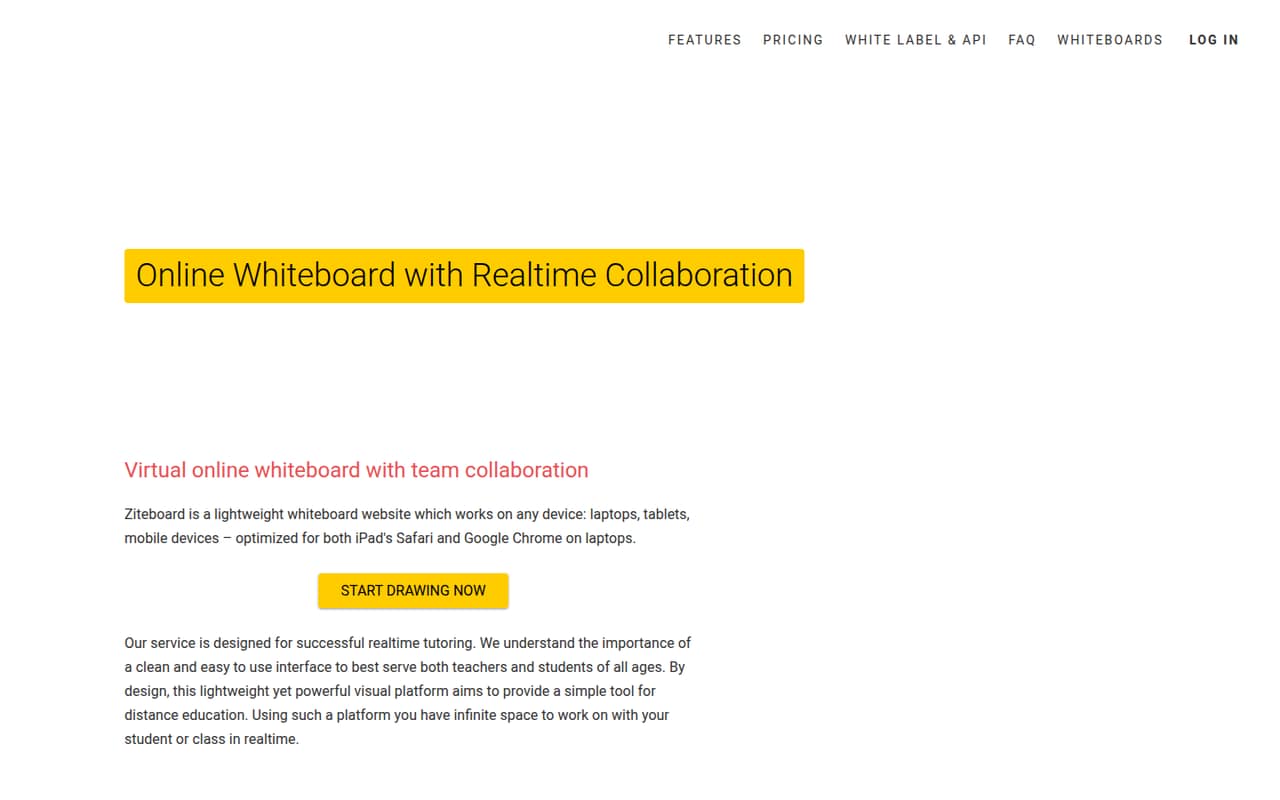
Ziteboard is aimed at tutors, distance learning, and small remote brainstorming groups, with a free whiteboard for small groups. Pro adds room to grow at a per-seat cost, and the listed starting price is $5. If your team plans to keep several boards or invite more collaborators, check which limits apply on free and what each additional seat costs.
What works
- Free plan supports unlimited real-time collaborators
- Infinite canvas for lessons and visual planning
- Math tools include formulas and graph plotting
What doesn't
- Free plan limits owned boards to three
- Free plan has limited data traffic
- Free plan includes only three basic colors
- Best for product teamsWhimsicalWhimsical
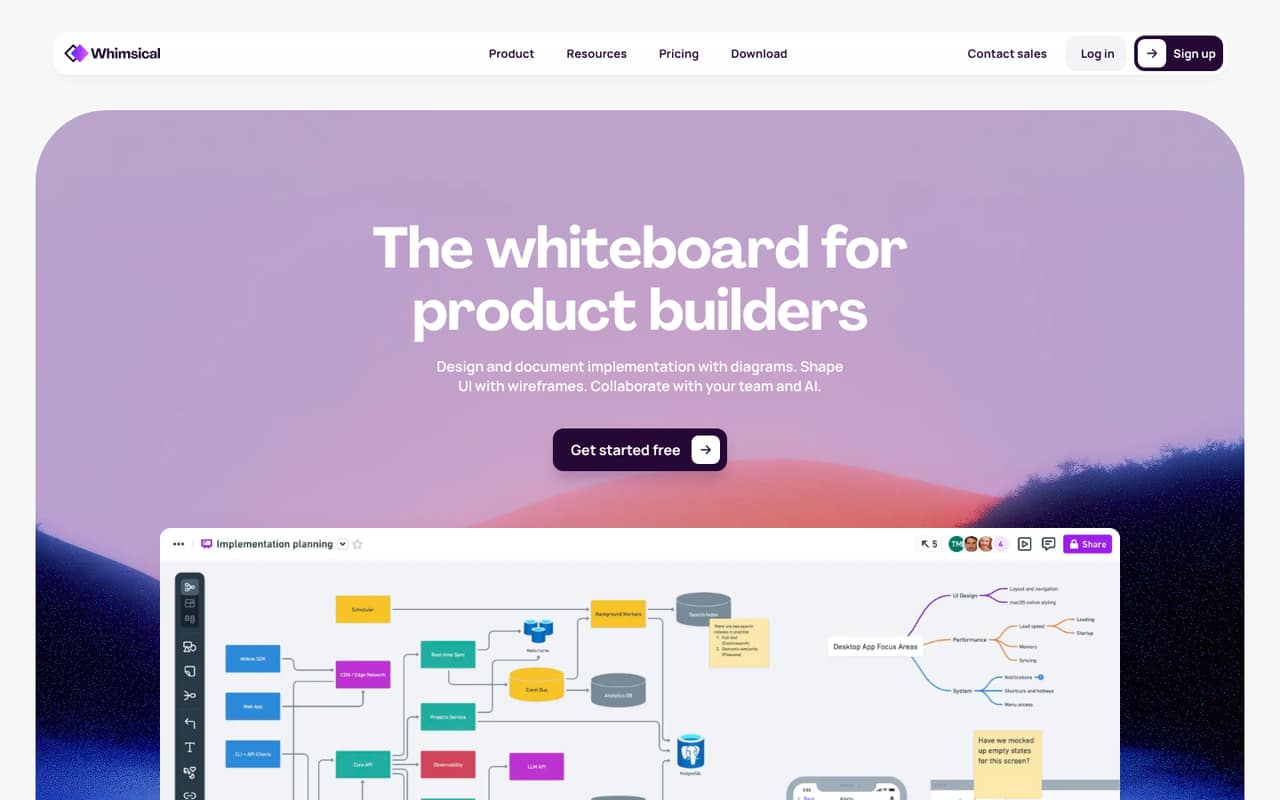
Whimsical is a good match for product teams mapping workflows, making wireframes, and aligning around shared docs. Its free plan has monthly limits, so frequent use may push a small team toward Pro. The starting price is $10. Check which activities count toward those limits and whether everyone needs a paid seat before making it your team’s default workspace.
What works
- Diagrams, wireframes, docs, and mind maps together
- Real-time editing and comments
- Free plan includes version history
What doesn't
- Free plan caps objects and blocks monthly
- Monthly-billing prices are not published
- AI credit add-on price is not published
- Best for idea-to-task workLucidsparkLucidspark
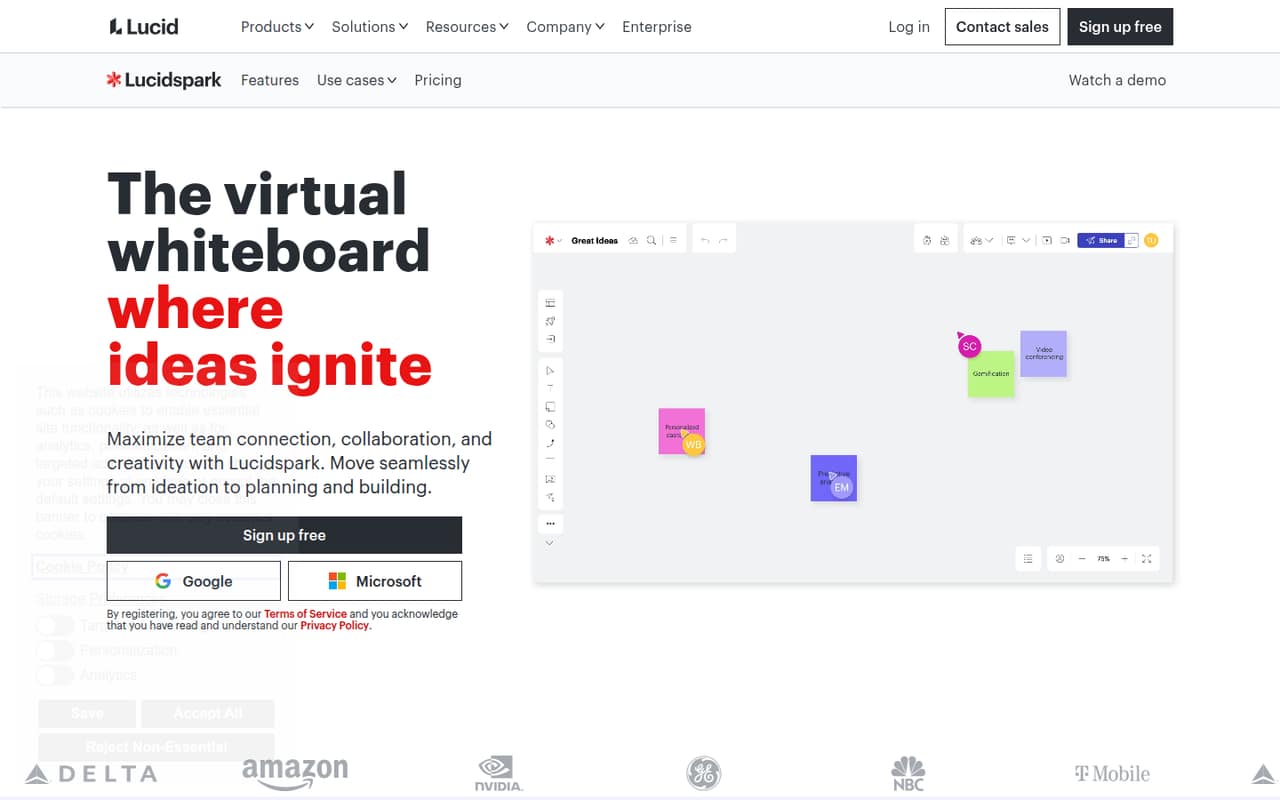
Lucidspark fits teams that brainstorm and then turn ideas into tasks, especially when collaborative planning is occasional rather than constant. The listing describes the free plan as limited and says Team starts at three paid seats. Its starting price is $9. That three-seat minimum matters for a one- or two-person team, so compare the total bill with your actual headcount.
What works
- Free forever plan with three editable boards
- Infinite canvas supports brainstorming and planning
- AI can generate and organize ideas
What doesn't
- Free plan is limited to three editable boards
- Team plan requires at least three seats
- Monthly billing prices are not published upfront
- Best for shared ideasPadletPadlet
Padlet works for teams sharing visual ideas, as well as teachers creating classroom activities and solo users testing board workflows. Its listed starting price is $10, but the listing specifically recommends checking the per-Maker bill before inviting a whole team. Ask how many Makers your group needs and what free-plan limits apply; the cheapest solo setup may not represent the team price.
What works
- Boards collect, organize, and share thoughts
- Digital canvases support whiteboards, lessons, and activities
- Free plan includes three padlets
What doesn't
- Free plan is limited to three padlets
- Team is billed per Maker
- Free uploads are capped at 20MB
- Best for complex workBluescapeBluescape
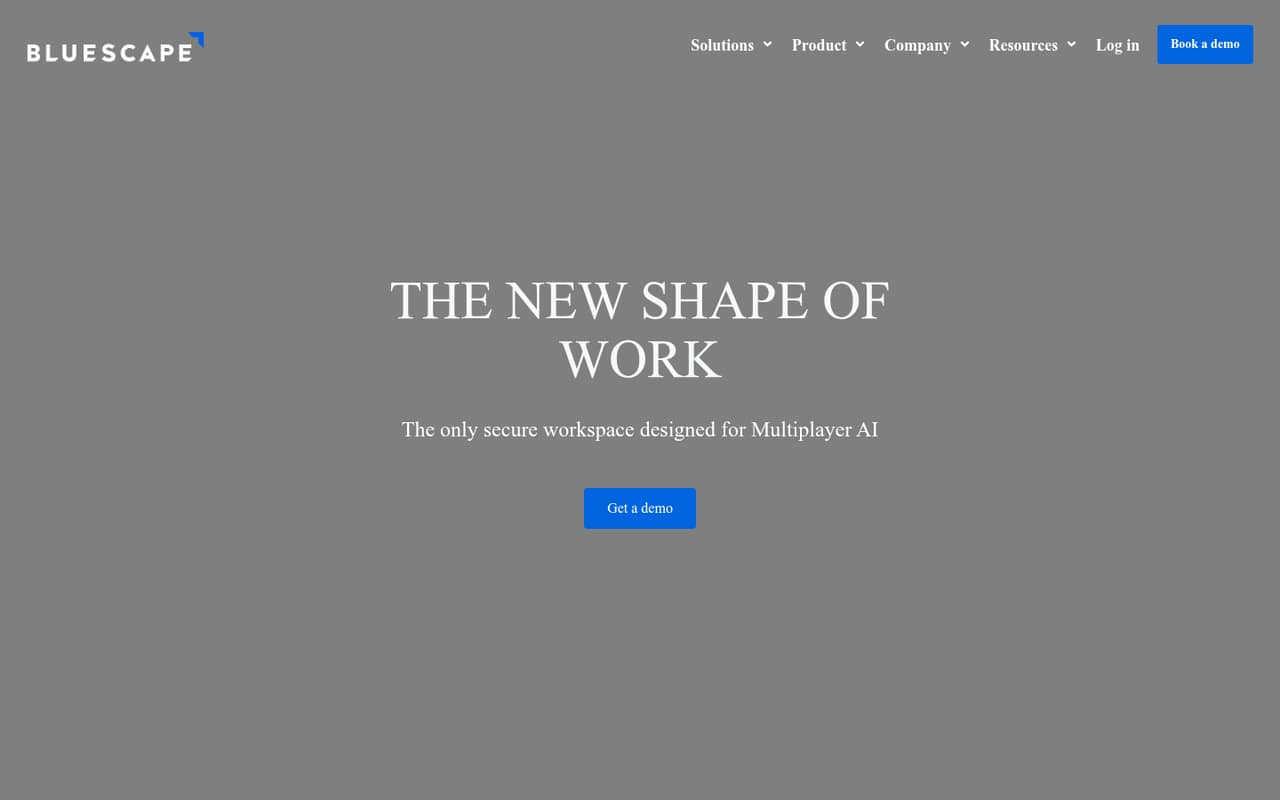
Bluescape is designed for coordinating people, AI agents, and content, with a focus on complex information and CUI security needs. The listing says team use starts at $36 monthly for three Pro seats; that is more useful for budgeting than the $12 starting figure alone. Small teams with simpler brainstorming needs may not need this scope. Ask about security requirements and seat pricing.
What works
- Combines people, AI agents and content
- Coordinates human and AI workflows
- Supports documents, images, video and live streams
What doesn't
- Free Go plan is limited to one user
- Go includes only 600 MB of storage
- Three Pro seats cost $36 monthly
- Best for quick sketchesWhiteboard FoxWhiteboard Fox
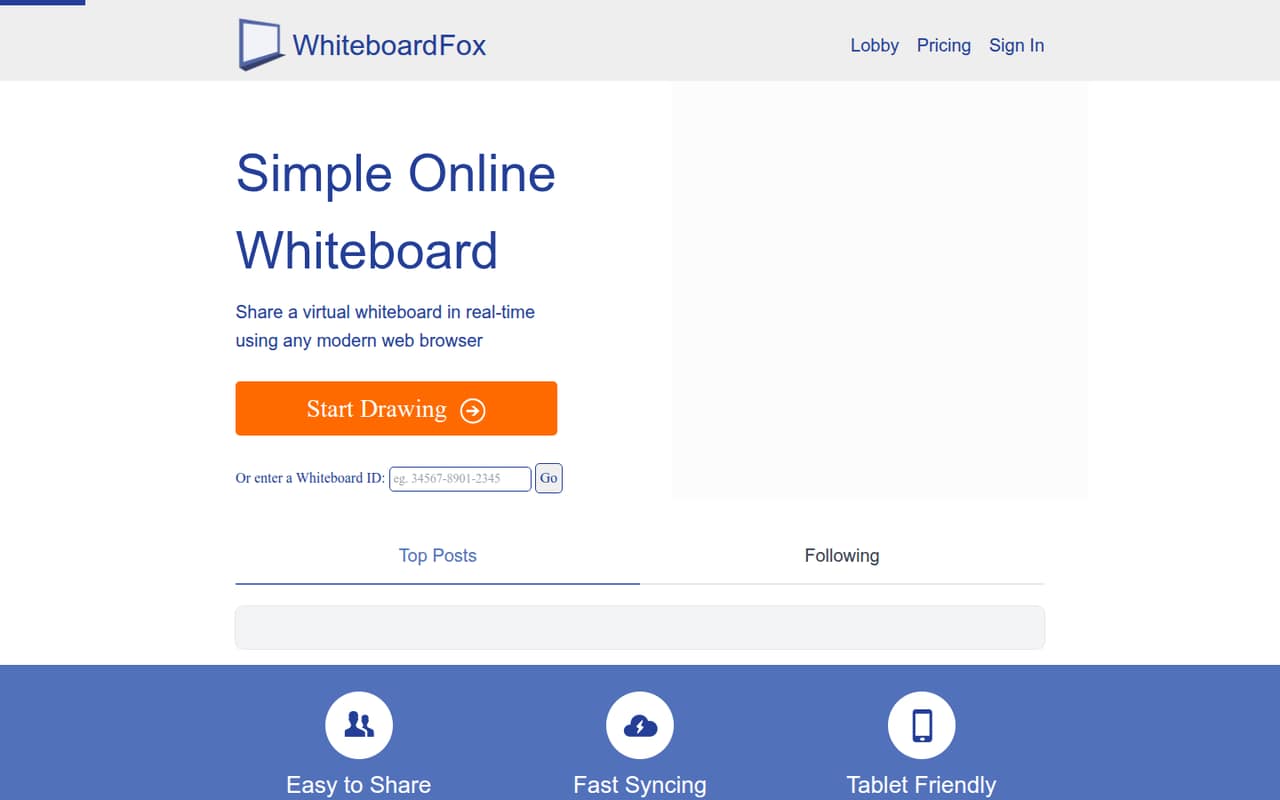
Whiteboard Fox is a simple option for friends or small groups drawing together, including short-lived free whiteboards. The listed starting price is $7.90. Its weak fit for teams comes from concerns around security and shared billing, so it is better suited to quick, low-stakes drawing than a lasting team workspace. Ask the vendor about security and billing before using it for work.
What works
- Free Personal plan for basic drawing
- Participants join by link or Whiteboard ID
- View-only and drawing permissions are available
What doesn't
- Free boards expire after 14 days
- Team plan requires at least eight users
- No monthly Team price is published
- Best for product historyAWW AppAWW App
AWW App’s standalone service has been discontinued, so we would not choose it for a new team workspace. It may still interest people reviewing older browser whiteboards or the product’s feature history, but the listing gives no current starting price or free plan. Teams looking for a tool they can adopt now should compare the active options above instead.
What works
- Ran in a browser without software installation
- Did not require mandatory sign-up
- Supported shared drawing and annotation
What doesn't
- Standalone service has been discontinued
- Current plans and prices are not published
- No current free plan or trial is listed
03How we chose
We ranked these tools for teams of 1–10, weighing whether a free plan can support a real team workflow, what the listed starting price means for a few seats, and where plan limits may force an upgrade. We also considered fit: a diagram board, a workshop canvas, and a creative moodboard are not interchangeable. Setup effort, documentation, and user-reported feedback are useful buying checks, but we don’t claim to have tested these products or verified setup time. Ask vendors about onboarding and seat rules before committing.
04Check the free plan against your actual work
A free plan is useful only if it covers the way your team works. Count the boards, canvases, or scenes you expect to keep active, then check whether free collaborators can edit or only view. Miro’s listing specifies three editable boards; Mural’s specifies three editable murals. Excalidraw’s free option is described as useful when one scene is enough. Those limits point to different kinds of fit, not a universal winner.
Also check whether a limit resets monthly or stays in place, and whether extra people need paid seats. If the vendor doesn’t make that clear, ask before moving team planning into the tool. A free plan can be a good first step, but it should not become the only copy of important project work without a clear way to keep or export it.
05Work out the bill for your whole team
A starting price is not always the amount a small team will pay. Before choosing, multiply the listed per-person price by the number of people who need to edit, and check for minimum seat counts. Lucidspark’s Team plan starts at three paid seats, while Conceptboard lists team access at €5 per person monthly. Bluescape lists team use from $36 monthly for three Pro seats. These details can change the comparison for a team with only one or two people.
Check whether the price is monthly or annual, which features require a paid plan, and how viewers or guests are handled. If the pricing page doesn’t publish a detail, ask the vendor for a quote based on your headcount. Keep setup effort in the decision too: ask about onboarding, migration, and any admin work before putting a team deadline on the switch.
Questions people ask
What is the best free whiteboard software for a small team?
It depends on the work. Miro’s free plan lists three editable boards; Mural lists three editable murals; Excalidraw is a fit when one scene is enough. Check each plan’s current limits and who can edit before choosing a free workspace for the whole team.
What does whiteboard software cost for a team of five?
The total depends on the vendor’s seat rules and billing terms. The listed starting prices range from $3 for FigJam to $10 for Whimsical and Padlet, but those figures do not establish the total for five people. Check the pricing page for per-seat pricing, minimum seats, and billing frequency.
Which whiteboard tool is best for workshops?
Mural is a strong fit for visual planning sessions, with voting and timers listed as use cases. Miro also suits recurring workshops and planning. Compare the free editable-board limits and paid seat costs, especially if your team needs more than three editable Mural boards.
Is AWW App still available for new teams?
The standalone AWW App service has been discontinued, so it is not a suitable choice for a new team workspace. If you are reviewing its history, treat it as a past product rather than a current option and compare active whiteboard tools for new work.