
We may earn a commission if you buy through links on this page. It never changes a score or a ranking. How we make money
The bottom line
Bocada’s free plan covers a small team; paid pricing scales with monitored resources, not seats.
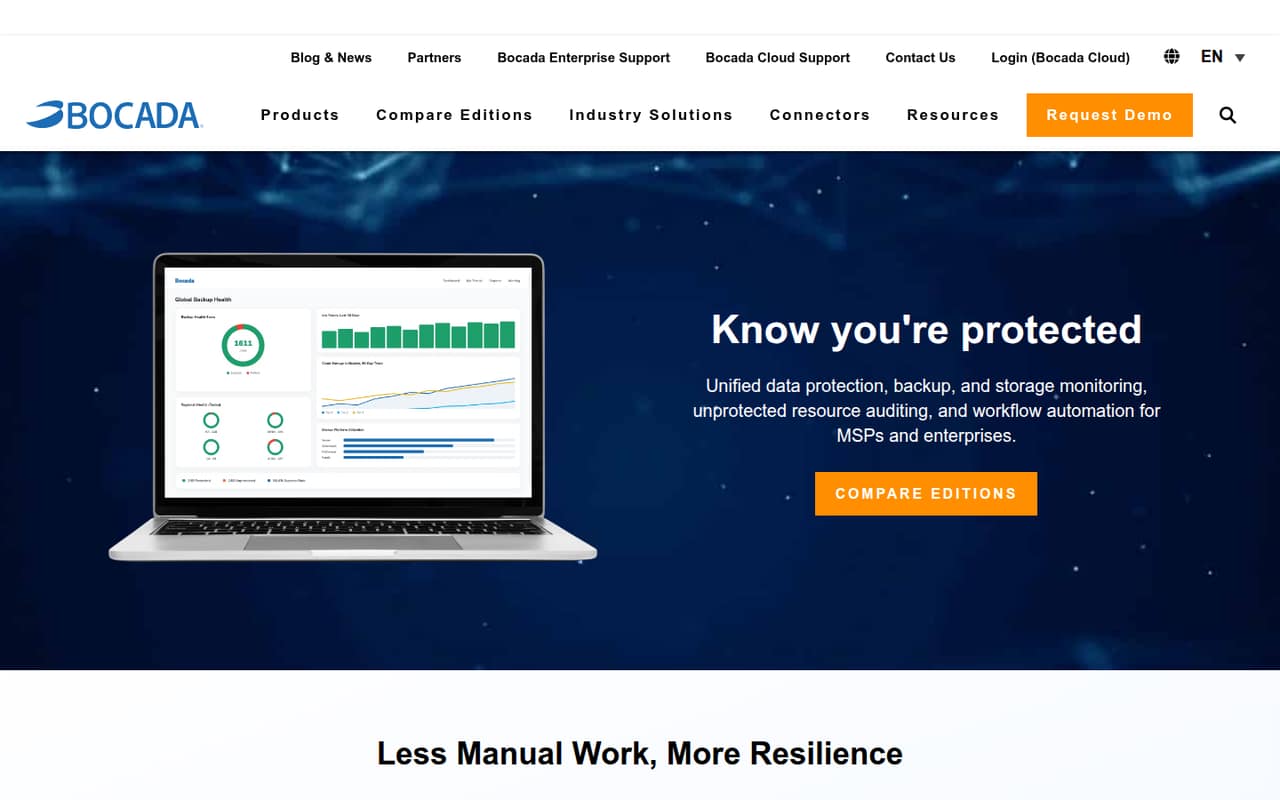
Bocada brings backup monitoring, reporting, compliance oversight, asset auditing, and ticketing automation into one dashboard for MSPs and enterprise IT teams. Its free plan supports up to three users and one backup application connector.
For more coverage, Standard lists at $0.75 per monitored resource monthly or $0.67 with an annual commitment, with up to 10 users. The resource-based price means a team’s total depends on how many resources it monitors.
Good fit if
- Small teams monitoring one backup application
- MSPs managing multiple organizations
- Teams needing backup audit reports
Skip it if
- Teams wanting seat-based pricing
- Buyers needing a named connector list
- Teams seeking published setup guidance
ScoresHow it rates
What works
- Free plan includes up to three users
- Free plan includes one backup connector
- Standard supports up to 10 users
- Reports cover job activity and collection failures
- Storage monitoring add-on has a listed price
What doesn't
- Paid pricing scales per monitored resource
- Free plan is limited to one connector
- Free reports are limited to two named types
- Setup time and onboarding steps aren't published
- Enterprise self-managed pricing requires a quote
01Who Bocada is for
Bocada is aimed at MSPs and enterprise IT teams responsible for backup operations across on-premises, cloud, or hybrid environments. For a small team of one to 10 people, it may fit when backup status, reporting, and follow-up work are spread across systems and need a shared view.
In plain terms, Bocada collects backup activity in one dashboard, helps flag failures, and can automate reports and ticket workflows. Its asset discovery feature compares inventory with backup activity to help spot resources without protection. The free plan can suit a team monitoring one backup application; Standard raises the user cap to 10 and lists any number of monitored resources, priced per resource. That makes it worth checking how many resources you actually need to track before budgeting. Teams that only need occasional checks for one system may find the free tier sufficient, while MSPs handling several organizations or teams with broader reporting needs may need a paid plan.
02Bocada free plan and trial
Bocada’s Free plan costs $0 per month and includes up to three users and one backup application connector. It also includes the Job Activity and Data Collection Failures reports. The plan lists unlimited connections and resources through that connector, so the main stated boundary is the number of backup application connectors, not the number of users below three.
The free tier is a practical way for a small team to start monitoring one backup application, but it does not list the broader report set or the higher user limits of paid plans. Standard, Pro, and Ultimate list a 30-day free trial. Standard is the lowest-priced paid plan, starting at $0.75 per monitored resource per month, or $0.67 with an annual commitment. Confirm connector compatibility and trial terms with Bocada before choosing a plan.
03What a small team pays for Bocada
Bocada charges Standard by monitored resource, not by seat. The pricing page lists $0.75 per resource per month on monthly billing, or $0.67 per resource per month with an annual commitment. Standard allows up to 10 users, so one, three, or five people cost the same at a given resource count.
For a simple comparison, at one monitored resource, one person costs $0.75 monthly or $0.67 per month on an annual commitment. A three-person or five-person team costs the same at that resource count. The total rises with each monitored resource; the exact bill depends on how many you monitor. Standard lists any number of monitored resources, but each is part of the billed quantity.
Storage Monitoring & Reporting is an add-on listed for Standard, Pro, and Ultimate at $0.50 per TB monitored per month, rounded up to the next TB. For example, the add-on charge is based on the next whole TB when usage falls between TB amounts. Ask Bocada to confirm how it counts resources and storage before forecasting a larger deployment.
04Getting started with Bocada
Bocada’s listed setup outcome is a central dashboard for backup operations, but the vendor does not publish a setup-time estimate or a step-by-step onboarding sequence in the available product details. We would treat connector compatibility as the first practical check: the Free plan includes one backup application connector, but the connector’s name and supported products are not listed in the pricing details.
The product’s stated workflow covers monitoring, scheduled and on-demand reports, failure alerts, asset discovery, and ticket automation. That gives a small team a clear idea of the jobs it can bring together, but not how much configuration each job takes. Before signing up, ask which connector covers your backup application, what data and access it needs, and whether your ticketing system is supported. Also confirm how resource discovery affects your bill. Without published setup guidance or a named integration list, we can’t give a reliable estimate of the learning curve.
05When small teams outgrow Bocada
The first likely limit is the free plan’s one backup application connector. If your team needs another connector, broader paid-plan coverage may be necessary; confirm the relevant plan details with Bocada. The next clear threshold is users: Free supports up to three, Standard up to 10, and Pro up to 25. A team above 10 users would need to look at Pro, listed at $1 per monitored resource monthly or $0.90 with an annual commitment. Ultimate allows unlimited users at $1.50 monthly or $1.35 annually per resource.
Costs can also rise as the monitored resource count grows, even when the team stays the same size. Storage Monitoring & Reporting adds $0.50 per TB per month, rounded up to the next TB. For large teams that want to run Bocada self-managed or on-premises, Enterprise lists 2,000 or more monitored resources and unlimited users, but the annual license fee requires a quote. Compare that quote with the resource-based plans before expanding.
Questions people ask
What does Bocada’s free plan include?
The free plan costs $0 per month and includes up to three users, one backup application connector, unlimited connections and resources through that connector, and the Job Activity and Data Collection Failures reports. It may fit a small team focused on one backup application, but check connector compatibility first.
Is Bocada priced per user or per resource?
Standard, Pro, and Ultimate list prices per monitored resource per month. User limits vary by plan, but adding users within a plan’s limit does not change the listed per-resource rate. Your bill depends on the number of monitored resources and any applicable add-ons.
How much does Bocada Standard cost for five users?
Standard allows up to 10 users, so five users fit its stated limit. The price is $0.75 per monitored resource per month, or $0.67 per resource per month with an annual commitment. The total depends on how many resources you monitor.
Does Bocada offer a free trial?
Standard, Pro, and Ultimate list a 30-day free trial. Bocada also has a separate Free plan with up to three users and one connector. Confirm trial eligibility and terms with the vendor before planning a switch or paid rollout.
How much does Bocada storage monitoring cost?
Storage Monitoring & Reporting is listed at $0.50 per TB monitored per month for Standard, Pro, and Ultimate. The price rounds up to the next TB, so ask Bocada how it measures monitored storage and how that add-on will appear on your bill.