We may earn a commission if you buy through links on this page. It never changes a score or a ranking. How we make money
The bottom line
Broad learning tools, but quote-only pricing and no listed free plan limit its appeal to small teams.
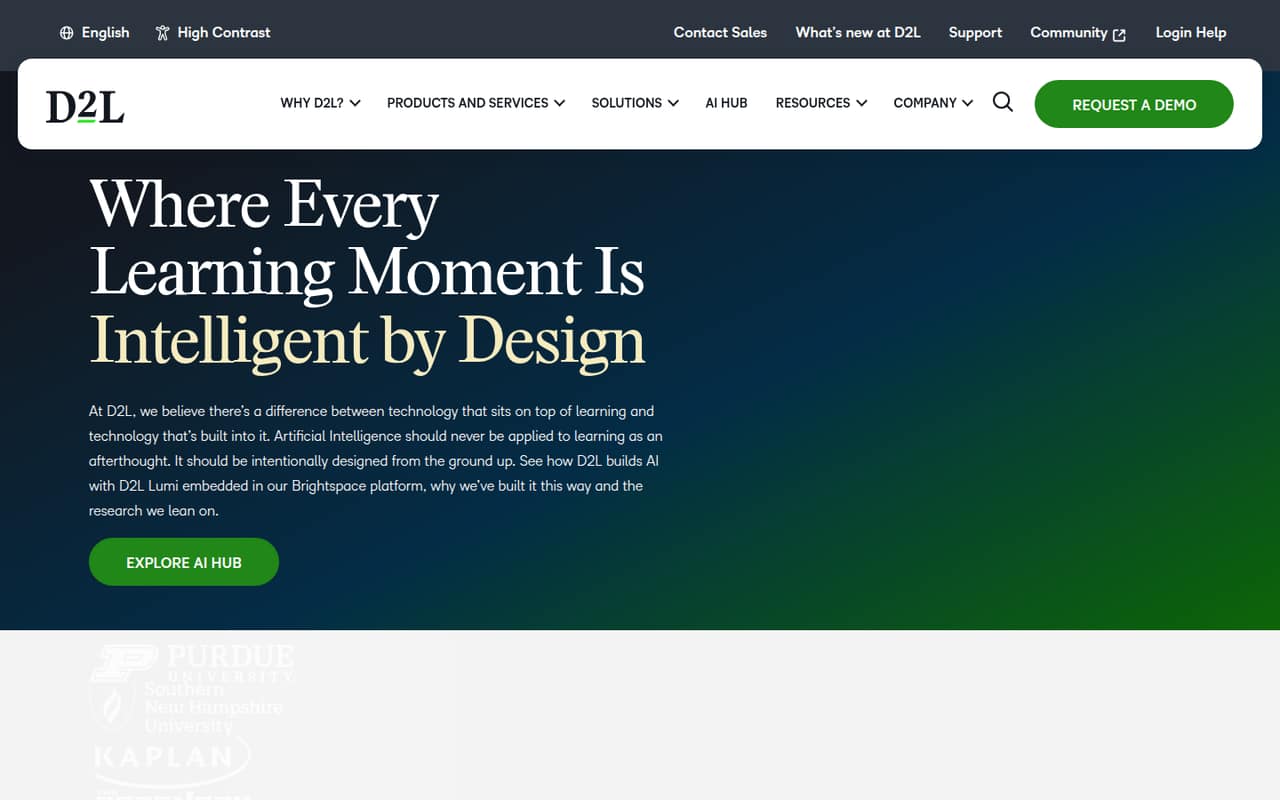
Brightspace brings course design, assessments, analytics and embedded AI into one platform for education and workplace learning. That breadth can suit teams building structured training, but it may be more platform than a small group needs.
D2L lists custom pricing based on organization size, user counts, FTE equivalency and feature needs. There’s no published starting price, free plan or free trial, so a small team should get a quote before comparing costs.
Good fit if
- Organizations with structured training
- Schools and higher education teams
- Teams needing learning analytics
Skip it if
- Teams needing a free LMS
- Buyers requiring predictable seat pricing
- Groups wanting a simple course tool
ScoresHow it rates
What works
- Course design and assessments in one platform
- Analytics for tracking learning
- Embedded Lumi AI, per D2L
- Supports education and workplace training
- Personalized learning and e-commerce workflows
What doesn't
- No free plan is listed
- D2L does not publish a starting price
- Add-on prices are not published
- Users report a learning curve
- Some users find the mobile app limited
01Who Brightspace is for
Brightspace is for organizations that need to create and deliver courses, assess learners and track results. D2L presents it for higher education, businesses, training organizations, K-12, associations and government. A small team could use it to run employee training or a structured learning program, but the fit depends on whether it needs a full learning platform rather than a lightweight way to share materials.
The platform combines course design, assessments, analytics, personalized learning and embedded Lumi AI. D2L also describes e-commerce workflows for selling learning programs. That range may help a team with varied training needs, but it comes with a budget question: pricing is custom, based on organization size, user counts, FTE equivalency and required features. For a 1-10 person team watching subscriptions, we’d ask for a quote before investing time in setup. Brightspace makes most sense when learning is a core operation and the organization can support a tailored platform.
02Brightspace free plan and trial
D2L does not list a free Brightspace plan, and a free trial is not published in the pricing information. That means a small team can’t count on testing the platform at no cost or starting with a permanent free tier. Ask D2L directly whether it offers a demo, evaluation access or a limited pilot for your organization; availability and terms are not published.
The cheapest way in is a custom Brightspace Core quote. D2L says pricing depends on organization size, user counts and FTE equivalency, along with required features. There is no public minimum or entry-level price to use as a budget baseline. Before requesting a quote, outline how many learners and administrators you need, which features are essential and whether you need any paid add-ons.
03What a small team pays for Brightspace
The pricing page lists Brightspace Core as custom-priced, with a quote based on organization size, user counts, FTE equivalency and feature requirements. D2L does not publish a starting price or monthly or annual billing rates. So we can’t calculate a reliable cost for one person or do the per-seat math for a team of three or five. Ask D2L for a quote covering your actual learner and administrator counts, and confirm whether the quote is monthly, annual or based on another term.
Creator+, D2L Lumi and Performance+ are listed as add-ons, but their prices are not published. The source does not say which features are included in the Core quote or which require an add-on, so ask for an itemized breakdown before comparing proposals. For a small team, the main budget risk is not a known high seat price; it’s that neither the baseline nor add-on costs are public. Build your budget around a written quote, not an assumed per-seat rate.
04Getting started with Brightspace
Brightspace offers course-building and assessment tools, but Reddit users describe a learning curve and some setup details that need attention. In one professor thread, a commenter says the grade book is separate from assignments and quizzes, so those items need to be linked correctly. Another recommends starting with Course Builder and then adding documents and PDFs before trying more involved quiz options.
A commenter who changed from another learning platform says some calculation questions did not import, which is a reason to check migration requirements before switching. Users also recommend course-copy workflows for repeated sections and mention that training can help faculty rebuild courses. D2L’s feature description does not specify which integrations a small team needs on day one. Ask about connections to your existing identity, content and reporting systems, plus what implementation and training are included in your quote. Plan for configuration and course preparation rather than assuming setup is instant.
05When small teams outgrow Brightspace
Brightspace’s clearest constraint for a small team is commercial: custom pricing makes it hard to forecast what adding learners or features will cost. D2L says user counts and FTE equivalency inform pricing, but does not publish seat rates or thresholds for moving to another tier. If your organization grows, ask how the quote changes with more learners, administrators, feature requirements or add-ons, and whether support is included.
User feedback also points to operational friction that may matter as a team grows. Some professors report that course setup and grade-book linking take attention, while students in other threads describe Pulse as limited compared with the desktop experience. Experiences vary: some educators praise Brightspace’s flexibility, while others prefer simpler navigation. One commenter says their institution charged extra for technical support; that is an individual report, so confirm support terms with D2L. If your team mainly needs a simple place to post materials, the platform’s breadth and custom quote may be more than you need.
From the threadsWhat users say
Reddit sentiment is mixed: some educators value Brightspace’s flexibility and course tools, while others describe a learning curve, awkward setup or mobile limitations. Experiences appear to depend on the institution’s configuration and how much training users receive.
Many choose others such as classroom though for simplicity
the grade book is a separate entity than the assignments/quizzes, and you have to link them and make sure they are linked properly
there’s a learning curve, but you have more adaptability and contouring control with Brightspace
the pulse app is so shitty. it doesn't even have all the tabs from the desktop version and the format causes things to get moved around weird
Questions people ask
Does Brightspace have a free plan?
D2L does not list a free Brightspace plan or a free trial in its pricing information. Ask D2L whether it offers demo or evaluation access for your organization, since those terms are not published. Otherwise, the way in is a custom quote for Brightspace Core.
How much does Brightspace cost for a small team?
D2L does not publish a starting price or monthly or annual rates. Its pricing page says Brightspace Core is custom-priced using organization size, user counts, FTE equivalency and feature requirements. Request a quote for your team size and ask for an itemized list of included features and add-ons.
What does Brightspace include?
D2L describes Brightspace as a learning platform with course design, assessments, analytics, personalized learning and embedded Lumi AI. It also describes e-commerce workflows for learning programs. Confirm with D2L which of these capabilities are included in your Core quote and whether any require paid add-ons.
Does Brightspace work on mobile?
Brightspace has a Pulse app, according to Reddit commenters. Users describe it as useful for checking course materials and grades, but some say it lacks parts of the desktop experience or opens content in browser tabs. Ask D2L which mobile activities your learners and instructors can complete in the app.
Is Brightspace difficult to set up?
Setup can involve building courses, organizing content and configuring assessments. Reddit educators report a learning curve; one notes that assignments and quizzes need to be linked to the grade book. Ask D2L what implementation, migration help and training are included in your quote, especially if you are moving existing courses.