
We may earn a commission if you buy through links on this page. It never changes a score or a ranking. How we make money
The bottom line
Good for browser-heavy jobs, with usage-based limits and annual billing to weigh.
A small team needs Browserless if it wants managed browsers for scraping, automation, or AI agents without maintaining browser infrastructure. The free plan gives you 1,000 units a month, but tight session limits make it better for trying small workflows than running them at scale.
Paid plans are priced by usage, not seats: Prototyping starts at a $25 monthly equivalent billed annually. Reddit users describe both useful workflows and the overhead of self-hosting, so cloud is worth considering if your team wants to avoid maintaining browser infrastructure.
Good fit if
- Teams with existing Puppeteer scripts
- Scraping jobs needing managed browsers
- Small AI-agent development teams
Skip it if
- Teams needing long free sessions
- Low-volume jobs that need no browser
- Teams avoiding usage-based billing
ScoresHow it rates
What works
- Free plan includes 1,000 units monthly
- Connect existing Puppeteer or Playwright scripts
- Scraping API includes anti-bot handling and retries
- Offers search, scrape, and crawl MCP tools
- Supports cloud and self-hosted deployments
What doesn't
- Free sessions max out at two minutes
- Paid monthly prices are not published
- Usage overages add to the bill
- Residential proxies and CAPTCHA solves use extra units
- Self-hosting can mean ongoing infrastructure work
01Who Browserless is for
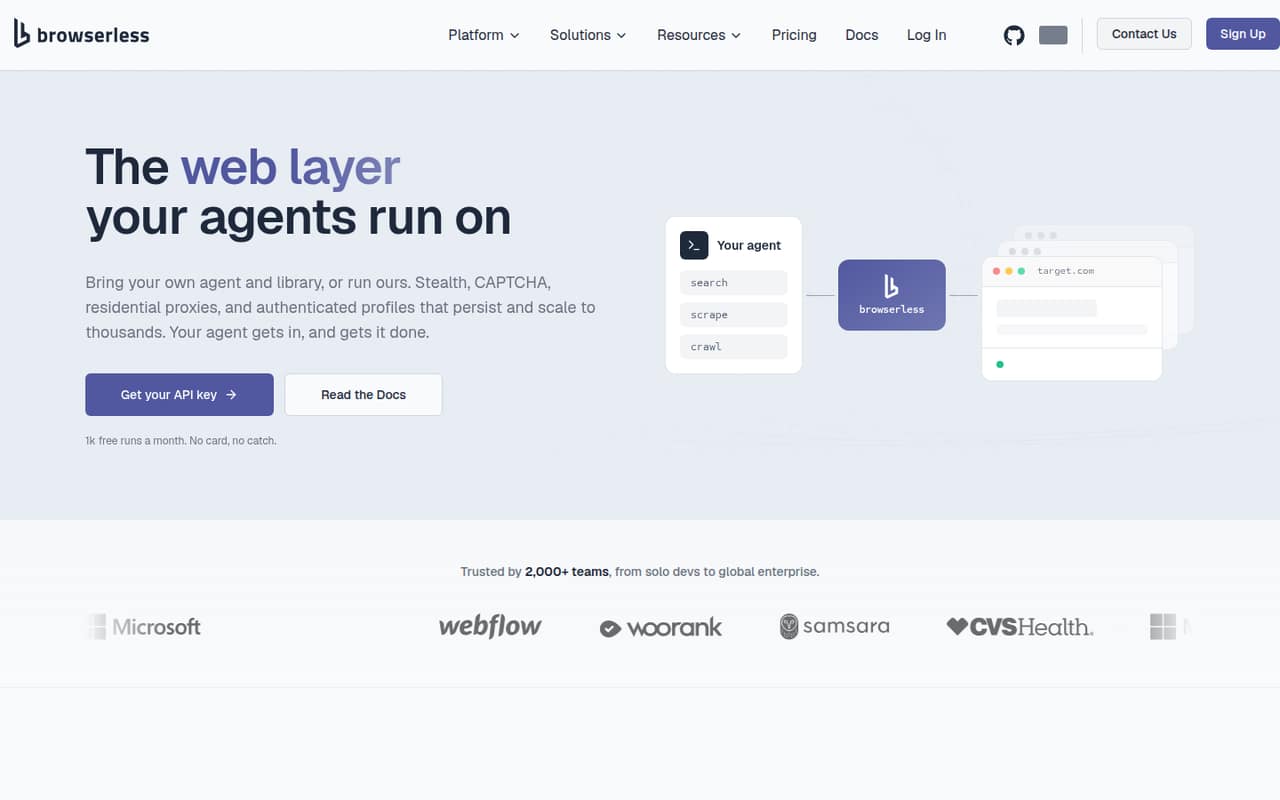
Browserless is for small teams that need a real browser to do work their scripts cannot handle with simple HTTP requests. It provides managed browsers and APIs for scraping, automation, testing, and AI agents. Teams can connect existing Puppeteer or Playwright scripts, use scraping tools, or call APIs to generate screenshots and PDFs.
For a team of one to ten, the case is strongest when browser tasks are central to a product or operation: collecting pages behind bot defenses, automating authenticated workflows, or running browser-based agents. Browserless also offers self-hosting, but that trades a hosted bill for infrastructure to maintain. A solo developer can start on Free; a small team with recurring workloads should compare its unit allowance with the Prototyping plan. Since plans are usage-based rather than seat-based, headcount alone does not determine the bill.
02Browserless free plan and trial
The Free plan costs $0 and includes 1,000 units per month, up to two concurrent browsers, a two-minute maximum session, one day of persisted sessions and replays, and an eight-hour log search window. There is no free trial listed because the free plan is the starting point.
Those limits are enough to explore the API or run small, short workflows. They are restrictive for longer sessions, repeated scraping, or a team that needs saved sessions for more than a day. The plan does not include a published paid-plan allowance for overages; if you need more capacity, Prototyping is the cheapest paid option at a $25 monthly equivalent, billed annually. The vendor does not publish its monthly billing price.
03What a small team pays for Browserless
Browserless lists usage plans rather than per-seat prices. If one person, three people, or five people share a workload that fits the same plan, the listed subscription cost is the same: $0 on Free or a $25 monthly equivalent on Prototyping. Prototyping is billed annually, so that works out to $300 for a year. The vendor does not publish a monthly billing price, and adding people does not have a published seat fee.
Starter costs $140 per month equivalent, or $1,680 for a year billed annually. It includes 180,000 units monthly, a 30-minute maximum session, and 30 days of persisted sessions and replays. That may suit a small team with regular scraping jobs better than Prototyping's 20,000 units and 15-minute sessions. Overages cost $0.0020 per unit on Prototyping and $0.0017 on Starter. Residential proxies use six units per MB, datacenter proxies two units per MB, and each successful CAPTCHA solve uses 10 units. Estimate usage before choosing.
04Getting started with Browserless
Teams already using Puppeteer or Playwright have a direct starting point: Browserless lets them connect their existing scripts to managed browsers. The other entry points are its scraping API, MCP search, scrape, and crawl tools, and APIs for screenshots and PDFs. For a team with browser automation in place, setup is mainly adapting the connection and deciding how much of the workflow should run in Browserless.
The learning curve will be steeper if nobody on the team has worked with browser automation or usage-based infrastructure. Self-hosting adds deployment and upkeep work. In one Reddit thread, a self-hosting user described containers dying mid-session and time spent debugging; another commenter said their team spent six hours a week keeping browser infrastructure running. That is not a universal outcome, but it is a real cost to weigh against a hosted plan.
05When small teams outgrow Browserless
The first sign is hitting a plan's unit allowance or session ceiling. Free stops at 1,000 units a month and two-minute sessions; Prototyping allows 20,000 units and 15-minute sessions, while Starter raises those limits to 180,000 units and 30 minutes. If the workload needs more, Scale lists 500,000 units, 60-minute sessions, and 90 days of persisted sessions and replays. Each upgrade raises the annual commitment, and usage overages still apply.
A team can also outgrow self-hosting before it outgrows the product. One Reddit poster reported containers silently dying and long-running authenticated sessions failing unpredictably; a commenter described spending six hours a week maintaining browser infrastructure. Other users described practical monitoring workflows and liked the ease of Browserless, while a web-scraping poster called it too expensive. Track both usage and staff time: either can make a move to a larger plan, cloud hosting, or another approach worthwhile.
From the threadsWhat users say
Reddit discussion is mixed: users describe useful scraping and monitoring workflows, while self-hosters report maintenance headaches and another user calls the service expensive. The comments point to a tradeoff between paying for managed infrastructure and spending team time operating it.
Keeping track of stuff that doesn't have an RSS feed
In practice I became a part-time DevOps engineer babysitting containers that would silently die mid-session
We were spending like 6 hours a week just keeping the browser infra alive instead of building the actual agents
I really like the ease of using Browserless.io, especially when dealing with AWS Lambdas, but they seem to be too expensive
Questions people ask
Does Browserless have a free plan?
Yes. The Free plan includes 1,000 units per month, two concurrent browsers, a two-minute maximum session, one day of persisted sessions and replays, and an eight-hour log search window. It costs $0, but the session and usage limits make it better for small tests than sustained workloads.
How much does Browserless cost for a small team?
The cheapest paid plan is Prototyping, listed at a $25 monthly equivalent when billed annually, or $300 for a year. Browserless lists usage plans rather than per-seat pricing, so the same plan price applies to a one-person or five-person team if usage fits. Monthly billing prices are not published.
Does Browserless work with Puppeteer and Playwright?
Browserless says teams can connect existing Puppeteer or Playwright scripts to its managed browsers. That makes it a fit for teams that already have browser automation and want to run it on managed infrastructure rather than maintaining browsers themselves.
What counts toward Browserless usage?
Plans include monthly unit allowances, and overages are charged per unit on paid plans. Proxy traffic and CAPTCHA solves also consume units: residential proxies use six units per MB, datacenter proxies two units per MB, and successful CAPTCHA solves use 10 units each.
Can we self-host Browserless?
Browserless supports self-hosted deployments. Enterprise lists private deployment or licensed self-hosting as an option. Consider the maintenance cost as well as the license or plan: Reddit users report spending time debugging and keeping self-hosted browser infrastructure running.
Sources
- Browserless homepage
- Browserless pricing page
- Reddit: Updated my setup so changedetection.io works with browserless v2
- Reddit: Browserbase vs Browserless.. which one actually held up for production agents?
- Reddit: Open-source web automation & scraping tool - Browserless 🤖
- Reddit: Any alternatives to Browserless.io