We may earn a commission if you buy through links on this page. It never changes a score or a ranking. How we make money
A small team may not need a web scraping API if a few public pages and a simple script cover the job. When sites block requests, pages need JavaScript, or scraping upkeep starts eating developer time, a managed API can help. YepAPI stands out for teams that want pay-per-call access without a monthly fee; Spider and Firecrawl are other low-cost places to start. For browser-heavy work, compare Browserless and Browserbase. Most prices here are starting points, not a reliable estimate for several users: ask vendors to price your expected volume and concurrency.
Quick picksThe shortlist
 YepAPIYepAPIBest no-monthly-cost · Custom
 SpiderSpiderBest low-cost start · $6/mo
 FirecrawlFirecrawlBest for AI web data · $16/mo
 ZenRowsZenRowsBest credit-based API · $16/mo
 ScrapingAntScrapingAntBest for JavaScript pages · $19/mo
 ApifyApifyBest for ready-made tools · $19/mo
 ScrapflyScrapflyBest broad scraping API · $30/mo
 ScrapingBeeScrapingBeeBest for recurring collection · $19/mo
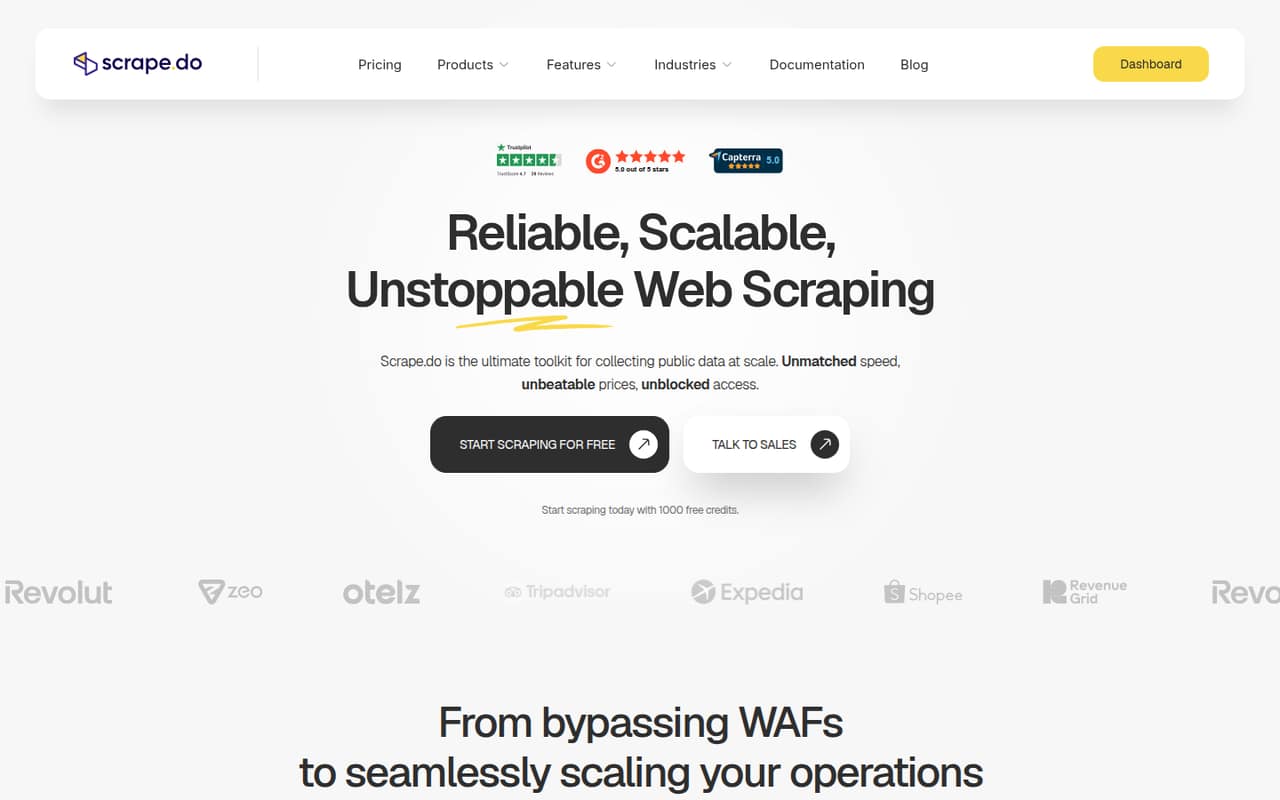
 Scrape.doScrape.doBest for API workflows · $29/mo
 BrowserlessBrowserlessBest for Puppeteer teams · $25/mo
 CrawlbaseCrawlbaseBest for live web data · $90.75/mo
 HyperbrowserHyperbrowserBest for browser agents · $30/mo
 ScraperAPIScraperAPIBest for several sites · $44.10/mo
 BrowserbaseBrowserbaseBest for browser prototypes · Free
 OxylabsOxylabsBest for multiple tools · $15/mo
 DiffbotDiffbotBest for structured extraction · $299/mo
 Bright DataBright DataBest for proxy options · $499/mo
 ZyteZyteBest for Scrapy users · $0.06/mo
 SteelSteelBest for Playwright teams · $250/mo
01Compared at a glance
| Tool | Score | From | Free plan | Trial |
|---|---|---|---|---|
| YepAPIYepAPI | 9.5 | Custom | No | Yes |
| SpiderSpider | 6.5 | $6/mo | Yes | — |
| FirecrawlFirecrawl | 7.2 | $16/mo | Yes | — |
| ZenRowsZenRows | 7.5 | $16/mo | Yes | — |
| ScrapingAntScrapingAnt | 7.2 | $19/mo | Yes | — |
| ApifyApify | 7.5 | $19/mo | Yes | — |
| ScrapflyScrapfly | 8.0 | $30/mo | Yes | — |
| ScrapingBeeScrapingBee | 7.0 | $19/mo | Yes | — |
| Scrape.doScrape.do | 6.4 | $29/mo | Yes | — |
| BrowserlessBrowserless | 7.0 | $25/mo | Yes | — |
| CrawlbaseCrawlbase | 7.0 | $90.75/mo | Yes | — |
| HyperbrowserHyperbrowser | 7.3 | $30/mo | Yes | 14 days |
| ScraperAPIScraperAPI | 7.4 | $44.10/mo | Yes | 7 days |
| BrowserbaseBrowserbase | 6.8 | Free | Yes | — |
| OxylabsOxylabs | 6.8 | $15/mo | Yes | — |
| DiffbotDiffbot | 6.5 | $299/mo | Yes | — |
| Bright DataBright Data | 6.7 | $499/mo | Yes | 7 days |
| ZyteZyte | 7.0 | $0.06/mo | No | 30 days |
| SteelSteel | 7.0 | $250/mo | Yes | — |
02The picks, in detail
- Best no-monthly-costYepAPIYepAPI
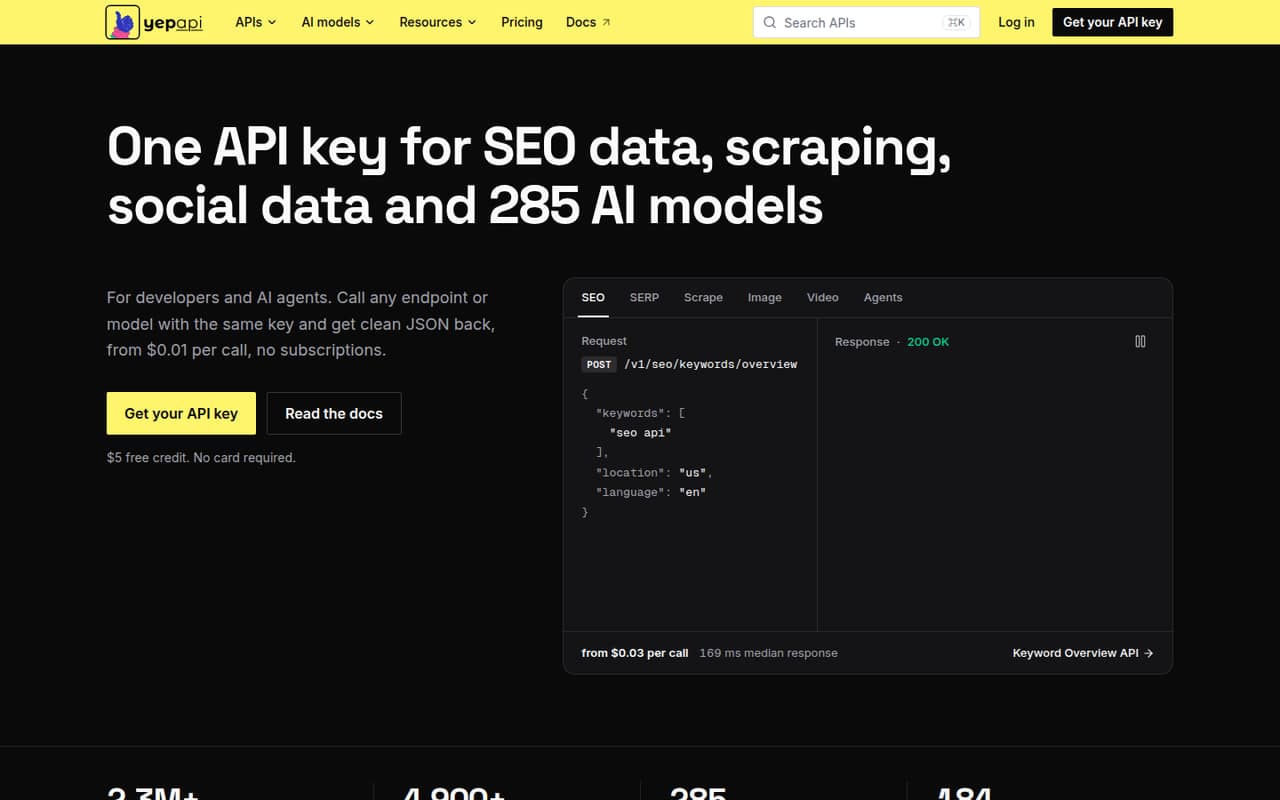
YepAPI is our first pick for a small team that wants to avoid another monthly subscription. The service is a broad, pay-per-call API catalog, and the vendor offers a $5 signup credit. Its listed starting price is unavailable, so ask what your calls will cost and whether the endpoints you need are included. The API-first approach suits developers building data workflows.
What works
- One API key covers several data categories
- Includes SEO, scraping, social, commerce, and AI
- $5 signup credit lowers the cost to try
What doesn't
- No ongoing free plan
- Most endpoint prices are not stated here
- Total spend depends on call volume
- Best low-cost startSpiderSpider
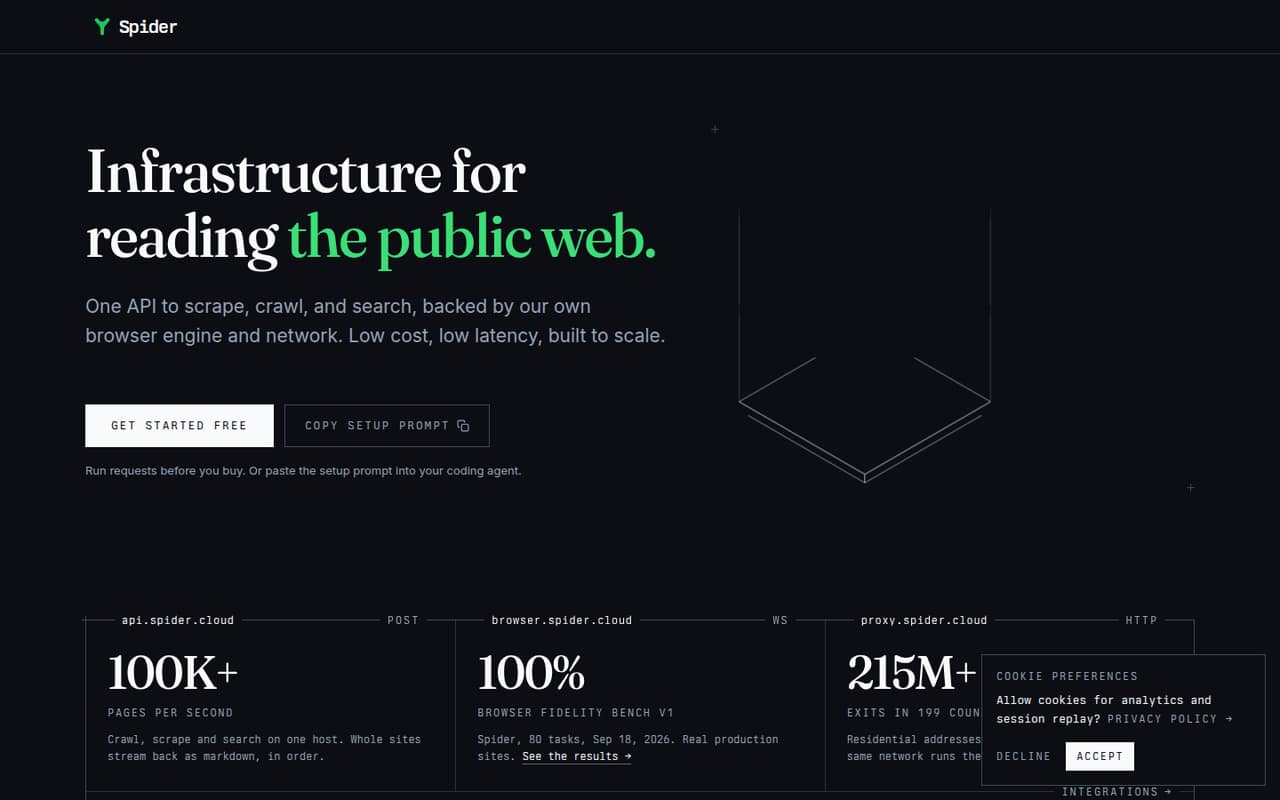
Spider combines a free plan with a listed starting price of $6, making it one of the lowest-cost entry points here. The vendor positions it for web-data workflows and RAG pipelines that need clean page content. Budget depends on usage and concurrency, so a low starting price does not tell you what a production workload will cost. Check both before committing.
What works
- Scrape, crawl, and search through one API
- Returns content as markdown or JSON
- Browser rendering handles scripts and lazy images
What doesn't
- Free-plan allowance and limits are not published
- Pay-as-you-go total cost depends on usage
- Unlimited starts at $40/month
- Best for AI web dataFirecrawlFirecrawl
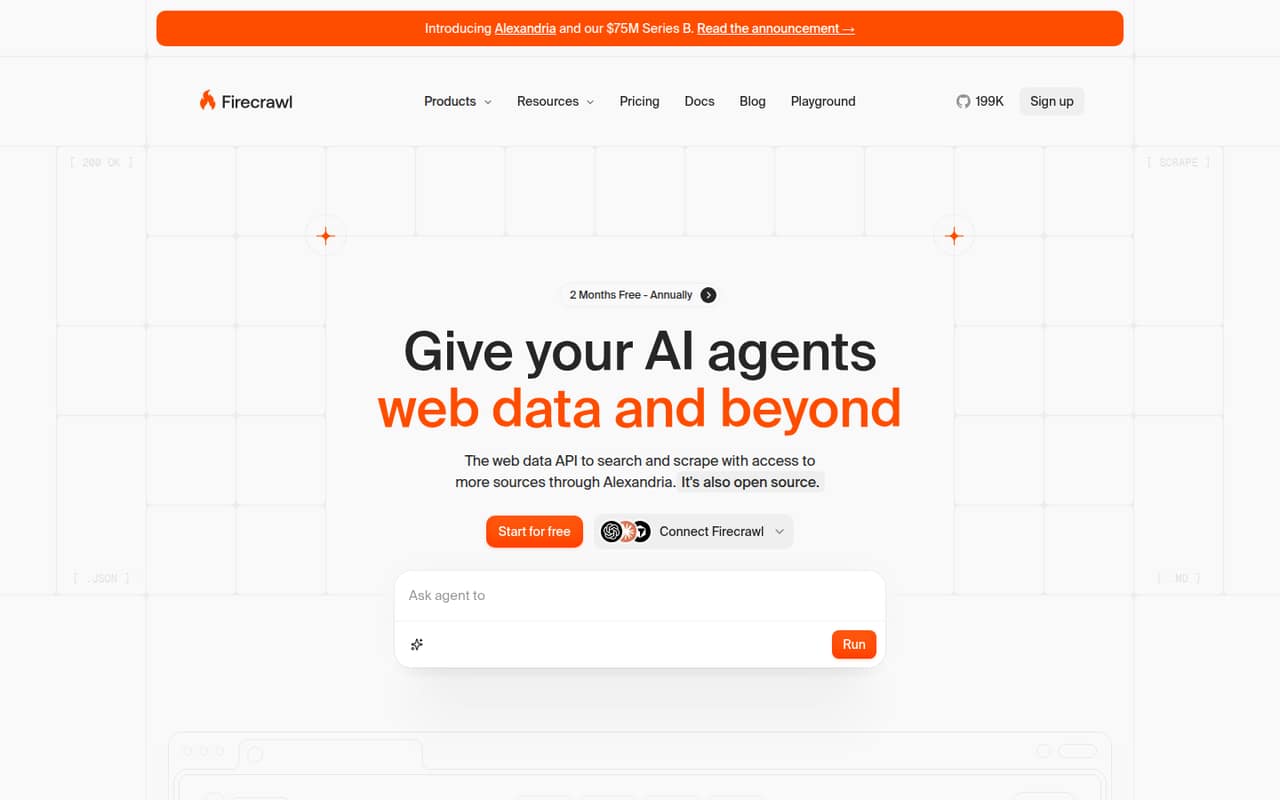
Firecrawl offers a free tier and a listed starting price of $16. Its coverage includes web data tasks, search, and extraction, which can suit a small team building an AI web-data tool. Paid costs depend on usage, so estimate your expected volume before moving past the free tier. It is a practical starting point if you want several data tasks in one service.
What works
- Free plan includes 1,000 monthly credits
- Search, scraping, and page interaction in one API
- Outputs include Markdown, JSON, and screenshots
What doesn't
- Free plan has low rate limits
- Paid usage is credit-based, not seat-based
- Self-hosting reports include setup and reliability complaints
- Best credit-based APIZenRowsZenRows
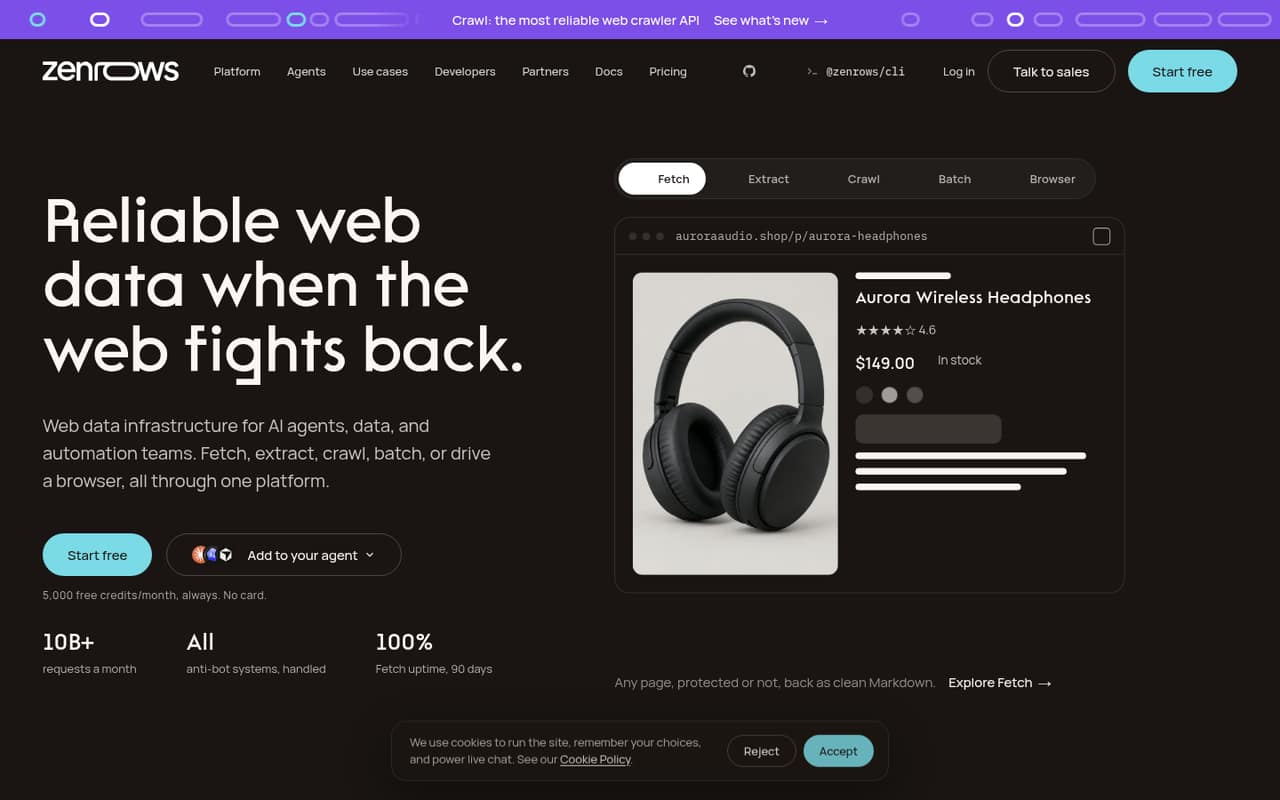
ZenRows has a free plan and a listed starting price of $16 per month. The vendor describes a credit-based web-data service for developers, small teams testing scraping jobs, and AI agents that need page content. That makes it a reasonable option for a modest workflow, provided the credits cover your targets. Ask how rendering and higher-volume use affect your bill.
What works
- Free plan includes 5,000 credits monthly
- Fetch, Extract, Crawl, Batch, and Browser tools
- MCP server, CLI, and SDKs are available
What doesn't
- Free credits do not roll over
- Annual per-month prices are not published
- Top-up pricing is not published
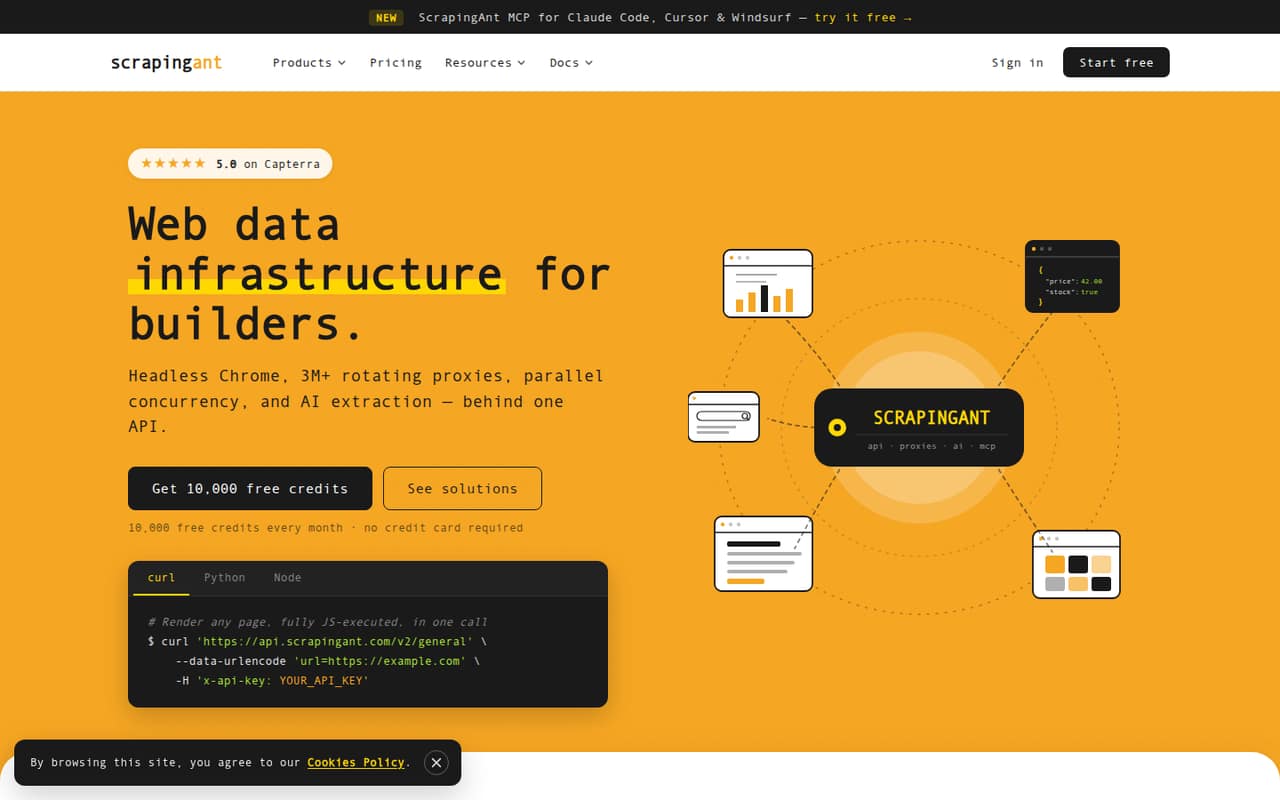
- Best for JavaScript pagesScrapingAntScrapingAnt
ScrapingAnt lists a free plan and a $19 starting price, with JavaScript rendering among its fit points. That gives a developer-led team a relatively accessible way to try managed scraping infrastructure. The vendor’s guidance is to confirm seat rules and credit costs before scaling. Ask for a workload estimate, since the starting price alone does not show what several recurring jobs will cost.
What works
- Free plan includes 10,000 monthly API credits
- Paid plans list unlimited concurrency
- Chrome rendering supports JavaScript-heavy pages
What doesn't
- Free plan allows only one concurrent request
- Seat costs and limits are not published
- Credit overage costs are not published
- Best for ready-made toolsApifyApify
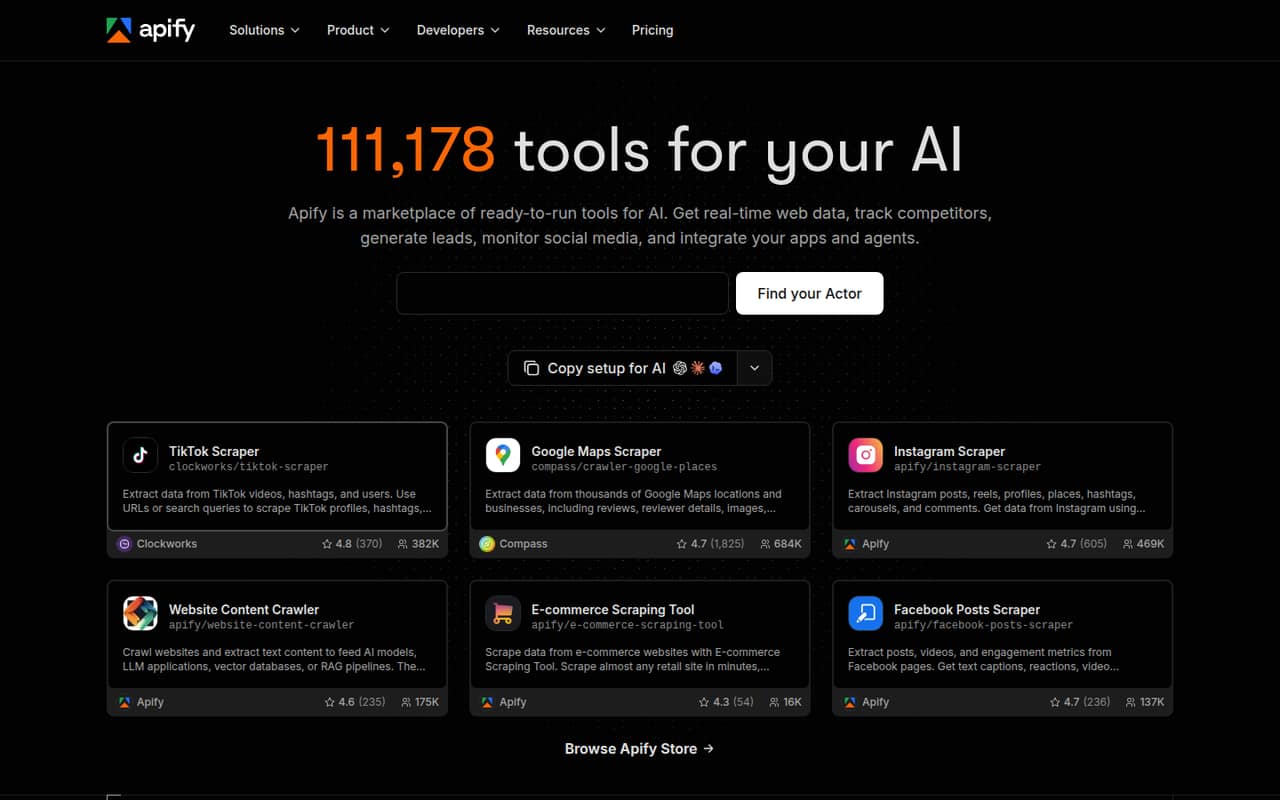
Apify combines a free tier with a listed starting price of $19 and ready-made Actors, which can reduce the work of building every scraper from scratch. The vendor also describes it as a fit for recurring web-data collection and AI workflows. Its flexibility comes with costs to monitor, so check the pricing for the Actors and run frequency you expect before using it for regular production work.
What works
- Free plan includes $5 monthly prepaid usage
- Marketplace includes ready-made web data Actors
- Build and deploy custom Actors
What doesn't
- Free plan allows five concurrent runs
- Unused prepaid credits expire each billing cycle
- Custom compute-heavy runs can raise costs
- Best broad scraping APIScrapflyScrapfly
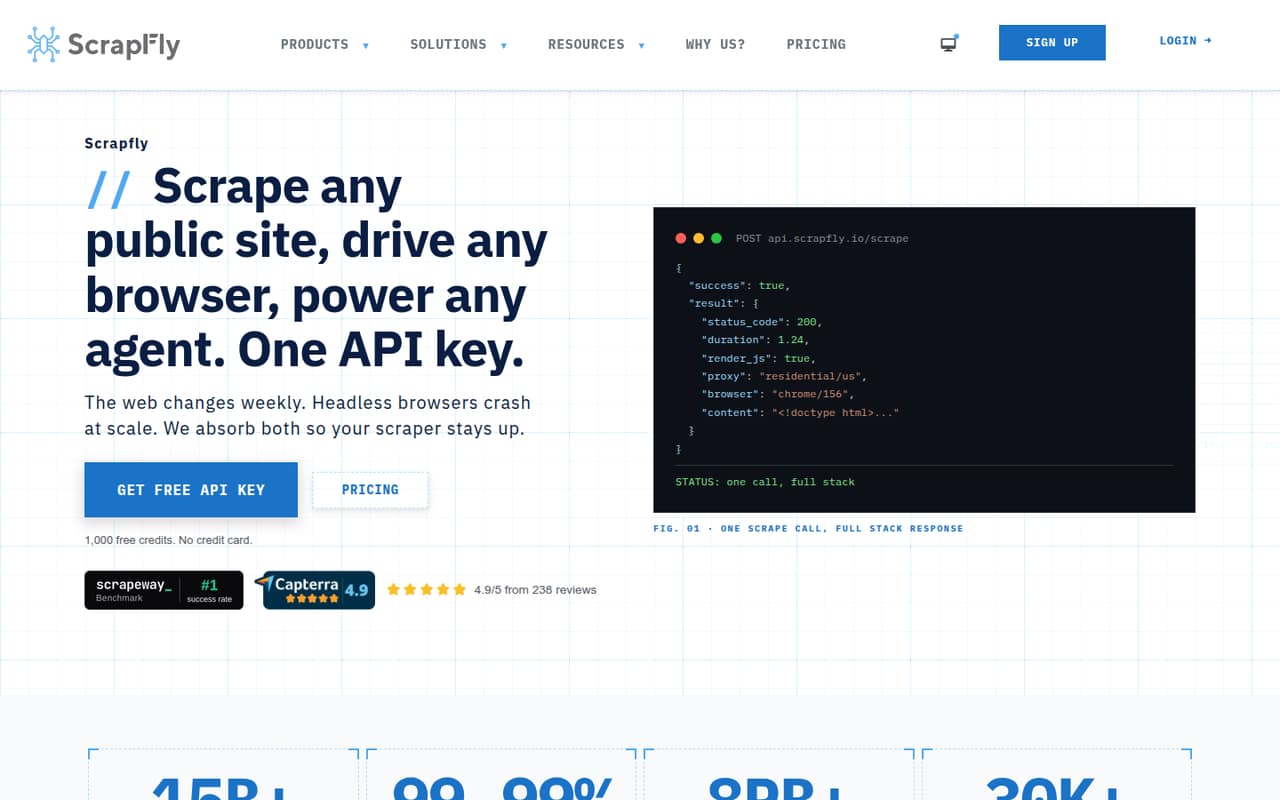
Scrapfly has a real free tier and paid plans starting at $30 per month. Its listed use cases span several scraping jobs, browser automation prototypes, and managed proxies. That breadth can help a small team consolidate tools, but the monthly price is higher than the cheapest entries here. Check which plan covers your jobs and whether usage or team access changes the total.
What works
- Free plan includes every product and 1,000 signup credits
- One API platform covers scraping, browsers, screenshots and crawling
- Paid plans list monthly credits and concurrency limits
What doesn't
- Free credits are a signup allotment, not a monthly allowance
- Discovery costs $30/month and has no pay-as-you-go
- Paid plans cap concurrent requests
- Best for recurring collectionScrapingBeeScrapingBee
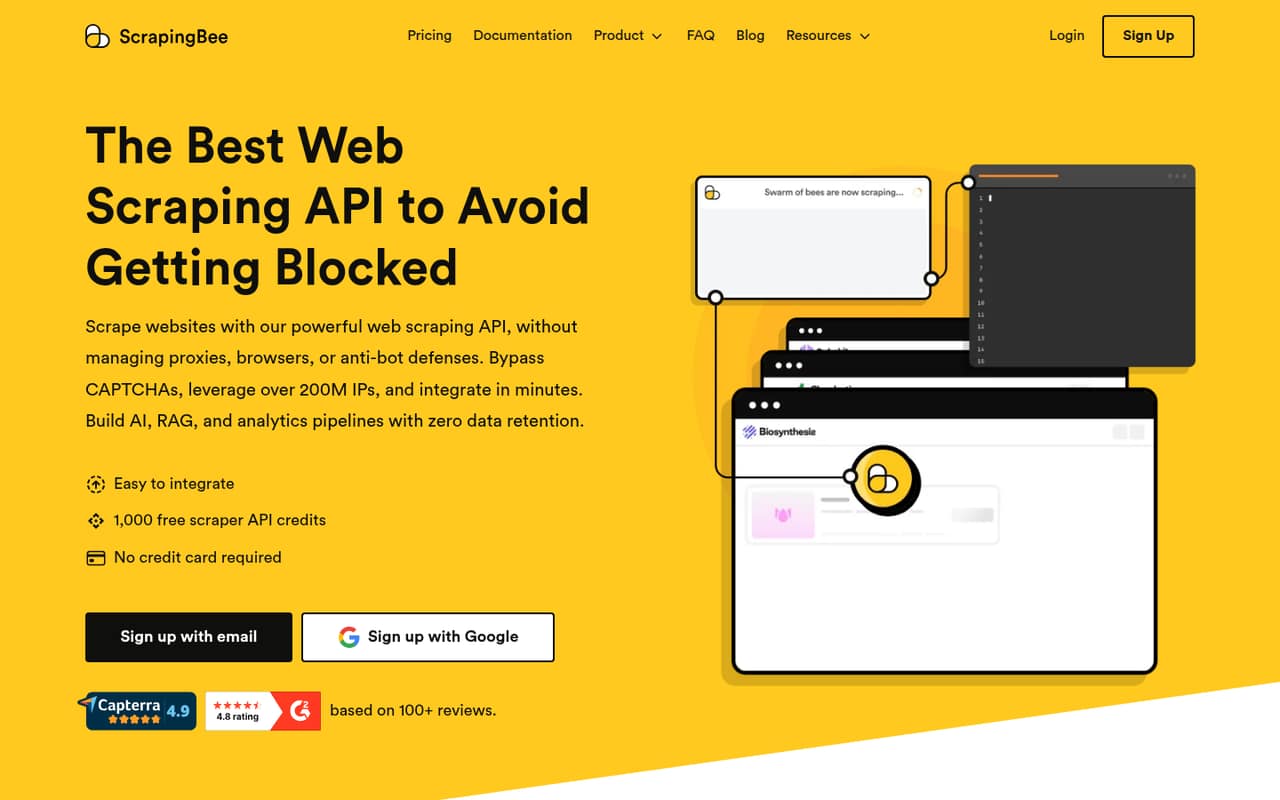
ScrapingBee lists a free plan and a $19 starting price, with managed proxy handling and JavaScript rendering for recurring data collection. That can appeal to a small team that wants an API rather than maintaining proxy infrastructure. The key question is whether monthly credits cover your target sites and rendering needs. Ask for an estimate using your expected request volume before choosing a paid plan.
What works
- 1,000 free API credits; no card required
- JavaScript rendering included in listed plans
- Automatic proxy rotation and geotargeting
What doesn't
- Credits expire monthly without rollover
- JavaScript rendering uses five credits per success
- Premium proxies use 10 or 25 credits per success
- Best for API workflowsScrape.doScrape.do
Scrape.do offers a free plan and a listed starting price of $29. The vendor highlights scraping public data, JavaScript rendering, and an API workflow, which suits developers who want to send requests rather than manage a browser stack. Its API approach and team access need checking before you scale. Ask how usage is counted and whether several teammates can share the account.
What works
- Free plan includes 1,000 successful API credits
- Handles proxies, headers and CAPTCHA challenges
- JavaScript rendering and interactions are supported
What doesn't
- Hobby costs $29 monthly after the free plan
- Annual billing and prices are not published
- Extra-credit pricing is not specified
- Best for Puppeteer teamsBrowserlessBrowserless
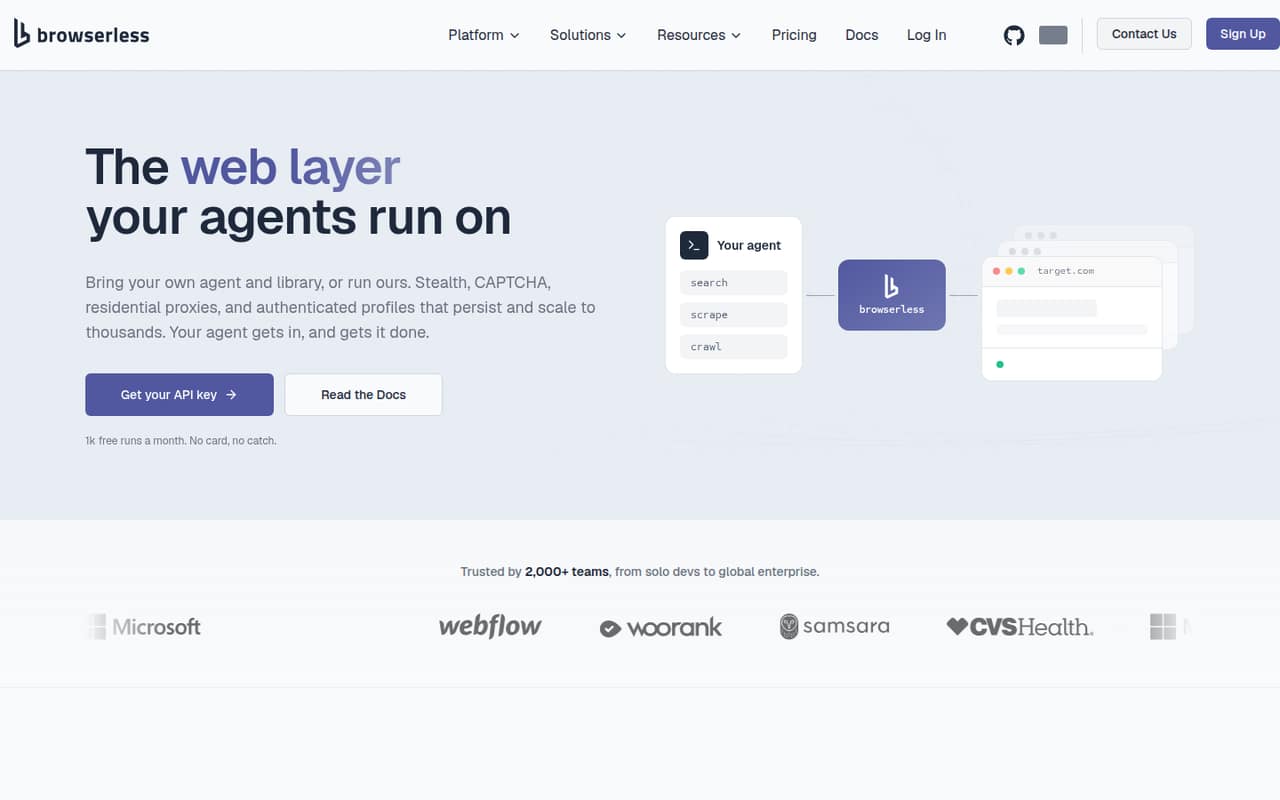
Browserless starts at a listed $25 and has a free plan. It is especially relevant if your team already has Puppeteer scripts and wants managed browsers for scraping or AI-agent work. Usage limits and annual billing are factors to weigh, so compare the commitment with the workload you expect. This is a browser-focused option, rather than the simplest fit for teams that only need a basic fetch API.
What works
- Free plan includes 1,000 units monthly
- Connect existing Puppeteer or Playwright scripts
- Scraping API includes anti-bot handling and retries
What doesn't
- Free sessions max out at two minutes
- Paid monthly prices are not published
- Usage overages add to the bill
- Best for live web dataCrawlbaseCrawlbase
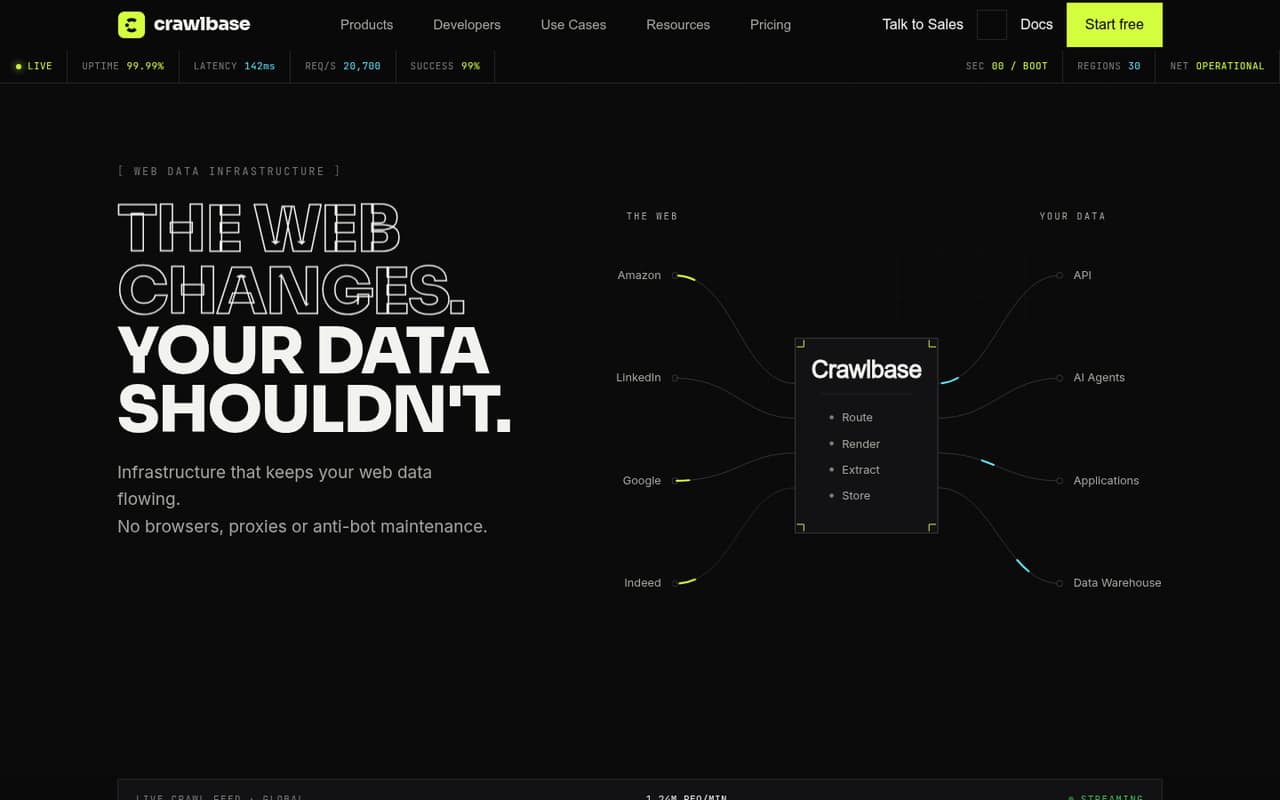
Crawlbase has a free entry point and a listed starting price of $90.75. Its API-first setup is aimed at live web data and variable-volume crawling projects. The price is comparatively high for a small team, and credit math needs attention. Before buying, map your expected crawl volume to the vendor’s credit rules and check whether the plan fits your development workflow.
What works
- Pay-as-you-go has no monthly fee
- Free credits are available to start
- Offers browser rendering and anti-bot handling
What doesn't
- Starter costs $99 monthly
- Credit use varies by feature
- Unused monthly credits reset
- Best for browser agentsHyperbrowserHyperbrowser
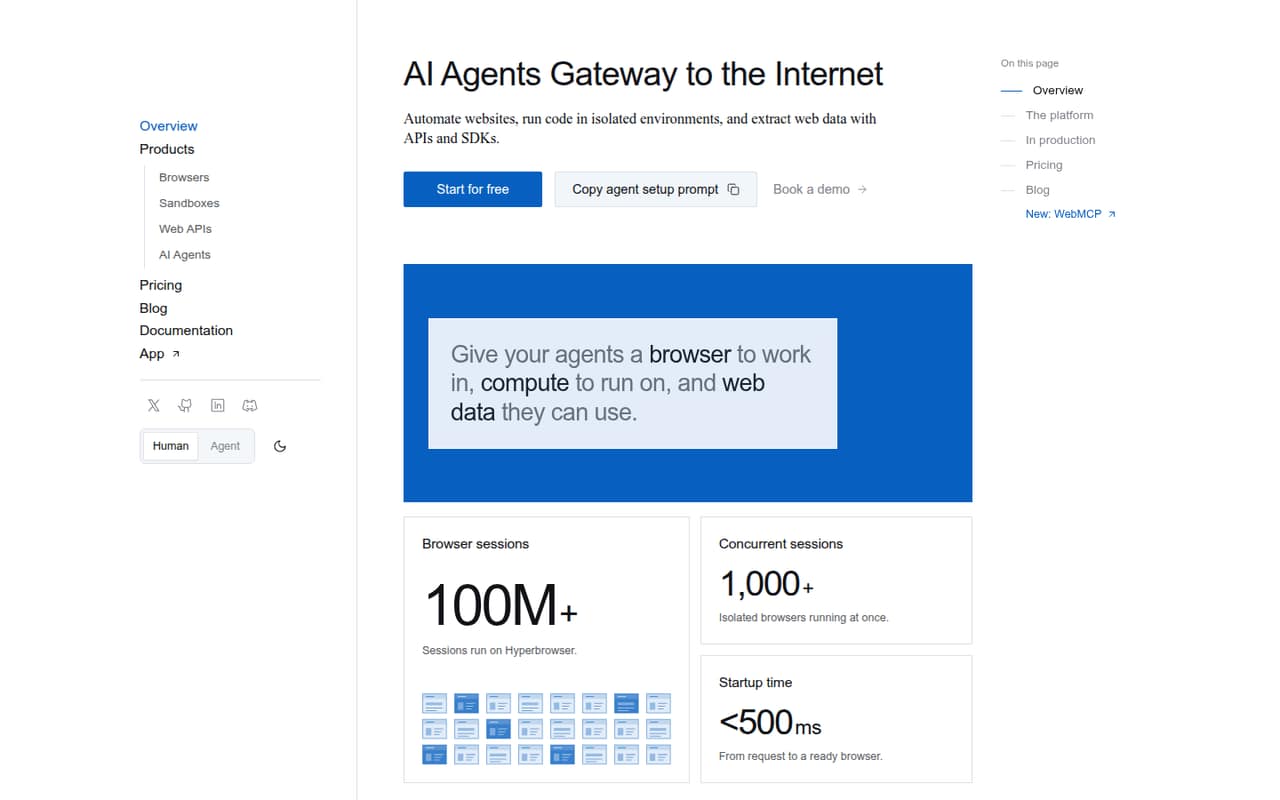
Hyperbrowser lists a free plan and a $30 starting price, with cloud sessions for browser agents, small-scale crawling, and extraction. It offers more than a basic page-fetch API, which may help if your team is building browser-using agents. Budget depends on usage rather than just the monthly plan. Ask how session volume and concurrency change the bill before making it part of production.
What works
- Free plan includes all four products
- Cloud Chrome works with Playwright or Puppeteer
- Web API returns Markdown, HTML, screenshots, or JSON
What doesn't
- Free plan is limited to 5,000 credits
- Only one concurrent session on Free
- Annual plan prices are not published
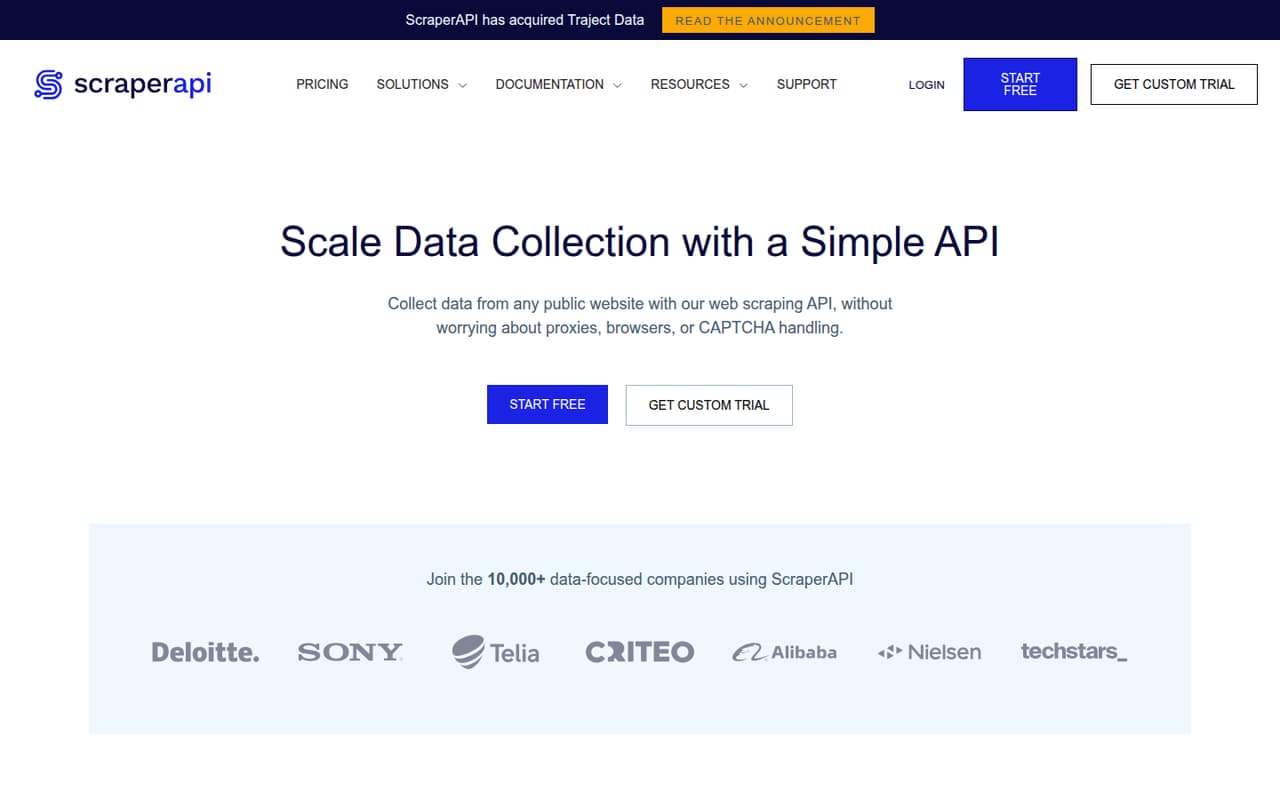
- Best for several sitesScraperAPIScraperAPI
ScraperAPI has a free entry point and a listed starting price of $44.10. The vendor positions it for scraping several public websites, avoiding proxy maintenance, and small workflows that need structured results. It may be worthwhile when keeping infrastructure running costs more than the service, but that depends on your workload. Check what the free access covers and estimate paid usage before scaling.
What works
- Free account includes 1,000 API credits
- Handles proxy rotation, CAPTCHA, and browser needs
- Structured endpoints cover Amazon, Google, and Walmart
What doesn't
- Free credits may not cover a recurring workflow
- Hobby costs $49 monthly before annual billing
- Credit cost by target website is not stated
- Best for browser prototypesBrowserbaseBrowserbase
Browserbase offers a free plan for teams building browser-using agents or testing light browser usage without maintaining browser infrastructure. Its listed starting price is unavailable, so get a usage estimate before relying on it in production. This is a better fit for a browser-agent prototype than for a team that only needs a simple scraping endpoint. Confirm how sessions and usage are billed.
What works
- Free plan includes browser hours and agent runs
- Cloud browsers can navigate, fill forms, and act
- Search and Fetch APIs provide agent context
What doesn't
- Monthly and annual base prices aren't published
- Free plan includes just one browser hour
- Usage over included amounts can raise costs

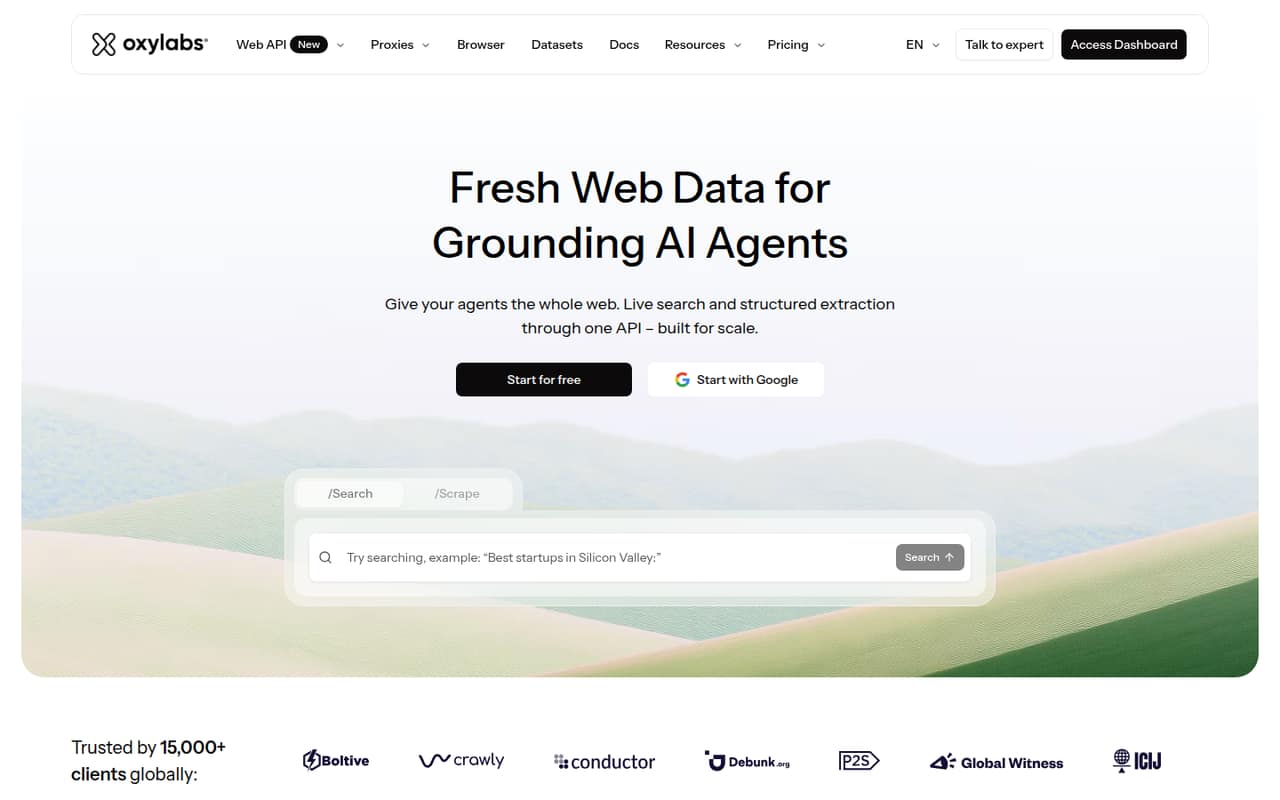
- Best for multiple toolsOxylabsOxylabs
Oxylabs lists a free plan and a $15 entry plan, alongside public-web data tools and search for AI agents. That breadth could suit a technical team that needs more than one kind of data service. The free credit and entry plan may not fit every small team, so ask what the free access includes and how your expected requests affect costs before choosing it.
What works
- Offers search, scraping, proxies, and browser tools
- $5 welcome credit can be used toward any product
- Starter begins at $15 per month
What doesn't
- Free credit is small for sustained use
- Annual billing prices are not published
- Per-seat pricing is not published
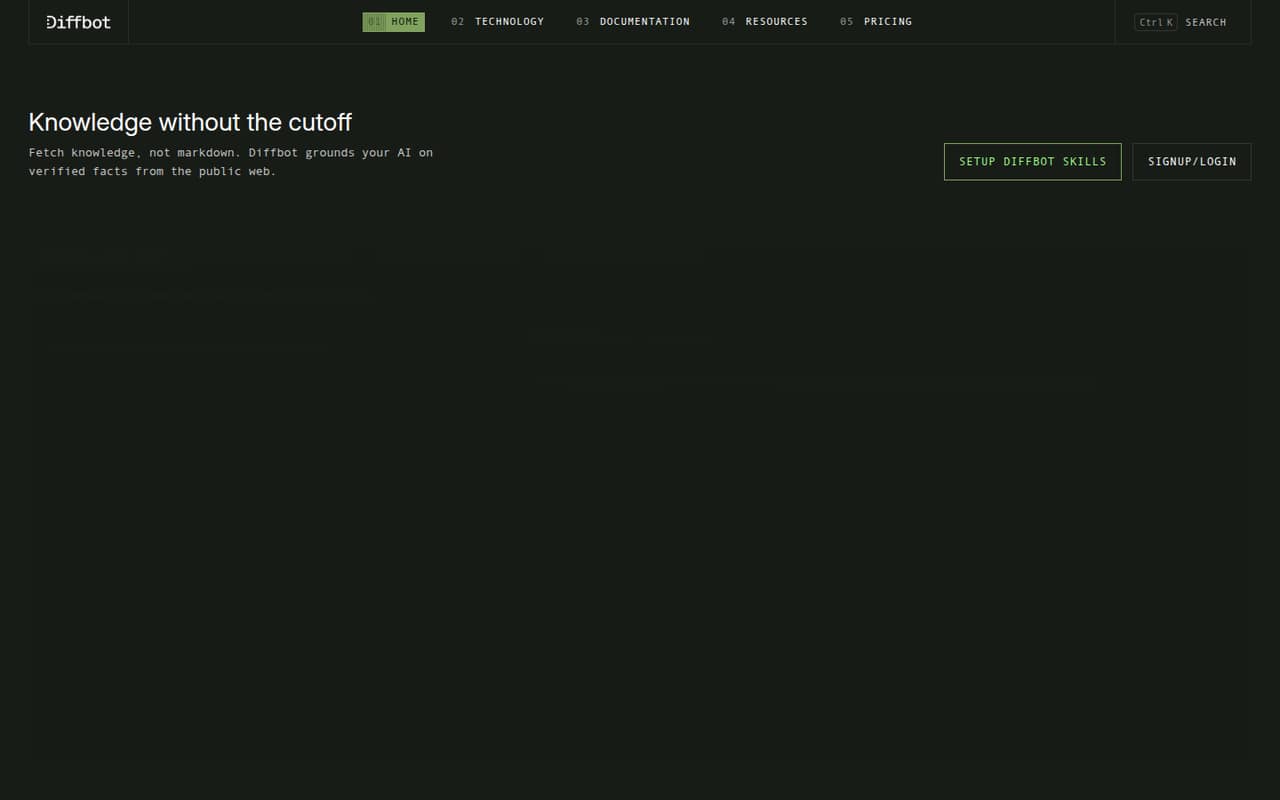
- Best for structured extractionDiffbotDiffbot
Diffbot offers a free tier and web-data APIs for structured page extraction and querying public web data. Its listed production starting price is $299 per month, a steep commitment for many teams of 1–10. It makes more sense when structured extraction is central to a product or research workflow. Confirm what the free tier allows and what a production setup requires.
What works
- Free plan includes 10,000 monthly credits
- Free plan covers all four APIs
- Extracts structured data from pages
What doesn't
- Startup costs $299 per month
- Free plan is limited to 5 requests per minute
- Startup user-seat allowance is not published
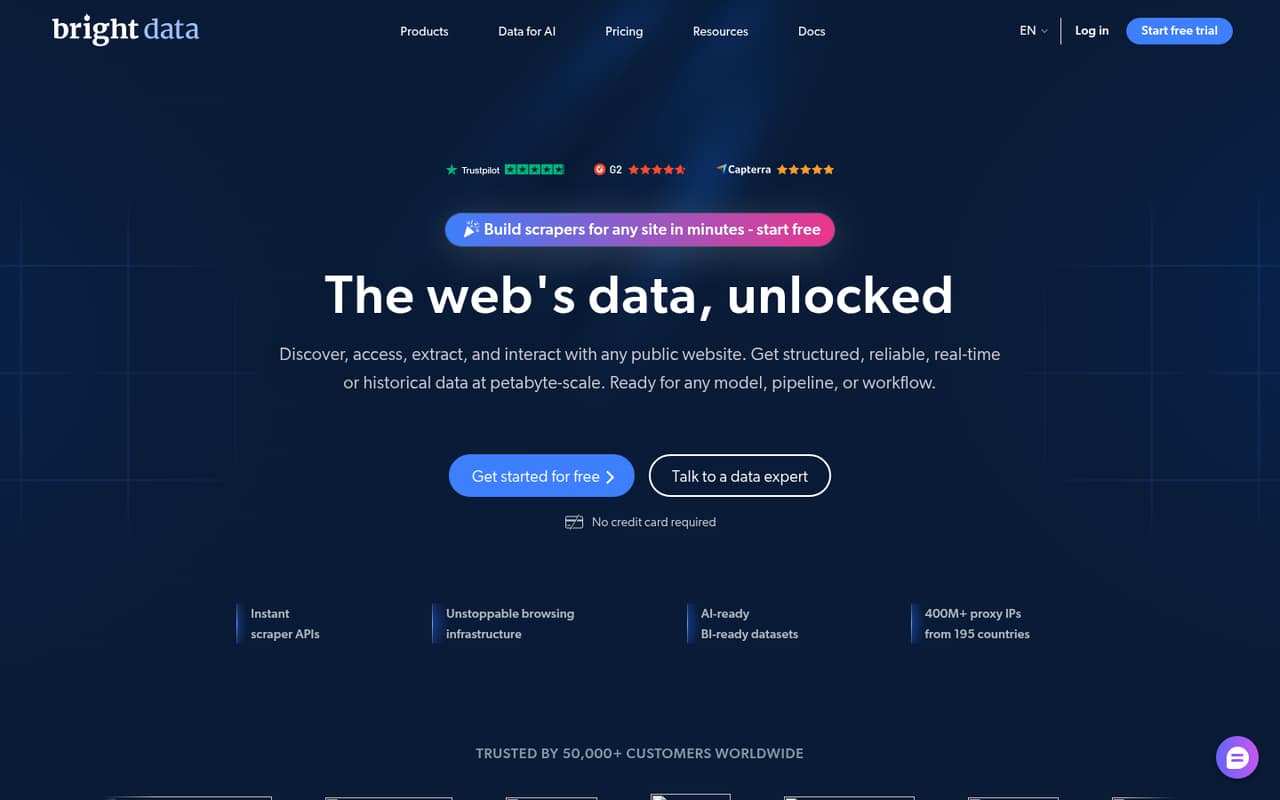
- Best for proxy optionsBright DataBright Data
Bright Data has a free starting point and multiple data tools, with proxy options for technical teams collecting public-web data. Its ongoing team plans start at $499 per month, according to the listed pricing summary, so the free entry point should not be mistaken for a low-cost production plan. Ask which tools and limits are included before budgeting for regular team use.
What works
- Free Tier includes several monthly usage allowances
- Scraper APIs include pre-built or custom endpoints
- Offers proxies, datasets, and web access APIs
What doesn't
- Scale starts at $499 per month
- Usage costs vary by product and volume
- Annual pricing is not published
- Best for Scrapy usersZyteZyte
Zyte’s listed starting price is $0.06, and the vendor describes a toolkit for website data, hosted crawlers for Scrapy users, and recurring data delivery. Because the price is usage-based, small teams should estimate requests and delivery needs rather than compare it with a monthly subscription alone. Ask for a cost forecast for your target sites and expected schedule.
What works
- One API for website access and extraction
- HTTP and browser request pricing options
- Managed, deduplicated data delivery
What doesn't
- No free plan
- Trial credit is only $5
- Request rates vary across five website tiers
- Best for Playwright teamsSteelSteel
Steel is aimed at browser-based AI agents and developers already using Playwright, with a free plan and a listed starting price of $250. That makes it a costly starting point for many small teams, even if browser workflows are a close fit. Plan for both API setup and usage costs, and ask the vendor to estimate the workload before testing it in a production budget.
What works
- Free Launch plan includes three seats
- Supports Playwright, Puppeteer and Selenium
- Keeps cookies, tabs and session state
What doesn't
- Launch is limited to three seats
- Launch credits are one-time, not monthly
- Browser usage is billed separately
03How we chose
We ranked these services for teams of 1–10, giving weight to free access, the lowest listed paid price, and whether the setup looks like an API, a hosted browser, or a broader toolkit. We also considered plan limits, how clearly pricing explains usage, and what vendor docs say about setup and billing. Reddit sentiment can add useful context, but it is secondary to current pricing and documented limits. We did not run tests. A starting price is not a quote for a few seats, and most listings do not show seat costs, so confirm account rules and workload pricing with the vendor.
04Start with the job, not the feature list
A scraping API is worth paying for when a plain script is not enough: perhaps pages require JavaScript, requests get blocked, or someone on the team keeps fixing proxies and browser infrastructure. If you only need a small batch of accessible pages, start with a free plan or a one-off script instead of signing up for a large monthly bill.
Match the product type to the job. A fetch API is usually a simpler starting point for page retrieval; a hosted browser is more relevant when your workflow depends on browser sessions or existing automation code. A broader platform or ready-made Actors may save build time, but check that the included tools are ones you will use. Before buying, try your target pages, record the volume you expect, and ask the vendor what happens when a request needs rendering or retries.
05Price the workload and the people using it
A low starting price does not tell you the monthly cost for a working team. Ask how the vendor counts requests, credits, sessions, or concurrency, and whether JavaScript rendering changes the charge. Get a quote based on your expected targets and run schedule. Also confirm whether a free tier has limits that affect your real workload, and whether credits expire or roll over if the vendor’s pricing explains those rules.
Seat pricing is not listed for many of these products, so ask whether teammates share one account, need separate logins, or pay extra. Include setup time in the decision: an API call may be easier to add than a browser workflow that needs changes to existing scripts. Revisit the choice when the service’s usage bill, debugging work, or limits start to outweigh the time it saves.
Questions people ask
Does a small team need a web scraping API?
Not always. If a simple script can collect accessible pages reliably and the volume is small, a paid API may add cost without solving a real problem. Consider one when blocking, JavaScript rendering, proxy upkeep, or recurring fixes take too much team time.
Which web scraping API is cheapest to start?
Spider lists a free plan and a $6 starting price. YepAPI has a $5 signup credit and no monthly fee, but its starting price is not listed. These are entry points, not estimates for a production workload; check usage costs before choosing.
How much will a scraping API cost for a few people?
Most listed prices describe a starting plan or usage price, not the total cost for several teammates. Seat rules and workload charges vary, and many listings do not state seat pricing. Ask vendors about shared accounts, request or credit limits, and your expected volume.
Should we choose an API or a hosted browser?
Choose an API-first service when you need a straightforward way to fetch or extract pages. Consider a hosted browser when your workflow depends on browser sessions, browser automation, or existing Puppeteer or Playwright scripts. Check the setup work and usage limits for your specific job.