
We may earn a commission if you buy through links on this page. It never changes a score or a ranking. How we make money
The bottom line
Useful for quick browser checks, with team pricing that climbs as seats and coverage grow.
Small teams that need occasional checks in real browsers may not need a paid plan: Browserling offers a free option, though live sessions are limited. Its paid plans add browser coverage, screen resolutions, geo-browsing and team billing at different price points.
For a team, Team Starter costs $29 per user monthly or $19 per user per month when billed annually. That is $87 monthly for three seats or $145 for five on monthly billing; check the coverage limits before committing.
Good fit if
- Teams checking website rendering
- Quick tests in real browsers
- Security teams inspecting suspicious links
Skip it if
- Teams needing unlimited free sessions
- Budgets that cannot support per-seat costs
- Teams needing unlisted integrations
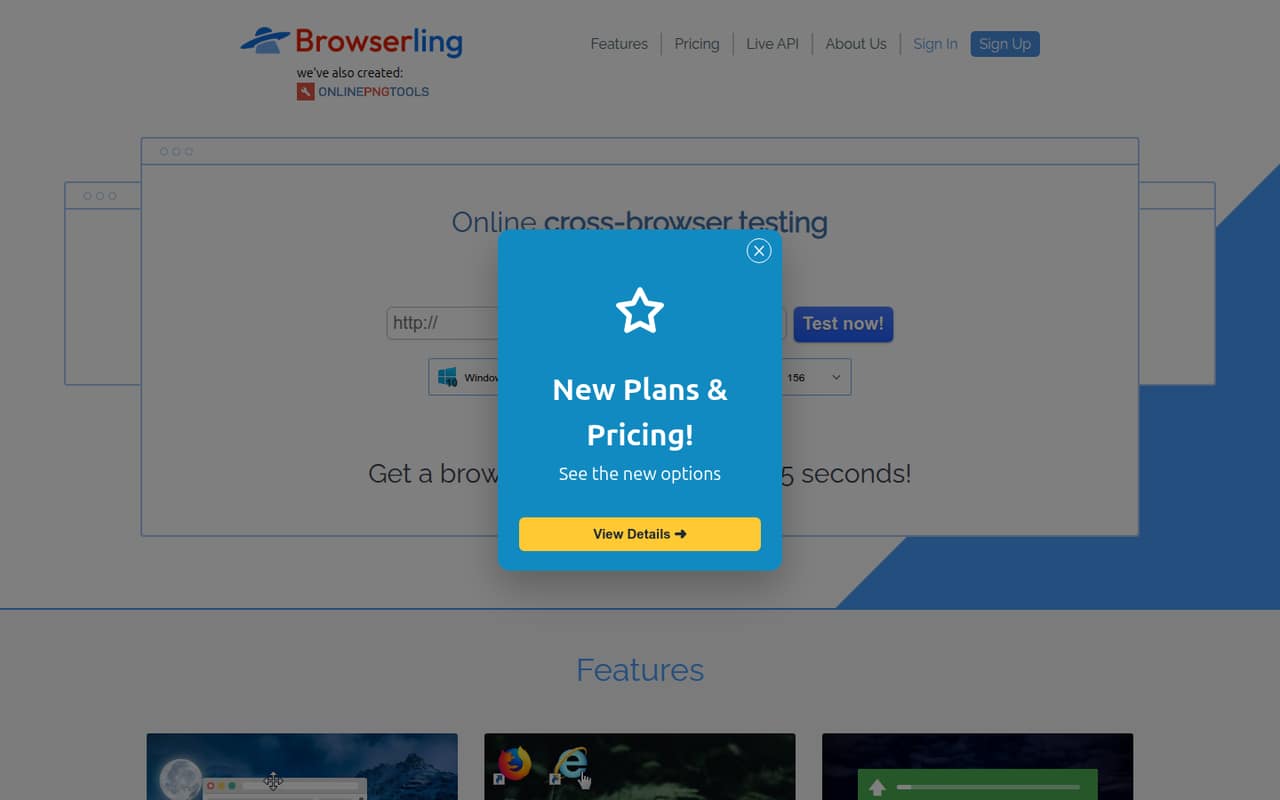
ScoresHow it rates
What works
- Free plan requires no credit card
- Live access to real desktop and mobile browsers
- Team Starter includes unified billing
- Responsive and geo-browsing features
- Screenshots can be saved and shared
What doesn't
- Free sessions are limited
- Team plans charge per user
- Team Starter covers only Windows 10 and 11
- Mobile browsers require a higher-tier plan
- A Reddit user reported long queues
01Who Browserling is for
Browserling suits a small web or QA team that needs to check how a site looks or behaves in different browsers without maintaining its own collection of devices. It provides live sessions with real browsers running in isolated sandboxes on Browserling’s servers, rather than just screenshots or emulators. The service also offers screenshots, screen resizing, SSH tunnels and geo-browsing.
For a team of one to ten, the fit depends on how often people need access. An occasional tester can start with the free plan; a small team that wants shared billing and team management can consider Team Starter. That plan focuses on Windows 10 and 11, so it may be enough for basic desktop checks but not for a team that needs Android, macOS or iOS coverage. Browserling also presents the service as a way to inspect suspicious links and files. We would treat that as a useful sandboxing option, not a replacement for a security team’s wider controls.
02Browserling free plan and trial
The free plan includes limited live sessions, Windows 10 browser access and no credit card requirement. That makes it a reasonable way to see whether Browserling fits an occasional testing task before paying. The vendor does not publish an exact session allowance in the published plan details, so ask how the limit is calculated if your team expects regular use.
There is no free trial listed. A Reddit user who used Browserling for work website checks said they were hitting the free-plan limit. That is one person’s report, but it is a reminder that free access may not stretch to repeated team use. The cheapest paid individual option is Starter at $12 per month, or $9 per month with annual billing. For team management and unified billing, Team Starter begins at $29 per user monthly.
03What a small team pays for Browserling
The pricing page lists individual Starter at $12 per month, or $9 per month billed annually. For a team, Team Starter is $29 per user monthly or $19 per user per month on an annual plan. That makes three seats $87 monthly or $57 per month equivalent with annual billing; five seats cost $145 monthly or $95 per month equivalent annually. Annual plans are paid yearly and cost two months less, so those annual equivalents mean $684 for three seats and $1,140 for five.
Team Starter includes Windows 10 and 11, geo-browsing in five countries, 100 uploads per user each month, team management and unified billing. Team Plus costs $49 per user monthly or $39 annually per month equivalent, adding Windows 11 through XP, Android, resolutions up to 4K, 25-country geo-browsing and 1,000 uploads per user monthly. There are no add-ons listed. The pricing page does not list a separate setup fee.
04Getting started with Browserling
Browserling is an online browser service, so its basic model is to open a session in your browser and interact with the remote browser. That suggests less setup than maintaining a separate device lab, though the vendor’s published plan details do not spell out every onboarding step. The main early decision is which browsers and operating systems your team needs, since those vary by plan.
Team Starter lists team management and unified billing, which can help a small group share an account. The published plan details do not list integrations, so ask the vendor about connections to your bug tracker or team workflow before signing up. If you need to test a local host or server, Browserling lists SSH tunnels as a feature. For mobile testing, real iOS and Android browser access appears on higher-tier plans, not Team Starter. We would start by confirming session access, the needed browsers and any network setup with the vendor.
05When small teams outgrow Browserling
The first pressure point is session access: the free plan has limited live sessions, and a Reddit user said they hit the limit while checking work websites. Another person looking for a Browserling substitute reported a queue that had become too long for their quick investigations. Those are individual reports, not a measure of typical availability, but teams relying on fast or frequent checks should ask about queues and session limits.
The next pressure point is coverage and seat cost. Team Starter is limited to Windows 10 and 11 and 100 uploads per user each month. Android and broader Windows versions require Team Plus; macOS and iOS browsers require Team Pro, listed at $79 per user monthly or $59 with annual billing. A growing QA team should compare that per-seat spend with its testing frequency and required browser mix. For security use, one Reddit commenter questioned host protection and another described the browsers as running in virtual machines on Browserling’s infrastructure; ask the vendor about the isolation model and data handling for your threat model.
From the threadsWhat users say
The small amount of Reddit discussion is mixed: users describe practical browser-checking and sandbox use, while others report free-plan limits or long queues. One commenter also raised a security question, with another explaining their understanding of the sandbox.
It has a queue system and for past couple of days the queue is too long for me
I use Browserling to test how the webpages of my employer would look in various browsers, but lately I keep running into "free plan limited reached" page instead, even on incognito mode
It is sandboxed
How do you know you aren’t putting your machine at risk when inspecting malicious links?
Questions people ask
Does Browserling have a free plan?
Yes. The free plan includes limited live sessions, Windows 10 and no credit card requirement. The vendor does not publish an exact session allowance in the published plan details. If you expect frequent checks, ask how the limit works or compare the paid plans.
How much does Browserling cost for a small team?
Team Starter costs $29 per user per month, or $19 per user per month with annual billing. Three seats are $87 monthly or $57 per month equivalent annually; five seats are $145 monthly or $95 per month equivalent annually. Annual plans are paid yearly.
Can I test a local website with Browserling?
Browserling lists SSH tunnels for routing a local host or server into the service for testing. The published plan details do not describe the setup steps, so confirm the tunnel requirements with the vendor before relying on it for a particular development environment.
Which Browserling plan includes mobile browsers?
For individuals, Developer Pro lists macOS and iOS browsers, while Developer lists Android. For teams, Team Plus includes Android, and Team Pro includes macOS and iOS browsers. Check the plan details against the specific devices and browsers your team needs.
Is Browserling suitable for inspecting suspicious links?
Browserling describes its sessions as isolated sandboxes for safely investigating suspicious links, files and online threats. A Reddit commenter also described the browsers as running in virtual machines on Browserling’s infrastructure, while another raised a security concern. Ask the vendor about isolation and data handling for your threat model.