
We may earn a commission if you buy through links on this page. It never changes a score or a ranking. How we make money
The bottom line
Free covers basic crew tracking; Pro adds scheduling and supervisor tools for a per-person fee.
A small construction crew may not need busybusy if it only wants a basic clock-in tool. But if you need GPS time tracking, job costing, and equipment tracking, the Free plan covers those basics for unlimited users.
Pro starts at $11.99 per user monthly, or $9.99 per user monthly with annual billing. It adds scheduling and supervisor features. A Reddit post raises concerns about price hikes and admin overhead, but the discussion is too limited to show broad user sentiment.
Good fit if
- Construction and remote field crews
- Teams tracking labor and equipment
- Crews that need GPS time records
Skip it if
- Office-only teams
- Teams needing published integration details
- Crews wanting all reporting at no cost
ScoresHow it rates
What works
- Free plan includes unlimited users
- GPS time tracking is included free
- Free plan includes job costing
- Paid plans add scheduling and supervisor tools
- Offline Mode works beyond cell range
What doesn't
- Scheduling requires a paid plan
- Pro and Premium charge per user
- Some add-on prices are not published
- Integration details are not published
- Reddit feedback is limited
01Who busybusy is for
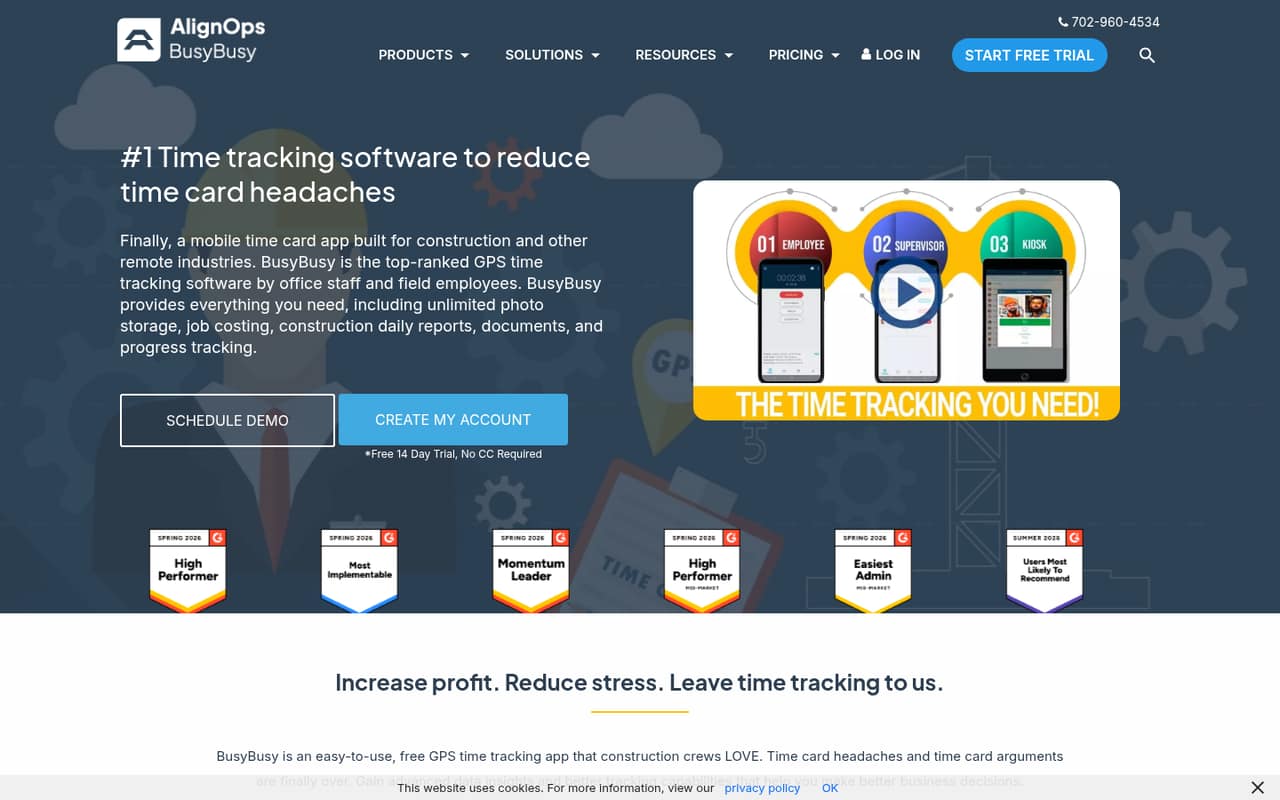
busybusy is built for construction and other remote crews that need to record time and job progress away from a desk. It gives field employees a way to log time, while supervisors and office staff can review locations, time cards, reports, budgets, and project progress.
For a small team watching costs, the Free plan is a reasonable starting point if GPS time tracking, job costing, and equipment tracking are enough. It includes unlimited users, so a crew of one or ten does not face a per-seat charge for those basics. Teams that need scheduling, supervisor tools, or daily sign-offs will need Pro, which charges per user. Premium adds documents, daily project reports, progress tracking, and team messaging. If your team mainly needs simple clock-ins without construction job costing or GPS, busybusy may be more software than you need.
02busybusy free plan and trial
The Free plan includes GPS time tracking, job costing, equipment tracking, and unlimited users. That makes it useful for a small crew that wants to record time and equipment without a per-person subscription. The plan details do not list scheduling, supervisor tools, daily sign-offs, or the other paid features as Free inclusions, so confirm any must-have workflow before relying on it.
busybusy also lists a 14-day free trial. The trial’s plan access and feature limits are not published in the pricing details, so ask the vendor what it includes and whether payment details are required. If your crew needs scheduling or supervisor tools after the trial, Pro is the cheapest listed paid plan, at $11.99 per user monthly or $9.99 per user monthly with annual billing.
03What a small team pays for busybusy
Pro costs $11.99 per user monthly with monthly billing, or $9.99 per user monthly with annual billing. That works out to $11.99 or $9.99 for one person, $35.97 or $29.97 for three, and $59.95 or $49.95 for five. The annual option is billed yearly and includes two free months, so the monthly equivalent is not the amount charged each month.
Premium costs $17.99 per user monthly, or $14.99 per user monthly with annual billing. The Free plan costs $0 and includes unlimited users, but it does not list scheduling or the paid supervisor features. busybusy also lists a $40 admin license with the first user included; its billing period is not published. Prices for checklists and punch lists, photo annotation, videos, BusyPayroll service, document sharing, and PPE scans are not published. Daily project reports, progress tracking, and performance tracking are also marked as add-ons, so ask which apply to your plan and what they cost.
04Getting started with busybusy
The key setup decision is how you want to organize people, equipment, and projects, since busybusy tracks time and job costs against those work details. The product also supports time cards, project reports, budgets, and GPS-stamped progress photos, so decide which records supervisors and office staff need to review before rolling it out to a crew.
The setup steps, expected setup time, and a list of integrations are not published in the pricing details. We would ask busybusy which payroll and accounting systems it connects to, how employee and equipment records are imported, and whether supervisors need to approve each time card. Those answers matter for a small office: a low subscription can still demand extra admin time if records have to be maintained in separate systems. The construction time clock has Offline Mode, which the vendor says works regardless of cell range.
05When small teams outgrow busybusy
The first growth cost is seats: teams that need Pro pay per user, and Premium also charges per user. Moving from Free to Pro may be necessary when scheduling, supervisor tools, daily sign-offs, photos and notes, or GPS breadcrumbing become part of the workflow. Premium is the listed step up for documents, team messaging, and additional reporting and progress features. Confirm add-on availability and prices before budgeting; some are not published, and some reporting features are marked as add-ons.
A post on r/tasktag says growing contractors may look for tools that better match their workflow, avoid price hikes, reduce admin features, or get better crew adoption. That is a general warning, not a detailed account from a customer, and the post has no comments. Treat it as a prompt to check how busybusy fits your processes and future seat count, not proof that teams commonly leave. If integrations or specific reporting functions are deal-breakers, ask the vendor before expanding.
From the threadsWhat users say
It frames workflow fit, pricing stability, admin overhead, and crew adoption as reasons growing contractors might consider alternatives, but it does not establish a broad customer consensus.
better fit their specific workflow
avoid sudden tier price hikes
cut down on bloated admin features
find an interface that field crews will actually use without constant reminders
Questions people ask
What is the busybusy app used for?
busybusy is GPS time-tracking and job-costing software for construction and other remote crews. Employees can record time and job progress, while supervisors and office staff can review locations, time cards, reports, budgets, and project progress.
Does busybusy track your location?
Yes. busybusy lists GPS tracking for live locations and location history for employees, equipment, and projects. Pro includes GPS breadcrumbing. Check the plan details with the vendor if you need a particular location-history or monitoring workflow.
Can busybusy work without cell service?
The vendor says the construction time clock works through Offline Mode regardless of cell range. If your crew needs other features offline, such as photo uploads or supervisor approvals, ask busybusy which functions remain available without service.
Does busybusy have a free plan?
Yes. Free includes GPS time tracking, job costing, equipment tracking, and unlimited users. Scheduling and supervisor tools are listed on Pro, so a crew that needs those features should compare the paid plan rather than assume they are included free.
Does busybusy offer a free trial?
busybusy lists a 14-day free trial. The trial’s plan access and feature limits are not published in the pricing details, so confirm what it covers with the vendor before signing up.