
We may earn a commission if you buy through links on this page. It never changes a score or a ranking. How we make money
The bottom line
Good HR coverage, but the 10-seat minimum makes the bill bigger than a tiny team.
Calamari bundles separate tools for leave, time tracking, employee records, performance and scheduling. That modular approach can help a small team buy only the HR functions it needs.
There’s no free plan, and each listed module has a 10-seat minimum. A team of one to five pays for at least 10 seats, so the starting price of $2 per employee per month is not the whole story.
Good fit if
- Teams needing leave approvals
- Small businesses replacing HR spreadsheets
- Teams buying one HR module
Skip it if
- Teams needing a free forever plan
- Teams with fewer than ten employees
- Teams wanting one bundled HR price
ScoresHow it rates
What works
- Separate modules for common HR tasks
- Time Off starts at $2 per seat monthly
- 14-day free trial
- Annual billing lowers listed per-seat prices
- Scheduling syncs with leave and time tracking
What doesn't
- No free plan
- Each listed module has a 10-seat minimum
- A maximum seat limit is not published
- Enterprise onboarding and migration fees are not published
- Overage costs are not published
01Who Calamari is for
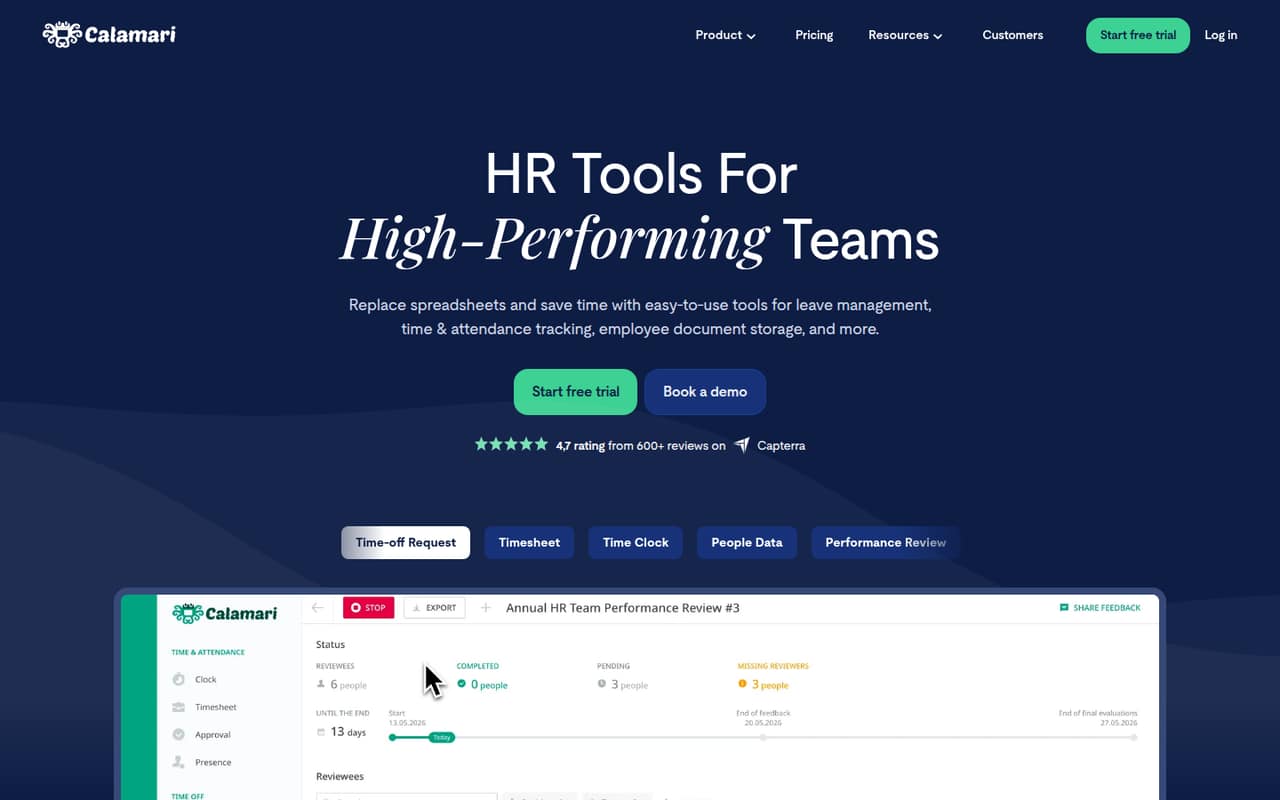
Calamari is cloud-based HR software for teams that want to manage leave, attendance and employee information without relying on spreadsheets. Its products are modular: you can choose Time Off, Time & Attendance, Core HR, Performance or Scheduling rather than buying one all-in-one package.
For a team of 1–10 people, the fit depends on whether you need a particular HR tool enough to pay for at least 10 seats. A team mainly handling leave can start with Time Off; one tracking hours can choose Time & Attendance. Core HR stores employee information and documents, while Performance covers surveys and team feedback. Scheduling can connect schedules with leave and time tracking.
The listed starting price is $2 per employee per month with annual billing, but the 10-seat minimum makes the cheapest listed module cost $20 per month at the minimum. If you only need a simple process for a handful of employees, compare that minimum bill with the cost of your current spreadsheet-based approach.
02Calamari free plan and trial
Calamari has no free plan. The pricing lists a 14-day free trial for each of its five modules: Time Off, Time & Attendance, Core HR, Performance and Scheduling. The listed trial does not specify a seat limit or which features are excluded, so ask Calamari before relying on a particular limit or capability.
After the trial, the cheapest listed option is Time Off at $2 per employee per month with annual billing or $2.50 with monthly billing. The catch for a very small team is the 10-seat minimum: even one person needs a 10-seat subscription, costing $20 monthly on annual billing or $25 on monthly billing. That’s the lowest entry price for one module, not a free tier that can support a small team indefinitely.
03What a small team pays for Calamari
The pricing page lists Time Off and Core HR at $2 per employee per month with annual billing, or $2.50 with monthly billing. Time & Attendance, Performance and Scheduling cost $2.50 annually or $3 monthly per employee. Each module has a 10-seat minimum.
That means one person, a team of three and a team of five all pay for 10 seats if they choose just one module. For Time Off or Core HR, that is $20 a month on annual billing or $25 on monthly billing. For any of the other three modules, it is $25 a month on annual billing or $30 on monthly billing. The same minimum applies whichever of those team sizes you have.
Annual prices are monthly equivalents, and the pricing lists monthly billing at a higher per-seat rate. SAML Integration adds $0.80 per user monthly with annual billing or $1 with monthly billing. Custom enterprise onboarding and migration fees, overage costs and maximum seat limits are not published; ask the vendor about any additional charges before signing up.
04Getting started with Calamari
Calamari’s product range is divided by task, so a small team can begin by deciding whether it needs leave management, time tracking, employee records, surveys or scheduling. The feature descriptions say Time Off handles requests, approvals and policies; Time & Attendance covers logging time and timesheets; and Core HR stores employee information and documents.
The vendor does not publish a setup-time estimate in the available pricing details, so we can’t promise a same-day rollout or give a reliable estimate of the admin work. Before choosing a module, ask what information needs to be imported and whether configuration help is included. The vendor also lists custom enterprise onboarding and migration setup fees but does not publish those fees.
Calamari says it offers integrations and an API for connecting workplace apps or integrating with other systems. The specific integrations and setup steps are not listed on the vendor's site. Check that your essential tools are supported before you commit.
05When small teams outgrow Calamari
Calamari’s pricing does not publish a maximum seat limit for its modules, so there is no stated employee threshold at which a team must move to a higher plan. Instead, the clearest cost hurdle is the 10-seat minimum. That can make the product feel oversized before a business reaches 10 employees, especially if it only needs one basic HR task.
As the team grows, the monthly bill scales with active user seats, per the pricing details. Adding another module also adds its own per-employee charge: for example, a team using Time Off and Time & Attendance pays for both modules, each with its own 10-seat minimum. Ask the vendor how seats are counted when people need more than one module.
A growing team may also need to clarify costs for overages, migration and enterprise onboarding, since those prices are not published. If you need a specific seat ceiling, bundled pricing or predictable fees for adding modules, get those terms in writing before expanding.
Questions people ask
Does Calamari have a free plan?
No. The pricing lists a 14-day free trial for the five modules, but no free plan. After the trial, the cheapest listed option is Time Off at $2 per employee per month with annual billing, subject to a 10-seat minimum.
What is Calamari’s minimum number of seats?
The pricing lists a 10-seat minimum for Time Off, Time & Attendance, Core HR, Performance and Scheduling. It does not publish a maximum seat limit. Ask Calamari how it counts employees who use more than one module.
Can I buy just one Calamari module?
Yes. Calamari lists separate prices for Time Off, Time & Attendance, Core HR, Performance and Scheduling. Each has its own 10-seat minimum, so ask how charges work if the same employees need more than one module.
Is Calamari cheaper with annual billing?
Yes. The listed annual per-seat rates are lower than monthly billing rates. Time Off and Core HR are $2 per employee per month annually versus $2.50 monthly; the other three modules are $2.50 annually versus $3 monthly. Annual prices are monthly equivalents.
Does Calamari include integrations?
Calamari describes integrations and an API for connecting workplace apps or integrating with other systems. The specific integrations are not listed in the available product details, so check with the vendor that your essential tools are supported before subscribing.