
We may earn a commission if you buy through links on this page. It never changes a score or a ranking. How we make money
The bottom line
Good calendar-sync features, but no free plan and some pricing details need clarification.
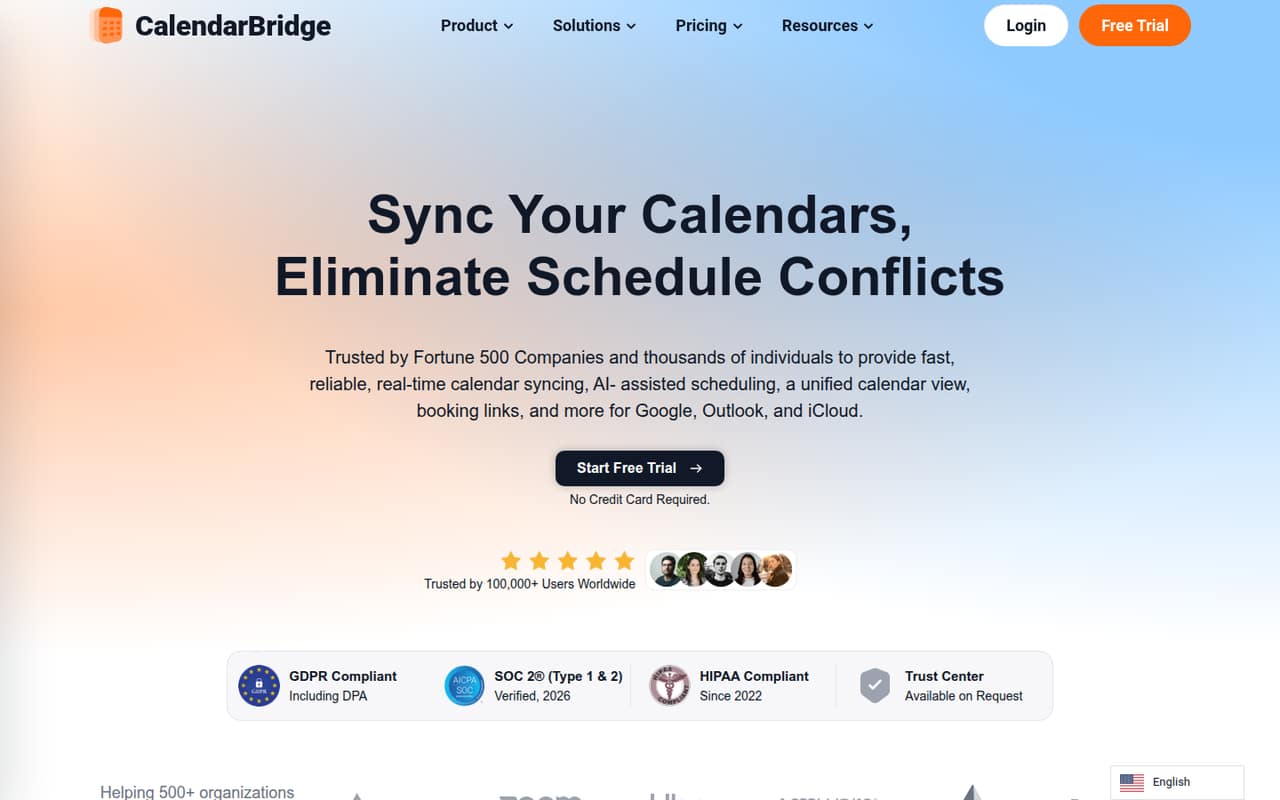
CalendarBridge syncs calendars, shows them together, and offers booking pages and an AI scheduling assistant. It could suit people who regularly juggle work and personal calendars, or small teams working across Google Workspace and Microsoft 365.
There’s no free plan. Basic starts at $5 per month, or $4 per month with annual billing, but the listed calendar allowances differ by billing option. The pricing page also doesn’t make the seat-billing basis clear, so teams should confirm their total before signing up.
Good fit if
- People juggling several calendars
- Teams coordinating Google and Microsoft calendars
- Users who need booking links
Skip it if
- Teams that require a free plan
- Buyers needing confirmed seat pricing
- People seeking a documented setup estimate
ScoresHow it rates
What works
- Syncs events across connected calendars
- Includes a unified calendar view
- Offers 10 scheduling pages on every listed plan
- Unlimited event syncing is included
- Premium and Pro include the AI assistant
What doesn't
- No free plan is listed
- Basic calendar allowances differ by billing option
- Seat-billing details are not published
- Basic limits the unified view to four calendars
- Setup time is not published
01Who CalendarBridge is for
CalendarBridge is for people who need to coordinate availability across multiple calendars, especially when work and personal schedules—or Google Workspace and Microsoft 365 environments—do not line up neatly. It syncs events, brings connected calendars into one view, and offers scheduling pages that check availability across them.
For a team of 1–10, it may be useful when colleagues repeatedly book over existing commitments or need a reliable view of someone’s availability across accounts. A small nonprofit administrator on Reddit described a three-person staff plus two part-time consultants, all using multiple calendars, as a reason to investigate calendar sync. That’s a relevant use case, not proof that every team member needs a paid account.
Basic starts at $5 monthly or $4 per month with annual billing. There is no free plan, and the pricing page does not specify whether the listed prices are per user. Confirm the billing unit before budgeting for a team.
02CalendarBridge free plan and trial
CalendarBridge does not list a free plan, and no free-trial offer is published. There is no no-cost tier to test indefinitely, so a team looking for a free calendar sync tool will need to consider another option or ask CalendarBridge whether it offers a trial.
The cheapest listed way in is Basic: $5 per month with monthly billing, or $4 per month when billed annually. Basic includes two synced connections, 10 scheduling pages, a unified view limited to four calendars, and unlimited event syncing. The pricing page lists different calendar allowances for the two billing options: annual Basic lists two calendars, while monthly Basic allows unlimited calendars. That difference is worth clarifying before choosing a billing term. The vendor does not publish a trial length or trial terms.
03What a small team pays for CalendarBridge
The pricing page lists Basic at $5 monthly or $4 per month with annual billing, Premium at $10 monthly or $8 per month annually, and Pro at $40 monthly or $32 per month annually. The annual figures are monthly equivalents, with yearly billing listed at 20% off. That makes one Basic subscription $5 per month or $48 for a year; the page does not say whether the price is per seat.
For budgeting only, if each person needs a separate subscription at the listed Basic rate, three subscriptions would be $15 monthly or $12 per month on annual billing; five would be $25 monthly or $20 per month annually. Confirm with CalendarBridge whether that assumption applies to your team.
Basic has two synced connections and a four-calendar unified-view limit. Premium raises those limits to 20 connections and 12 calendars, and adds the AI Executive Assistant. Pro lists 56 connections and a 24-calendar view. All three plans include 10 scheduling pages and unlimited event syncing. No add-ons are listed.
04Getting started with CalendarBridge
The product is built around connecting calendars, choosing what event details to share, and then syncing availability or using a unified view and scheduling pages. CalendarBridge describes cross-tenant visibility for Microsoft 365 and Google Workspace environments. Those are the key platforms a small team should check against its own setup before buying.
The vendor does not publish a setup-time estimate in the pricing information. Expect the work to depend on which calendars each person needs to connect and what privacy rules the team wants to apply; ask CalendarBridge what administrators and users need to do before rollout. The product description says users can control which details and events are shared and keep accounts separate.
Reddit discussions show that buyers may also care about phone access and reminders. One person looking to sync several calendars specifically wanted a single phone view and reminders, but that post does not establish whether CalendarBridge offers a particular app or notification setup. Confirm those requirements with the vendor.
05When small teams outgrow CalendarBridge
The first pressure point is the calendar allowance, not event volume: all plans list unlimited event syncing, while the unified view is capped at four calendars on Basic, 12 on Premium, and 24 on Pro. Synced connections also rise from two on Basic to 20 on Premium and 56 on Pro. A team with more calendars or connections may need to move up a plan, but the pricing page does not explain how those limits apply across multiple users.
The AI Executive Assistant is listed on Premium and Pro, not Basic. A team that wants its availability checked, times proposed, or meetings coordinated through email would need to consider one of those higher plans.
Reddit users raise practical questions rather than reporting a clear pattern of problems: one wanted a phone view and reminders, and a small nonprofit administrator was looking beyond single-user reviews. Before rolling out to a growing team, confirm multi-user billing, app access, and administrator controls with CalendarBridge.
From the threadsWhat users say
The Reddit discussion is mixed but too limited to establish broad user sentiment. People describe a real need for calendar syncing and interest in CalendarBridge, while also raising questions about phone access and how well it fits a team.
it's important to me that I can see all my calendars in one place on a phone app
I really like what I've seen so far
a lot of the reviews online pertain to single-user experience
the shared calendar will not be reflected
Questions people ask
Does CalendarBridge have a free plan?
No free plan is listed. The cheapest option is Basic, at $5 per month with monthly billing or $4 per month with annual billing. The vendor does not publish a free-trial offer or trial length, so ask CalendarBridge if you want to try the service before paying.
What does CalendarBridge Basic include?
Basic lists two synced connections, 10 scheduling pages, unlimited event syncing, and a unified view limited to four calendars. Its calendar allowance differs by billing option: the annual plan lists two calendars, while the monthly plan allows unlimited calendars. Confirm which limit applies to your needs before subscribing.
Does CalendarBridge work with Google Workspace and Microsoft 365?
CalendarBridge describes cross-tenant visibility across Microsoft 365 and Google Workspace environments. It is designed to sync calendars and show availability across connected calendars. Check with the vendor that your specific account types and organization settings are supported before rolling it out.
Does CalendarBridge offer an AI scheduling assistant?
The AI Executive Assistant is listed on Premium and Pro, not Basic. CalendarBridge describes it as checking availability, proposing times, coordinating attendees, and scheduling or rescheduling through email. The pricing page does not list a separate AI add-on.
How much does CalendarBridge cost for a team?
Basic is listed at $5 per month or $4 per month with annual billing. The pricing page does not state whether that rate is per user, so a team total cannot be confirmed from the listed prices alone. Ask CalendarBridge how subscriptions and billing work for multiple teammates.