
We may earn a commission if you buy through links on this page. It never changes a score or a ranking. How we make money
The bottom line
Calero can consolidate technology spend management, but small teams must get a custom quote.
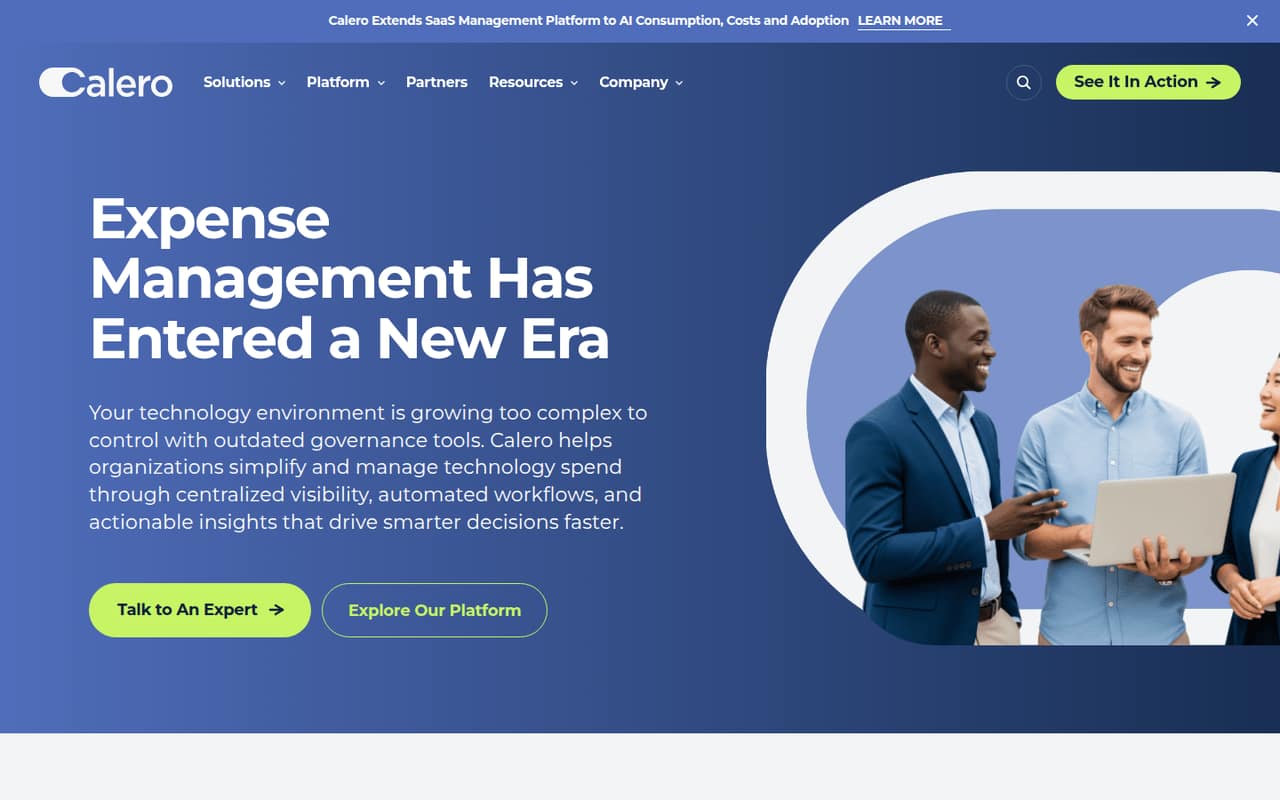
Calero brings SaaS, telecom, mobility and market data management under one platform, with spend reporting, usage optimization and workflow automation. That breadth may suit a team juggling several kinds of technology costs.
For a 1–10-person team, the catch is buying uncertainty: Calero has no free plan, and its pricing page lists no starting price or billing terms. Get a tailored quote and confirm setup, integrations and scope before deciding whether it fits your budget.
Good fit if
- Teams managing several technology cost categories
- Organizations needing centralized spend reporting
- Buyers ready to request a custom quote
Skip it if
- Teams that need a free plan
- Buyers requiring public per-seat pricing
- Teams managing only a few subscriptions
ScoresHow it rates
What works
- Covers SaaS, telecom, mobility and market data
- Aggregates spend data and usage analytics
- Flags zero usage and cost anomalies
- Supports license and plan rightsizing
- Includes telecom invoice processing and contract oversight
What doesn't
- No free plan is listed
- Starting price is not published
- Monthly and annual billing terms are not published
- Add-on pricing is not published
- Setup effort and integrations need confirmation
01Who Calero is for
Calero is for organizations trying to manage technology spend and usage across SaaS, telecom, mobility and market data. It brings those areas into one platform, with spend reporting, usage analytics, workflow automation and tools for spotting cost anomalies or unused services.
For a 1–10-person team, it makes most sense when technology costs span several categories or someone needs a consolidated view for renewals, plans and device policies. A small team with only a handful of SaaS subscriptions may find the broader scope more than it needs. The budget fit is hard to judge before a sales conversation: Calero's pricing page lists custom pricing rather than a public starting rate. We’d ask for a quote based on your exact services and seat count, then compare that with the cost and effort of managing each category separately.
02Calero free plan and trial
Calero does not list a free plan, and a free trial is not listed in its pricing information. That leaves small teams without a self-serve way to check the platform against their workflows before budgeting.
The cheapest way in is to contact Calero or book a demo; the vendor does not publish a starting price. Ask whether a demo can cover your specific mix of SaaS, telecom, mobility or market data, and whether any evaluation access is available. Also ask what services are included in the quote and whether implementation or particular modules change the price. With no public trial terms, don’t assume you can test the full product at no cost.
03What a small team pays for Calero
Calero's pricing page lists custom pricing, with no starting price, per-seat rate, add-on prices or monthly and annual billing terms published. So we can’t give a reliable one-person, three-person or five-person total, or calculate monthly versus annual savings. Contact Calero for a quote rather than treating any seat-count estimate as a published price.
When requesting a quote, specify whether you need SaaS management, telecom expense management, mobility management, market data management or a combination. Ask whether pricing changes by user, device, invoice volume, service category or implementation scope; the vendor does not publish those details. Confirm what is included, whether any modules cost extra and what renewal terms apply. For a budget-conscious team, get the full cost for your actual scope in writing before comparing it with separate tools or manual processes.
04Getting started with Calero
Calero covers several areas—SaaS, telecom, mobility and market data—so a small team should define which costs and workflows it wants to manage before requesting a demo. Start with the invoices, applications, devices, plans and renewal decisions you need to bring into view. That gives Calero a concrete scope to discuss rather than asking for a broad tour.
The vendor does not publish a setup timeline or a list of integrations in the published product details. Ask what data sources connect to your current tools, what must be imported or configured manually, and who handles onboarding. Also clarify which reports and workflows are ready to use and which need configuration. Until those answers are clear, treat setup effort as an open question and include it in your cost comparison.
05When small teams outgrow Calero
Calero does not publish seat limits or plan thresholds in its pricing information, so there is no stated point at which a team must upgrade. The more useful question is whether your needs still match the scope you bought. A team managing only a small set of SaaS renewals may be paying for a wider remit than it uses; one adding telecom invoices, mobility policies or more complex reporting may have a stronger case for a consolidated platform.
Before signing, ask how the quote changes as your users, devices, services or managed categories grow. Confirm any limits on reporting, workflows, data sources and included modules, since those details are not published. If Calero’s scope or quote stops fitting, compare the cost of retaining it with managing the relevant spend categories separately. Revisit that calculation whenever your service mix or workload changes.
Questions people ask
What is Calero used for?
Calero is a platform for managing technology spend and usage. It covers SaaS, telecom, mobility and market data management, with tools for spend reporting, usage optimization, cost anomaly identification, invoice processing and contract oversight.
What kind of company is Calero?
Calero provides a technology-spend management platform for organizations. Its product covers multiple areas of technology operations, including SaaS application usage and renewals, telecom expenses, mobility devices and plans, and market data management.
Does Calero have a free plan or trial?
Calero does not list a free plan, and its pricing information does not list a free trial. Contact the vendor or book a demo to discuss access and evaluate whether the platform suits your needs.
How much does Calero cost?
Calero's pricing page lists custom pricing, but no starting price or per-seat rate. Monthly and annual billing terms are also not published. Ask Calero for a quote based on your team size and the services you want to manage.
What does Calero manage?
Calero covers SaaS, telecom, mobility and market data management. Its listed capabilities include spend visibility, usage analytics, license and plan optimization, cost anomaly identification, telecom invoice processing, contract oversight, and device and policy lifecycle management.