
We may earn a commission if you buy through links on this page. It never changes a score or a ranking. How we make money
The bottom line
Strong accounting coverage, but no free plan or published price for a few seats.
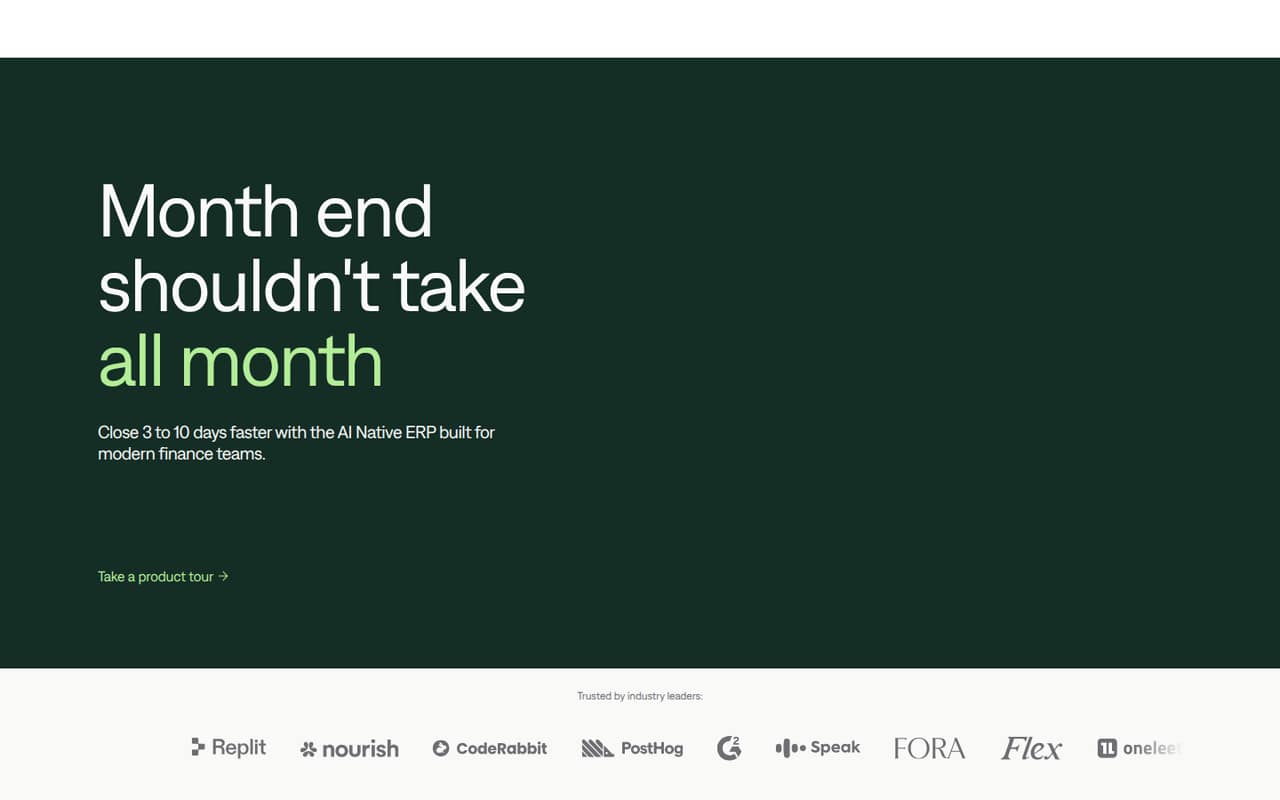
Campfire brings accounting, revenue automation, reporting, and close management into one platform. Its AI features categorize transactions, match banks and payments, and answer accounting questions; the homepage says teams can close 3 to 10 days faster.
For a small team, the main drawback is buying uncertainty: Campfire has no free plan, and the vendor publishes neither a starting price nor seat limits. Ask for a quote based on your team size, entities, and transaction volume before budgeting.
Good fit if
- Finance teams with complex close work
- Companies managing multiple entities
- Teams automating revenue recognition
Skip it if
- Teams needing a free accounting tool
- Buyers requiring public seat pricing
- Teams seeking a writing app
ScoresHow it rates
What works
- General ledger with multi-entity consolidation
- Revenue recognition for any billing model
- Dashboards offer transaction-level drill-down
- Close tools include checklists and reconciliation
- AI assists with categorization and accounting questions
What doesn't
- No free plan is listed
- No free trial terms are published
- Starting price is not published
- Seat and usage limits are not published
- Small-team costs require a custom quote
01Who Campfire is for
Campfire is for finance teams that need more than a basic ledger: it combines core accounting with revenue automation, reporting, and close management. Its general ledger supports multi-entity consolidation, while its close tools include checklists, flux analysis, and account reconciliation. That could suit a small company with several entities or complicated revenue work, if the quote fits its budget.
For a team of 1 to 10, the key question is whether you need those connected workflows enough to justify a custom-priced platform. Campfire does not publish a seat minimum or seat limits, so a small team should confirm it can buy the modules it needs without paying for unnecessary capacity. The vendor says its AI can help categorize transactions, match records, and answer accounting questions. Its homepage claims teams can close 3 to 10 days faster; treat that as the vendor's claim, not a guaranteed result.
02Campfire free plan and trial
Campfire does not list a free plan. The pricing information also does not publish free-trial terms, so a small team should ask the vendor whether it can evaluate the platform before committing.
The cheapest way in is a custom quote. The pricing page lists a Custom plan for companies needing tailored accounting modules, including Core Accounting and Revenue Automation. It does not publish a starting price, monthly or annual rates, or seat and usage limits. That means there is no public low-cost option to test with one or two people, and you cannot compare the cost with a standard per-seat subscription from the published price alone. Ask what the minimum package includes, whether a trial or guided evaluation is available, and what the quote covers.
03What a small team pays for Campfire
The pricing page lists one Custom plan with a custom quote; it does not publish a starting price or monthly and annual rates. It says quotes depend on company size, entities, and transaction volume. So we cannot give a reliable cost for one person, three people, or five people, or calculate a per-seat price from the published terms. Ask the vendor for quotes at your actual headcount and expected transaction volume, and request both monthly and annual options if available.
The listed plan includes Core Accounting and Revenue Automation. Seat and usage limits are not published, and the pricing information lists no add-ons. That does not confirm every feature is included in every quote: ask whether reporting, close management, and Ember AI are part of the package, and whether they change the price. For a budget-conscious team, get the full scope and any minimum commitment in writing before comparing Campfire with tools that show public per-seat rates.
04Getting started with Campfire
Campfire covers several connected finance jobs, from the general ledger and revenue recognition to reporting and close management. That breadth may mean more setup decisions than a team faces with a basic accounting tool, especially if it needs to organize multiple entities or define its close process. The vendor does not publish an implementation timeline or a detailed setup checklist in the information available to buyers.
Named integrations, data-import options, onboarding services, and training details are also not published. Before signing, ask how to connect your bank and billing systems, migrate historical accounting data, configure entities, and assign the first close checklist. Confirm who handles setup and whether that help is included in the quote. Without those details, we would not assume a particular learning curve or promise a quick rollout for a small finance team.
05When small teams outgrow Campfire
Campfire is positioned as an accounting platform for finance teams, so it may be a fit as a company adds entities, revenue models, or more formal close work. But the vendor does not publish seat or usage limits, and the Custom plan's quote depends partly on company size, entities, and transaction volume. A growing team should ask how those changes affect its price before building Campfire into its finance process.
You may need to reconsider the fit if you need predictable per-seat costs, a self-serve upgrade path, or public limits that make capacity easy to plan. The pricing information does not show a cheaper tier, add-on rates, or a published upgrade threshold. Ask what happens when headcount or transaction volume rises, whether you can remove modules, and how data can be exported if you leave. Those answers will help reveal whether Campfire can grow with your team or becomes hard to budget for.
Questions people ask
Is Campfire completely free?
No free plan is listed. The pricing page describes a Custom plan with a quote based on company size, entities, and transaction volume. Free-trial terms are not published, so ask the vendor whether it offers an evaluation before you commit.
How much does Campfire cost?
Campfire's starting price is not published. The vendor provides custom quotes, and it does not list monthly or annual rates. Ask for a quote based on your number of seats, entities, and transaction volume, and confirm which modules it includes.
Does Campfire use AI?
Yes. Campfire describes Ember AI as an accounting assistant that answers questions. Its transaction automation can categorize transactions and match banks, vendors, and payments. The homepage also describes AI-assisted reconciliation and review.
Can Campfire manage multiple entities?
Campfire's core accounting feature includes a general ledger with multi-entity consolidation. The vendor does not publish entity limits or the price impact of adding entities, so ask how many are included in your quote and what happens as you add more.
What should a small team ask before buying Campfire?
Ask for the price at your current and expected headcount, the included modules, seat and usage limits, and how transaction volume or additional entities affect the quote. Also confirm trial availability, setup support, integrations, and how to export your data if you leave.