
We may earn a commission if you buy through links on this page. It never changes a score or a ranking. How we make money
The bottom line
Canto brings brand assets and AI-assisted organization together, but you’ll need a quote to know the cost.
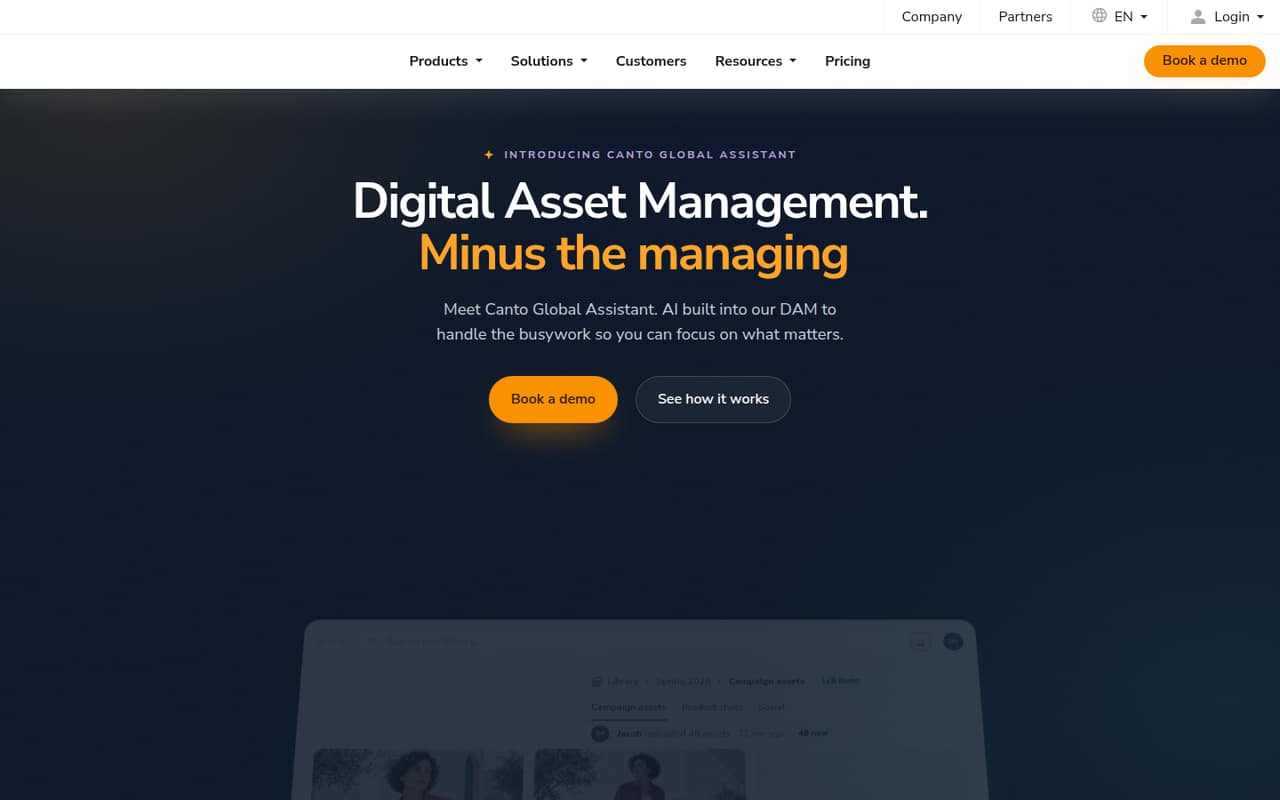
Canto is a digital asset management platform for keeping brand and product content in one place, finding files, collaborating, and preparing assets for distribution. Its homepage describes Global Assistant as helping find content, fill metadata gaps, and prepare assets for channels.
For a small team, the catch is pricing: there’s no listed free plan, and every tier uses custom quotes. Essentials includes unlimited end users, portals, and style guides, but without a public price, it’s hard to compare the cost with a small-team budget.
Good fit if
- Teams centralizing brand assets
- Businesses sharing content across teams
- Teams that need AI-assisted asset search
Skip it if
- Teams that need a free DAM
- Buyers who require public pricing
- Teams with only occasional asset needs
ScoresHow it rates
What works
- Centralizes brand and product content
- Search supports plain language and visual descriptions
- Global Assistant can fill metadata gaps
- Essentials lists unlimited end users
- Unlimited portals and style guides on Essentials
What doesn't
- No free plan is listed
- All plan prices require custom quotes
- Monthly and annual rates aren’t published
- Trial terms aren’t published
- Plan summaries don’t specify exact storage allowances
01Who Canto is for
A small team needs a DAM when brand and product files have become difficult to organize, find, share, or prepare for use. Canto is built to keep those assets in one content hub, with collaboration and distribution features alongside search. Its homepage describes AI-powered search using plain language, descriptions, or visual appearance, and Global Assistant can help find content and fill metadata gaps.
For a team of one to 10, Canto may fit when several people need access to a shared library or when assets move between marketing, product, and retail work. Essentials lists unlimited end users, portals, and style guides, so the published plan summary doesn’t set a per-user cap. The budget question is harder: pricing is by custom quote, and no starting price is published. If your team has few assets and can already find them in shared folders, you may not need a dedicated DAM yet.
02Canto free plan and trial
Canto’s pricing lists no free plan. The pricing details also don’t publish trial terms, so ask Canto whether a trial is available, how long it lasts, and what it includes before you commit.
The cheapest listed option is DAM Essentials, aimed at teams centralizing brand assets. It includes unlimited end users, portals, and style guides, but the vendor doesn’t publish its price. That means there’s no public free tier or self-serve entry price to use for a quick budget check. Ask for a quote based on your team size, storage needs, and required features, and confirm whether the quote is monthly or annual. The pricing details list custom quotes for every tier.
03What a small team pays for Canto
Canto lists five tiers: DAM Essentials, DAM Plus, DAM Pro, DAM Retail Suite, and DAM Brand Suite. All use custom quotes; monthly and annual rates aren’t published. So we can’t calculate a reliable cost for one person, three people, or five people, or compare monthly billing with an annual commitment. Ask the vendor for each of those team sizes if your quote depends on the number of users.
Essentials is the cheapest named tier, though its price is not published. Its listed inclusions are unlimited end users, portals, and style guides, so the plan summary doesn’t indicate per-seat pricing. Plus is described as offering expanded DAM capabilities, while Pro adds extensive storage. Retail Suite and Brand Suite include everything in Pro, with their names pointing to distinct use cases. The listed add-ons section is empty, but that doesn’t confirm that every possible service is included. Ask for the complete quote, storage allowance, and any additional fees before choosing.
04Getting started with Canto
Canto’s product description gives a clear starting point: bring brand and product assets into a central hub, then use search, collaboration, and distribution features to work with them. Global Assistant is presented as a way to find content, fill metadata gaps, and bulk edit assets. That could help with organization work, but the vendor doesn’t publish a setup timeline or the amount of work needed to prepare a library.
The pricing details don’t specify a setup process, learning curve, or integrations. Before buying, ask Canto how assets are imported, whether existing metadata can be retained, what training is included, and which tools connect to your current workflow. For a team of one to 10, it’s also worth asking who needs an account and what admin work is required. Those answers will help you estimate the real cost beyond the custom subscription quote.
05When small teams outgrow Canto
Canto’s plan summaries point to two reasons a team may need to move up a tier: more DAM capabilities or more storage. DAM Plus is described for expanded capabilities, and DAM Pro for extensive storage. The pricing details don’t set thresholds for either, so ask Canto what changes between the tiers and how much storage each quote includes before estimating when an upgrade will be needed.
A team may also outgrow the buying process rather than the feature set. If you need a published price to approve software or want a free plan before committing, Canto’s custom-quote model may not fit. The pricing details list unlimited end users on Essentials, so they don’t show a per-seat limit that would automatically force a 10-person team to upgrade. Confirm whether your quote changes with users, storage, or usage, and compare the upgrade cost with your budget as the asset library grows.
Questions people ask
What does Canto do?
Canto is a digital asset management platform for organizing, finding, collaborating on, and distributing brand and product content. It provides a central content hub, AI-powered search, and Global Assistant features for finding content, filling metadata gaps, and bulk editing assets.
Does Canto have a free plan?
Canto’s pricing lists no free plan. It also doesn’t publish trial terms. DAM Essentials is the cheapest named tier, but its price is a custom quote. Ask Canto whether a trial is available and what it includes before deciding.
How much does Canto cost for a small team?
Canto doesn’t publish monthly or annual prices; all listed tiers use custom quotes. That means there’s no public starting price or reliable way to calculate costs for one, three, or five people. Request a quote for your team size and storage needs.
What does Canto Essentials include?
DAM Essentials lists unlimited end users, unlimited portals, and unlimited style guides. It is aimed at teams centralizing brand assets. The pricing details don’t publish its price, storage allowance, or a full breakdown of its capabilities, so confirm those items with Canto.
What can Canto’s Global Assistant do?
Canto presents Global Assistant as helping users find content, fill metadata gaps, and prepare assets for distribution. The listed key features also include bulk editing assets. Ask Canto which capabilities are available on each tier and whether they carry any additional cost.