We may earn a commission if you buy through links on this page. It never changes a score or a ranking. How we make money
A small team may not need a full digital asset management system yet. If you mainly need to share a few client galleries or organize visual references, Picdrop, Eagle, or a free plan may be enough. If you need searchable media archives, approvals, or brand controls, compare Iconik, Air, and the larger DAM vendors. The pricing page lists some starting prices, but those figures do not establish the total for several seats. Before committing, confirm user costs, storage or usage limits, and how much setup your team will need.
Quick picksThe shortlist
 picdroppicdropBest for client galleries · $15.99/mo
 iconikiconikBest free media library · $9/mo
 EagleEagleBest one-time purchase · $34.95/mo
 AirAirBest for creative reviews · $100/mo
 KiveKiveBest for product visuals · $30/mo
 PicflowPicflowBest for visual proofs · Free
 Pics.ioPics.ioBest for Drive or S3 · $100/mo
 Photo SupremePhoto SupremeBest for photo archives · Custom
 BrandfolderBrandfolderBest for approved brand assets · Custom
 MediaValetMediaValetBest for unlimited users · Custom
 SalsifySalsifyBest for product syndication · Custom
 OpenAssetOpenAssetBest for AEC proposals · Custom
 BynderBynderBest for brand approvals · Custom
 CantoCantoBest for AI asset search · Custom
 FrontifyFrontifyBest for brand guidelines · Custom
 PhotoShelterPhotoShelterBest for contributor sharing · Custom
 QBankQBankBest for rights controls · Custom
 Orange LogicOrange LogicBest for complex workflows · Custom
 GreenflyGreenflyBest for sports content · Custom
 ScorePlayScorePlayBest for sports media · Custom
 LythoLythoBest for brand rules · Custom
 AprimoAprimoBest for regulated marketing · Custom
01Compared at a glance
| Tool | Score | From | Free plan | Trial |
|---|---|---|---|---|
| picdroppicdrop | 7.2 | $15.99/mo | Yes | 14 days |
| iconikiconik | 6.8 | $9/mo | Yes | — |
| EagleEagle | 6.5 | $34.95/mo | No | 30 days |
| AirAir | 7.0 | $100/mo | Yes | — |
| KiveKive | 5.5 | $30/mo | Yes | — |
| PicflowPicflow | 6.2 | Free | Yes | 7 days |
| Pics.ioPics.io | 6.3 | $100/mo | No | — |
| Photo SupremePhoto Supreme | 6.5 | Custom | No | 30 days |
| BrandfolderBrandfolder | 6.0 | Custom | No | — |
| MediaValetMediaValet | 6.2 | Custom | No | — |
| SalsifySalsify | 5.8 | Custom | No | — |
| OpenAssetOpenAsset | 5.8 | Custom | No | — |
| BynderBynder | 5.8 | Custom | No | — |
| CantoCanto | 5.5 | Custom | No | — |
| FrontifyFrontify | 5.8 | Custom | No | — |
| PhotoShelterPhotoShelter | 5.5 | Custom | No | — |
| QBankQBank | 5.4 | Custom | No | — |
| Orange LogicOrange Logic | 5.4 | Custom | No | — |
| GreenflyGreenfly | 5.8 | Custom | No | — |
| ScorePlayScorePlay | 5.8 | Custom | No | 14 days |
| LythoLytho | 5.2 | Custom | No | — |
| AprimoAprimo | 3.4 | Custom | No | — |
02The picks, in detail
- Best for client galleriespicdroppicdrop
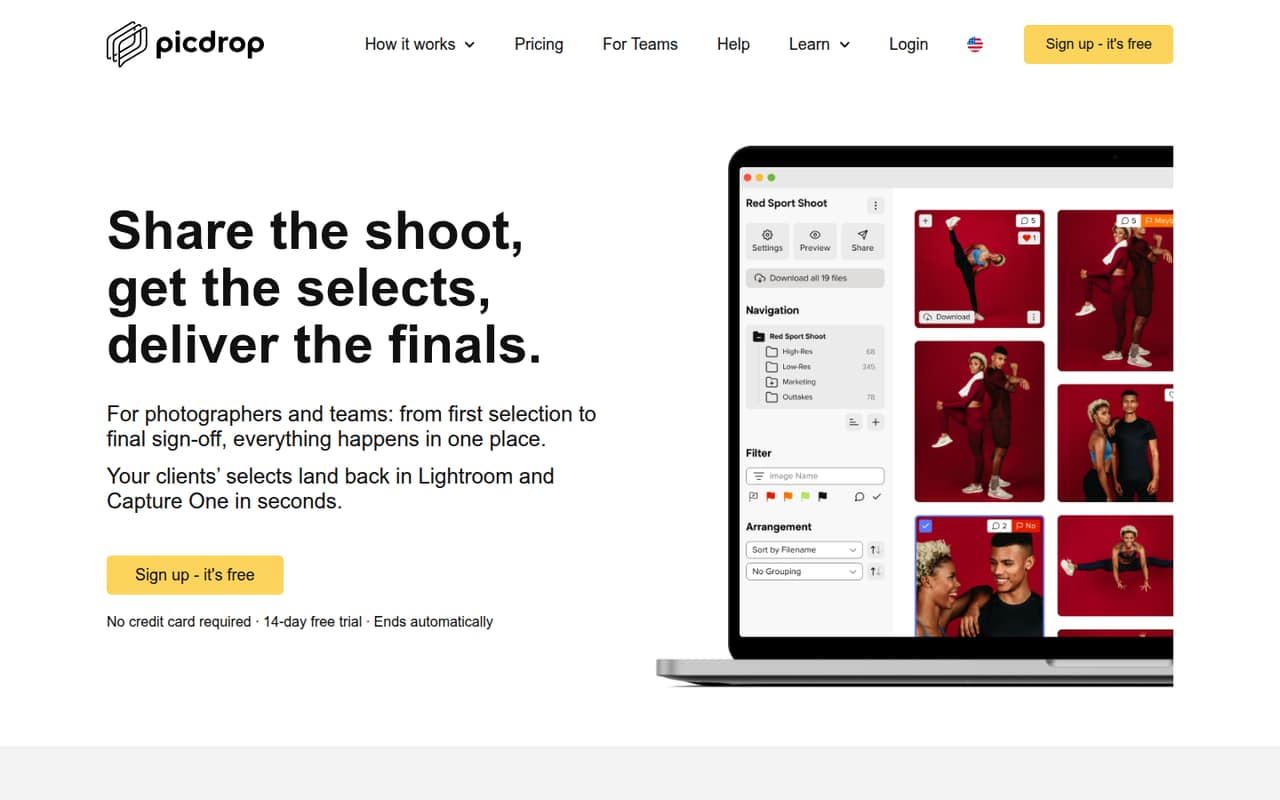
Picdrop is a strong starting point for photographers sharing client galleries, collecting image selections, or delivering finished files. The published pricing lists a free plan and a starting price of $15.99. That gives a small team a way to explore the fit, but the per-seat cost is unclear. Ask how extra seats are priced before inviting the whole team.
What works
- Clients can like, tag, vote, comment and annotate images
- Branded galleries support viewing and downloading final photos
- Smart export returns selections to Lightroom and Capture One
What doesn't
- Free plan is limited to 1 GB and three galleries
- Only one user is included on Free and Pro
- Advanced includes two team members; extra seat prices are unpublished
- Best free media libraryiconikiconik
Iconik suits teams with scattered media libraries, searchable archives, or occasional reviewers. The published pricing lists a free plan and a starting price of $9, which makes it worth comparing for a budget-conscious team. Check the cost of different seat roles and any usage charges: those can change the bill as more people search or review media.
What works
- Free Collaborator seat for browsing
- Connects cloud, on-premises, and native media
- Unlimited storage connections on Starter
What doesn't
- Standard User seats cost $65 monthly
- Storage, AI, and services may add charges
- Annual billing and discounts are not published
- Best one-time purchaseEagleEagle
Eagle is a practical fit for designers building visual libraries and small teams organizing references. Its listed starting price is $34.95, and the published description identifies it as a one-time purchase. That could suit a team avoiding a recurring subscription, but team licensing needs a closer look. Confirm how many people the purchase covers and how shared access works.
What works
- One-time license price, not a subscription
- Collect assets through browser tools, drag and drop, or clipboard
- Organize with tags, folders, ratings, and notes
What doesn't
- No free plan; trial lasts 30 days
- Shared team-library details are not published
- Per-person team pricing is not published
- Best for creative reviewsAirAir
Air combines creative asset storage, approvals, and AI tools, making it a candidate for teams reviewing ads or campaign work. The published pricing lists a free plan and a $100 starting price, with a five-user Starter cap. That cap is a useful budget checkpoint for a team of up to ten. Confirm the paid plan’s seat allowance and total cost before choosing.
What works
- Free plan supports up to three users
- Review and approvals stay beside creative work
- Conversational search helps find assets
What doesn't
- Starter stops at five users
- Business costs $900 monthly equivalent annually
- Free plan includes only 10 GB storage

- Best for product visualsKiveKive
Kive offers a free way to try shared asset boards and product visuals. The published pricing lists a $30 starting price, and the product notes flag Pro as the budget to plan for once a team needs three or more seats. It may suit a solo seller or small brand testing AI product shots, but check seat pricing and setup requirements first.
What works
- Free plan includes 40 credits after email verification
- Basic supports up to two users
- Pro supports teams of up to 10
What doesn't
- Free plan is limited to five boards
- Basic’s two-user cap pushes larger teams to Pro
- Credit use per image isn’t published
- Best for visual proofsPicflowPicflow
Picflow is aimed at freelancers sharing visual proofs, creative teams managing approvals, and clients reviewing work without accounts. A free tier is listed, which gives a small team a low-commitment place to start. Paid pricing is not published, so ask what a few team seats cost and which limits apply before relying on it for ongoing work.
What works
- Free plan includes unlimited galleries and collaborators
- Clients can review through account-free links
- Proofing includes comments, annotations, and approvals
What doesn't
- Paid plan prices aren't published
- Additional seat pricing isn't published
- Free plan has only 2 GB storage
- Best for Drive or S3Pics.ioPics.io
Pics.io may fit teams managing many media assets, running approval workflows, or using Drive or Amazon S3. The published starting price is $100, so it is a less obvious pick for a lean team than the free-entry options. Before budgeting, ask whether the listed price covers your required seats and storage, and what setup is involved.
What works
- AI search covers metadata and text inside assets
- AI can generate image tags and descriptions
- Version history includes comparison and rollback
What doesn't
- There is no free plan
- Solo costs $100 per month
- Micro starts at $225 monthly with annual billing
- Best for photo archivesPhoto SupremePhoto Supreme
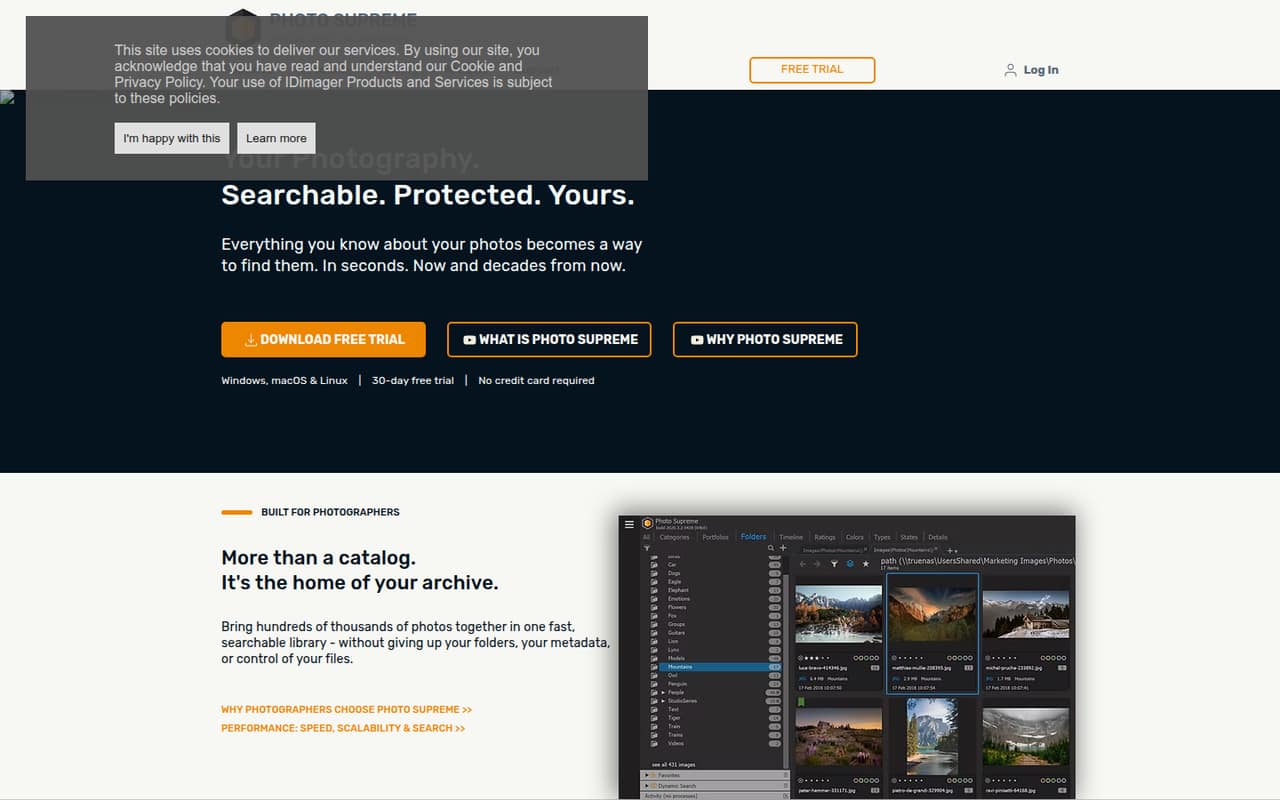
Photo Supreme is worth considering for photographers with large archives who want to keep existing folder structures and portable metadata. The published material lists no free plan and no published price, so it is hard to judge the cost for a small team. Ask for a quote covering your users, and confirm what setup is needed to preserve your current organization.
What works
- Searches by metadata, keywords, people, places, dates, and ratings
- Supports portable XMP and IPTC metadata
- Organizes without moving or altering original files
What doesn't
- No free plan
- Vendor doesn't publish license prices
- No listed three-seat package
- Best for approved brand assetsBrandfolderBrandfolder
Brandfolder targets teams sharing approved brand assets, growing marketing libraries, and access controls. Those needs can justify a dedicated DAM, but the vendor does not publish a price in the published information. A small team should ask for a quote based on its actual seat count and confirm setup effort, access options, and what is included before comparing it with lower-cost tools.
What works
- Centralized cloud-based asset management
- Search helps users find assets
- Share assets, collections, or a Brandfolder
What doesn't
- No free plan is listed
- The vendor does not publish prices
- No free trial is listed
- Best for unlimited usersMediaValetMediaValet
MediaValet offers DAM features for shared brand assets, permissions, and governance, with unlimited user seats listed as a fit. That could matter if many people need access, even on a small team. The vendor does not publish a price in the published information, so request a quote and clarify what drives the cost, what onboarding involves, and whether the plan fits your needs.
What works
- Central library for digital assets
- AI tagging helps users find content
- Custom metadata, categories, and search filters
What doesn't
- Custom quote required to learn the price
- No free plan or trial is listed
- Storage limits are not published
- Best for product syndicationSalsifySalsify
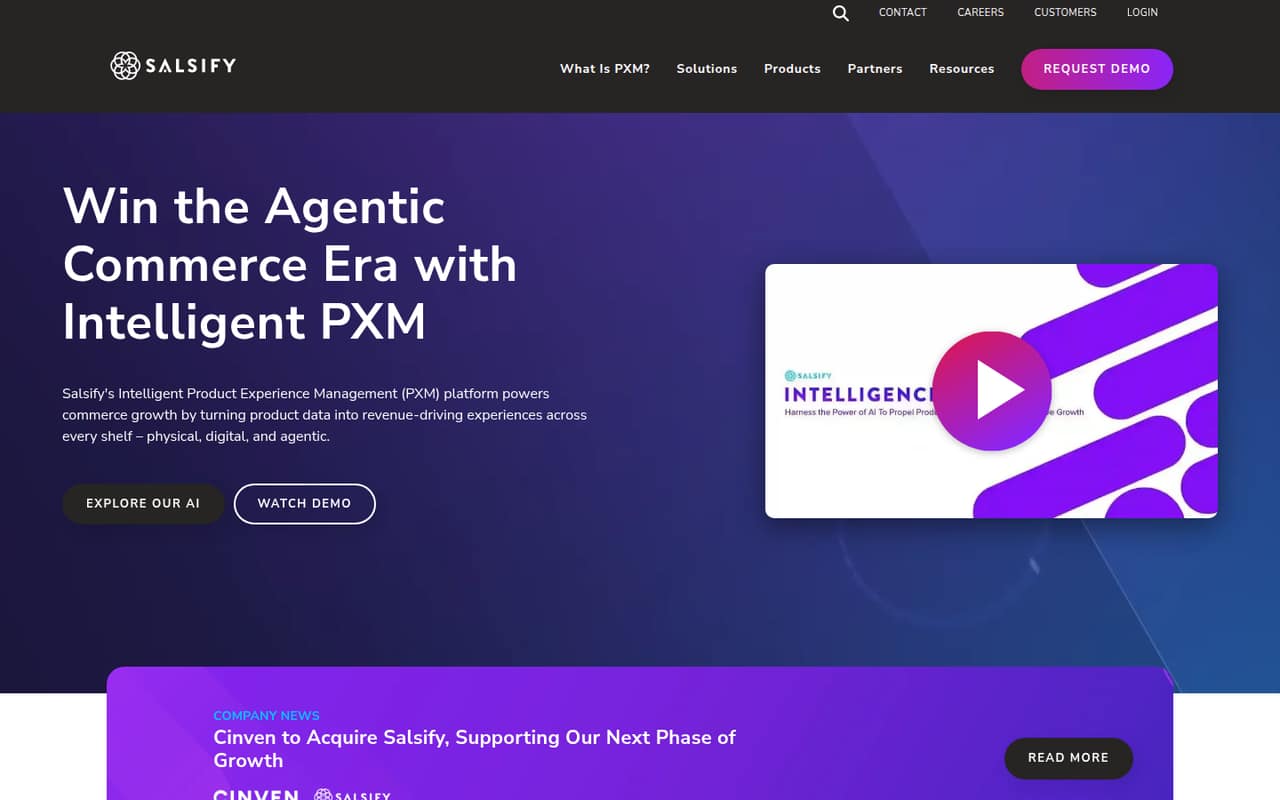
Salsify is built for brands managing product channels, retailers onboarding suppliers, and teams sharing product records. It is a specialized choice rather than a general-purpose pick for a small creative library. The vendor requires a quote to establish price, so ask about the cost for your team size, setup work, and whether product-channel needs make its broader capabilities worthwhile.
What works
- Central system for product content
- Syndicates content to commerce touchpoints
- Supports enhanced product-page content
What doesn't
- No listed free plan
- Starting price is not published
- Monthly and annual terms are not published
- Best for AEC proposalsOpenAssetOpenAsset
OpenAsset is aimed at architecture, engineering, and construction firms reusing project content, producing proposals, and applying branded asset controls. That focus may suit an AEC team better than a general DAM. There is no free plan and pricing is custom, so request a quote for a few seats and ask how much work it takes to organize existing project content.
What works
- Combines asset management and proposal workflows
- AI tagging helps organize project content
- Searches project files, photos, and profiles
What doesn't
- No free plan is listed
- Starting price is not published
- Monthly and annual billing terms are not published

- Best for brand approvalsBynderBynder
Bynder is a candidate for teams sharing brand assets externally, managing marketing approvals, or needing tailored DAM. The vendor does not publish a price in the published information, and there is no free plan listed. Small teams should request a quote for their exact number of users and ask what configuration, onboarding, and ongoing support are included.
What works
- Centralizes and manages digital assets
- AI search supports natural language and images
- AI agents can enrich asset metadata
What doesn't
- No free plan
- No published starting price
- Monthly and annual rates are not published
- Best for AI asset searchCantoCanto
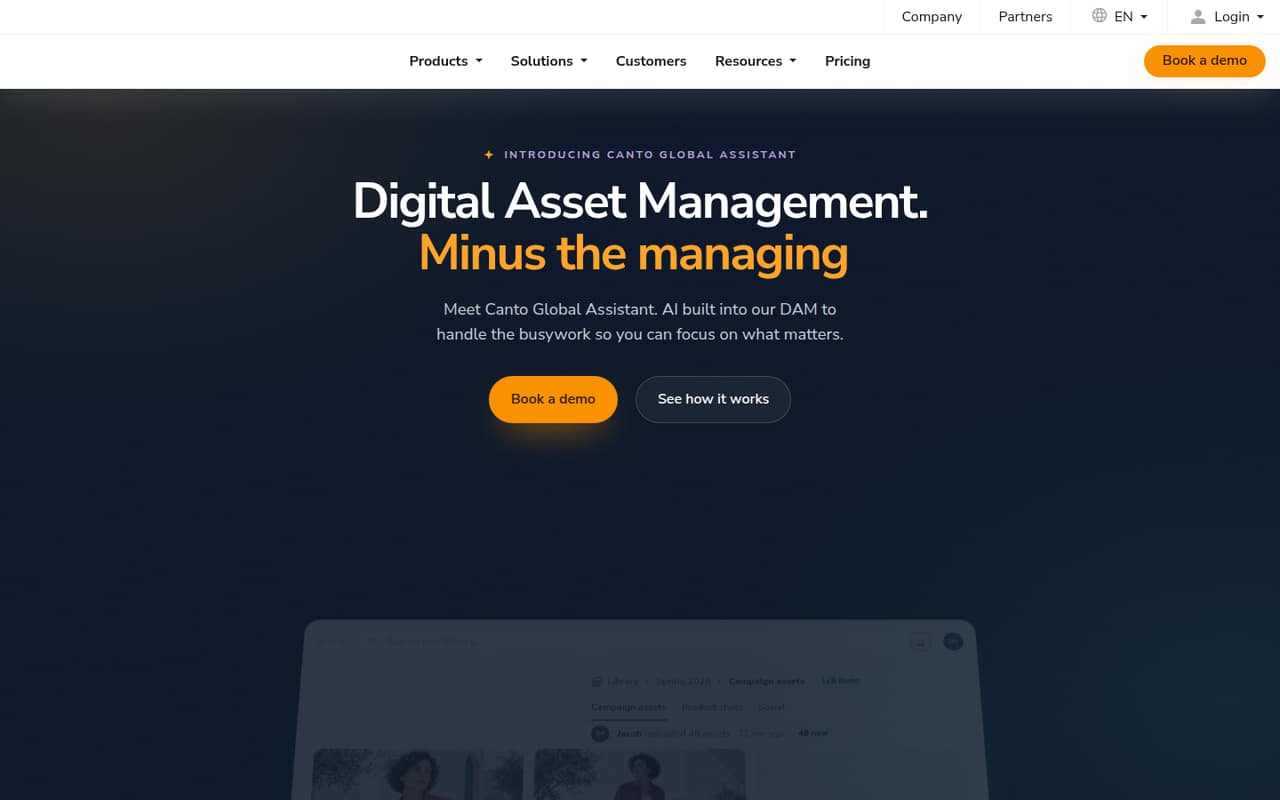
Canto brings brand assets and AI-assisted organization together, according to the published product description. It may be worth a conversation for a team that wants a central library and help finding assets. The vendor requires a quote to establish cost, so ask for a small-team price and confirm the seat limits, setup effort, and features included.
What works
- Centralizes brand and product content
- Search supports plain language and visual descriptions
- Global Assistant can fill metadata gaps
What doesn't
- No free plan is listed
- All plan prices require custom quotes
- Monthly and annual rates aren’t published
- Best for brand guidelinesFrontifyFrontify
Frontify is designed for shared brand assets and established brand guidelines. That focus may be valuable when a team needs more than a simple file library, but custom pricing is unpublished in the published information. Ask for a quote based on a team of one to ten, and clarify which features are included and how much time the initial setup requires.
What works
- Guidelines and assets live in one platform
- Automatic asset tagging and descriptions
- Search by keyword or natural language
What doesn't
- No public starting price
- No listed free plan or trial
- MAU tier limits are not published

- Best for contributor sharingPhotoShelterPhotoShelter
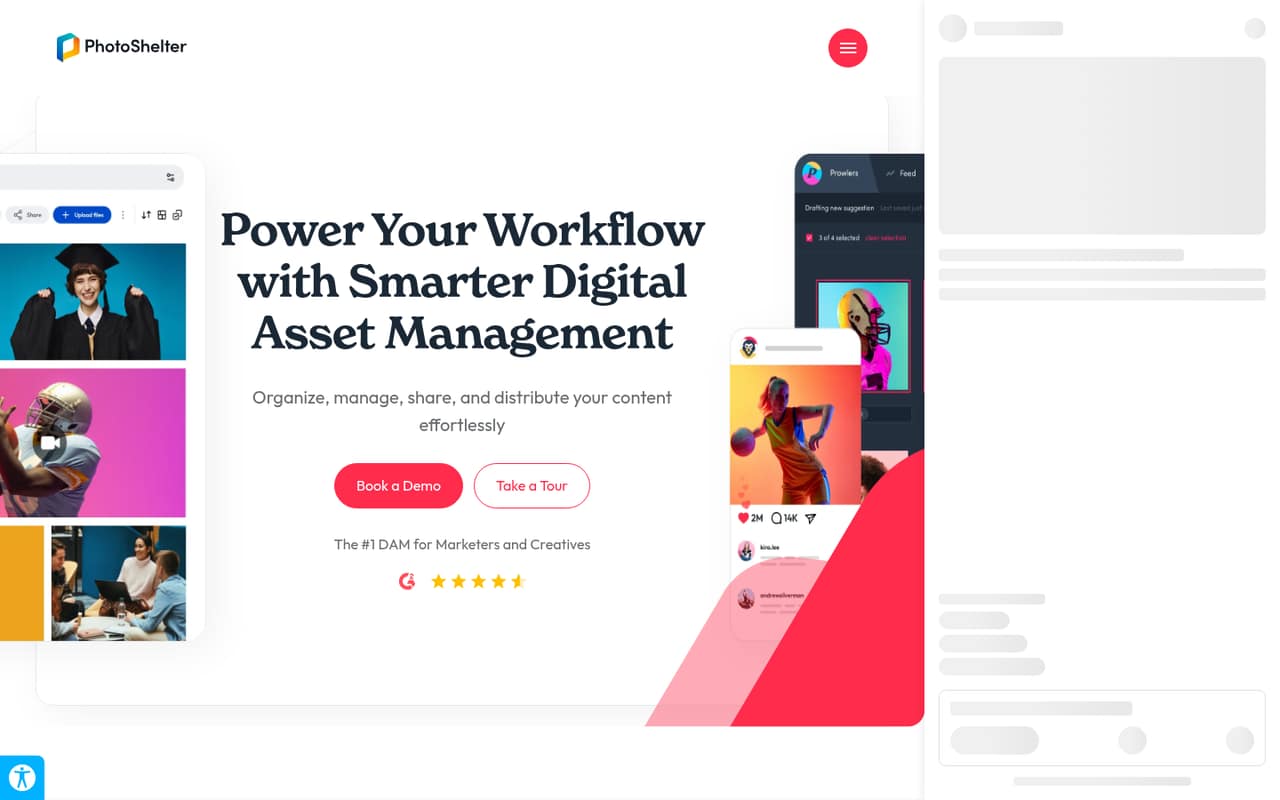
PhotoShelter is a possibility for teams with large content libraries, AI image search needs, or contributors who need to share content. The vendor uses sales-only pricing, so the cost for a few seats is not clear from the published information. Ask for a small-team quote and confirm user limits, setup requirements, and which DAM features are part of the proposed plan.
What works
- AI visual and similarity search
- Automatic tagging and generated alt text
- One library from upload through distribution
What doesn't
- Starter pricing requires contacting sales
- No free plan is listed
- Starter includes only two library seats
- Best for rights controlsQBankQBank
QBank offers broad DAM controls for large asset libraries, partner distribution, and rights or consent management. That can make it a fit when governance matters more than a low entry price. The vendor requires a custom quote, so a small team should ask about pricing for its user count and confirm how rights controls and initial setup are handled.
What works
- Central asset repository with version control
- Customizable multilingual metadata schemas
- Automated tagging supports asset discovery
What doesn't
- No free plan is listed
- Monthly and annual prices are not published
- Implementation fee applies
- Best for complex workflowsOrange LogicOrange Logic
Orange Logic focuses on complex content workflows, asset rights, and granular permissions. Those controls may be more than a small team needs, but they could matter when several people handle sensitive or structured content. The vendor requires a custom quote. Ask what a few seats cost and how much configuration the workflow and permissions require.
What works
- Manages content across its full lifecycle
- Connects metadata, rights, workflows, and AI to assets
- Orchestrates AI agents across workflows and teams
What doesn't
- No free plan
- Pricing is available by custom enterprise quote
- No starting rate is published
- Best for sports contentGreenflyGreenfly
Greenfly is tailored to sports teams managing frequent content, leagues coordinating sponsor assets, and brands measuring sponsorship value. That specialization makes it a narrow choice for a general small business, but potentially relevant in sports. There is no free plan or published price in the published information, so ask for a quote and discuss setup and team-seat costs.
What works
- Collects content from phones, sideline cams, and pro uploads
- Approval workflows help coordinate content before distribution
- Homepage lists AI tagging for players, sponsors, moments, and rights
What doesn't
- No free plan is listed
- No free trial is listed
- Starting price and per-seat rates are not published
- Best for sports mediaScorePlayScorePlay
ScorePlay is aimed at sports teams managing photo libraries, leagues coordinating broadcast workflows, and organizations with media production needs. A team working in sports media may find that focus relevant; others may want a general library. Pricing is not published on the vendor's site, so request a quote and ask about user costs and the effort to set up your workflows.
What works
- Supports photos, short videos, video and live content
- Includes AI indexation for media assets
- Automates content distribution workflows
What doesn't
- No free plan is listed
- Monthly and annual prices are not published
- Per-seat costs are not published
- Best for brand rulesLythoLytho
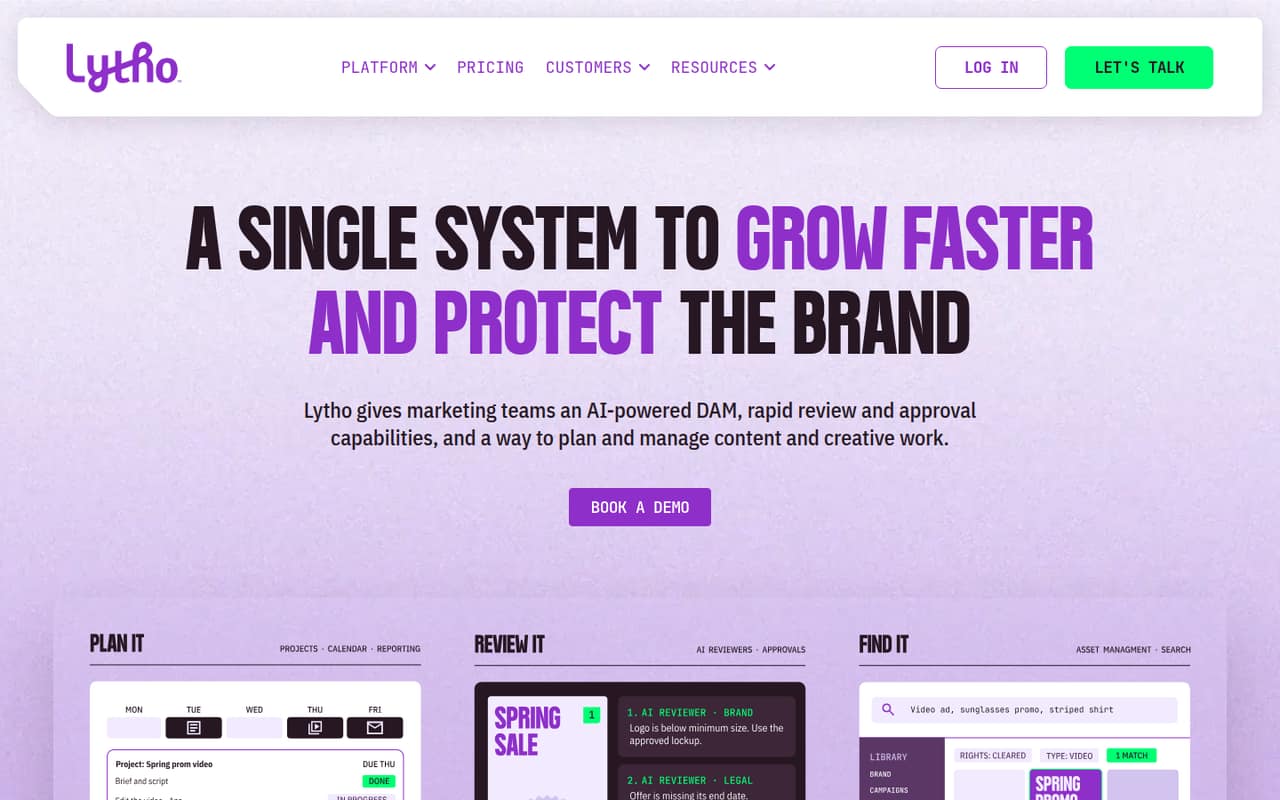
Lytho combines creative approvals and brand rules, with the published description identifying teams of up to ten core users as a fit. That team size is relevant, but the vendor does not publish a price in the published information. Request a quote for your seat count, and ask what the setup requires and which workflow or brand controls are included.
What works
- Combines asset management and creative workflows
- Standard includes 10 core users
- Standard includes 500 GB storage
What doesn't
- Plan prices are customized, not published
- No free plan is listed
- Free-trial availability is not published
- Best for regulated marketingAprimoAprimo
Aprimo combines DAM and content operations, with a focus on regulated marketing teams and complex approval workflows. Those capabilities may exceed what a small team needs: the published description warns that its price and setup may overwhelm one. The vendor does not publish a price in the published information, so ask for a small-team quote and a clear onboarding estimate before proceeding.
What works
- Combines digital assets and content operations
- AI agents can generate asset metadata
- Automates review and approval workflows
What doesn't
- Pricing requires a custom quote
- No free plan is listed
- Trial availability is not published
03How we chose
We ranked these tools for teams of one to ten, weighing whether a free plan is listed, what the starting price says, and whether that price helps estimate a few seats. We also considered stated audience, plan caps, and any described setup or licensing cautions. A starting price is not necessarily a per-seat total. Documentation and Reddit sentiment are useful checks for limits, onboarding, and day-to-day fit; we do not treat an unpublished price or an unverified setup claim as a known fact.
04Check the real price for your team
A starting price does not tell you what three, five, or ten people will pay. Ask whether the listed amount is per user, per month, or tied to a different billing term; if the vendor does not publish those details, request a quote. Include the roles your team needs: Iconik flags seat roles and usage charges, while Picdrop says extra-seat pricing needs clarification. Check what a free plan actually covers before making it your long-term home. Air’s Starter plan has a five-user cap, and Kive’s published description says to budget for Pro once you need three or more seats. If a vendor sells through custom quotes, ask for the total at your current headcount and the cost of adding people later.
05Plan the setup before you move files
Before choosing a DAM, list where your media lives, who needs to find it, and who can approve or share it. Ask the vendor how your existing folders, metadata, and permissions will carry over, and whether your team handles the work or gets help. Setup effort is not specified for most of these options, so do not assume it is quick. A photographer may value Photo Supreme’s folder control and portable metadata; an AEC firm may prioritize OpenAsset’s project-content reuse. If your needs are mostly galleries or visual proofs, Picdrop or Picflow may be enough to assess first. For a larger system, ask for an onboarding outline, any limits you could hit, and a clear explanation of what happens when your library or team grows.
Questions people ask
Does a small team need digital asset management software?
Not always. If you only need to share a few client galleries or organize references, a focused tool or free plan may be enough. A DAM becomes more useful when your team needs searchable archives, approval workflows, brand controls, or shared access to a growing library.
Which DAM tools list a free plan?
The pricing page identify free plans for Picdrop, Iconik, Air, and Kive, and a free tier for Picflow. Check the vendor’s current plan details before relying on a free option: listed caps, seat roles, and usage charges can affect whether it works for your team.
How much does DAM software cost for five people?
There is no reliable five-person total from the listed starting prices alone. Some vendors do not publish prices, and a starting price does not establish whether seats or usage affect the bill. Ask vendors for a quote at your exact headcount and confirm the costs of adding users.
What should we ask a DAM vendor before buying?
Ask for the total cost at your team size, user and storage limits, and any usage charges. Also ask what setup involves, how existing folders and metadata transfer, and what happens when you add users or need more governance. For custom pricing, request a written quote with inclusions spelled out.