We may earn a commission if you buy through links on this page. It never changes a score or a ranking. How we make money
The bottom line
A budget-friendly way to explore Canva’s AI design tools, with unclear Magic Media limits.
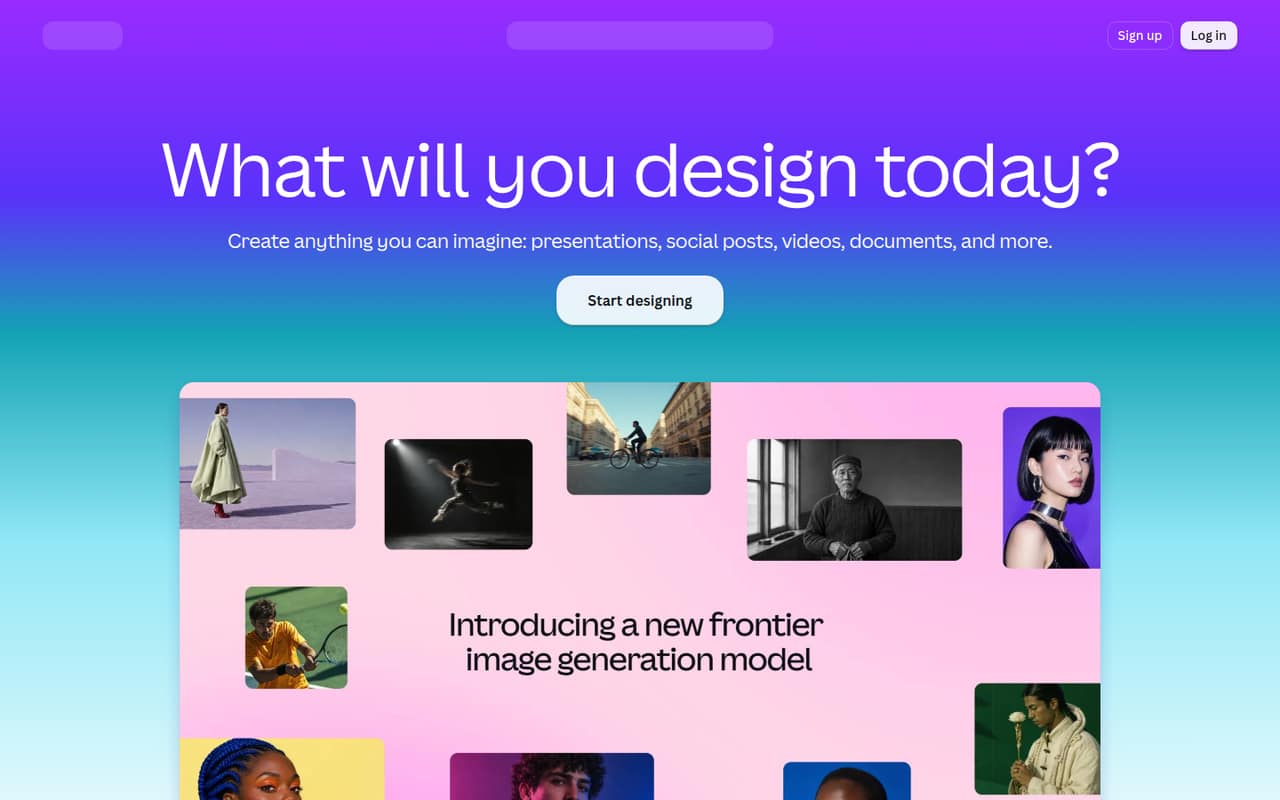
Canva’s free plan and wide set of design tools make it worth considering for a small team that needs images alongside social posts, videos, and presentations. The homepage promotes an AI Image Generator, but doesn’t explain Magic Media by name or specify its exact capabilities.
The free plan includes limited access to Standard and Premium AI. Pro starts at €110 per year, or €9.17 per person per month on an annual basis; exact monthly billing and Magic Media usage limits aren’t published. Reddit posts show image-generation examples, but don’t offer clear feedback on quality or satisfaction.
Good fit if
- Small teams making social content
- Designers who also need templates
- Teams trying AI tools for free
Skip it if
- Teams needing published AI quotas
- Buyers who need monthly pricing
- Teams seeking detailed user reviews
ScoresHow it rates
What works
- Free plan costs €0
- Free plan includes 5GB cloud storage
- Homepage promotes an AI Image Generator
- Templates cover social posts and presentations
- Pro offers 100GB cloud storage
What doesn't
- Magic Media capabilities aren’t detailed on the homepage
- Exact AI allowances aren’t published
- Monthly paid prices aren’t published
- AI Pass and top-up prices aren’t published
- Reddit posts don’t establish user satisfaction
01Who Canva Magic Media is for
Canva Magic Media is most worth considering for a small team of one to ten people that already needs a mix of visual content: images, social posts, videos, and presentations. The homepage presents Canva as an AI-powered design platform and promotes an AI Image Generator, video templates and an editor, presentation tools, and photo-editing features.
That makes it a plausible fit if your team wants to keep several everyday design jobs in one place, rather than buy a tool just for AI images. The free plan gives a team a no-cost way to start, while Pro is the cheapest paid tier listed, at €110 per year per person. One caveat: the homepage doesn’t explain Magic Media by name or spell out its specific capabilities. We’d confirm the exact AI allowance for your intended use before paying for multiple seats.
02Canva Magic Media free plan and trial
Canva’s Free plan costs €0 and lists 5GB of cloud storage, more than 1.6 million templates, and limited access to Standard and Premium AI. That gives a small team a way to explore Canva’s AI-powered design tools without committing to a paid subscription. The pricing information doesn’t state how many Magic Media generations the free plan includes, so check the allowance in Canva before relying on it for regular team work.
A free trial isn’t listed in the pricing information. If the free AI access isn’t enough, the cheapest paid plan listed is Pro: €110 per person per year, equivalent to €9.17 per month with annual billing. Canva doesn’t publish the monthly-billing price in the pricing text.
03What a small team pays for Canva Magic Media
The pricing page lists Pro at €110 per person per year and Business at €170 per person per year. Those work out to €9.17 and €14.17 per person per month, respectively, with annual billing. The page says yearly billing saves from 16%, but doesn’t publish the monthly prices.
At Pro pricing, one person costs €110 a year; three cost €330 a year, or about €27.50 per month for the group; five cost €550 a year, or about €45.83 per month. At Business pricing, one person costs €170 a year; three cost €510 a year, or €42.50 per month; five cost €850 a year, or about €70.83 per month. These monthly figures divide the annual total by 12; they aren’t monthly-billing quotes.
Business lists 500GB storage and 100 Brand Kits, compared with Pro’s 100GB and 3.6 million-plus templates. Both plans describe AI access relative to Free, but exact generation counts aren’t published. AI Pass and Business top-ups are available; their prices aren’t published, so ask Canva before budgeting for extra usage.
04Getting started with Canva Magic Media
Canva’s homepage describes a broad design platform, but doesn’t explain where Magic Media sits in the editor or give a setup guide for the feature. It also doesn’t publish a setup time or a learning-curve estimate. A small team can start by signing up for the Free plan, but we’d check the current editor and confirm the AI allowance before planning a shared workflow.
The homepage points to templates and tools for images, social posts, videos, presentations, and photo cleanup. It doesn’t list integrations or say which ones a team needs on day one. For a basic evaluation, decide what your team wants to create and ask Canva whether the relevant Magic Media tools are included in your intended plan. The Reddit posts we found are image examples, not setup guidance, so they don’t answer questions about onboarding or integrations.
05When small teams outgrow Canva Magic Media
The first pressure point is likely to be AI usage: Free includes only limited access to Standard and Premium AI, while Pro and Business describe their allowances as multiples of Free. The pricing page doesn’t give exact generation counts, and AI Pass and Business top-up prices aren’t published. If your team creates images regularly, confirm the allowance and extra-use cost before adding seats.
Seat costs add up at annual rates: five people on Pro cost €550 per year, while five on Business cost €850. Business may suit teams that need its listed 500GB storage or 100 Brand Kits, but Canva doesn’t detail Magic Media-specific controls in the homepage material. The Reddit posts are examples of generated images, not reports about limits, reliability, or team workflows. If your needs depend on those details, ask Canva directly or compare another tool with published quotas and pricing before committing.
From the threadsWhat users say
The Reddit material consists of image-generation examples rather than clear reviews of the tool. It doesn’t show whether users were satisfied, so sentiment is hard to judge.
Big beautiful prom queens by Canva Magic Media
Bea BBW Teen by Canva Magic Media, described by ChatGTP
ChatGPT estimated Bea to be aged 18
Apple-shaped: She carries most of her weight around her midsection
Questions people ask
What is Canva Magic Media?
Canva Magic Media is described here as part of Canva’s AI tools for generating images and creating visual content. Canva’s homepage promotes an AI Image Generator, but doesn’t describe Magic Media by name or explain its specific capabilities. Check Canva’s current product information for the feature details that matter to your workflow.
Does Canva’s free plan include Magic Media?
The Free plan lists limited access to Standard and Premium AI, along with 5GB of storage and more than 1.6 million templates. The exact number of Magic Media generations included isn’t published. If you plan to rely on it for regular work, confirm the current allowance with Canva before choosing a plan.
How much does Canva Magic Media cost?
Canva’s Free plan is €0. Pro lists at €110 per person per year, equivalent to €9.17 per month with annual billing. Business lists at €170 per person per year, or €14.17 per month on the same basis. The pricing page doesn’t publish the monthly-billing prices or a separate Magic Media price.
Can I use Canva Magic Media to edit photos?
Canva’s homepage lists Magic Eraser and Background Remover as photo-editing tools. It doesn’t explain whether those tools are part of Magic Media or describe Magic Media’s photo-editing capabilities. If you need a specific edit, check which tool and plan Canva says covers it before buying.
Is Canva a video editor?
Canva’s homepage promotes video creation with templates and an editor. It doesn’t explain how Magic Media relates to video creation, so don’t assume that every AI video feature is included in a particular plan. Check Canva’s current feature and plan details if video editing is central to your team’s work.