We may earn a commission if you buy through links on this page. It never changes a score or a ranking. How we make money
The bottom line
Cap is a good-value recorder for small teams that can live with limited free sharing.
Cap combines screen recording, editing, screenshots, and sharing across macOS, Windows, and Linux. The free plan includes the full Studio editor and 4K/60fps export, but limits sharing to 25 links a month, each up to five minutes, and is for personal use.
For commercial desktop recording, the Desktop License costs $29 per license per year. Teams that need unlimited cloud sharing and storage, plus AI summaries and transcripts, can choose Cap Pro at $12 per user monthly or $8.16 per user monthly with annual billing.
Good fit if
- Solo creators recording locally
- Small teams sharing short demos
- Teams wanting flexible storage
Skip it if
- Teams needing unlimited free sharing
- Large organizations avoiding per-seat fees
- People who need published setup guidance
ScoresHow it rates
What works
- Free plan includes the full Studio editor
- Free plan supports 4K/60fps export
- Runs on macOS, Windows, and Linux
- Storage options include S3, Google Drive, and self-hosting
- Desktop License starts at $29 per year
What doesn't
- Free sharing stops at 25 links per month
- Each free share link is limited to five minutes
- Free plan is for personal use
- Cap Pro costs more as seats are added
- SAML SSO costs $199 per month
01Who Cap is for
Cap fits a solo creator or a small team that records product walkthroughs, support answers, or internal demos. It combines screen recording with an editor, screenshots, and share links, so a team can make and pass around visual explanations without stitching together separate tools.
The free plan is a sensible starting point for personal use: it includes Studio Mode with the full editor, 4K/60fps export, and team workspaces. For commercial desktop recording, the Desktop License is $29 per license per year. If several people need unlimited cloud sharing and storage, Cap Pro is the more relevant plan, at $12 per user monthly or $8.16 per user monthly when billed annually. That puts a three-person team at $36 monthly or $24.48 monthly on annual billing. Cap is less compelling if a team needs unlimited sharing at no cost or wants a published estimate of setup time.
02Cap free plan and trial
Cap lists a Free plan at $0 for personal use, with no trial required. It includes 25 shareable links per month, with each link limited to five minutes. The plan also includes Studio Mode with the full editor, 4K/60fps export, and team workspaces.
The limit applies to sharing, not local recording: the pricing page lists unlimited local recordings and editing under the paid Desktop License, but does not publish that same allowance for Free. Free is not the right choice for commercial desktop recording; Cap lists commercial usage rights with the $29-per-license-per-year Desktop License. For teams that need unlimited cloud storage, bandwidth, and sharing, the next fit is Cap Pro. The vendor does not list a free trial.
03What a small team pays for Cap
Cap Pro costs $12 per user monthly, or $8.16 per user per month with annual billing. One seat is $12 monthly or $8.16 monthly on the annual plan. Three seats come to $36 monthly or $24.48 per month billed annually; five seats cost $60 monthly or $40.80 per month billed annually. Annual billing works out to $293.76 for three seats or $489.60 for five, calculated from the listed per-user rate.
Cap Pro includes unlimited cloud storage, bandwidth, and sharing, plus AI titles, summaries, chapters, and transcriptions. For commercial desktop recording without Pro's cloud package, the Desktop License costs $29 per license per year, or $58 once for the lifetime option. It covers one user, unlimited local recordings and editing, and 25 shareable links monthly, each up to five minutes. Enterprise uses Cap Pro pricing and offers volume discounts; SAML SSO is an optional $199 per month, and a signed BAA costs $99 per organization. The vendor does not publish a minimum seat count.
04Getting started with Cap
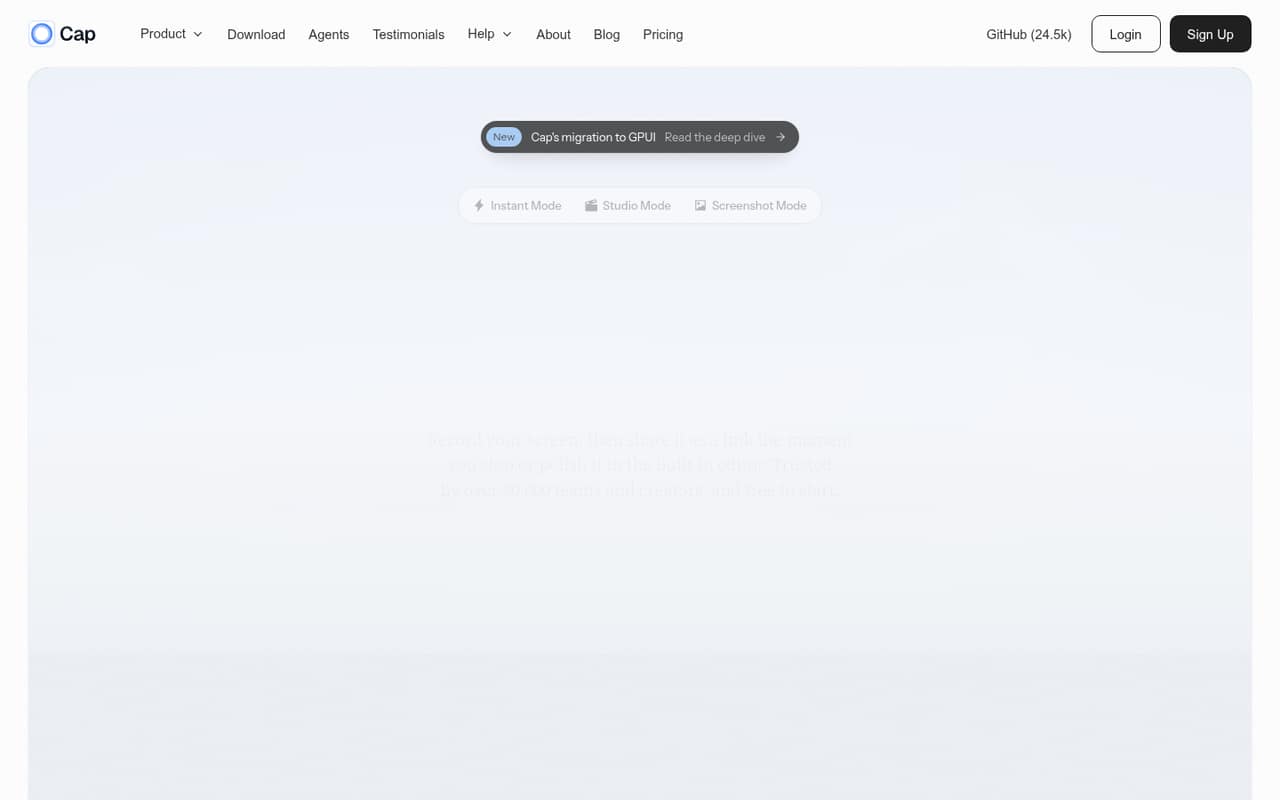
Cap supports macOS, Windows, and Linux, with Instant, Studio, and Screenshot modes. The basic workflow is straightforward on paper: record locally or share through Cap Cloud, edit in Studio, or capture and annotate a screenshot. Instant mode uploads while recording and copies a browser-viewable link when recording stops.
A team should decide where recordings belong before sharing them. Cap lists its own cloud, S3-compatible buckets, Google Drive, and self-hosting as storage choices. The CLI and local MCP server are additional options for developer workflows, not requirements for ordinary screen recording. The vendor does not publish a setup-time estimate in the published pricing and feature details, so we would not budget a specific number of minutes. Teams using self-hosting or custom storage should confirm the setup steps and ongoing administration with Cap before choosing that route.
05When small teams outgrow Cap
The first clear ceiling is Free's sharing allowance: 25 links a month, with each link capped at five minutes. A team that regularly shares longer recordings or needs unlimited cloud sharing will need Cap Pro, where costs rise with each seat. At the listed monthly rate, three users cost $36 per month and five cost $60; annual billing lowers those monthly equivalents but requires annual billing.
Commercial use is another dividing line. Free is for personal use, so a business recording on desktop should budget for a Desktop License at $29 per user per year or move to Pro for cloud features. Larger organizations may need Enterprise options such as SAML SSO, which is an additional $199 monthly, or a signed BAA for $99 per organization. Teams should ask Cap about volume discounts, seat requirements, and any deployment needs before treating Enterprise as a predictable small-team upgrade.
Questions people ask
What does Cap's free plan include?
Cap lists Free at $0 for personal use. It includes Studio Mode with the full editor, 4K/60fps export, team workspaces, and 25 shareable links each month. Each link can be up to five minutes long. The vendor does not list a free trial.
Can a business use Cap for free?
Cap describes the Free plan as being for personal use. For commercial desktop recording, its pricing lists the Desktop License at $29 per license per year, with commercial usage rights. Cap Pro is another option for teams that need unlimited cloud sharing and storage.
How much does Cap Pro cost for a small team?
Cap Pro costs $12 per user monthly or $8.16 per user per month with annual billing. Three seats cost $36 monthly or $24.48 per month billed annually. Five seats cost $60 monthly or $40.80 per month billed annually.
Does Cap support cloud storage other than Cap Cloud?
Yes. Cap lists S3-compatible buckets, Google Drive, and self-hosting alongside Cap Cloud. The pricing details do not specify the setup effort or whether every storage option is available on every plan, so confirm those points with Cap before choosing.
Which operating systems does Cap support?
Cap is listed for macOS, Windows, and Linux. It offers Instant, Studio, and Screenshot modes, along with a CLI and local MCP server. The vendor does not publish a setup-time estimate in the pricing details.