We may earn a commission if you buy through links on this page. It never changes a score or a ranking. How we make money
A small team may not need dedicated screen recording software if short videos are an occasional task. If demos, training, or async explanations are routine, ScreenPal is a practical place to start: it has a free plan and a listed starting price of $4. Cap is another strong value option, while ScreenRec’s paid entry point is built around five seats. Check the free-plan limits and confirm the total for your team before committing; a starting price alone doesn’t tell you what several seats will cost.
Quick picksThe shortlist
 ScreenPalScreenPalBest for small teams · $4/mo
 CapCapBest value · $29/mo
 ScreenRecScreenRecBest free for solo · $35/mo
 ScreenpressoScreenpressoBest for visual guides · $29.99/mo
 CleanShot XCleanShot XBest for Mac capture · $10/mo
 TellaTellaBest for polished videos · $13/mo
 LoomLoomBest for async updates · $18/mo
 Screen StudioScreen StudioBest for Mac demos · $5.40/mo
 GyazoGyazoBest for quick captures · $5.99/mo
- VmakerVmakerBest for training videos · $18/mo
 ZightZightBest for bug explanations · $9.95/mo
 Bandicam Screen RecorderBandicam Screen RecorderBest for tutorials · $2.77/mo
- ScreenFlowScreenFlowBest for Mac tutorials · Custom
01Compared at a glance
| Tool | Score | From | Free plan | Trial |
|---|---|---|---|---|
| ScreenPalScreenPal | 6.8 | $4/mo | Yes | — |
| CapCap | 7.8 | $29/mo | Yes | — |
| ScreenRecScreenRec | 7.2 | $35/mo | Yes | — |
| ScreenpressoScreenpresso | 7.5 | $29.99/mo | Yes | — |
| CleanShot XCleanShot X | 7.5 | $10/mo | No | — |
| TellaTella | 7.4 | $13/mo | No | 7 days |
| LoomLoom | 7.0 | $18/mo | Yes | 14 days |
| Screen StudioScreen Studio | 6.7 | $5.40/mo | No | — |
| GyazoGyazo | 6.8 | $5.99/mo | Yes | 30 days |
| VmakerVmaker | 6.8 | $18/mo | Yes | — |
| ZightZight | 6.5 | $9.95/mo | Yes | — |
| Bandicam Screen RecorderBandicam Screen Recorder | 6.2 | $2.77/mo | No | — |
| ScreenFlowScreenFlow | 6.9 | Custom | No | Yes |
02The picks, in detail
- Best for small teamsScreenPalScreenPal
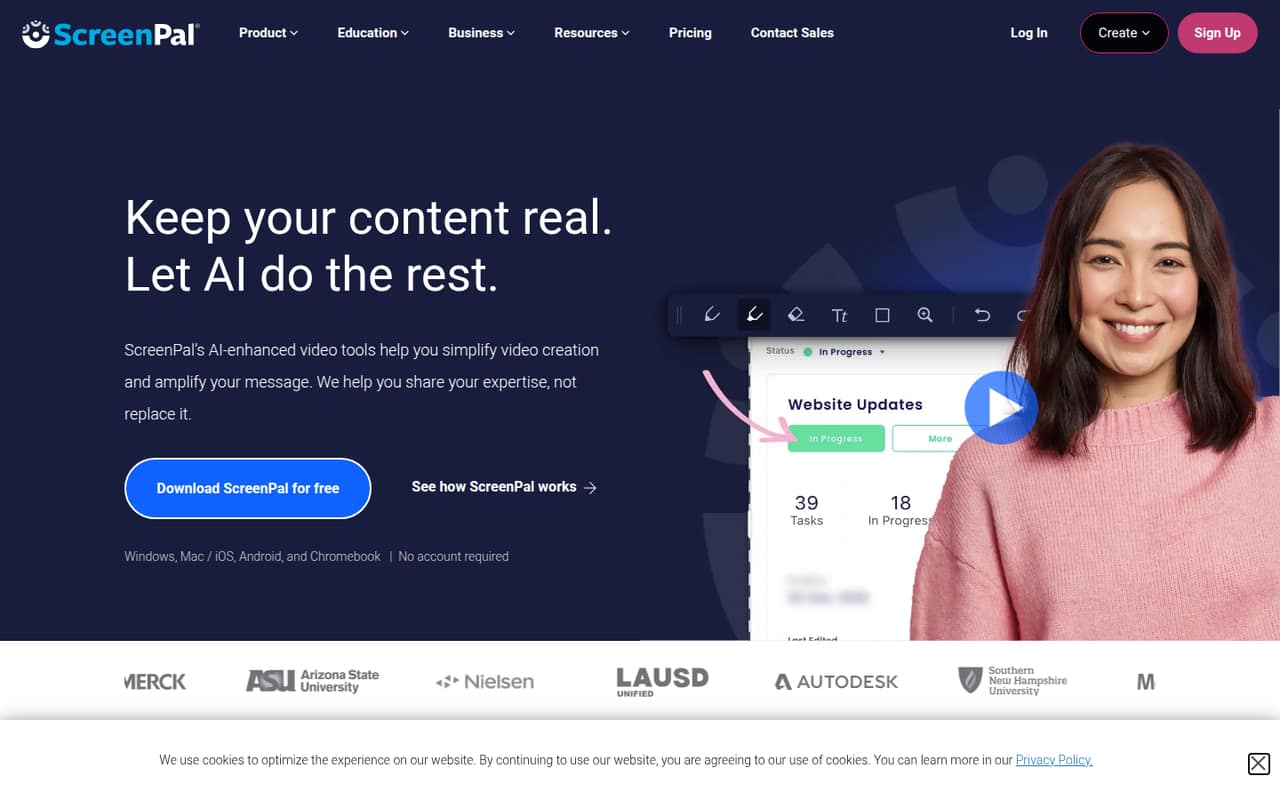
ScreenPal combines recording and sharing, with a free plan and a listed starting price of $4. That makes it a sensible first look for a small team that wants hosted videos without starting at a high listed price. Its editing workflow may not suit everyone, so check that part before moving a regular video process onto it.
What works
- Free plan includes recording, hosting, editing, and quizzes
- Deluxe lists unlimited recording for $4 monthly equivalent
- Max adds AI captions and transcriptions
What doesn't
- Free recordings stop at 15 minutes
- Free plan hosts up to 10 videos
- Team Business requires at least three creators
- Best valueCapCap
Cap is a good-value option for small teams that record short demos and can live with limited free sharing. It has a free plan and a listed starting price of $29. If local recording and flexible storage matter to your team, it merits a look; if you rely on free sharing, check the limits before making it the team standard.
What works
- Free plan includes the full Studio editor
- Free plan supports 4K/60fps export
- Runs on macOS, Windows, and Linux
What doesn't
- Free sharing stops at 25 links per month
- Each free share link is limited to five minutes
- Free plan is for personal use
- Best free for soloScreenRecScreenRec
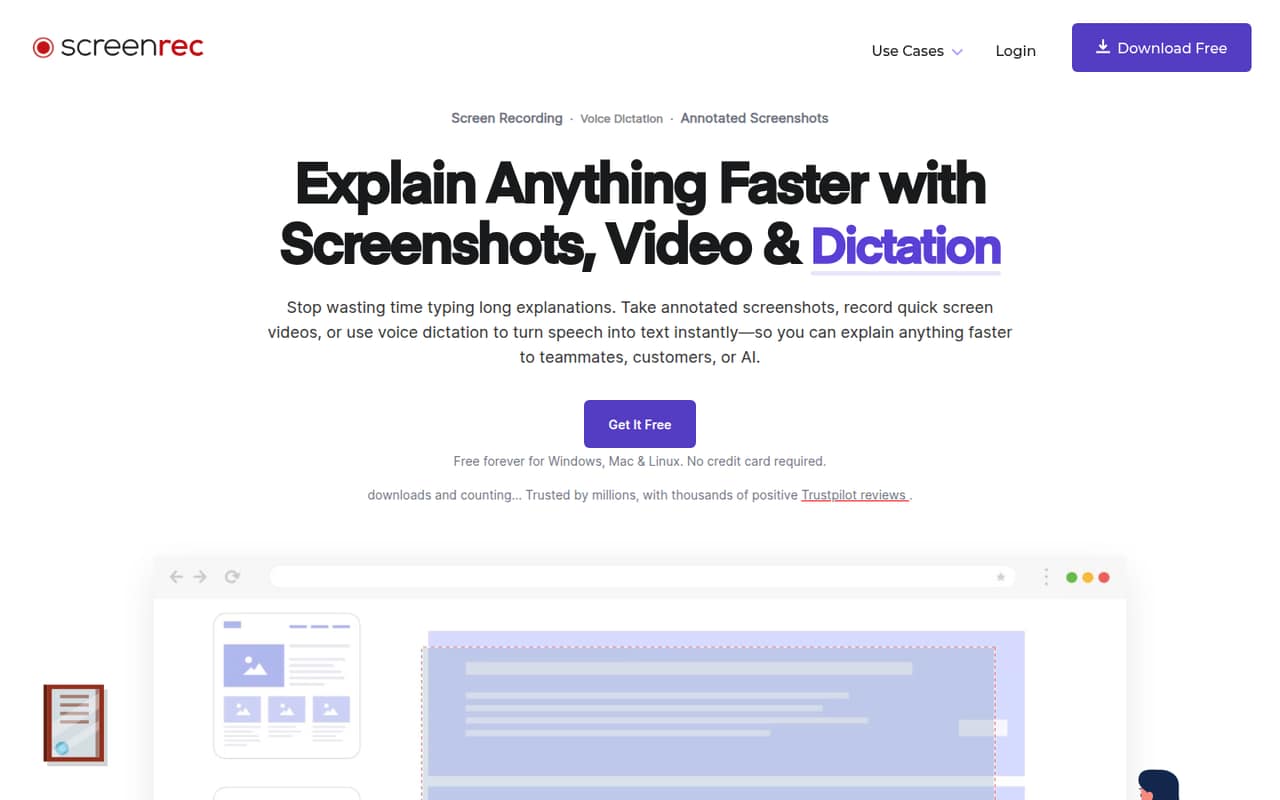
ScreenRec’s free capture is a good fit for one person making quick screen guides. Its listed starting price is $35, and the paid entry point for a small team is five seats. That can suit a five-person group sharing recordings, but teams with fewer people should check whether the paid minimum makes sense for their workflow.
What works
- Free plan includes unlimited recording for registered users
- Free recordings have no watermark
- Premium includes five seats and 200GB storage
What doesn't
- Free plan has just one user seat
- Free dictation is limited to five minutes monthly
- Paid team plan starts with five seats
- Best for visual guidesScreenpressoScreenpresso
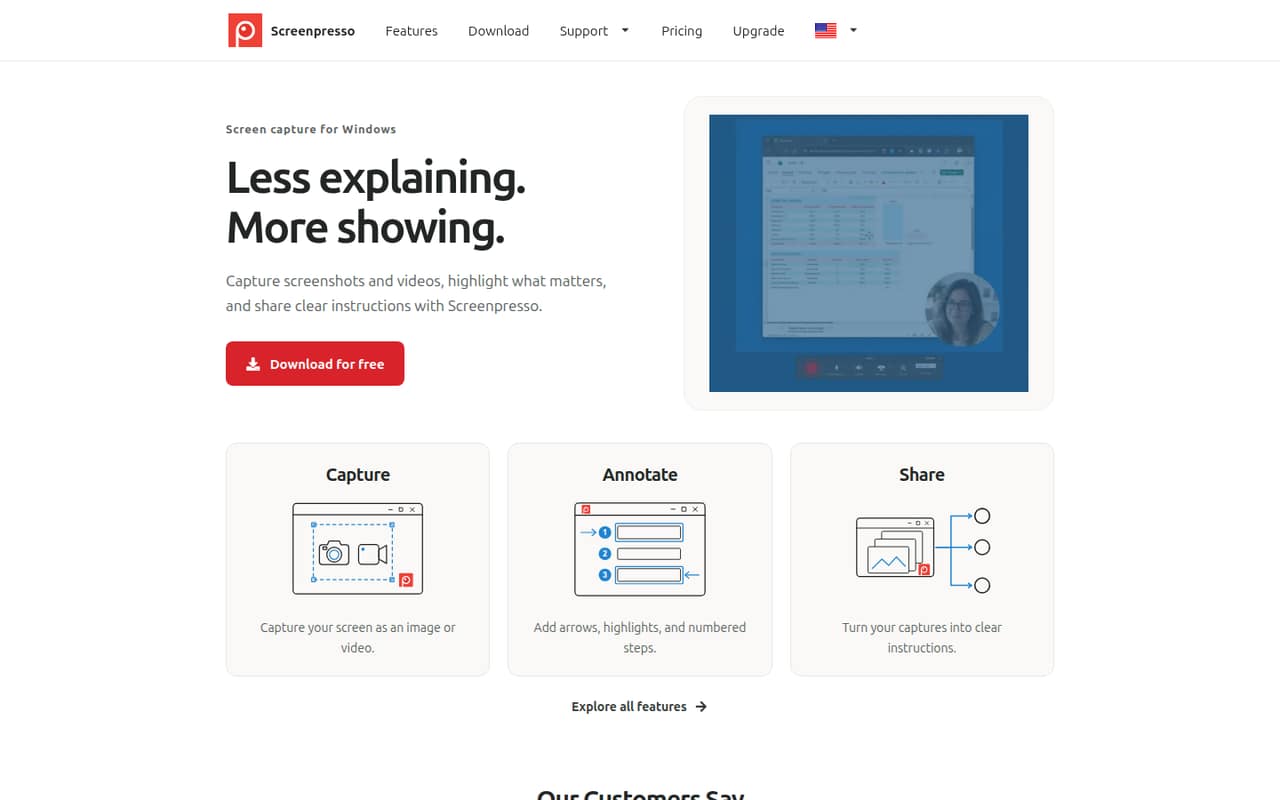
Screenpresso suits Windows teams that make visual how-to guides and annotate screenshots often. It has a free plan, but that plan is limited; PRO is listed from $29.99 and costs per person. That per-person pricing matters when several teammates need the same tools, so check the total before rolling it out across support or operations.
What works
- Captures screens as images or videos
- Adds arrows, highlights, and numbered steps
- PRO includes OCR and full editing
What doesn't
- Free videos stop at three minutes
- Free recordings carry Screenpresso branding
- Free plan has no OCR
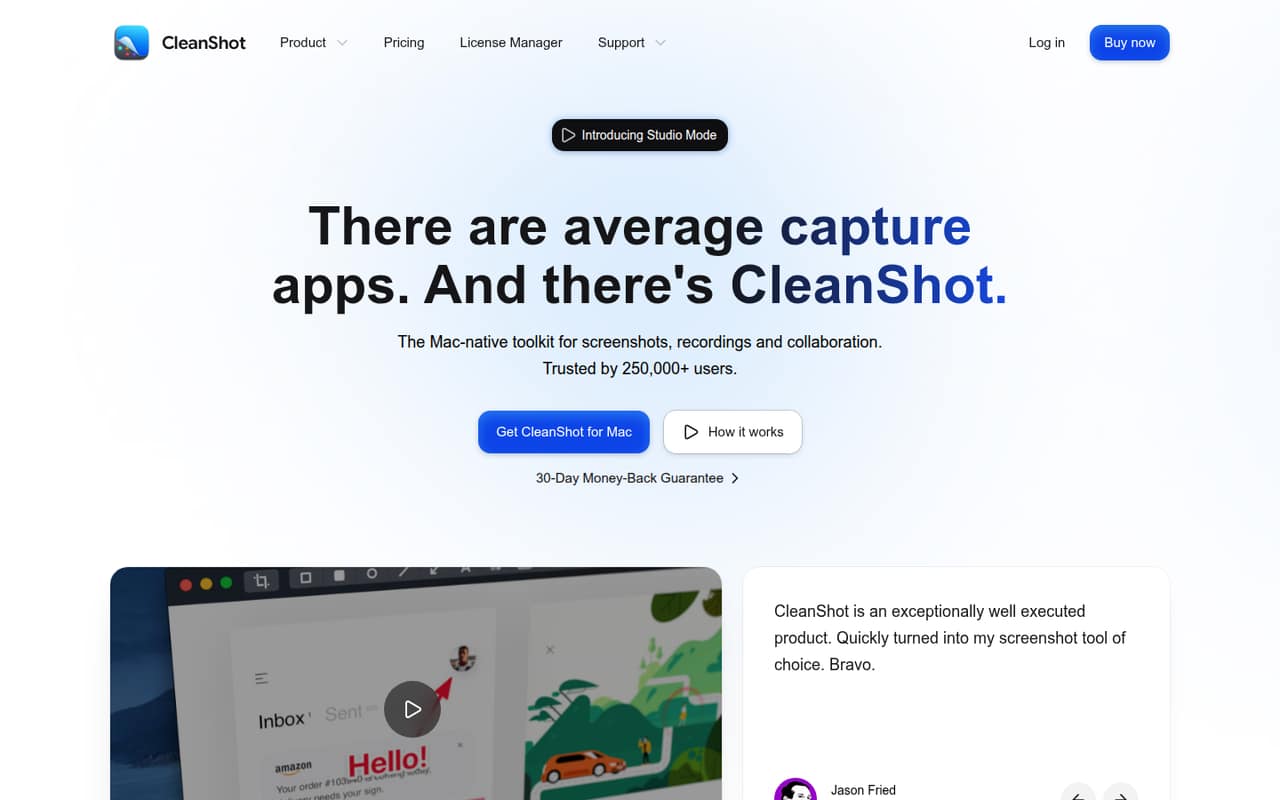
- Best for Mac captureCleanShot XCleanShot X
CleanShot X offers Mac teams a broad capture range for visual documentation and screen demos. Its listed starting price is $10, and shared Cloud features cost $10 per person monthly. That makes the team cost clear for Cloud sharing, but less attractive if several people need it and your main requirement is simply recording a video.
What works
- Screenshots, recording and editing in one Mac app
- Scrolling capture across apps
- Text recognition and QR code reading
What doesn't
- No free plan is listed
- Free trial availability is not published
- Pro costs $10 per user monthly, billed annually
- Best for polished videosTellaTella
Tella is aimed at teams making demos regularly, with recording, editing, and shared editing and review. Its listed starting price is $13, but published prices are annual-only and there’s no free plan. It may fit a team with a recurring video workload; occasional users may find the commitment and lack of a free starting point harder to justify.
What works
- Records screen, camera, and audio as separate tracks
- Timeline and transcript editing in one tool
- Pro includes unlimited videos and 4K export
What doesn't
- No free plan
- Monthly billing prices are not published
- Pro includes 4,500 credits per user monthly

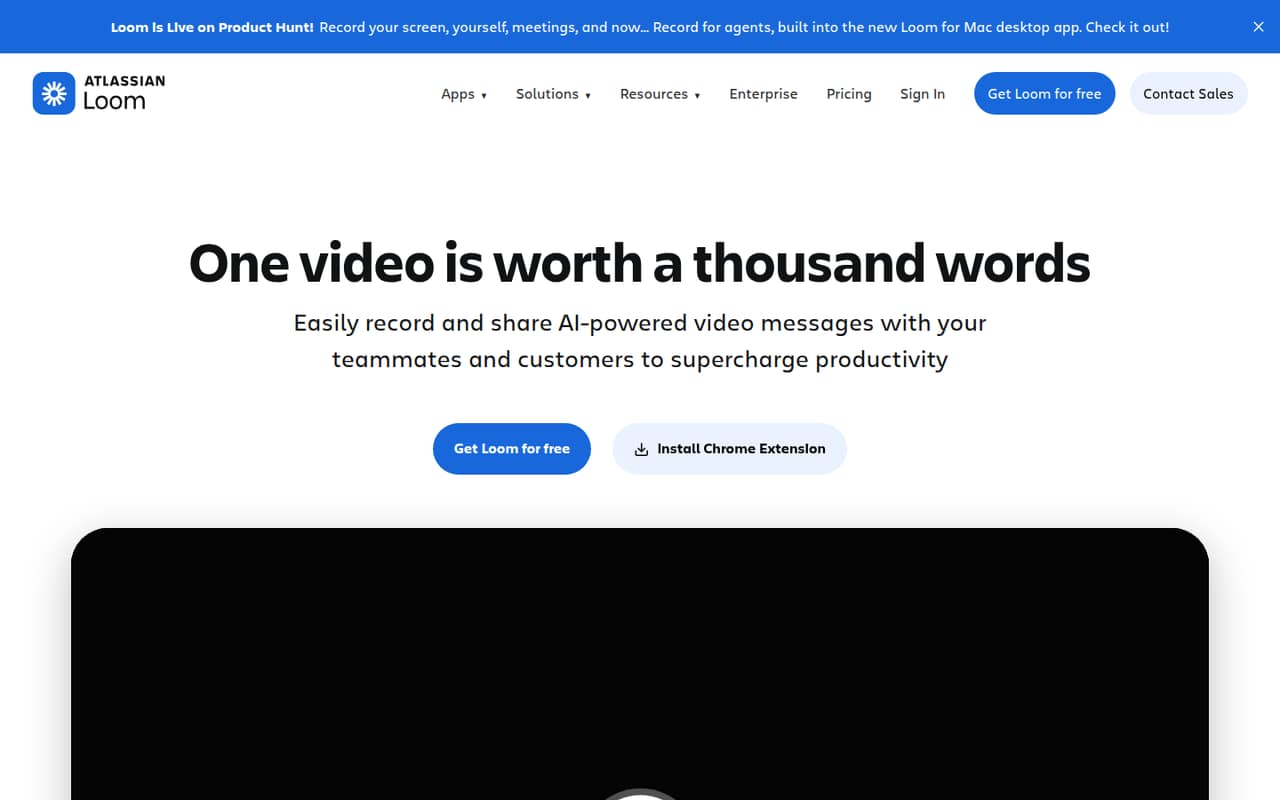
- Best for async updatesLoomLoom
Loom is suited to short product walkthroughs, client-facing explanations, and internal async updates. It has a free plan and a listed starting price of $18. It works best when quick sharing is the priority; teams should check the free limits and the cost for their actual seat count before using it for every video.
What works
- Starter is free for up to 50 members
- Records screen and camera together
- Videos can be shared or embedded
What doesn't
- Starter recordings stop at five minutes
- Starter limits each person to 25 videos
- Business is $18 per user monthly
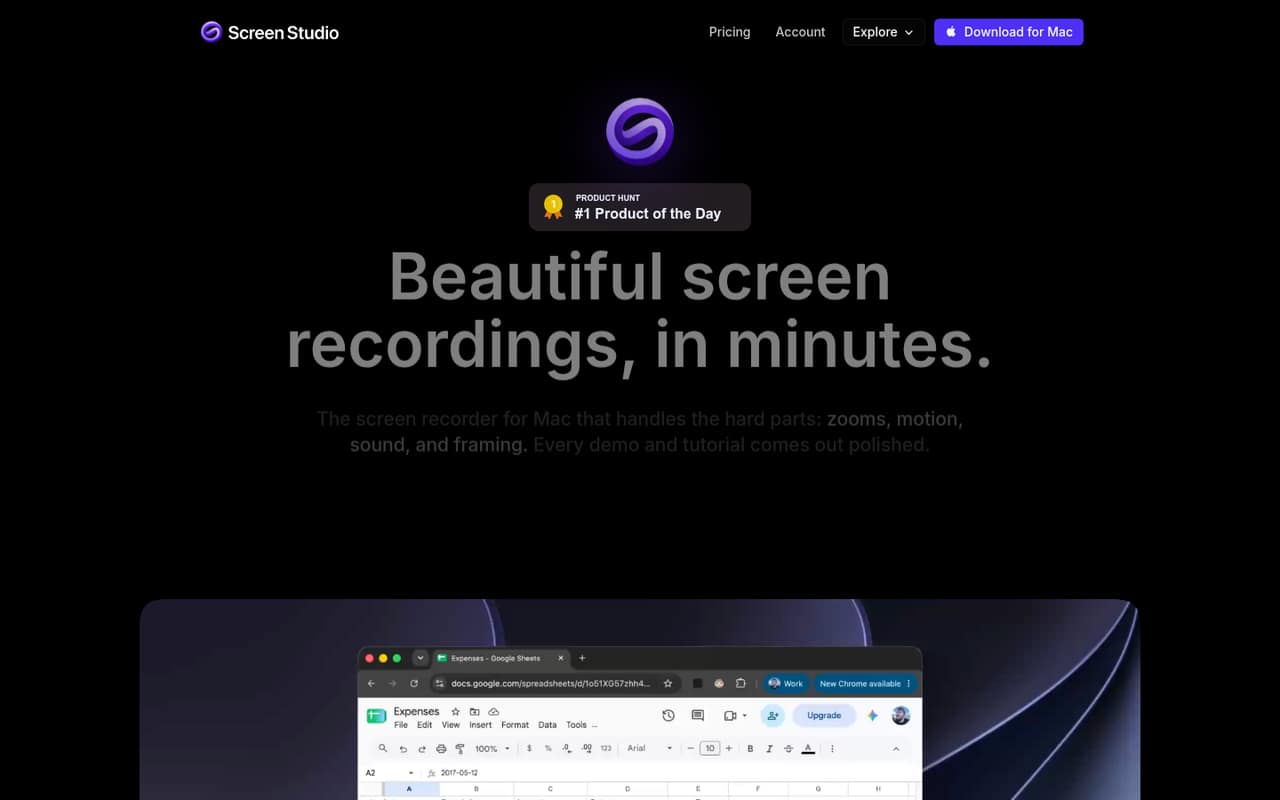
- Best for Mac demosScreen StudioScreen Studio
Screen Studio is a strong fit for Mac teams that make regular product demos and want polished exports. Its listed starting price is $5.40, but there’s no free plan. That makes it easier to justify for a steady publishing routine than for occasional recordings; confirm how its license applies to every teammate who needs to make videos.
What works
- Automatic or manual animated zooms
- Screen and camera layout options
- Transcript-based editing and filler removal
What doesn't
- No free plan or free trial listed
- Monthly billing costs $29 per seat
- Yearly plan charges $108 upfront per seat
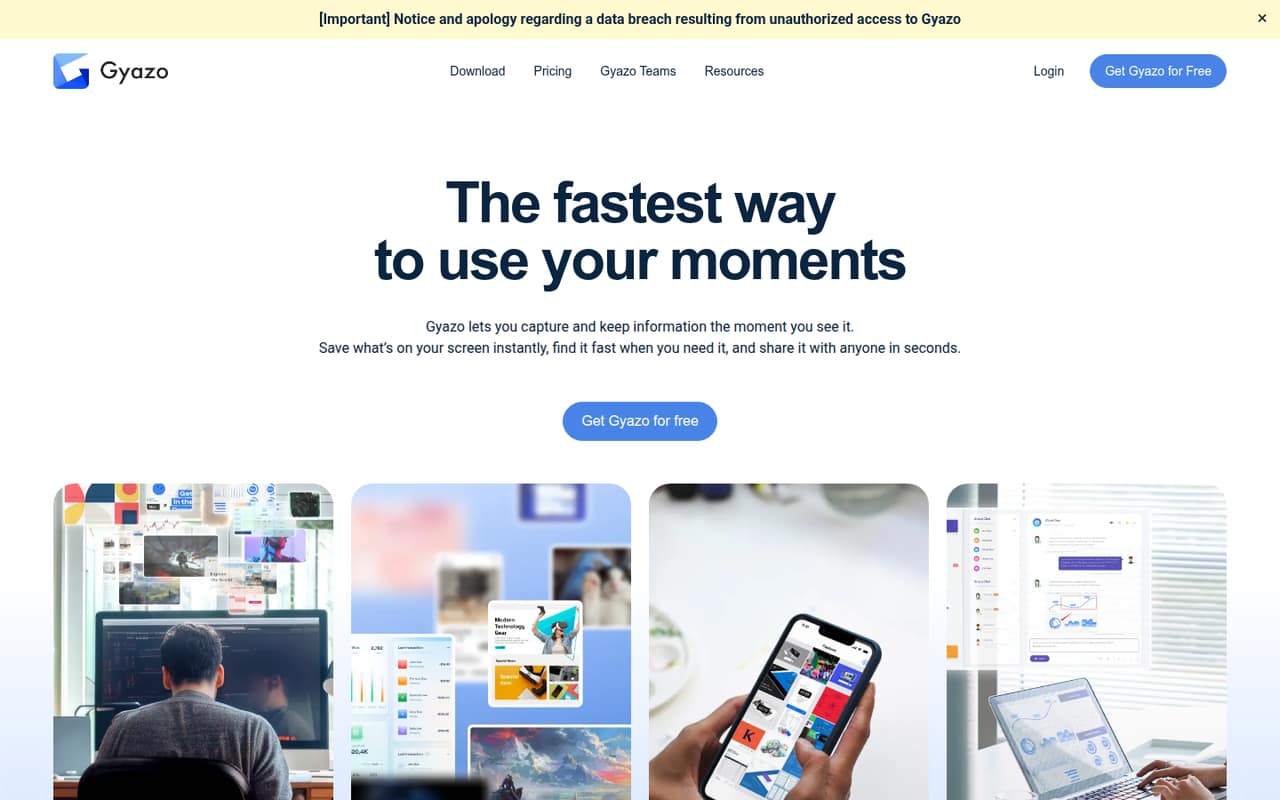
- Best for quick capturesGyazoGyazo
Gyazo is most compelling for people who share screenshots often, need searchable captures, or want shared collections for a team of five. It has a free plan and a listed starting price of $5.99. It’s less appealing if your team needs full archive access or broad collaboration on a tight budget.
What works
- Unlimited screenshot capturing and uploading on the free plan
- Shareable links for images and videos
- Search by recognized text, app, URL, description, and tags
What doesn't
- Free users can access only their 10 latest images
- Free video recordings stop at seven seconds
- Teams requires at least five paid users
- Best for training videos
VmakerVmaker
Vmaker offers screen and webcam recording for teams making training videos, plus tools for repurposing long videos. It has a free plan and a listed starting price of $18. The free plan includes zero downloads, so check the paid export workflow early; a free recording option won’t help if your team needs downloadable finished videos.
What works
- Screen and webcam recording up to 4K
- AI editing adds subtitles, music and B-roll
- Turns long videos into vertical clips
What doesn't
- Free plan includes zero downloads
- Free exports aren’t watermark-free
- Free screen recordings stop at one minute
- Best for bug explanationsZightZight
Zight fits small teams explaining bugs visually, sharing walkthroughs, or requesting recordings from other people. It has a free plan and a listed starting price of $9.95. If more than the basics are needed across the team, budget for paid seats rather than assuming the free plan will cover everyone’s day-to-day work.
What works
- Share recordings, screenshots, and GIFs by link
- Recipients can answer video requests without an account
- Free plan includes one user and 1 GB
What doesn't
- Free recordings are limited to five minutes
- Create and Collaborate monthly prices are not published
- Create lists only five AI smart actions monthly
- Best for tutorialsBandicam Screen RecorderBandicam Screen Recorder
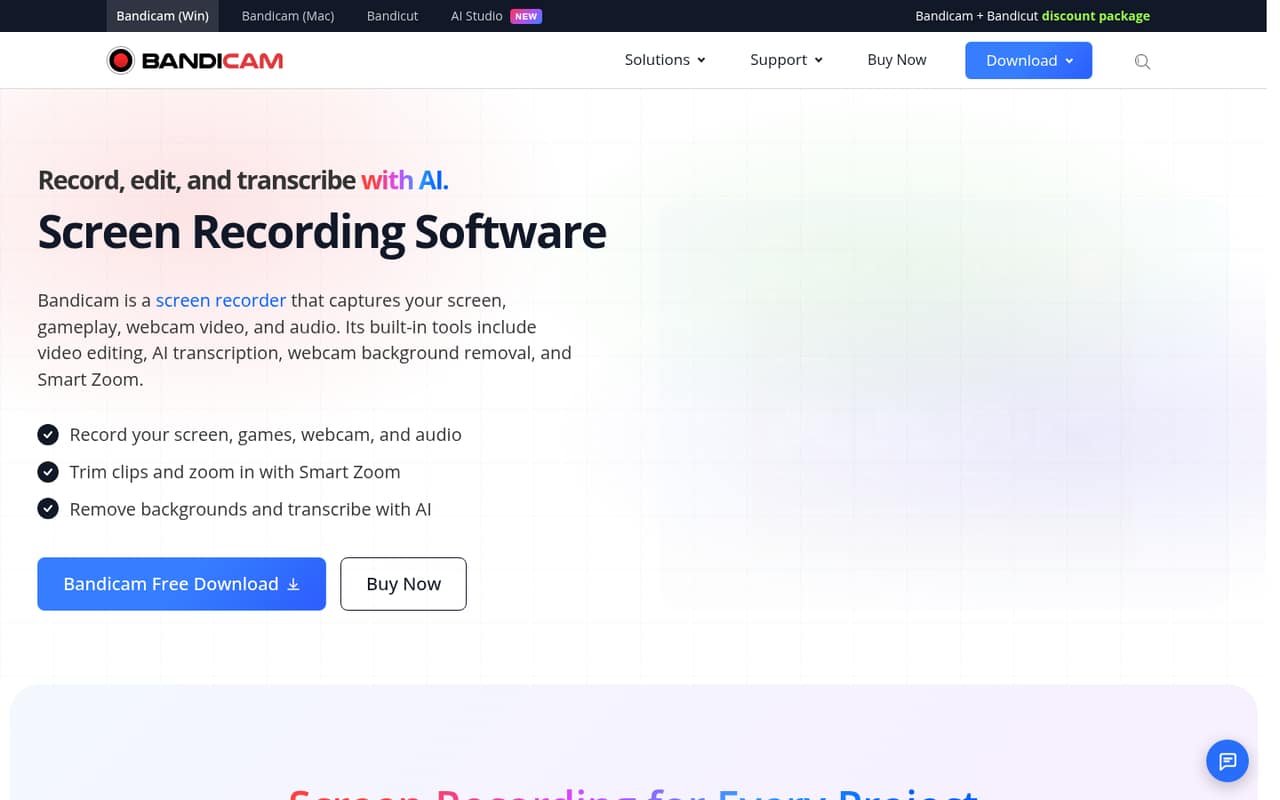
Bandicam covers recording and editing for tutorials, demos, gameplay, and webcam videos, with transcription listed among its uses. It starts at $2.77, but a paid license is required and pricing is per PC. That’s worth checking closely for a team: a per-PC license may not match how many people need to record.
What works
- Captures screens, gameplay, webcams, and audio
- Includes editing and Smart Zoom
- AI transcription is listed
What doesn't
- No free plan or free trial listed
- Commercial licenses are priced per PC
- Annual billing is listed, not monthly
- Best for Mac tutorials
ScreenFlowScreenFlow
ScreenFlow is aimed at Mac tutorial creators and small teams producing screen videos, with quick effects for editing. Its license is listed at $199. That can be hard to justify if recording is occasional, so it makes more sense to compare it against your team’s regular editing needs and how many people need a license.
What works
- Captures screen, camera, microphones, and system audio together
- Multi-track timeline includes trimming, nesting, and transitions
- Animated titles and lower-third templates are included
What doesn't
- A license costs $199 before any add-ons
- Trial exports include a watermark
- Each license supports one device at a time

03How we chose
We ranked these tools for a team of 1–10, weighing whether there’s a free plan, what the listed starting price says, and whether the stated use cases suit shared team work. We also considered plan limits and setup effort: a free recorder with no included downloads, for example, may not solve a team’s sharing needs. Vendor docs and Reddit user reports are useful checks for setup and day-to-day friction; confirm current seat rules and limits with the vendor before buying.
04Start with the job, not the feature list
Decide whether your team needs screen videos, annotated screenshots, or both. Loom, ScreenPal, and ScreenRec are positioned around recordings and sharing; Gyazo and Screenpresso also speak to screenshot capture and visual guides. Mac teams can compare CleanShot X, Screen Studio, and ScreenFlow, while Screenpresso is aimed at Windows teams.
Then map the tool to how often you record. A recurring demo or training workflow can justify editing features and paid seats; occasional explanations may be better served by a free plan, provided its limits fit. Check whether teammates need to edit, review, or only watch. If you need hosted sharing, local files, or exports, confirm those details in the vendor’s docs before choosing.
05Work out the real team cost
A listed starting price is not automatically the price for your whole team. Check whether billing is per person, per PC, or based on another license arrangement. For example, CleanShot X lists shared Cloud features at $10 per person monthly, while Bandicam requires a paid license priced per PC. ScreenRec’s paid entry point is five seats, and Screenpresso PRO costs per person.
Also look past the word “free.” ScreenPal, Cap, and Loom have free plans, but the relevant limits may affect sharing or everyday use. Vmaker’s free plan includes zero downloads, and Screenpresso’s free plan is limited. Ask the vendor for the total at your seat count, which features are included, and what happens when you reach a plan limit.
Questions people ask
Is OBS or Bandicam better?
It depends on the job. Bandicam’s stated uses include tutorials, demos, gameplay, and webcam recording, but it requires a paid license priced per PC. We can’t call it a universal winner over OBS; compare the features, supported systems, and licensing terms your team needs before choosing.
What do most YouTubers use to screen record?
There isn’t a single tool we can name as the choice of most YouTubers. This list includes Screen Studio for Mac creators publishing tutorials and Bandicam for creators recording gameplay and webcam video. Match the tool to your operating system and editing workflow rather than assuming one app is standard.
Is there a better screen recorder than OBS?
“Better” depends on whether you prioritize quick sharing, editing, or a particular operating system. Loom is positioned for short shareable explainers, ScreenPal for recording and sharing, and Screen Studio for polished Mac demos. Compare those needs with OBS’s current features and licensing before switching.
What is the best free screen recording software?
For a solo user, ScreenRec’s free capture is a useful starting point. For a team, compare ScreenPal, Cap, and Loom, all of which have free plans, and check their limits before choosing. Vmaker’s free plan includes zero downloads, so it may not fit teams that need exported videos.