
We may earn a commission if you buy through links on this page. It never changes a score or a ranking. How we make money
The bottom line
Good for frequent video creation; the free plan skips AI credits, and paid seats add up.
Small teams that publish videos regularly may get value from Captions’ editing, captions, translation, and generative tools. The Free plan covers basic trimming and transitions, but includes no AI usage credits.
Max starts at $24.99 per month for 500 credits. That makes the paid plan a meaningful subscription for a team, especially if each person needs a separate account; seat rules and annual rates aren’t published.
Good fit if
- Creators making videos every week
- Teams needing captions and translation
- People exploring AI video tools
Skip it if
- Teams needing free AI credits
- Occasional editors on tight budgets
- Buyers needing clear seat pricing
ScoresHow it rates
What works
- Free plan includes basic trimming and transitions
- Max includes 500 monthly credits
- More than 100 caption templates on Max
- Captioning supports 100+ languages
- Can edit uploaded footage or generate new footage
What doesn't
- Free plan includes no AI usage credits
- Max costs $24.99 per month
- Annual rates aren’t shown
- Credit use per video isn’t published
- Business pricing requires contacting sales
01Who Captions is for
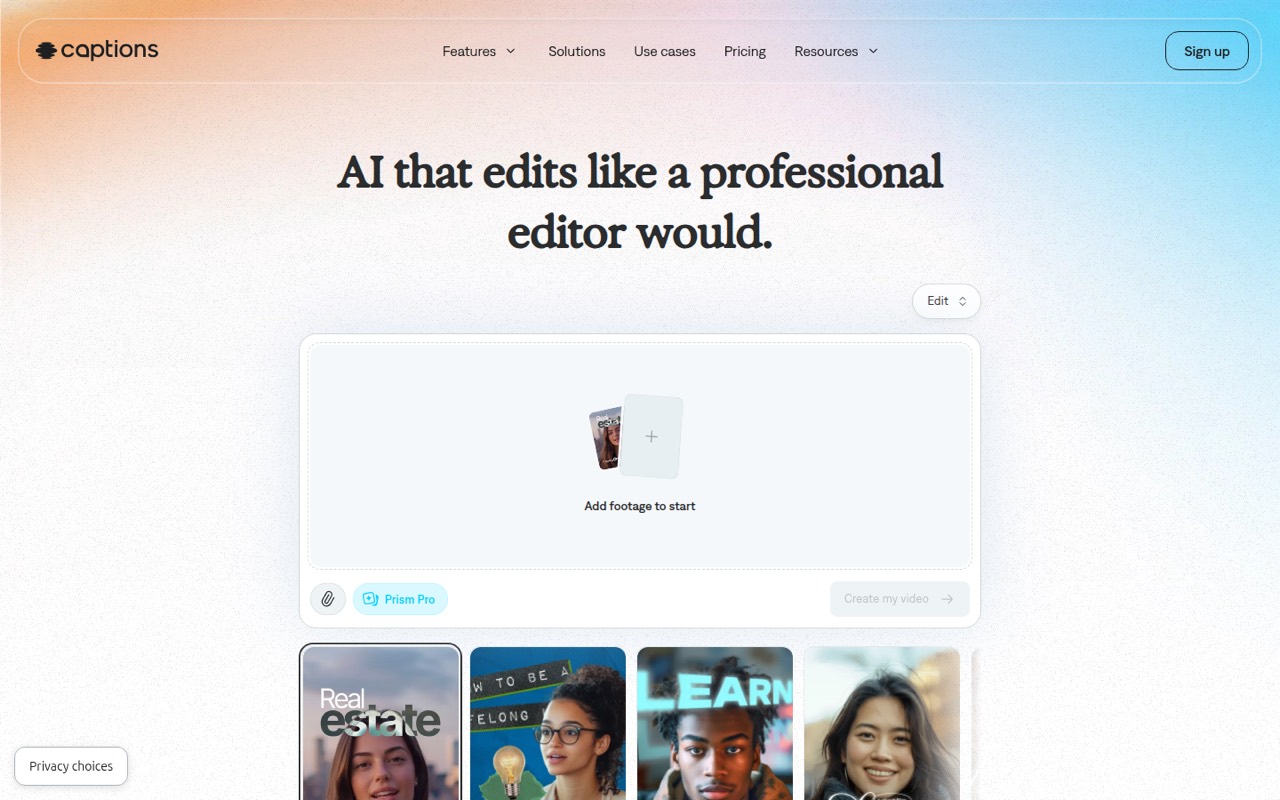
Captions is aimed at creators and small teams that make videos often enough to value faster editing. It can edit uploaded footage into finished videos, add captions, translate videos, and generate new footage with AI. Its chat-based editor lets users request changes in prompts, while other tools can add B-roll, music, or sound effects.
For a team of one to ten, the fit depends on how many people actually edit and how frequently they publish. A solo creator can start free, while a regular video maker may need Max for AI editing and its 500 monthly credits. For three or five people, the subscription cost can become a real budget line if everyone needs a paid account. Captions suits teams that want editing and generative tools in one product; it’s less compelling for occasional edits or a team that needs predictable, published seat pricing.
02Captions free plan and trial
The pricing page lists a Free plan at $0 per month. It includes basic trimming and transitions, some media library assets, and one caption template. That’s enough to try basic editing, but it comes with no AI usage credits, so don’t count on the free tier for AI editing or other credit-based work.
The pricing page doesn’t list a free trial. Max is the cheapest paid plan, at $24.99 per month, and includes 500 credits per month, AI editing, the chat-based editor, AI actors, digital twins, and more than 100 caption templates. If your team only needs basic cuts and transitions, Free may be enough. If the reason you’re considering Captions is its AI editing, budget for Max and confirm how the credit system applies to your intended work.
03What a small team pays for Captions
The pricing page lists Max at $24.99 per month. That’s $24.99 for one subscription. If each person needs a separate subscription, three people would total $74.97 per month and five would total $124.95. Captions doesn’t publish seat rules, so check with the vendor before treating those totals as a team quote.
Annual billing charges 12 months upfront at a discount, but the annual rates aren’t shown. That means we can’t give a verified annual total; ask Captions for the discounted price before committing. Frontier 2x is $69.99 per month for 1,400 credits, while Frontier 4x is $139.99 for 2,800 credits. Frontier 8x costs $279.99 for 5,600 credits. The pricing page labels that last plan’s usage as “4x.”
No add-ons are listed. The practical cost question is how quickly your team uses its monthly credits: per-video credit usage isn’t published. Tesseract for business has custom pricing, so teams making videos at scale need to contact sales.
04Getting started with Captions
The product description suggests a straightforward starting point: upload footage, choose an editing style, and use automated editing and captions to shape a finished video. You can also request changes through the chat-based editor. If you’re generating footage rather than editing an upload, AI actors and digital twins are among the listed tools on Max.
The exact learning curve will depend on how much control your team wants over the edit and how it uses monthly credits. Captions doesn’t publish a setup checklist or a list of integrations in its pricing details, so teams that need to connect storage, publishing, or approval tools should ask the vendor what’s supported before rollout. A small team can begin by deciding who will edit, what kinds of videos they’ll make, and whether Free’s basic tools are enough. Test the workflow against one typical project before budgeting for several paid accounts.
05When small teams outgrow Captions
The first pressure point is credit use. Max includes 500 credits per month, but the pricing page doesn’t publish how many credits particular edits or generations consume. If your team regularly hits that allowance, the next listed tiers cost $69.99 for Frontier 2x, $139.99 for Frontier 4x, or $279.99 for Frontier 8x per month. Those jumps are worth pricing against your actual workload before upgrading.
The second pressure point is team cost and administration. If each editor needs a separate subscription, monthly costs rise with each person, but Captions doesn’t publish its seat rules or shared-team controls in the pricing details. Ask the vendor about accounts, billing, and collaboration before expanding. For businesses making videos at scale, Tesseract for business offers custom pricing, but you’ll need to contact sales. If your team needs predictable costs and can’t estimate credit use, compare the quote and usage terms with your budget before building a larger workflow around Captions.
Questions people ask
Is Captions free to use?
Yes. The pricing page lists a Free plan at $0 per month with basic trimming and transitions, some media library assets, and one caption template. It includes no AI usage credits, so AI editing and other credit-based work require a paid plan.
How much does Captions cost?
Max starts at $24.99 per month and includes 500 monthly credits. Higher-usage plans are Frontier 2x at $69.99, Frontier 4x at $139.99, and Frontier 8x at $279.99 per month. Tesseract for business has custom pricing.
How many languages does Captions support?
Captions’ feature information says its automatic captions support more than 100 languages. Its video translation tool can also translate videos and create subtitled versions in more than 100 languages.
Can Captions make AI-generated videos?
Captions can generate new footage with AI as well as edit uploaded footage. Its listed tools include AI actors and digital twins; Max includes AI actors and digital twins, while higher Frontier plans include access to advanced generative AI models.
Can I get a refund for a Captions subscription?
Captions’ pricing information doesn’t state its refund policy. Check the subscription terms or contact the vendor before paying, particularly if you’re considering annual billing, which charges 12 months upfront at a discount.