
We may earn a commission if you buy through links on this page. It never changes a score or a ranking. How we make money
The bottom line
A strong editing and tethering choice, if its subscription fits your team budget.
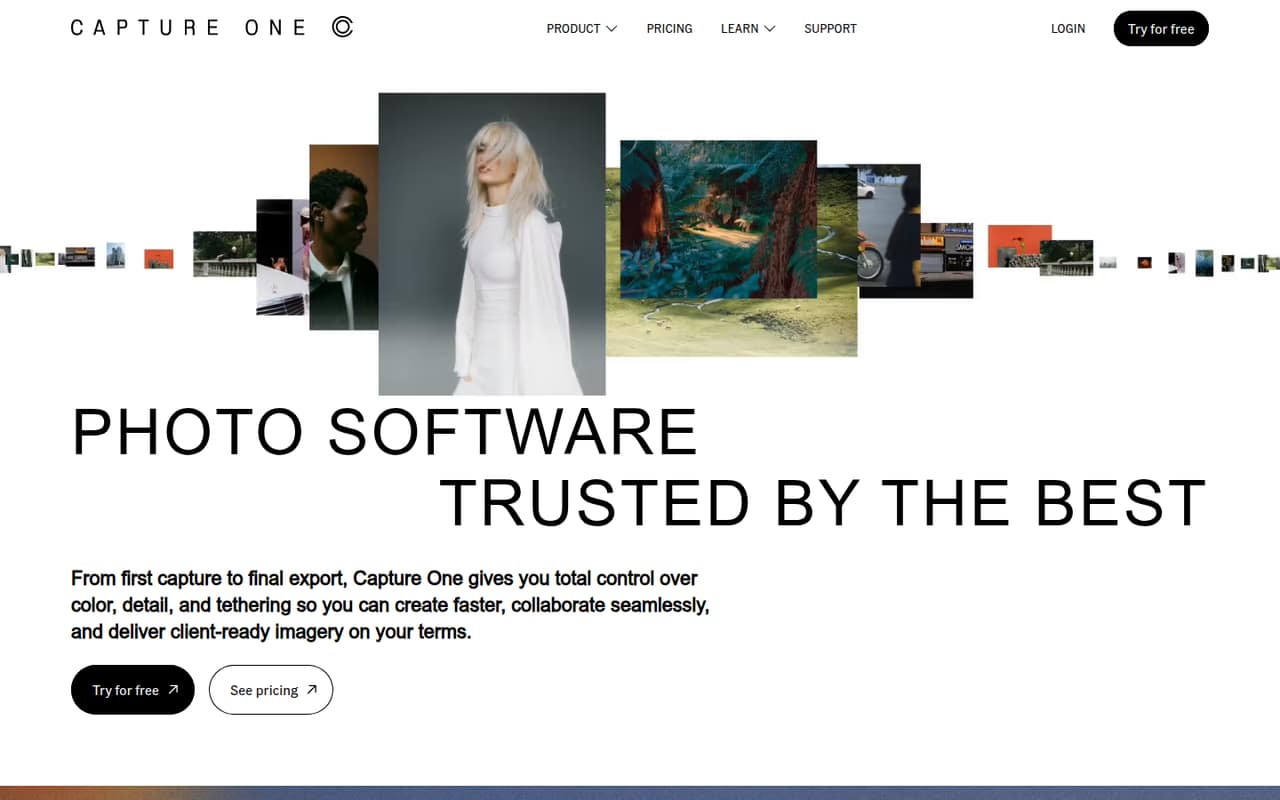
Capture One is worth considering if your team needs detailed color editing, camera tethering, or repeatable workflows for client images. The homepage also highlights culling, studio collaboration, and automation for high-volume work.
There’s no free plan, and the seven-day trial is brief for a team decision. The cheapest subscription starts at $18 per month with annual billing, but a few separate subscriptions can raise the bill quickly.
Good fit if
- Color-focused working photographers
- Studios that tether cameras
- Teams preparing client-ready images
Skip it if
- Teams looking for a free editor
- Budget-first groups with many seats
- Photographers needing a long trial
ScoresHow it rates
What works
- Fine color control for different kinds of photography
- Tethering features for on-set work
- Supports 550+ cameras on both subscriptions
- All in One includes desktop, iPad, and iPhone access
- Studio tools include collaboration and workflow automation
What doesn't
- No free plan
- The trial lasts only seven days
- Monthly billing costs more than annual billing
- All in One seat count is not published
- Some add-on and overage costs are not published
01Who Capture One is for
Capture One is for photographers who need more control over color and detail than a basic image editor offers. The homepage highlights portraits, fashion, products, weddings, events, and landscapes, so it can suit a solo photographer or a small studio with a specific image-making workflow. It also supports camera tethering for shooting on set, and its studio features include collaboration and automation.
For a team of one to five, the fit depends on how many people actually edit or need device access. A solo photographer can start with Pro (Subscription) at $18 per month with annual billing. There is no free plan, and separate subscriptions can become a meaningful budget line for a few editors. The pricing page lists 550+ supported cameras, but we’d check support for your exact camera before choosing a plan. If your team mainly needs straightforward edits and doesn’t use tethering or studio workflows, the subscription may be more than you need.
02Capture One free plan and trial
Capture One has no free plan. The pricing information lists a seven-day free trial, which gives a small team a short window to check whether its editing workflow and camera support fit. The trial’s feature limits and whether it covers all devices are not published, so confirm those details with Capture One before planning a team evaluation.
The cheapest published way to keep using Capture One is Pro (Subscription), at $18 per month with annual billing or $28 with monthly billing. It includes desktop access, 550+ supported cameras, and three activations. Activations are not the same thing as three staff seats, so ask the vendor how licensing works if several people need their own access. For device access across desktop, iPad, and iPhone, the listed option is All in One.
03What a small team pays for Capture One
The pricing page lists Pro (Subscription) at $28 per month with monthly billing or $18 per month with annual billing. That’s $28 or $18 for one subscription. As a planning estimate, if each of three editors needs a separate subscription, the total is $84 monthly or $54 per month on annual billing. For five, it’s $140 or $90 per month, respectively. Pro includes three activations, but the vendor doesn’t publish whether those activations can be used across staff, so confirm before treating them as seats.
All in One (Subscription) costs $38 per month or $24.67 per month with annual billing. Assuming one subscription per person, three would cost $114 monthly or $74.01 per month on annual billing; five would cost $190 or $123.35. The vendor doesn’t publish its seat count. All in One includes desktop, iPad, and iPhone access, Capture One Live, and select styles. Live Unlimited is listed at $5 per month; style pack prices vary, and overage costs are not published.
04Getting started with Capture One
The vendor doesn’t publish a setup-time estimate, so we’d budget time to check camera support, install the right version, and settle on a shared editing workflow. Pro is desktop-only; All in One adds iPad and iPhone access. The pricing information lists support for 550+ cameras on both plans, but you’ll still want to confirm your team’s exact camera models before committing.
The interface and workflow may take some adjustment. In one Reddit discussion, a commenter praised Capture One’s customizable interface and sessions, while another said personal workflow preferences shaped their choice. That points to a practical trial checklist: import a few representative images, test the color tools you rely on, and try tethering if it matters to your shoots. Capture One Live is listed with All in One, but the vendor doesn’t publish a complete integration list here. Ask about any required connections to your existing delivery or studio tools.
05When small teams outgrow Capture One
The first pressure point is cost: separate subscriptions add up, and the vendor doesn’t publish All in One’s seat count or overage costs. A team that needs device access must also budget for All in One rather than the cheaper desktop-only Pro plan. Live Unlimited is another listed $5-per-month add-on, while style pack prices vary.
The second is workflow fit. Capture One’s homepage highlights culling and studio automation, but teams should check whether its workflow handles their volume and handoffs before expanding use. Reddit opinions are mixed: some photographers praise Capture One’s color, tethering, and interface; others say Lightroom can be faster for event work or better value if updates matter. One commenter specifically said Capture One was slower for their event-editing workflow. If your team’s main need is rapid event delivery, test a representative job during the seven-day trial and compare the process before buying several subscriptions.
From the threadsWhat users say
Reddit sentiment is positive among photographers who value color handling, tethering, and a customizable workflow. It’s not universal: some users prefer other tools for event speed, value, or their existing editing habits.
Colors, proper support for Fujifilm files, better interfece for me (and much more customizable), nicer rendering, fully offline files
Capture One is pretty much the industry standard on set for tethered photography
The only thing I use Lightroom for is editing events/weddings for other photographers, because I find that I can't edit as fast using capture one pro
if you need to update more than every two years, Adobe is better value
Questions people ask
Does Capture One have a free plan?
No. Capture One lists a seven-day free trial, but no free plan. The cheapest published subscription is Pro (Subscription), at $18 per month with annual billing or $28 with monthly billing. Check with the vendor about the trial’s feature limits before organizing a team evaluation.
How much does Capture One cost for a small team?
Pro (Subscription) is $18 per month with annual billing or $28 with monthly billing. If each of three people needs a subscription, that’s an estimated $54 or $84 per month. The vendor doesn’t publish seat details, so confirm how its activations and staff access work.
What is the difference between Pro and All in One?
Pro (Subscription) is desktop-only and includes three activations and support for 550+ cameras. All in One (Subscription) adds access on desktop, iPad, and iPhone, plus Capture One Live and select styles. The vendor lists both monthly and annual billing prices.
Does Capture One support my camera?
The pricing page lists support for more than 550 cameras on both subscription plans. That doesn’t confirm support for every model or camera feature. Check Capture One’s current compatibility information or ask the vendor about your exact camera before subscribing.
Can a team use Capture One for tethered shoots?
Yes. Capture One’s homepage highlights tethering for on-set photography, including fashion and beauty workflows. The pricing information lists camera support for both plans. Check that your camera is supported and confirm with the vendor which plan and setup suit your team.
Sources
- Capture One homepage
- Capture One pricing, compiled via web search from artistichive.com, captureone.com, pcmag.com, edefines.com, dpreview.com, newsshooter.com
- Reddit: Made the jump to Capture One...
- Reddit: What are some software you enjoy using besides the obvious big ones(Lightroom, photoshop, capture one)
- Reddit: Why did you choose Capture One over Lightroom?
- Reddit: Why did you choose Lightroom over Capture One?