
We may earn a commission if you buy through links on this page. It never changes a score or a ranking. How we make money
The bottom line
Free monitoring is easy to justify; paid automation makes sense only if the savings warrant the base fee.
Small teams that only need Kubernetes cost visibility can start with CAST AI’s free, read-only monitoring. Its workload, node, GPU, storage, and database tools cover more ground, but the paid plans start at $1,000 per month before CPU usage charges.
We’d consider it when a cloud-based team has enough infrastructure to make automation valuable. For a small cluster on a tight budget, the free plan is the safer place to start.
Good fit if
- Cloud-based Kubernetes teams
- Teams seeking infrastructure cost controls
- Teams wanting read-only cost monitoring
Skip it if
- Teams needing on-premises Kubernetes
- Small workloads with tight budgets
- Teams shopping for per-seat pricing
ScoresHow it rates
What works
- Free plan includes unlimited cluster analysis and monitoring
- Read-only mode is available before automation
- Can adjust CPU and memory requests using observed usage
- Growth includes up to four clusters
- GPU, storage, and database optimization options
What doesn't
- Growth starts at $1,000 monthly before CPU charges
- Paid pricing is based on managed CPU usage, not seats
- Growth is limited to four clusters and 500 CPUs
- Annual billing prices are not published
- A Reddit commenter described it as limited to cloud providers
01Who CAST AI is for
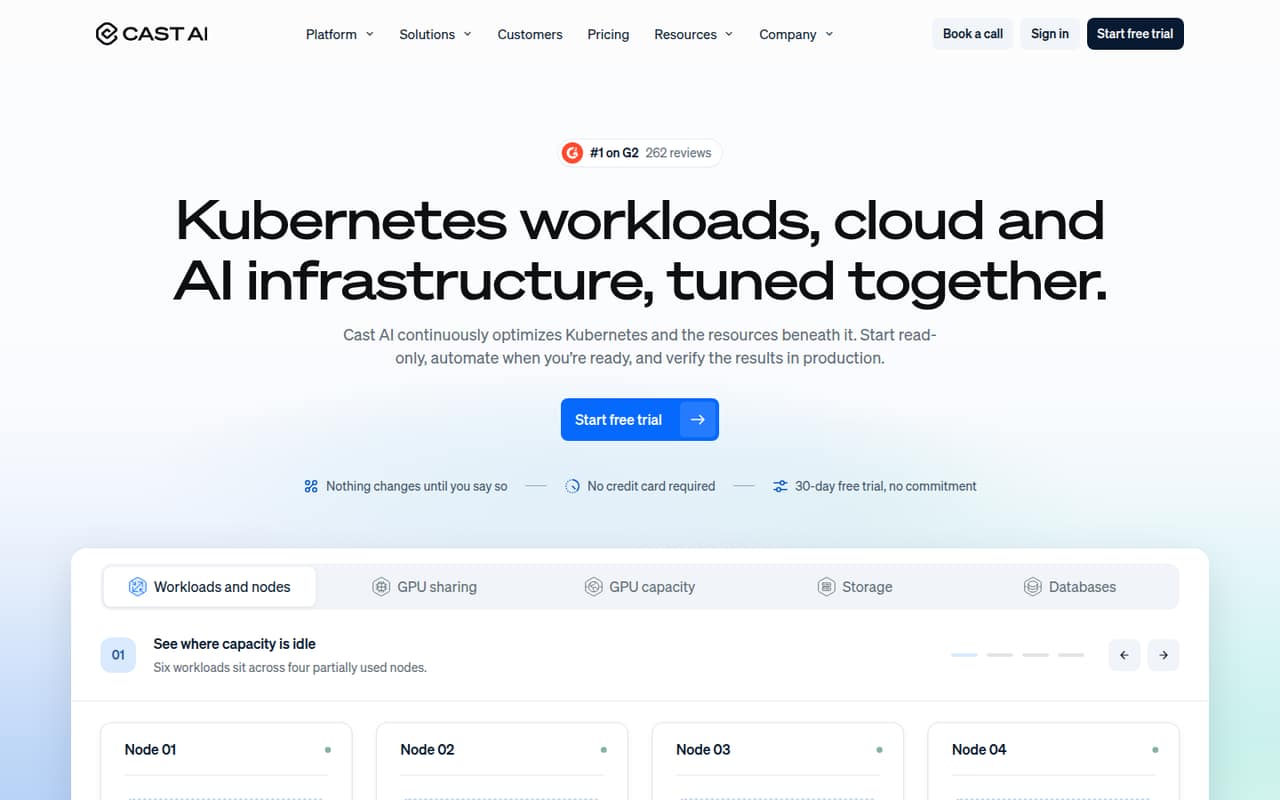
CAST AI is for teams running Kubernetes in the cloud that want to tune workloads and the infrastructure underneath them. It can adjust CPU and memory requests based on observed use, consolidate underused nodes, and place workloads on capacity that fits. It also offers GPU sharing, cross-cloud GPU sourcing, storage autoscaling for supported disks in GKE and EKS, and database optimization for PostgreSQL and MySQL.
For a team of one to ten, the free read-only plan is the sensible starting point if the goal is cost visibility. Teams wanting paid automation should have a clear reason to justify the $1,000 monthly base fee plus CPU charges. That could be a need to manage multiple clusters or automate eligible changes within team policies. The pricing page lists Growth for up to four clusters and 500 CPUs; teams exceeding those limits need to look at Growth PRO or Enterprise.
02CAST AI free plan and trial
CAST AI’s free Kubernetes Cost Monitoring plan includes unlimited cluster analysis and unlimited monitoring, with read-only access. Automation is not included, so this plan is for seeing and reviewing information rather than letting CAST AI make eligible changes. It’s a practical way for a small team to assess whether the monitoring is useful before taking on a paid plan.
The pricing information also lists a 30-day free trial, but doesn’t specify which plan or features the trial covers. Ask CAST AI to confirm those terms before relying on the trial for an automation evaluation. When the free monitoring limits are the only limits you need to cross, the cheapest listed paid option is Growth: a $1,000 monthly base fee plus $0.00694 per managed CPU per hour.
03What a small team pays for CAST AI
CAST AI prices paid plans by environment and managed CPU usage, not by user seat. Growth has a $1,000 monthly base fee plus $0.00694 per managed CPU per hour, with up to four clusters and 500 CPUs. At an illustrative 730 hours in a month, that rate works out to about $5.07 per managed CPU for the month, on top of the base fee.
So a one-person team, a team of three, and a team of five each face the same $1,000 base if they use Growth; their CPU usage charges depend on managed capacity, not headcount. Growth PRO also starts at $1,000 monthly plus the CPU rate, but allows unlimited clusters and up to 2,000 CPUs. Enterprise starts at $5,000 monthly plus the CPU rate, with unlimited clusters and CPUs. The pricing page lists no add-ons. Annual billing prices are not published, so ask CAST AI for a quote if you need an annual comparison.
04Getting started with CAST AI
A small team can begin in read-only mode, then decide whether to enable automation for eligible changes within its policies. CAST AI can send code changes as pull requests for review, giving a team a review step before those changes land. That staged approach may help teams that aren’t ready to hand over automated changes immediately.
The vendor doesn’t publish a setup-time estimate in the pricing details, and the steps for connecting a cluster aren’t described here, so don’t plan around a specific onboarding duration. Before connecting anything, confirm which cloud providers and Kubernetes configurations are supported, what permissions are needed, and how policy controls work. Storage autoscaling is listed for supported disks in GKE and EKS; that doesn’t establish support for every provider or disk. A Reddit commenter discussed AWS and GCP clusters, but that comment isn’t a full compatibility list.
05When small teams outgrow CAST AI
The first pressure point is the Growth plan’s capacity: it covers up to four clusters and 500 CPUs. Growth PRO raises those limits to unlimited clusters and 2,000 CPUs, while Enterprise lists unlimited clusters and CPUs. The base fees rise to $5,000 monthly for Enterprise, and all listed paid plans also charge per managed CPU per hour. Teams should check the total against their actual capacity before moving up.
A team may also outgrow CAST AI if it needs infrastructure beyond cloud providers. In one r/kubernetes thread, a commenter said CAST AI was limited to cloud providers and contrasted it with a broader platform. Treat that as one commenter’s description, not a complete current support list; confirm requirements directly with CAST AI. The Reddit material offers little independent evidence about results: the thread asks for feedback, while another commenter claims speed and cost benefits. That leaves sentiment too thin to treat as a broad user consensus.
From the threadsWhat users say
The Reddit discussion is too small to establish broad user sentiment: one thread asks for feedback rather than reporting a detailed trial. A commenter describes CAST AI’s cloud focus as a limitation, while another makes positive claims about speed and cost optimization.
CAST Ai is limited to cloud providers at the moment
majority are happy with, except probably the price
cost optimization features and barely any need to think about many of the infrastructure related details
speed (~6 minutes to cluster across AWS and GCP)
Questions people ask
What is CAST AI used for?
CAST AI optimizes Kubernetes workloads and the infrastructure beneath them. Its listed tools can adjust CPU and memory requests, consolidate nodes, share or source GPU capacity, autoscale supported storage, and optimize PostgreSQL and MySQL databases.
Is CAST AI worth it for a small team?
It may be worth considering if your team runs cloud-based Kubernetes workloads and can justify the paid plan’s $1,000 monthly base fee plus managed CPU charges. For teams that only need monitoring, the free read-only plan is a lower-risk option.
What does CAST AI’s free plan include?
Kubernetes Cost Monitoring includes unlimited cluster analysis and unlimited monitoring with read-only access. Automation is not included. CAST AI also lists a 30-day free trial, but the details of which features it covers are not published.
How does CAST AI automate changes?
CAST AI can start in read-only mode and automate eligible changes within team policies. It can send code changes as pull requests for review. Confirm the available policy controls and change workflow with CAST AI before enabling automation.
Does CAST AI support GPUs and storage?
CAST AI lists GPU sharing through time-slicing and MIG, plus GPU capacity sourcing through OMNI Compute. Its storage autoscaling feature expands volumes and adjusts IOPS and throughput on supported disks in GKE and EKS.