We may earn a commission if you buy through links on this page. It never changes a score or a ranking. How we make money
A team of 1–10 may not need a full container management platform. If your main job is building and sharing app containers, start with a developer tool such as OrbStack or Docker; if you already run Kubernetes clusters, Rancher or Nomad may be a better fit. Free plans are listed for several picks, but eligibility and limits matter: Portainer’s free option is non-commercial, while several vendors don’t publish enough pricing detail to estimate a small team’s bill. Check the plan rules and setup workload before committing.
Quick picksThe shortlist
 OrbStackOrbStackBest for Mac teams · $8/mo
 Docker DesktopDocker DesktopBest local development · $9/mo
 DockerDockerBest for shared development · $9/mo
 Docker HubDocker HubBest for image sharing · $9/mo
 RancherRancherBest free Kubernetes · Free
 HashiCorp NomadHashiCorp NomadBest for mixed workloads · Free
 Portainer BusinessPortainer BusinessBest for governance · $87.08/mo
 Platform9Platform9Best VMware alternative · $480/mo
 CAST AICAST AIBest for cost monitoring · $1,000/mo
 ReplicatedReplicatedBest for software vendors · $500/mo
 Control PlaneControl PlaneBest for multi-location apps · Custom
 Traefik EnterpriseTraefik EnterpriseBest for gateway teams · Free
 Red Hat OpenShiftRed Hat OpenShiftBest for existing Kubernetes · Custom
01Compared at a glance
| Tool | Score | From | Free plan | Trial |
|---|---|---|---|---|
| OrbStackOrbStack | 7.5 | $8/mo | Yes | Yes |
| Docker DesktopDocker Desktop | 7.4 | $9/mo | Yes | — |
| DockerDocker | 7.4 | $9/mo | Yes | — |
| Docker HubDocker Hub | 7.0 | $9/mo | Yes | — |
| RancherRancher | 6.8 | Free | Yes | — |
| HashiCorp NomadHashiCorp Nomad | 7.0 | Free | Yes | Yes |
| Portainer BusinessPortainer Business | 7.0 | $87.08/mo | Yes | 45 days |
| Platform9Platform9 | 6.6 | $480/mo | Yes | Yes |
| CAST AICAST AI | 6.5 | $1,000/mo | Yes | 30 days |
| ReplicatedReplicated | 6.5 | $500/mo | Yes | — |
| Control PlaneControl Plane | 6.2 | Custom | No | — |
| Traefik EnterpriseTraefik Enterprise | 6.3 | Free | Yes | — |
| Red Hat OpenShiftRed Hat OpenShift | 6.4 | Custom | No | Yes |
02The picks, in detail
- Best for Mac teamsOrbStackOrbStack
OrbStack is our first pick for Mac-based developer teams that want container and Linux workflows without starting at the highest listed price. The pricing page lists a free plan and a starting price of $8, with business pricing charged per seat. The personal tier is for non-commercial projects, so a company should confirm which paid option applies before rolling it out.
What works
- Runs Docker containers, Linux machines, and Kubernetes on Mac
- Supports Compose, bind mounts, and port forwarding
- Personal non-commercial plan costs nothing
What doesn't
- Free use is limited to personal, non-commercial use
- Business pricing scales with each user
- Pro usage limits are not published
- Best local developmentDocker DesktopDocker Desktop
Docker Desktop fits developers building containerized applications, including small teams that need shared workflows. A free plan is listed, and the starting price is $9; team pricing adds up per seat, so check the total for everyone who needs access. It is a local development tool, not a replacement for a cluster management platform when your main need is operating Kubernetes.
What works
- Docker Personal is free for one user
- Brings the development loop into one place
- Docker Team includes up to 100 users
What doesn't
- Team costs $15 or $16 per user monthly
- Personal includes only one Docker Scout-enabled repository
- Some Windows users report resource use and quirks
- Best for shared developmentDockerDocker
Docker makes repeatable container development easier and suits teams sharing development environments. A free plan is listed, with pricing starting at $9; collaboration adds a per-seat bill, so count the people who need team features before choosing it. For a small team, it is a practical starting point when shared container workflows matter more than managing production clusters.
What works
- Free Personal plan covers one user
- Use existing images, registries, and CI
- Desktop brings containers and development together
What doesn't
- Team collaboration is priced per user
- Personal limits Scout and private repos
- Runtime minutes are capped on paid plans
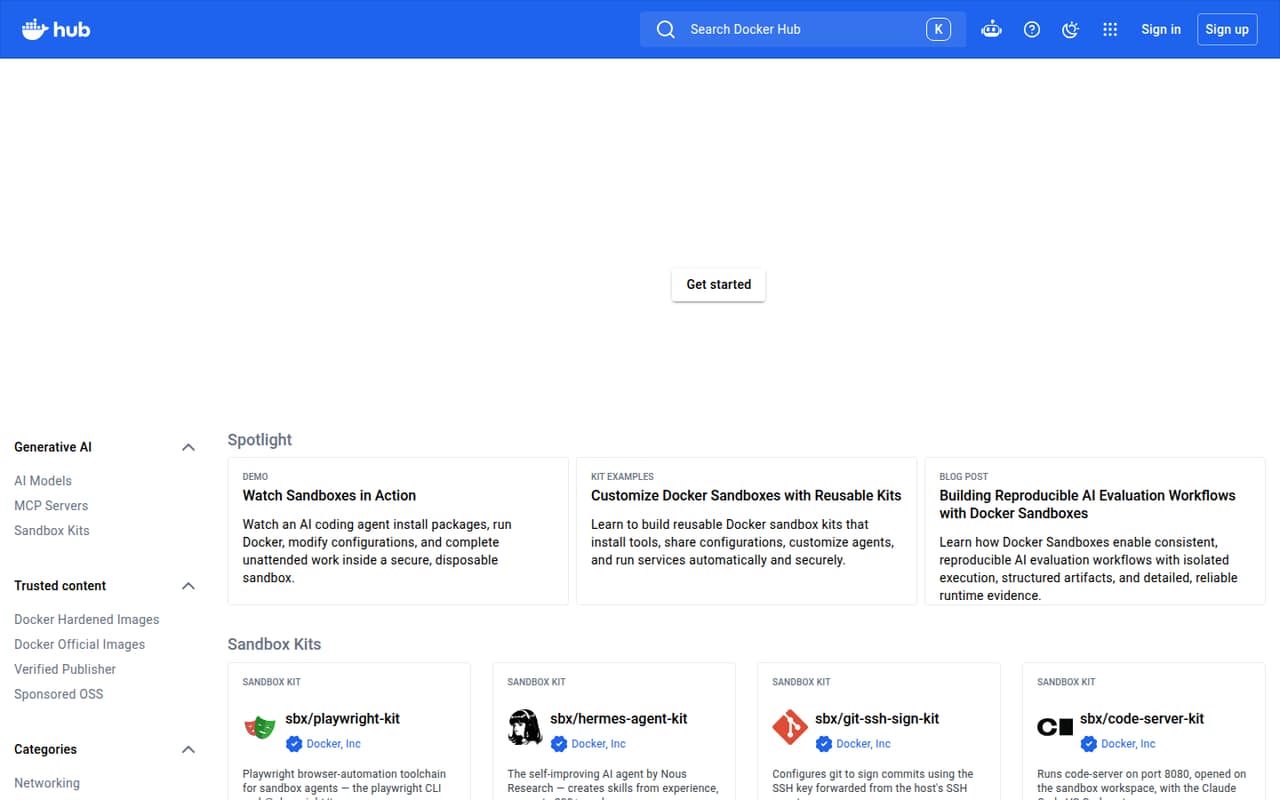
- Best for image sharingDocker HubDocker Hub
Docker Hub is a straightforward fit for solo developers sharing images or small teams managing private repositories and image build workflows. A free plan is listed, and the starting price is $9. The free solo option may be enough to get started, but a team should confirm repository limits and the price for its intended collaboration before making it the shared image store.
What works
- Free Personal plan includes one private repository
- Team plan includes unlimited private repositories
- Team access lets admins grant repository access
What doesn't
- Personal is limited to one user
- Team pricing is charged per user
- Personal allows 100 pulls per hour
- Best free KubernetesRancherRancher
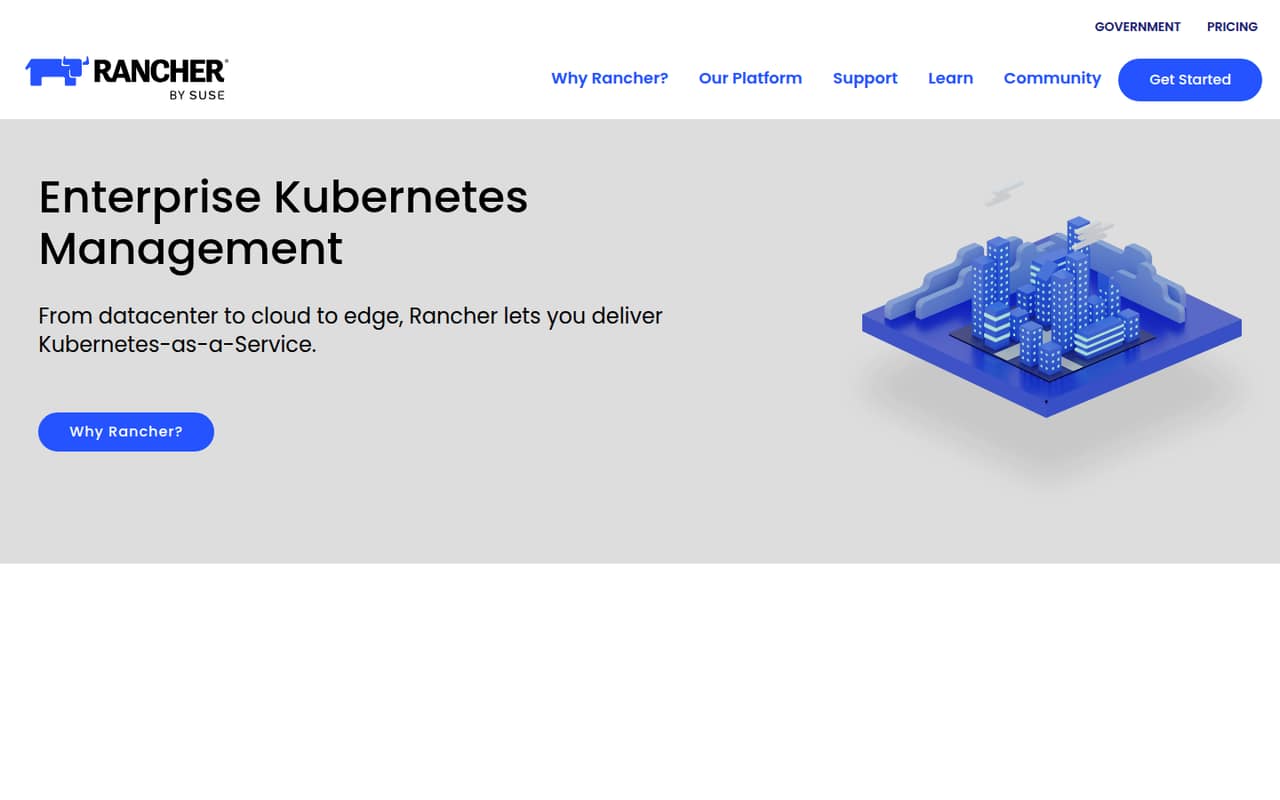
Rancher offers a free management layer for teams running multiple Kubernetes clusters across cloud and datacenter environments. That makes it attractive when subscription cost matters more than setup simplicity. The trade-off is clear: the team needs Kubernetes know-how to run it. We’d shortlist Rancher for an infrastructure-capable team, not for a group looking for a managed, low-effort container starter.
What works
- Rancher plan is listed as free forever
- Manages clusters across datacenter, cloud, and edge
- Includes tools for containerized workloads
What doesn't
- Paid Prime pricing is available by quote
- No published per-seat or annual pricing
- Teams must run Rancher itself
- Best for mixed workloadsHashiCorp NomadHashiCorp Nomad
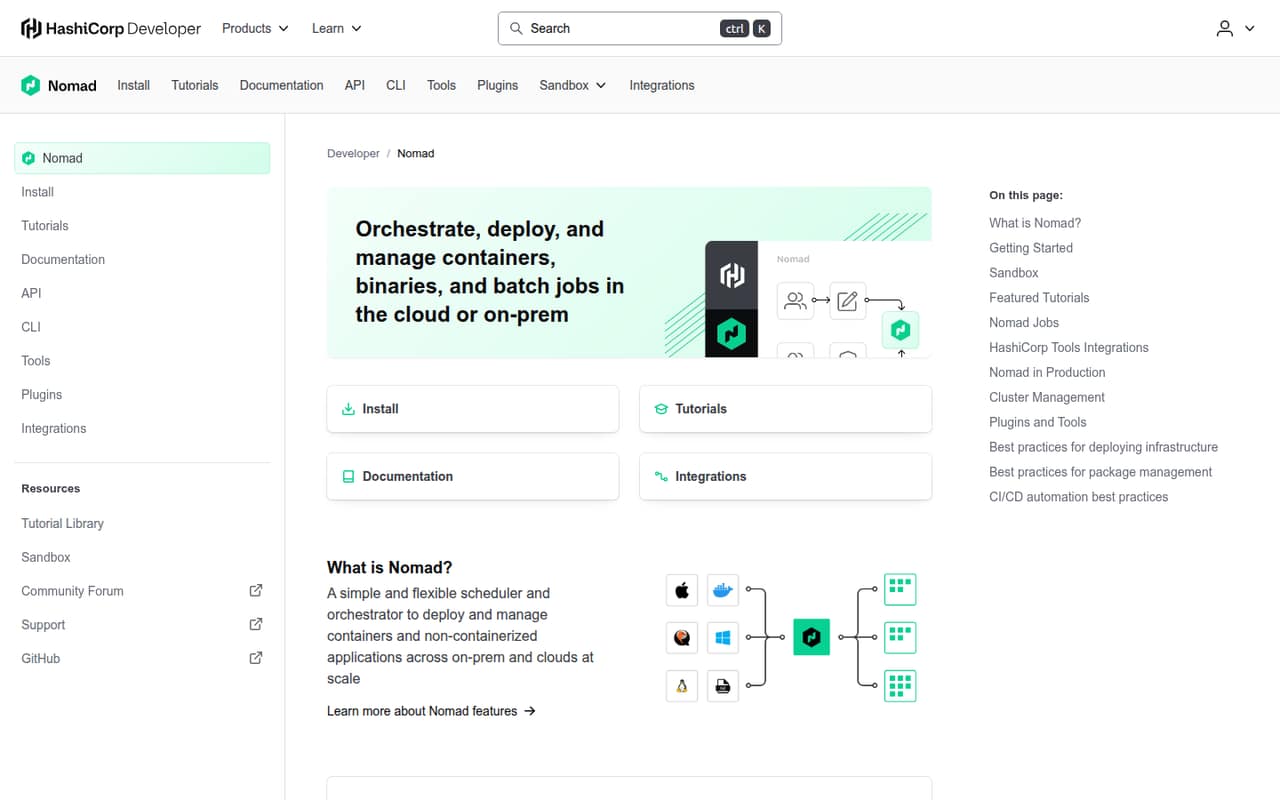
HashiCorp Nomad is a free-to-start scheduler for teams that need to schedule mixed workloads, especially those already using HashiCorp tools. The listed starting price is n/a, so ask the vendor about any commercial costs that apply to your deployment. Its budget appeal comes with more infrastructure ownership, making it a better fit for technically capable teams than for teams seeking a hands-off service.
What works
- Schedules containers and non-containerized applications
- Supports cloud and on-premises environments
- Runs batch jobs alongside other workloads
What doesn't
- Paid plan prices aren't published
- Community plan limits aren't published
- Some teams add Consul for service discovery
- Best for governancePortainer BusinessPortainer Business
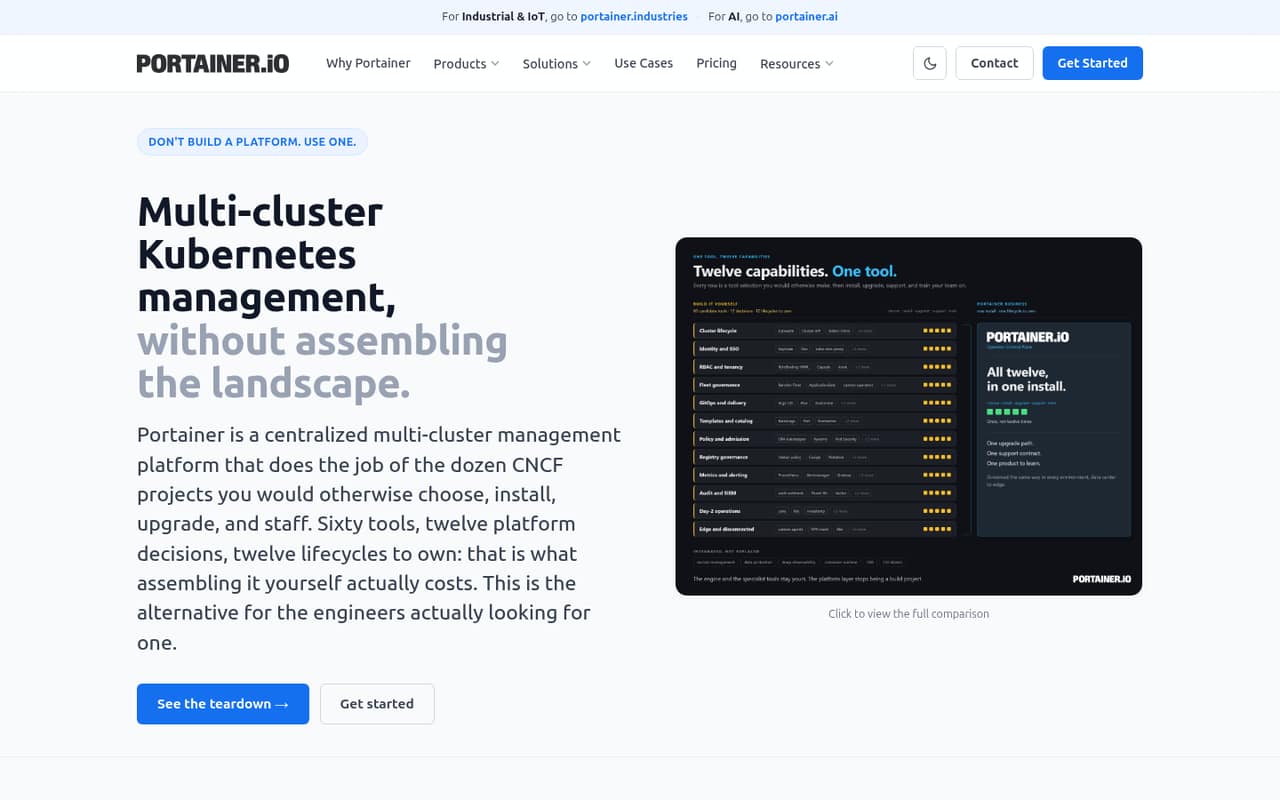
Portainer Business targets teams managing several environments that need role-based access control and audit logs. Its free option is for non-commercial use, and the listed starting price is $87.08. That may suit a small company needing shared container governance, but confirm the price basis and what is included for your team size. It is not the right free commercial option for a business.
What works
- One console for Kubernetes, Docker, Swarm, and Podman
- Starter includes 5, 10, or 15 nodes
- Centralized SSO, LDAP, and OIDC options
What doesn't
- Starter and Scale are billed annually
- Monthly billing prices are not published
- Free Home & Student use is non-commercial
- Best VMware alternativePlatform9Platform9
Platform9 is worth evaluating for infrastructure teams replacing VMware on existing hardware or assessing Kubernetes. A free plan is listed, with a starting price of $480. The fit is narrower for a small team: the deployment involves Linux-based systems and infrastructure work, and you should check deployment minimums and the price basis before budgeting for a few users.
What works
- Free Private Cloud Director Community Edition
- Free vJailbreak migration tool
- Manages VMs and containers together
What doesn't
- Paid Kubernetes has a three-node minimum
- Enterprise Private Cloud Director pricing is custom
- Community Edition needs substantial resources
- Best for cost monitoringCAST AICAST AI
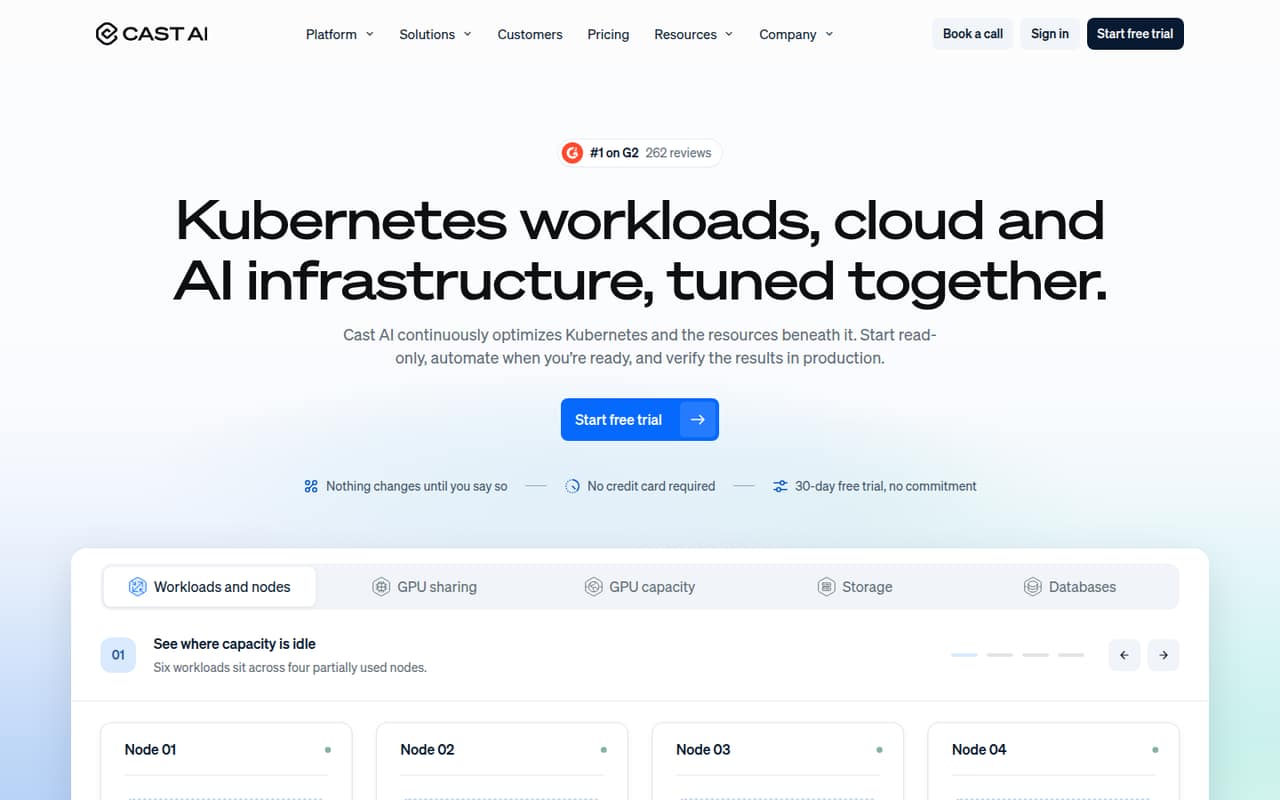
CAST AI suits cloud-based Kubernetes teams looking for infrastructure cost controls or read-only cost monitoring. A free plan is listed, while paid pricing starts at $1,000. That makes the free monitoring tier the easier small-team starting point; paid automation is worth considering only if expected savings justify the base fee. Ask which features and usage levels trigger paid charges.
What works
- Free plan includes unlimited cluster analysis and monitoring
- Read-only mode is available before automation
- Can adjust CPU and memory requests using observed usage
What doesn't
- Growth starts at $1,000 monthly before CPU charges
- Paid pricing is based on managed CPU usage, not seats
- Growth is limited to four clusters and 500 CPUs
- Best for software vendorsReplicatedReplicated
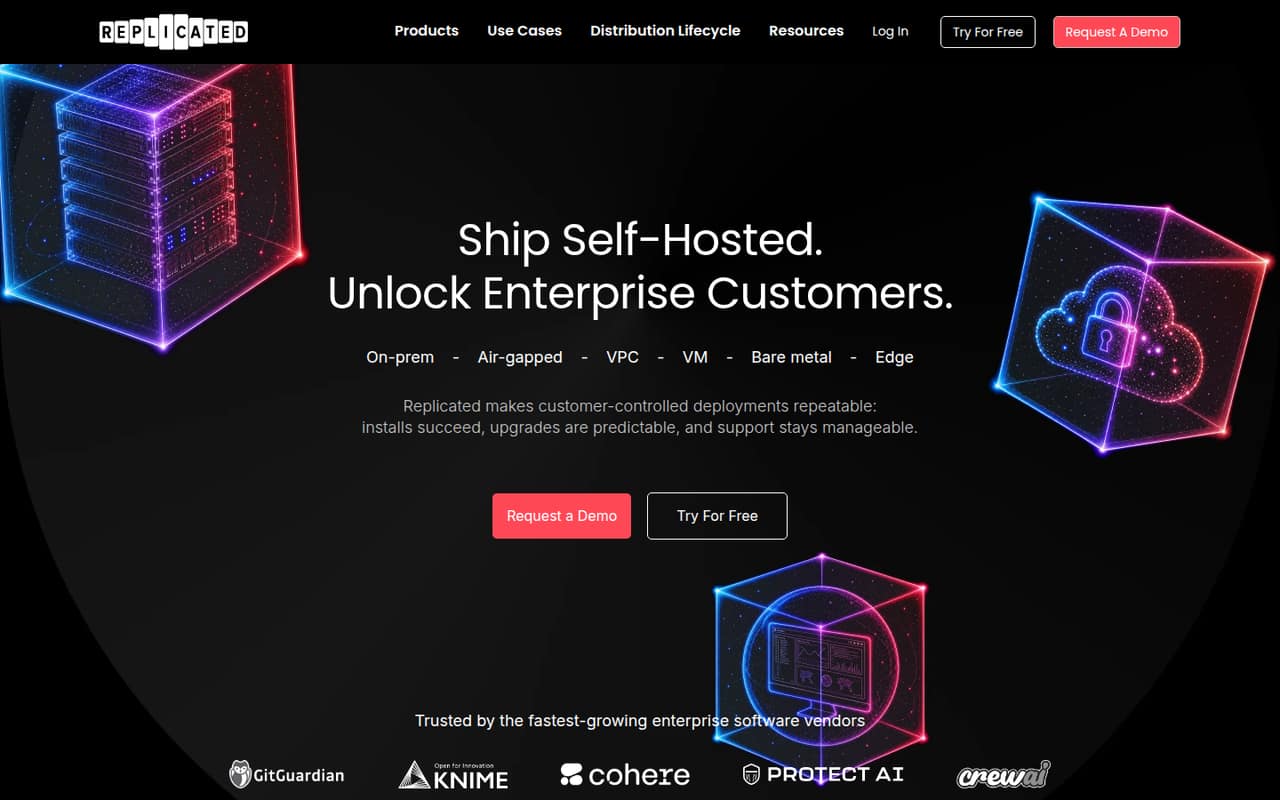
Replicated is built for vendors shipping self-hosted software, including teams supporting air-gapped installs and automating enterprise releases. A free plan is listed, but the starting price is $500 and license fees are unpublished. For a team of 1–10, that is a substantial commitment unless customer delivery needs justify it. Ask the vendor for a full quote, including licensing and support.
What works
- Supports air-gapped installs and customer-managed environments
- Automates releases to self-hosted customer segments
- Includes free trial and development licenses on paid plans
What doesn't
- Builders starts at $2,000 per month
- Per-license fees are not published
- Free plan limits are not published
- Best for multi-location appsControl PlaneControl Plane
Control Plane is worth considering when an application needs workloads across cloud locations or multi-location failover. Its starting price is not published, and pricing is expected to be based on usage rather than seats, so a small-team budget needs a usage estimate from the vendor. It is a better match for teams with infrastructure expertise than for buyers seeking a simple per-seat subscription.
What works
- Combines public clouds, neoclouds, bare metal, Kubernetes, and VMs
- Automatic failover moves traffic to another healthy location
- Capacity AI offers more than 100 scaling strategies
What doesn't
- No free plan or free trial is listed
- No flat per-seat price for budgeting
- Compute, storage, and egress charges vary with usage
- Best for gateway teamsTraefik EnterpriseTraefik Enterprise
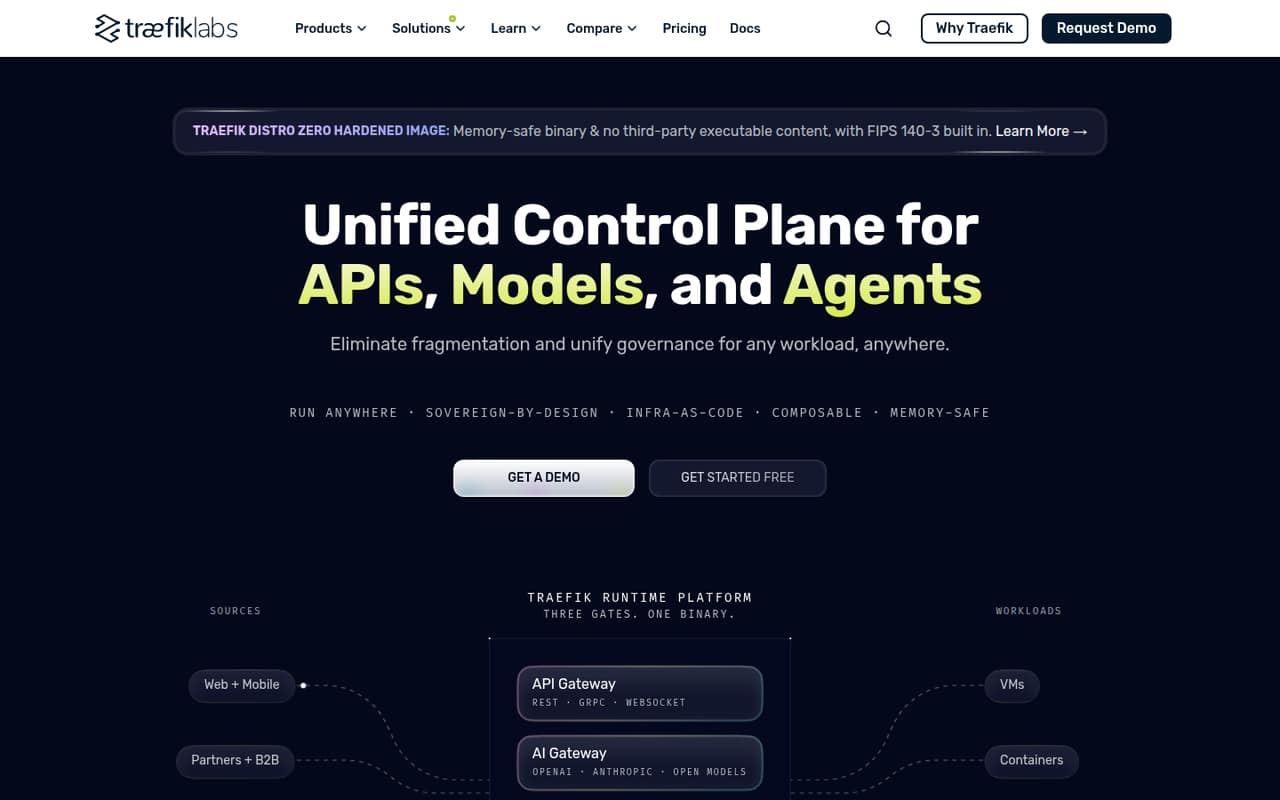
Traefik Enterprise is aimed at technical teams consolidating gateway types across virtual machines and containers, with API and AI governance also in its stated fit. A free plan is listed, but commercial pricing is not published. Small teams should confirm what the free plan covers and get a commercial quote before planning around it; broad scope alone does not make it a budget pick.
What works
- Routes L4 and L7 traffic across VMs and containers
- Supports OAuth2/OIDC, JWT, mTLS, and OPA-compatible authorization
- Includes OpenTelemetry metrics, traces, and structured access logs
What doesn't
- Commercial prices are not published
- Seat and usage limits are not published
- AI Gateway and MCP Gateway prices are not published
- Best for existing KubernetesRed Hat OpenShiftRed Hat OpenShift
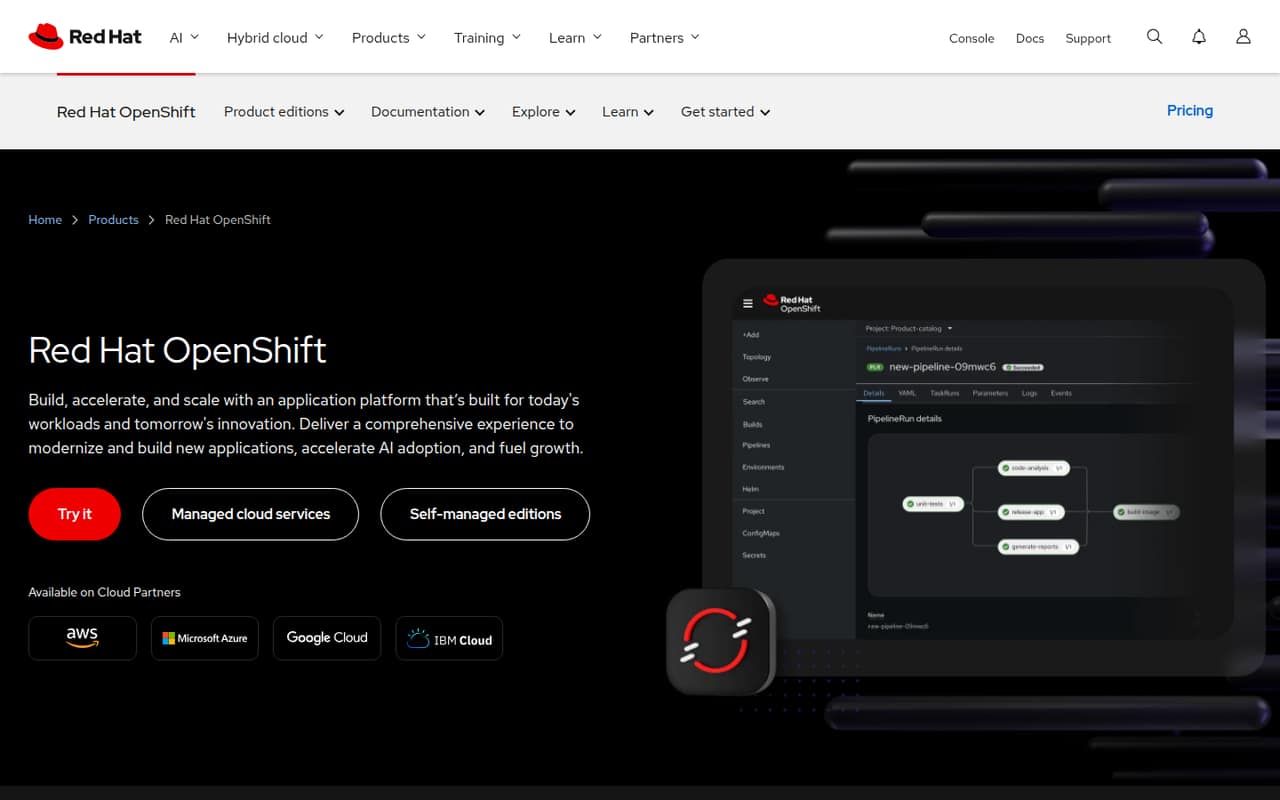
Red Hat OpenShift is a broad application platform for organizations already running Kubernetes, standardizing app operations, or handling virtual machine workloads. Pricing is not published, and no free plan is listed. For a small team, unclear cost and setup effort make it difficult to recommend as a budget-first choice. Ask for a quote and a realistic deployment estimate before comparing it with lighter tools.
What works
- Managed editions available on major cloud platforms
- Self-managed editions support varied infrastructure
- Container Platform includes developer and operations tools
What doesn't
- No free plan is listed
- Subscription prices vary and aren’t published
- Cloud infrastructure charges may be separate
03How we chose
We ranked these tools for teams of 1–10, giving more weight to a usable free starting point, the listed entry price, and whether the product fits a small team’s stated job. We also considered setup demands: Kubernetes know-how and infrastructure work are real costs even when a subscription is free. We looked at plan limits and documentation as buying checks, and treat Reddit sentiment as a useful second opinion rather than a substitute for published terms. Where pricing or limits aren’t published, we flag what to confirm instead of estimating.
04Match the tool to the work
Start by naming the job you need to get done. Building containers on developer machines is different from sharing images, governing several environments, scheduling mixed workloads, or operating Kubernetes clusters. A tool for one job may not cover the others. Docker and Docker Desktop are aimed at container development; Docker Hub is for image sharing. Rancher is a fit for teams managing Kubernetes clusters, while Nomad targets mixed-workload scheduling. Replicated is for vendors delivering self-hosted software, not a general-purpose starter for every small team.
Then check the free-plan rules against your actual use. Portainer’s free option is non-commercial, OrbStack’s personal tier is for non-commercial projects, and other listed free plans may have limits you should verify. Read the vendor’s plan details and ask about user, repository, cluster, or usage caps before moving a team’s workflow onto a free tier.
05Budget for seats and setup
A starting price is not necessarily the cost for your whole team. Docker collaboration and Docker Desktop team pricing add a per-seat bill, and OrbStack lists per-seat business pricing. Multiply only when the vendor confirms the price basis; don’t assume a starting figure covers all 1–10 people. For tools with unpublished pricing, ask for a quote using your expected users, workloads, and deployment shape. Control Plane, for example, is described as usage-based rather than seat-based.
Also budget for the work of operating the tool. A free Kubernetes layer can still require Kubernetes expertise, and Platform9 calls for infrastructure work on Linux-based systems. Ask who will install, maintain, and troubleshoot the product, and whether the vendor publishes deployment requirements and setup guidance. A low subscription cost can be a poor bargain if your small team has to take on more infrastructure work than it can support.
Questions people ask
Which container management software is best for a small team?
It depends on the job. OrbStack is a strong fit for Mac-based developer teams, while Docker and Docker Desktop suit container development. Teams already running multiple Kubernetes clusters can consider Rancher, provided they have Kubernetes know-how. Choose by workflow first, then compare free-plan rules and the total price for everyone who needs access.
Can a small team manage containers for free?
Several listed products have a free plan, and Rancher is described as a free management layer. Free does not always mean suitable for commercial use: Portainer’s free option is non-commercial, and OrbStack’s personal tier is for non-commercial projects. Check each vendor’s plan terms, feature limits, and eligibility before adopting it at work.
How much does container management software cost for a few seats?
Listed starting prices range from $8 for OrbStack to $1,000 for CAST AI, but those figures don’t establish the total for a particular team. Docker and Docker Desktop add per-seat costs for team use, and OrbStack lists per-seat business pricing. Ask vendors to quote for your seat count and expected usage.
Does a small team need Kubernetes management software?
Not necessarily. If your team mainly builds containers locally or shares images, a developer tool or image repository may be enough. Kubernetes management becomes relevant when you operate Kubernetes clusters; Rancher is a free management layer, but it still takes Kubernetes know-how to run. Match the tool to a real operating need, not a future possibility.