
We may earn a commission if you buy through links on this page. It never changes a score or a ranking. How we make money
The bottom line
Cerego covers course and learner management, but its custom quote makes small-team budgeting difficult.
Most small teams can manage occasional training without a dedicated learning platform. Cerego is worth considering when you need a central place for courses, assignments, learners, content, and reporting.
The pricing information lists an Enterprise plan with a custom quote, no free plan, and no published monthly or annual rates. That makes it hard to tell whether Cerego fits a budget for one to five people without contacting sales.
Good fit if
- Teams organizing structured employee learning
- Organizations managing multiple courses
- Admins who need learner reporting
Skip it if
- Teams needing a free LMS
- Buyers who require published seat prices
- Teams seeking a quick self-serve start
ScoresHow it rates
What works
- Course navigation includes assignments and learner management
- Content tools include editing and bulk uploads
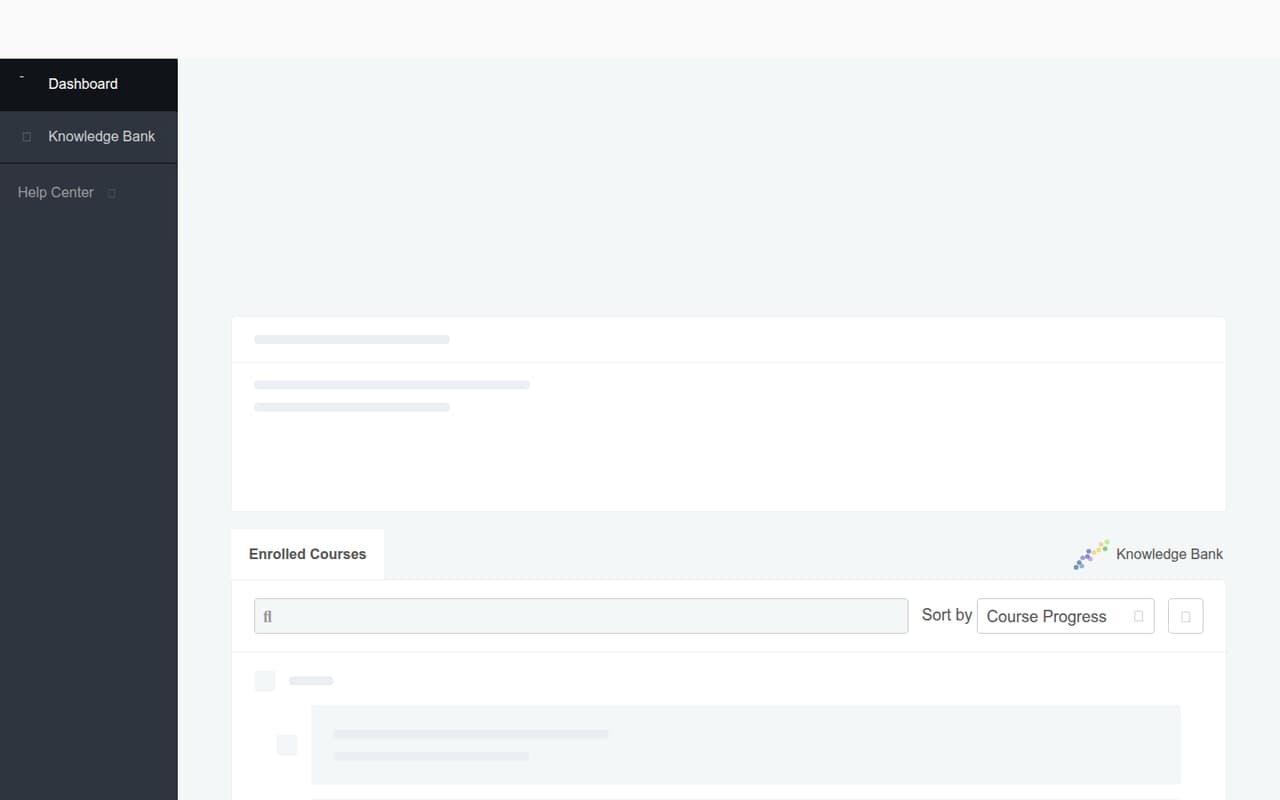
- Learners have a dashboard and knowledge bank
- Course navigation lists analytics and reports
- Administrative navigation includes groups and departments
What doesn't
- No free plan is listed
- Trial availability is not published
- Enterprise pricing requires a custom quote
- Monthly and annual rates are not published
- Integration details and seat limits are not published
01Who Cerego is for
Most small teams do not need a dedicated learning platform for an occasional onboarding checklist or one-off training session. Cerego is a better fit when a 1-10 person team has recurring courses to organize and wants assignments, learner records, and reporting in one place.
In plain terms, the platform appears to help admins create learning content, manage courses and learners, and track learning activity. Its navigation includes assignments, instructors, analytics, reports, groups, and departments; learners get a dashboard and knowledge bank. That is a broader setup than a simple file-sharing or video library, so it may suit a small organization with a real training program. But a tight-budget team should weigh that scope against the sales-led Enterprise price. With no published starting rate, we would ask for a quote before treating Cerego as a practical fit for a few seats.
02Cerego free plan and trial
Cerego's pricing information lists no free plan. A free trial is not published, so small teams should not count on testing the platform at no cost before getting a quote.
The listed plan is Enterprise, aimed at organizations seeking learning software, and its price is a custom quote. That makes contacting sales the cheapest published way in; there is no lower-priced self-serve tier listed. Before booking a sales conversation, ask whether the vendor offers a trial or demo, what access it includes, and whether a paid contract is required to keep using courses after that period. Also confirm whether the quote has a minimum number of seats. Those details determine whether a small team can evaluate Cerego without committing enterprise-level budget.
03What a small team pays for Cerego
The pricing listing gives Cerego one plan: Enterprise, with a custom quote. It does not publish a per-seat rate or monthly and annual billing prices. So we cannot calculate a reliable total for one person, three people, or five people, or compare monthly billing with an annual commitment.
Ask sales for a written quote covering your exact seat count and billing term. Confirm whether the price changes at different team sizes, whether there is a minimum contract or seat count, and whether setup or support adds cost. Add-on prices are not published either, so ask whether any features you need sit outside the quoted plan. For a small team watching every subscription, this lack of public pricing is a real buying hurdle: you cannot compare Cerego against a per-seat budget before sharing your requirements with the vendor.
04Getting started with Cerego
Cerego's listed tools cover course and content management, assignments, learners, and reporting. Content options include creating material, editing details, and bulk uploads. That suggests a team may have to organize existing learning content and learner records as part of setup, but the vendor does not publish setup steps or an estimated time to launch.
The learning curve is also not published, so we would not assume the admin side is quick to configure. The listed navigation gives a useful picture of the areas admins and learners can access, including a learner dashboard and knowledge bank. Integration details are not published either. Before signing, ask which connections are supported, whether they are included in the quote, and what data can be imported through bulk uploads. For a small team, those answers matter more than a feature list when planning a first course.
05When small teams outgrow Cerego
The main reason a small team may move on is budget predictability. Cerego lists only a custom-quote Enterprise plan, with no published per-seat rate or monthly and annual totals. If your team needs to forecast costs as it grows from a few learners, ask how the quote changes with seat count before building a course library around the platform.
The vendor does not publish seat, storage, or course limits in the pricing information, so we cannot name a specific point when a team must upgrade. Nor should you assume that a feature is missing just because its availability is unclear. Instead, ask sales to confirm limits, integrations, and which features are included. Cerego may stop making sense when the quote exceeds your training budget or when you need public pricing and a self-serve plan to add users. Those are practical buying triggers, not published product caps.
Questions people ask
How does Cerego work?
Cerego is presented as a learning platform for creating and managing courses and learners. Admin tools include content creation and editing, assignments, learner management, and course reporting. Learners have a dashboard and knowledge bank. The vendor's pricing information lists an Enterprise plan sold by custom quote.
Does Cerego have a free plan or trial?
Cerego's pricing information lists no free plan. Trial availability is not published, so ask the vendor whether you can get trial access or a demo before buying. Also confirm how long access lasts and whether a paid contract is needed to continue using the platform.
How much does Cerego cost?
The listed Enterprise plan is priced by custom quote. Cerego does not publish monthly or annual rates or a per-seat price, so the cost for one person or a small team is not available upfront. Contact sales for a quote based on your seat count and billing needs.
What features does Cerego include?
Listed features include course summaries, assignments, instructors, learners, analytics, and reports. Content tools include creating content, editing details, and bulk uploads. Learners have a dashboard and knowledge bank, while administrative navigation includes groups and departments. Confirm with sales which features are included in your quote.
What should a small team ask Cerego before buying?
Ask for pricing at your exact seat count, any minimum contract or seat requirements, and whether monthly billing is available. Confirm trial or demo access, integration options, setup support, and any course or learner limits. The vendor does not publish those pricing and setup details, so get the answers in writing.