
We may earn a commission if you buy through links on this page. It never changes a score or a ranking. How we make money
The bottom line
Pay for Charles when you need to inspect app traffic; skip it for basic browser debugging.
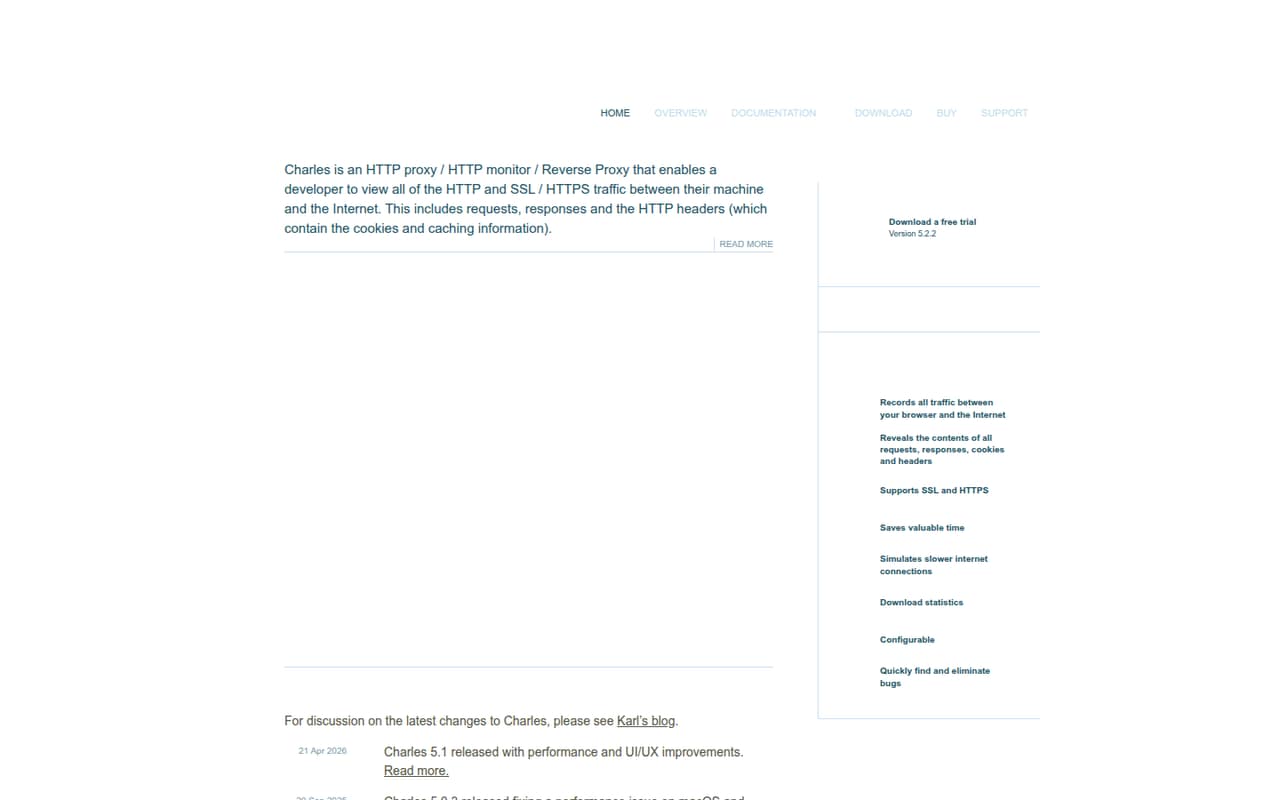
Charles Proxy is for developers who need to inspect HTTP and HTTPS traffic between a machine and the internet. It shows requests, responses and headers, including cookie and caching information, and offers HTTP monitoring and reverse proxy functionality.
There’s no permanent free plan: the pricing page lists a 30-day trial and a $50 one-time license for one person. That can be a reasonable buy for a team debugging app traffic, but browser developer tools may be enough for simpler desktop work.
Good fit if
- Debugging mobile app traffic
- Inspecting HTTP and HTTPS requests
- Small teams buying permanent licenses
Skip it if
- Teams that need a free tool
- Simple desktop-only browser debugging
- People who want zero learning curve
ScoresHow it rates
What works
- Inspects HTTP and HTTPS traffic
- Shows requests, responses and headers
- Includes HTTP monitoring and reverse proxy functionality
- One-time licenses, not monthly subscriptions
- 30-day trial available
What doesn't
- No permanent free plan
- One license covers one user
- Three licenses cost $150 upfront
- Users report a learning curve
- Some Linux users report clunky response previews
01Who Charles Proxy is for
Charles Proxy makes the most sense for a small development team that needs to see what an app sends and receives over the network. It acts as a proxy between a machine and the internet, letting developers inspect HTTP and HTTPS traffic, requests, responses and headers. The homepage says those headers include cookie and caching information.
For a one-person shop or a team of three, the $50-per-license price is a modest one-time cost if traffic debugging is part of regular work. It’s less compelling for a team that only needs to inspect a simple desktop website: one Reddit commenter said browser developer tools covered about 80% of their work, with Charles useful when debugging in-app traffic. Windows, Mac OS and Linux are listed as supported platforms. If you need a network view of app behavior rather than just on-page browser tools, Charles is a better fit.
02Charles Proxy free plan and trial
Charles has no permanent free plan. The pricing page lists a 30-day trial, which gives a small team a limited window to see whether the proxy fits its debugging work before paying. The source doesn’t specify trial restrictions, such as feature limits or whether a payment method is required, so confirm those details with Charles before starting.
The cheapest way in after the trial is a one-user license for $50, paid once. That license includes the current major version and updates. A license is for one user, so don’t treat one purchase as permission to share access across a team. If your team needs ongoing, no-cost access, Charles isn’t the right fit; its listed plans are paid licenses.
03What a small team pays for Charles Proxy
The pricing page lists a one-time price of $50 per license for one to four users. One person pays $50; three people pay $150 upfront. There’s no monthly or annual billing listed, so those totals aren’t subscription costs spread across a year.
The per-license price falls to $40 for teams buying five to nine licenses. Five people therefore pay $200 once. At 10 or more licenses, the listed rate is $30 each, or $300 for 10. Each individual license covers one user. The pricing page also lists a $400 one-time site license for use on any computer at one site, with sensible use on a second computer and off-site. A multi-site license is $700 once.
Major-version upgrades are priced at 40% of the original license price; that works out to $20 on a $50 license. Educational pricing is available by contacting Charles, but the price isn’t listed. Compare the site license with per-user pricing if several people at one location need access.
04Getting started with Charles Proxy
Charles is available for Windows, Mac OS and Linux. The basic job is to route the traffic you want to inspect through the proxy, then examine its requests, responses and headers. That’s a more involved starting point than opening browser developer tools, especially if your target is an app rather than a browser page.
A Reddit commenter described a bit of a learning curve, and another said they would use browser developer tools for many desktop-only needs but Charles for in-app calls. That’s a useful guide for a small team: start with one specific debugging task, rather than expecting everyone to adopt it immediately. The setup instructions and integrations needed for your particular apps aren’t specified in the product details here. Before rolling it out, check Charles’ docs for your operating system and app, and confirm whether your HTTPS inspection workflow needs any extra configuration.
05When small teams outgrow Charles Proxy
Charles may remain useful as a team grows, but seat costs add up: five individual licenses cost $200 once, and 10 cost $300. The $400 site license may suit a group working from one site, while the $700 multi-site license is the listed option for multiple locations. Those are one-time prices, not recurring subscriptions.
A team may outgrow Charles if it needs capabilities beyond the HTTP and HTTPS inspection, monitoring and reverse proxy features described here; check with the vendor about any specific workflow before buying. It may also be too much tool for basic desktop-only debugging. User reports are mixed: a commenter praised Charles for troubleshooting in-app ad calls, while a Linux user complained that the preview pane felt clunky and that searching within JSON responses was difficult. If that kind of workflow matters, test it during the 30-day trial before buying licenses for the team.
From the threadsWhat users say
Reddit comments describe Charles as useful for in-app traffic troubleshooting, but not always necessary for basic browser work. Feedback also flags a learning curve and a Linux preview-pane complaint, so sentiment is mixed rather than uniformly positive.
I prefer Charles for trouble-shooting in-app ad calls and responses
I can get by probably 80% of the time with browser developer tools
it has a bit of a learning curve
the preview pane feels clunky
Questions people ask
Does Charles Proxy have a free plan?
No permanent free plan is listed. The pricing page lists a 30-day trial, followed by a one-time purchase. The cheapest listed license is $50 for one user, and it includes the current major version and updates. Check with Charles for trial conditions, which aren’t specified in the pricing details.
How much does Charles Proxy cost for a small team?
The listed one-time price is $50 per license for one to four users, so three users cost $150. Teams buying five to nine licenses pay $40 each, making five licenses $200. The page lists no monthly or annual billing; each license is for one user.
What does a Charles Proxy license include?
The one-to-four-user license listing includes one user per license, the current major version and updates. Licenses are one-time purchases. The pricing page lists major-version upgrade pricing at 40% of the original license price; ask Charles how that applies to your specific license before budgeting an upgrade.
What can I inspect with Charles Proxy?
Charles lets developers view HTTP and SSL/HTTPS traffic between a machine and the internet. The homepage says it displays requests, responses and headers, including cookie and caching information. It also lists HTTP monitoring and reverse proxy functionality.
Is Charles Proxy difficult to learn?
There is some learning involved: one Reddit post describes a learning curve, and a commenter says browser developer tools can cover many simple desktop needs. Charles is more compelling when you need to troubleshoot in-app traffic. Try that specific workflow during the 30-day trial before buying licenses for a team.
Sources
- Charles Proxy homepage
- Charles Proxy pricing page
- Reddit: Some Charles Proxy Activation Codes for Pentesters
- Reddit: Open-Source alternative to Charles Proxy & Telerik Fiddler
- Reddit: Learn to use Charles Proxy
- Reddit: [question]I want to use Charles Proxy to try and get older versions of apps that normally aren't allowed even on Checkmate Store.