
We may earn a commission if you buy through links on this page. It never changes a score or a ranking. How we make money
The bottom line
Chati offers customizable event spaces, but an undisclosed price makes value hard to judge.
Chati is worth considering if your team needs branded virtual or hybrid events, attendee networking, and engagement analytics. Its Self-Service Basic plan lists four Event Spaces, unlimited live days, and unlimited content.
The budget catch: Chati doesn’t publish the plan’s price or billing terms, and it doesn’t list a free plan. A small team can’t calculate its one-, three-, or five-person cost from the published pricing. Ask sales for a full quote, including any event-space or feature add-ons you need.
Good fit if
- Teams producing branded virtual events
- Organizers needing multiple event spaces
- Event teams seeking attendee networking
Skip it if
- Teams requiring a published price
- Organizers needing a confirmed free trial
- Simple webinars on a tight budget
ScoresHow it rates
What works
- Basic lists four Event Spaces
- Unlimited live days in Basic
- Unlimited content in Basic
- Custom environments and templates
- Networking and engagement analytics
What doesn't
- Basic plan price is unpublished
- Billing terms are not stated
- No free plan is listed
- Trial availability is not published
- Several capabilities are add-ons
01Who Chati is for
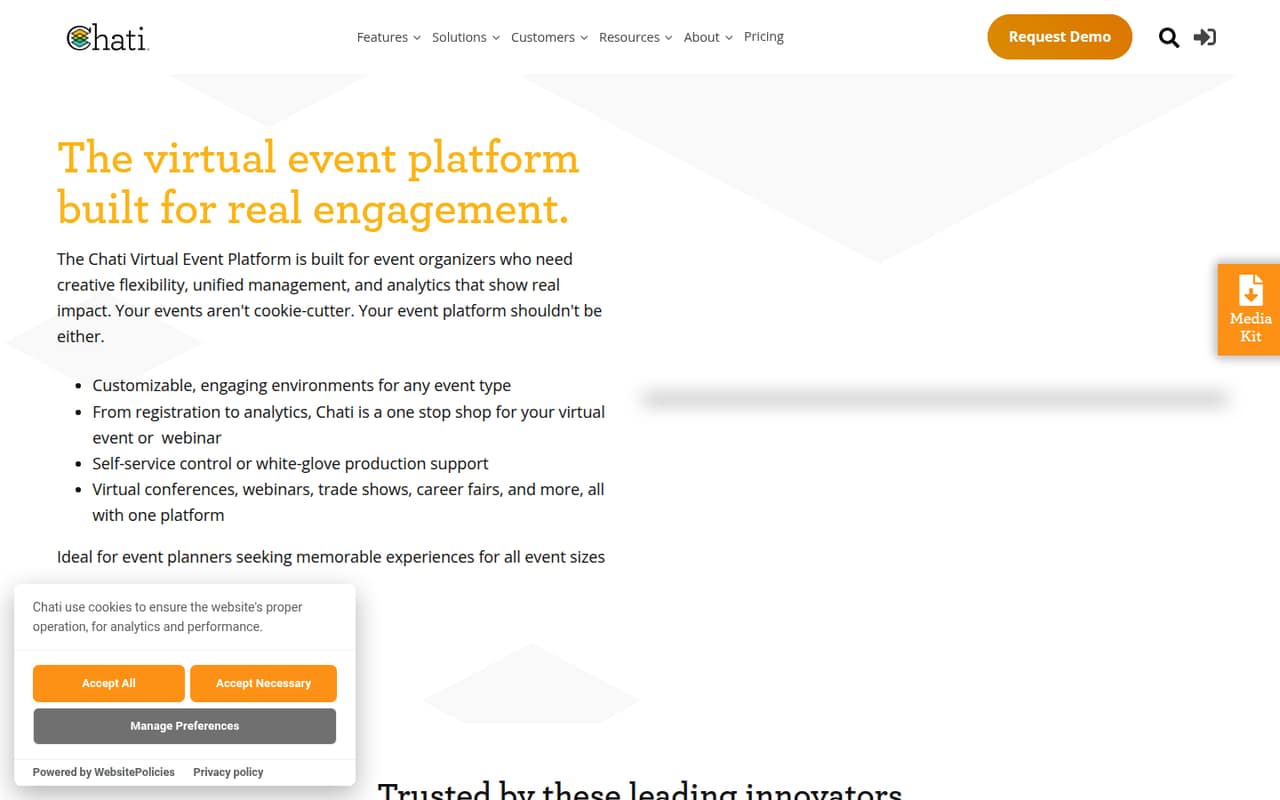
Chati is for event organizers who need more than a basic webinar room: think a small team putting on virtual conferences, hybrid events, or branded online gatherings. The platform offers customizable environments and content templates, plus 3D spaces, exhibit halls, attendee networking, and engagement analytics. It also offers self-service tools or managed production support.
For a team of one to ten, the fit depends less on headcount than on event complexity. If you need several distinct spaces and want attendees to browse content, meet, or interact with exhibitors, Chati’s feature set may justify a dedicated platform. If your events are simple presentations, the setup and unknown price may be more than you need. The Self-Service Basic plan lists four Event Spaces, unlimited live days, and unlimited content, but Chati doesn’t publish its price. Budget-conscious teams should get a quote before committing.
02Chati free plan and trial
Chati doesn’t list a free plan, and whether it offers a free trial isn’t published. The cheapest listed way in is Chati Self-Service Basic, aimed at organizers building events themselves. Its listed inclusions are four Event Spaces, unlimited live days, and unlimited content. On-demand access requires speaking to sales.
The plan’s price and billing terms are not published, so there’s no confirmed low-cost entry price to compare with a small-team budget. Before signing up, ask Chati whether a trial or demo is available, what Basic costs, and whether on-demand access is included in the quote. Also confirm whether you can add features later without moving to a different plan.
03What a small team pays for Chati
Chati doesn’t publish a starting price, monthly or annual rate, or billing terms for Self-Service Basic. It also doesn’t state a per-seat price. That means we can’t calculate the cost for one person or compare it with the cost for three or five; the vendor needs to provide a quote. The plan is described around event spaces and content, not a published seat allowance.
Basic lists four Event Spaces, unlimited live days, and unlimited content. An additional Event Space is available as an add-on, but its price isn’t published. Other listed add-ons include 1:1 Video Chat, Gamification, Surveys, Speed Networking, User Journeys, Additional Speakers, ticketing or paid-registration integration, and a Poster Hall. Custom microsites, emails, moving avatars, and a virtual photo booth are also listed. Ask for the base price and the specific add-on costs together, so the quote reflects the event you plan to run.
04Getting started with Chati
Chati describes its self-service tools as a way for organizers to build events, with customizable environments and templates for virtual conferences. That gives a small team a starting point for shaping its event space and content, but Chati doesn’t publish a setup timeline or the work required to launch. Plan to clarify who will configure the environment, prepare content, and manage the live event before choosing self-service or managed production support.
The pricing material lists ticketing and paid-registration integration as an add-on; it doesn’t identify other integrations or explain the setup steps. Ask Chati which registration tools it supports, whether that integration costs extra, and what attendee or content migration involves. The learning curve and setup effort aren’t stated, so request a walkthrough using your event’s requirements rather than assuming the templates cover everything.
05When small teams outgrow Chati
The clearest limit to watch is space count: Self-Service Basic lists four Event Spaces. If your team needs more, Chati lists Additional Event Space as an add-on, but doesn’t publish its price. Ask how extra spaces are charged and whether the quote changes with event volume or team size.
Basic’s unlimited live days and unlimited content may suit teams producing many event days or loading substantial material, but the plan’s other limits aren’t stated. A growing event program may also want features such as 1:1 video chat, gamification, surveys, speed networking, or ticketing integration; Chati lists these separately as add-ons, with prices not published. Before scaling, get a quote for your expected space count and feature mix. If that cost or the missing plan details don’t fit your budget, compare platforms with published pricing and limits.
Questions people ask
Does Chati have a free plan?
Chati’s pricing lists no free plan. A free trial isn’t listed either, so its availability is unclear. The cheapest listed option is Self-Service Basic, which includes four Event Spaces, unlimited live days, and unlimited content. Chati doesn’t publish the plan’s price, so ask the vendor for a quote and whether a trial is available.
How much does Chati cost for a small team?
Chati doesn’t publish a price or billing terms for Self-Service Basic, and it doesn’t state a per-seat rate. So a one-, three-, or five-person cost can’t be calculated from its pricing. Request a quote for your team and event needs, including any additional spaces or feature add-ons.
What does Chati Self-Service Basic include?
The listed inclusions are four Event Spaces, unlimited live days, and unlimited content. On-demand access requires speaking to sales. Chati doesn’t publish the plan’s price or billing terms, so confirm those details with the vendor before budgeting.
Can I add networking or ticketing features to Chati?
Chati lists 1:1 Video Chat and Speed Networking as add-ons, along with ticketing or paid-registration integration. The pricing page doesn’t publish their costs. Ask which registration services are supported and whether the add-ons are available with Self-Service Basic.
Does Chati offer managed event production?
Chati offers self-service tools or managed production support for virtual and hybrid events. The published pricing details don’t explain the scope or cost of managed support. Ask what production tasks are covered, who handles live-event support, and whether those services are included in a quote or priced separately.