
We may earn a commission if you buy through links on this page. It never changes a score or a ranking. How we make money
The bottom line
Good value for a small site that needs messaging links, not a full live-chat system.
Small teams may not need a chat tool if a contact page does the job. If visitors already use messaging apps, Chaty puts links to those channels in a customizable website widget, with a free plan for up to 500 visitors a month.
The free plan is a low-risk starting point, but it has a visitor cap. The cheapest paid plan is Basic at $15 monthly or $12 per month with annual billing. Pricing is based on visitor traffic, not seats, and the vendor doesn’t publish seat limits.
Good fit if
- Small sites adding messaging buttons
- Teams with several contact channels
- Businesses watching monthly software costs
Skip it if
- Teams needing live chat out of the box
- Sites with high monthly visitor counts
- Buyers who need published seat limits
ScoresHow it rates
What works
- Free plan includes unlimited widgets and channels
- Connects visitors to 20+ messaging platforms
- Custom channels are supported
- Contact forms can capture visitor details
- Basic includes multiple agents and targeting
What doesn't
- Free plan is capped at 500 visitors monthly
- Basic allows 10,000 visitors monthly
- Seat limits are not published
- Setup time and steps are not published
- Live chat and AI responses use Chatway integration
01Who Chaty is for
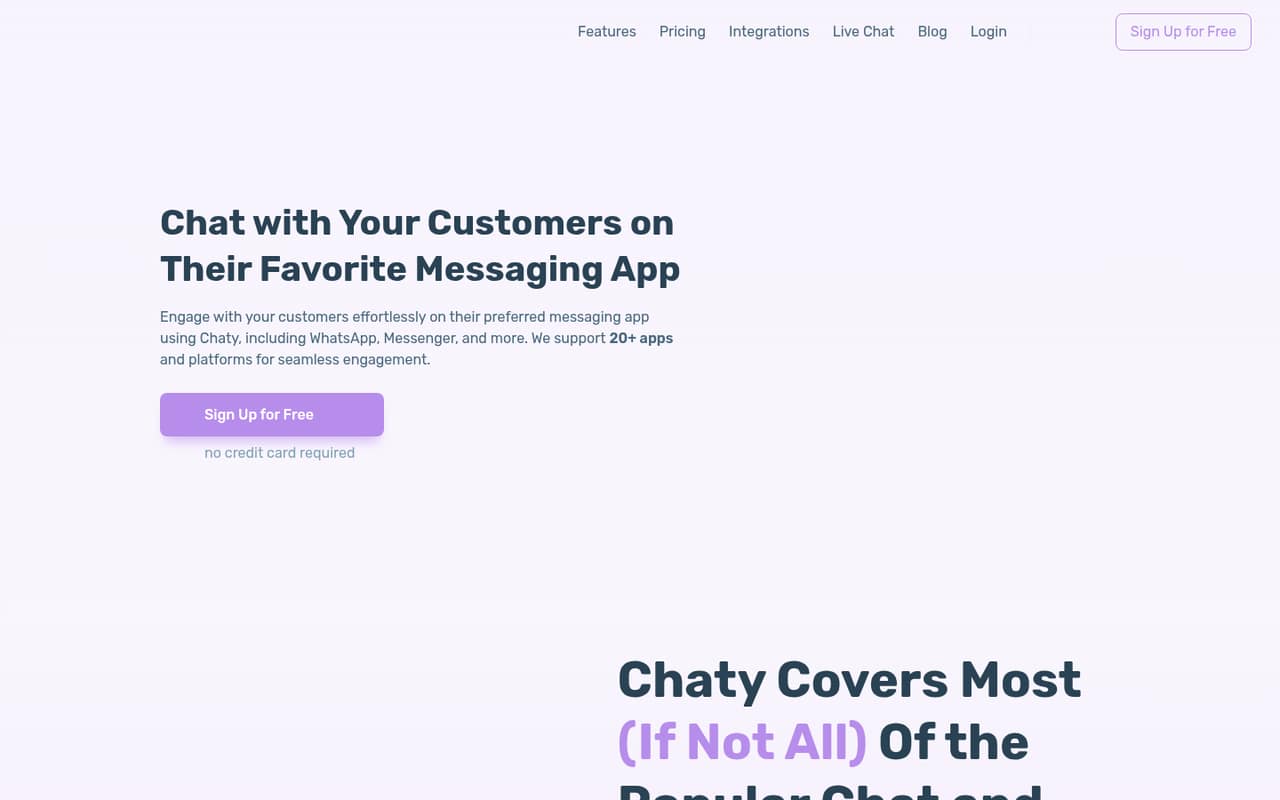
Chaty suits a solo operator or a small team of up to 10 people that wants website visitors to reach them through familiar messaging and social apps. Instead of making visitors hunt for contact details, the widget puts channel buttons on the site. Chaty says it supports more than 20 platforms, along with custom channels.
It’s a good fit when the job is routing inquiries, not managing every conversation in a shared live-chat inbox. Teams can customize button colors, placement, icons, and fonts, and use contact forms to collect visitor details. Targeting options include traffic source, country, device, language, or page.
For a tight budget, the free plan covers up to 500 visitors a month. That can work for a small site testing whether messaging buttons help. A team with more traffic can start at $15 monthly on Basic, or $12 per month with annual billing. Pricing is visitor-based, so the cost is not listed per employee.
02Chaty free plan and trial
The free plan includes 500 visitors per month, unlimited widgets, unlimited channels, a contact form, and widget customization, according to the pricing page. That gives a small site room to add messaging buttons without committing to a paid subscription. The plan’s visitor cap is the main constraint: once traffic exceeds 500 visitors a month, the listed paid plans start at Basic.
The free-plan details do not list multiple agents, traffic-source or country targeting, dynamic chat pop-ups, or Google Analytics. Those features are listed for Basic and higher plans, so check with Chaty if any are essential before choosing the free tier. The pricing page lists monthly and yearly billing, with yearly billing saving 20%. A free trial is not published; the free plan is the no-cost way to try the widget.
03What a small team pays for Chaty
The pricing page lists Basic at $15 per month with monthly billing or $12 per month with annual billing, a 20% saving. The annual figure is a monthly equivalent, so that option costs $144 for a year. Basic includes 10,000 visitors a month, traffic-source and country targeting, dynamic chat pop-ups, multiple agents, and Google Analytics.
Chaty prices by plan, not by seat. That means one person, three people, or five people pay the same listed Basic price, assuming the plan covers their needs: $15 monthly, or $12 per month on annual billing. Divided across the team, that works out to $5 per person monthly for three people or $3 for five on monthly billing; annual billing brings those figures to $4 and $2.40 per person per month, respectively. These are simple per-person comparisons, not seat prices. The vendor doesn’t publish seat limits. Pro costs $39 monthly or $31.20 with annual billing and covers 50,000 visitors. No add-ons are listed.
04Getting started with Chaty
Chaty’s feature list suggests the main work is choosing channels, customizing the widget, and deciding where and when it appears. You can adjust colors, placement, icons, and fonts. Targeting can use traffic source, country, device, language, or page, and triggers and scheduling control when widgets appear.
The vendor doesn’t publish a setup time or a step-by-step installation process in the pricing and feature details available here. We’d ask Chaty which installation method it supports for your website and whether that requires help from a developer. For day one, decide which messaging channels your customers already use and who on the team should receive inquiries. Chaty lists multiple agents as a paid-plan feature, but doesn’t publish how agent assignment works. The Chatway integration is an option for live chat and AI chatbot responses; those are distinct from the messaging-button widget.
05When small teams outgrow Chaty
The clearest reason to upgrade is traffic. Free covers 500 visitors a month, Basic covers 10,000, Pro covers 50,000, and Growth starts at 150,000, with visitor tiers listed up to 2,000,000. A site nearing its plan’s limit should compare its traffic with the next tier before the widget becomes a constraint. Basic costs $15 monthly or $12 with annual billing; Pro costs $39 or $31.20, and Growth costs $79 or $63.20.
Team size alone doesn’t appear to raise the listed price: Chaty’s pricing is based on visitor tiers, and the vendor doesn’t publish seat limits. Still, ask how many agents each plan supports if your team is growing. A team may also outgrow the widget if it needs live chat or AI chatbot responses as core features; Chaty describes those through a Chatway integration. The available plan details don’t establish whether that integration has a separate charge, so confirm its cost and limits with the vendor.
Questions people ask
What is Chaty?
Chaty is a website widget that lets visitors contact a business through messaging and social platforms. It supports customizable chat buttons, contact forms, targeting, and multiple agents. Chatway can add live chat and AI chatbot responses.
Is Chaty free?
Yes. Chaty lists a free plan with 500 visitors per month, unlimited widgets and channels, a contact form, and widget customization. The pricing page does not publish a free-trial period; the free plan is the listed no-cost option.
How much does Chaty cost for a small team?
Basic costs $15 per month with monthly billing or $12 per month with annual billing. The plan is priced by tier rather than by seat, so the listed price is the same for one, three, or five people, subject to any seat limits you should confirm with Chaty.
Which messaging channels does Chaty support?
Chaty says its widget connects to more than 20 messaging and social platforms, and it also supports custom channels. The specific channel list is not included in the pricing details, so check that your preferred apps are supported before subscribing.
Does Chaty include live chat?
Chaty’s website widget connects visitors to messaging and social channels. The homepage also offers a Chatway integration for live chat and AI chatbot responses. Check with Chaty whether that integration has separate pricing or plan limits.