We may earn a commission if you buy through links on this page. It never changes a score or a ranking. How we make money
Most teams of 1–10 people don’t need a pricey chat platform to answer website questions. Start with tawk.to if a free live-chat service and unlimited seats cover your needs; consider Chatwoot or Crisp if you want a shared inbox and a clear paid step up. The catch is that “live chat” can also mean messaging buttons, CRM-linked conversations, or enterprise automation. We ranked tools for small-team fit, weighing free access, the cost of a few seats, setup considerations, and whether each tool’s focus matches a typical small business.
Quick picksThe shortlist
 tawk.totawk.toBest free · Free
 ChatwootChatwootBest all-rounder · $19/mo
 CrispCrispBest for two · $45/mo
 ChatyChatyBest messaging buttons · $15/mo
 CallbellCallbellBest for three agents · $15/mo
 WazzupWazzupBest CRM chat · $12/mo
 LiveChatLiveChatBest website sales · $19/mo
 OlarkOlarkBest visitor support · $29/mo
 SuperchatSuperchatBest for WhatsApp · €79/mo
 respond.iorespond.ioBest multichannel sales · $79/mo
 Verloop.ioVerloop.ioBest free automation start · Free
 KindlyKindlyBest high-volume support · Custom
 GliaGliaBest for credit unions · Custom
 LivePersonLivePersonBest for contact centers · Custom
 DriftDriftBest for high-intent leads · $2,500/mo
01Compared at a glance
| Tool | Score | From | Free plan | Trial |
|---|---|---|---|---|
| tawk.totawk.to | 7.8 | Free | Yes | — |
| ChatwootChatwoot | 7.8 | $19/mo | Yes | 15 days |
| CrispCrisp | 7.1 | $45/mo | Yes | 14 days |
| ChatyChaty | 7.0 | $15/mo | Yes | — |
| CallbellCallbell | 7.0 | $15/mo | Yes | 7 days |
| WazzupWazzup | 6.5 | $12/mo | No | 3 days |
| LiveChatLiveChat | 6.7 | $19/mo | No | 14 days |
| OlarkOlark | 6.2 | $29/mo | No | 14 days |
| SuperchatSuperchat | 6.8 | €79/mo | Yes | — |
| respond.iorespond.io | 6.8 | $79/mo | No | 7 days |
| Verloop.ioVerloop.io | 5.8 | Free | Yes | — |
| KindlyKindly | 5.5 | Custom | No | — |
| GliaGlia | 5.0 | Custom | No | — |
| LivePersonLivePerson | 4.8 | Custom | No | — |
| DriftDrift | 5.8 | $2,500/mo | No | — |
02The picks, in detail
- Best freetawk.totawk.to
tawk.to is our top pick when keeping costs down matters most: its free plan includes unlimited seats, and it supports teams sharing customer conversations across multiple websites. The vendor doesn’t publish a starting paid price in this listing, so ask about any add-ons you might need. It may not suit teams that want more ticket controls.
What works
- Free plan lists unlimited agent seats
- Unlimited chats, properties and chat history
- Combines chat, inbox, CRM and ticketing
What doesn't
- Add-on prices vary across listings
- Some capabilities cost extra
- Annual billing for the core platform is not published
- Best all-rounderChatwootChatwoot
Chatwoot combines a useful free tier with a listed starting price of $19, making it a practical option for a small team that may outgrow free. It is positioned as a shared inbox for live chat and other support channels, with voice and automation also in its feature set. Check which plan covers your channels before committing.
What works
- Free plan covers up to two agents
- Paid plans include all channels
- Shared inbox combines customer conversations
What doesn't
- Free plan is limited to live chat
- Free plan caps usage at 500 conversations monthly
- Annual billing prices aren’t published
- Best for twoCrispCrisp
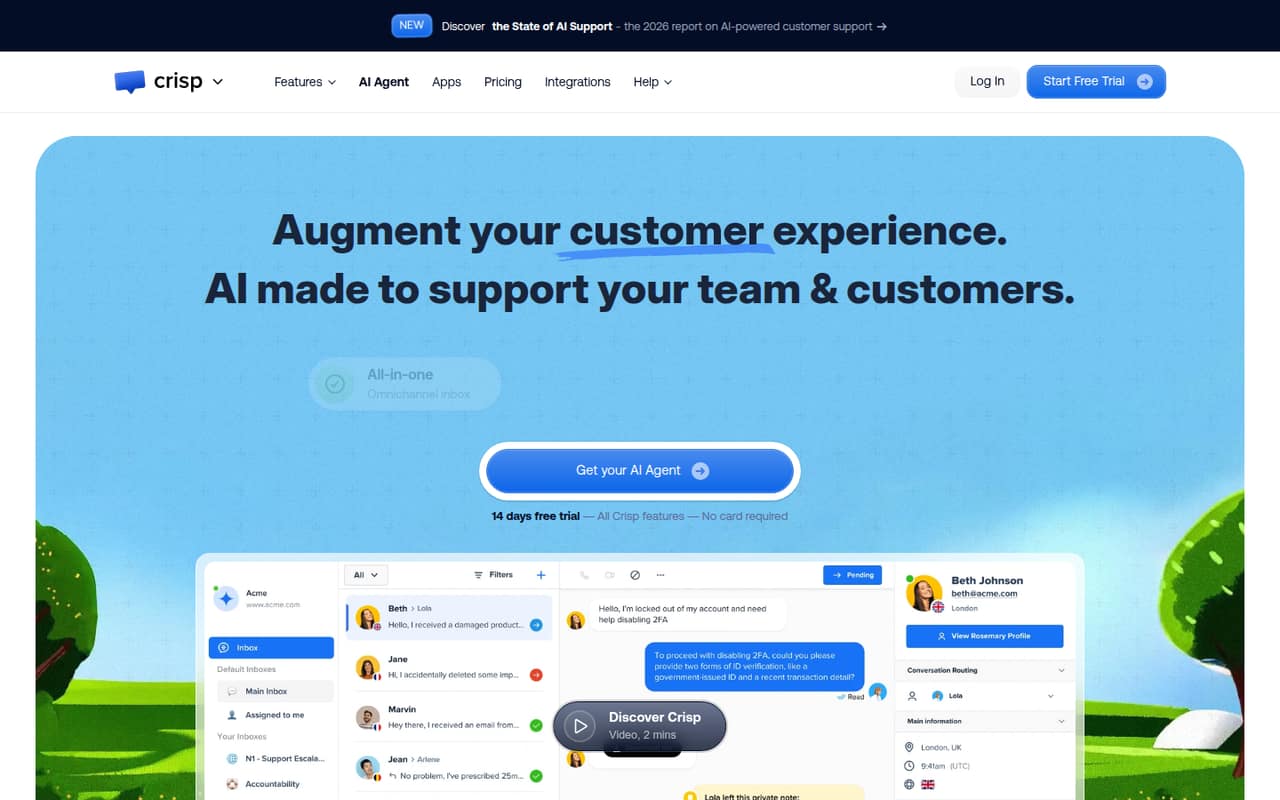
Crisp’s free tier is for two seats, so it can work for a founder and one teammate sharing website conversations and customer records. The listed next step is $45 per month. That makes the free plan the better fit for a very small team, while teams adding seats should check the paid plan’s limits and total cost.
What works
- Free plan includes two seats
- Shared inbox covers several conversation channels
- Website chat widget is included on Free
What doesn't
- Mini starts at $45 per workspace monthly
- Five seats require the $95 Essentials plan
- Annual prices aren't published
- Best messaging buttonsChatyChaty
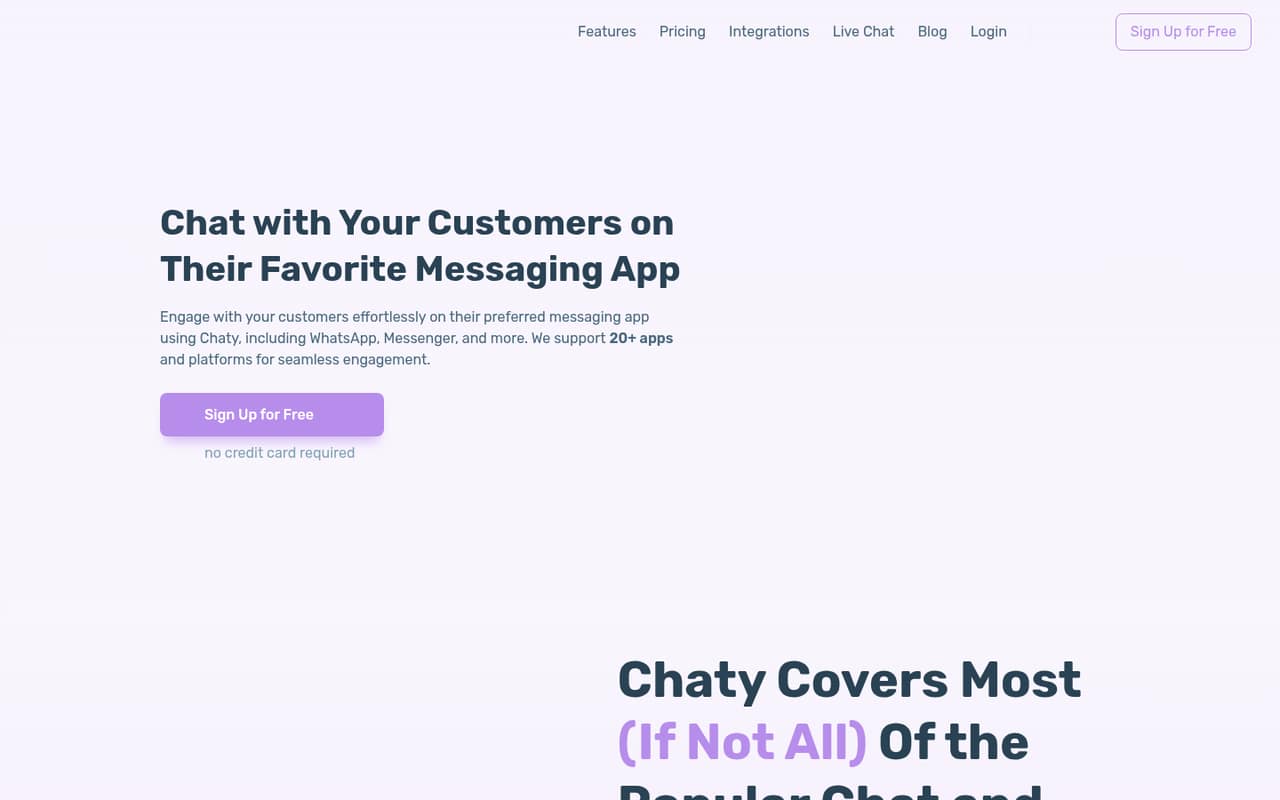
Chaty is a budget option for a small website that needs messaging links across several contact channels, rather than a full live-chat system. It has a free plan and a listed starting price of $15. If agents need to manage and reply to conversations in a shared inbox, check that Chaty covers that workflow before choosing it.
What works
- Free plan includes unlimited widgets and channels
- Connects visitors to 20+ messaging platforms
- Custom channels are supported
What doesn't
- Free plan is capped at 500 visitors monthly
- Basic allows 10,000 visitors monthly
- Seat limits are not published
- Best for three agentsCallbellCallbell
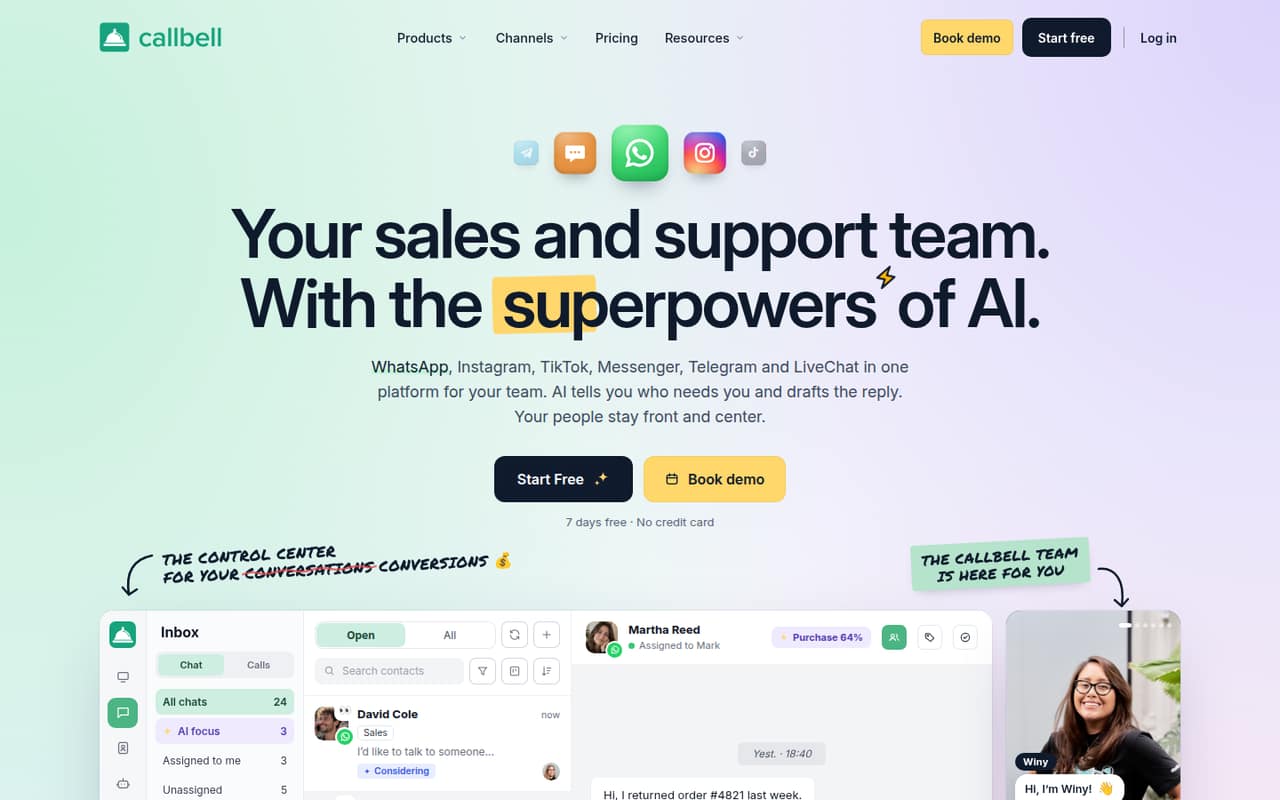
Callbell is aimed at teams handling WhatsApp and social chats, with shared inbox features and chat campaigns. It has a free plan and a listed starting price of $15, but the three-agent minimum makes it a less tidy fit for one- or two-person teams. Confirm the included channels and agent charges before signing up.
What works
- Brings six listed chat channels into one inbox
- Includes AI agents and no-code chatbot flows
- Assign conversations to teams
What doesn't
- Paid shared inbox plans require at least three agents
- Free plan has no multi-agent inbox
- Month-to-month billing is not offered
- Best CRM chatWazzupWazzup
Wazzup suits sales teams that want customer chats visible in their CRM and need shared chat visibility. Its listed starting price is $12, but there is no free plan and costs scale by channel. That channel-based pricing can make the real bill different from the starting figure, so ask for a quote based on the channels your team uses.
What works
- Syncs chats and contacts to a CRM
- Can create deals and contacts from messages
- Team leads can view chats
What doesn't
- No free plan
- Prices are per channel, not per seat
- Start is limited to 50 chats
- Best website salesLiveChatLiveChat
LiveChat is built for teams selling through website chat, qualifying leads, and routing conversations. The listed starting price is $19 per seat, and five seats start at $95 a month billed annually. It has useful chat, AI, and ticketing tools, but a small team should count its agents before choosing it; a shared inbox alone may cost less.
What works
- Website chat, shared inbox, and ticketing
- AI can answer questions and recommend products
- AI can hand conversations to a person
What doesn't
- No free plan
- Essential costs $19 per user monthly, billed annually
- Monthly-billing prices aren't published

- Best visitor supportOlarkOlark
Olark is for small teams staffing visitor chat, answering product questions, and using AI and handoff features. Its listed starting price is $29, but the cost for a few seats is not stated here. Check seat pricing and the staffing time your team can commit before buying; a chat tool only helps if someone can answer visitors.
What works
- Live Chat starts at $29 per agent monthly
- 14-day trial for the Live Chat plan
- AI agent answers from website and documentation
What doesn't
- No free plan
- Standard AI costs $400 monthly, billed annually
- Additional AI-plan agent seats cost $29 each monthly

- Best for WhatsAppSuperchatSuperchat
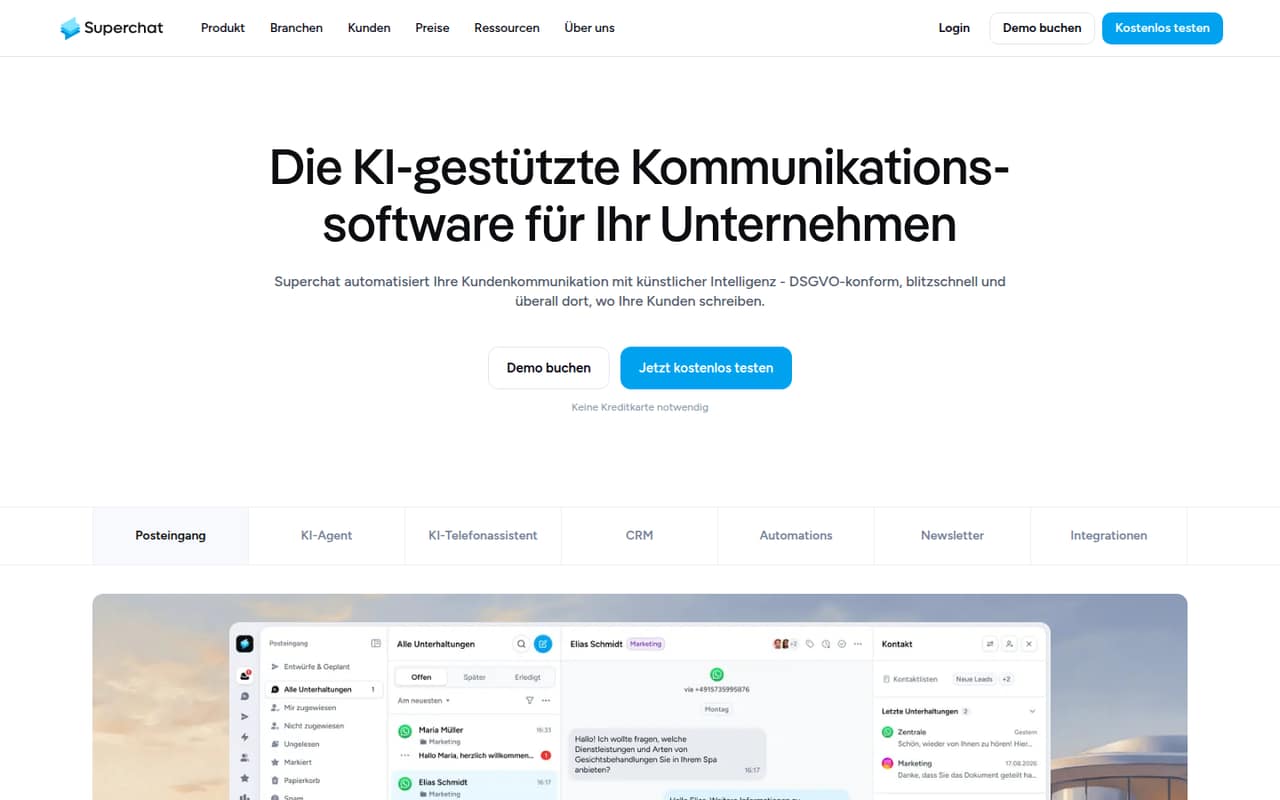
Superchat is a fit for teams sharing WhatsApp customer messages and automating recurring replies. It has a free plan and a listed starting price of $79. Seat and messaging costs need a close look before you commit, especially if several people will use the inbox. Ask the vendor for the expected bill at your team size and message volume.
What works
- Free plan includes one employee account
- Shared inbox combines customer conversations
- Basic plan includes unlimited active contacts
What doesn't
- Free plan has no AI agents
- Basic plan is limited to three employee accounts
- Extra employee logins cost €19 per month
- Best multichannel salesrespond.iorespond.io
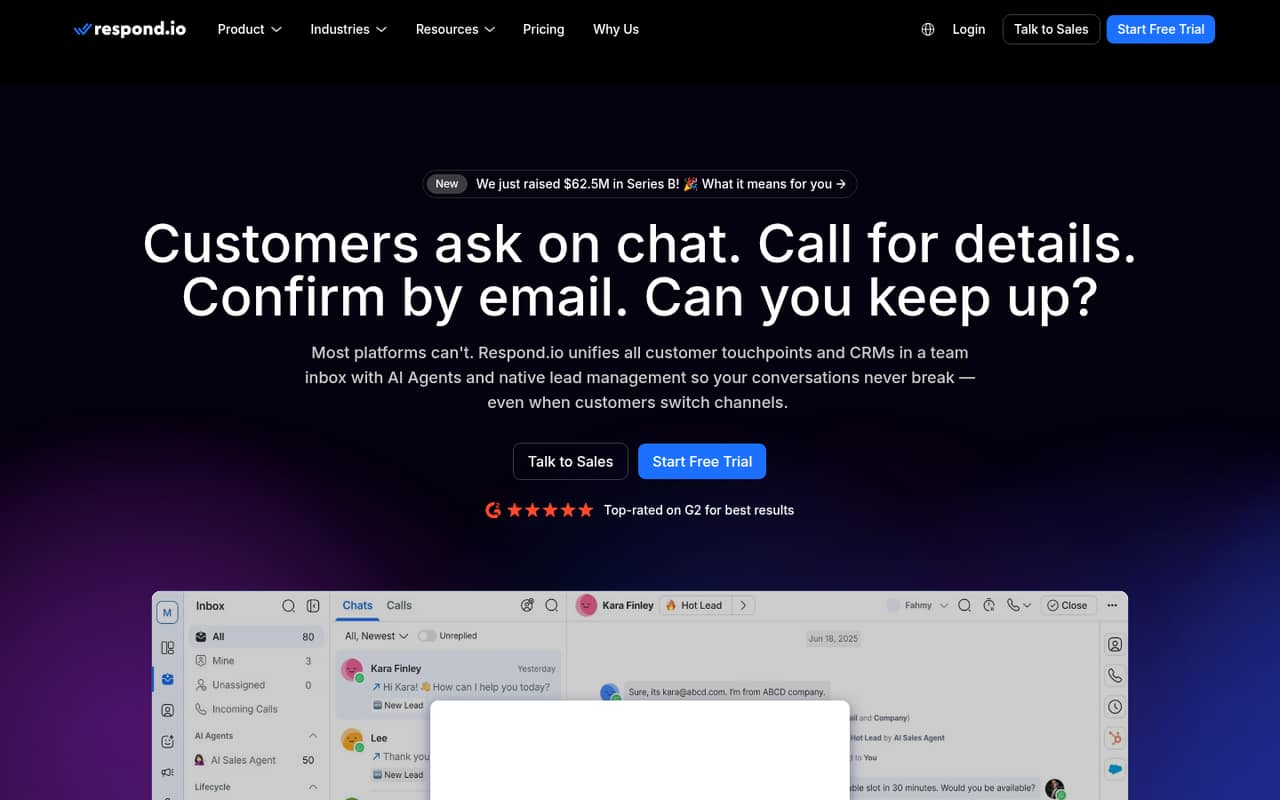
Respond.io targets teams managing several messaging channels, qualifying inbound leads, and automating follow-ups. Its listed starting price is $79, and there is no free plan in this listing. That may make sense for a busy team coordinating multiple channels, but it is a lot to take on if your only need is a basic website inbox.
What works
- Combines messages, calls and emails in one team inbox
- AI agents can answer, qualify and route enquiries
- Lead profiles can sync with CRMs
What doesn't
- No free plan
- Starter costs $79 monthly with annual billing
- WhatsApp fees are charged separately by Meta
- Best free automation startVerloop.ioVerloop.io
Verloop.io offers a $0 one-seat starting point and focuses on automating support across voice and chat, including multilingual conversations. The vendor doesn’t publish a price for a small team, so the free entry point doesn’t tell you what adding colleagues will cost. Ask about seat pricing, channel limits, and the paid plan before building a workflow around it.
What works
- Starter plan costs $0 monthly
- Automates inbound and outbound calls
- Supports 80+ global languages
What doesn't
- Starter includes just one seat
- Starter is capped at 500 chats monthly
- Enterprise pricing is not published
- Best high-volume supportKindlyKindly
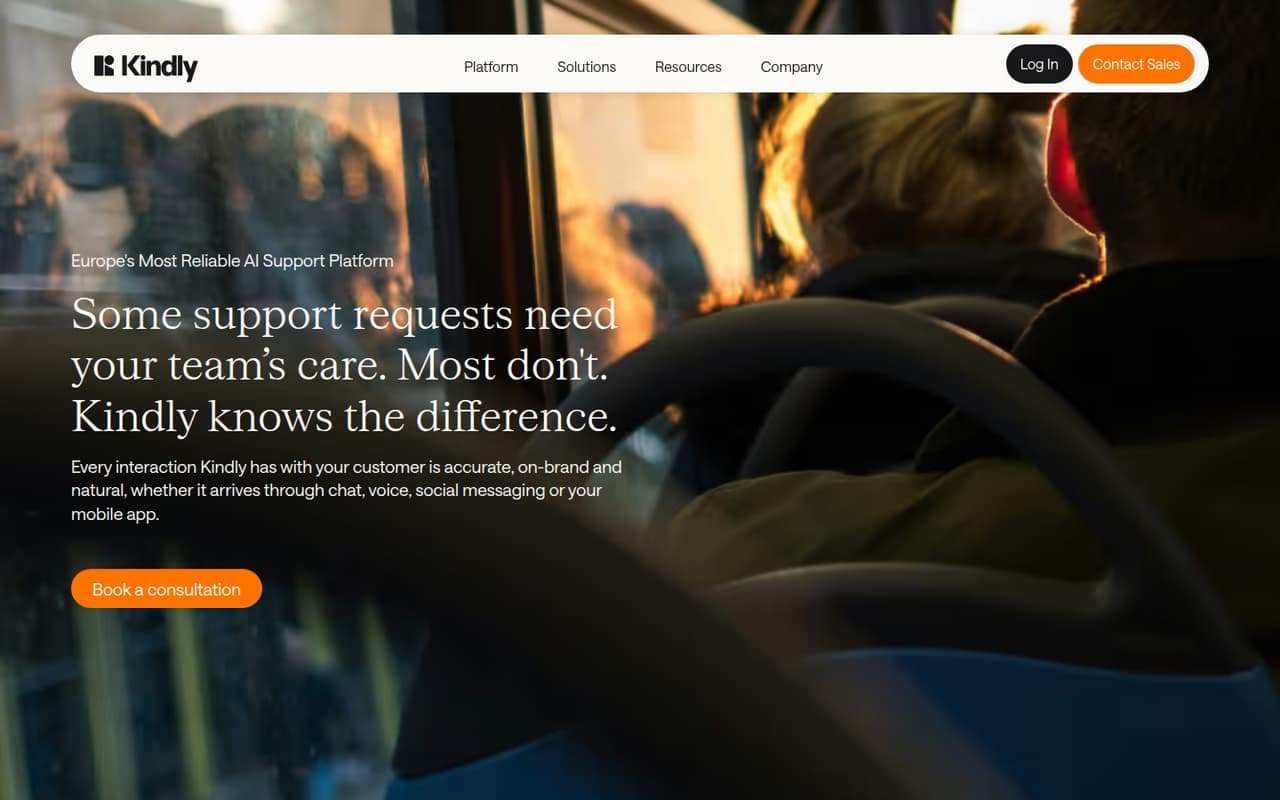
Kindly is aimed at high-volume support teams handling repeat questions across multiple channels. That focus can fit a growing service operation better than a small team with occasional website chats. The vendor doesn’t publish a starting price, which makes budgeting difficult for a 1–10-person business. Ask for a quote and clarify which channels and agent seats it covers.
What works
- Supports chat, voice, in-app, Messenger, and WhatsApp
- Visual conversation flows need no code
- Agents speak more than 100 languages by default
What doesn't
- No free plan is listed
- Starting price isn't published
- Pricing is a custom contract
- Best for credit unionsGliaGlia
Glia is designed for community banks and credit unions, with banking-focused AI and tools for automating inquiries across voice and digital service. Those capabilities make it a specialist option, not a default pick for a small business needing a website chat box. The vendor doesn’t publish a starting price, and there is no free plan, so request a tailored quote.
What works
- Built for banks and credit unions
- Supports voice, digital, and branch service
- Unlimited seats listed in the plan
What doesn't
- No free plan
- No free trial listed
- Starting price is not published

- Best for contact centersLivePersonLivePerson
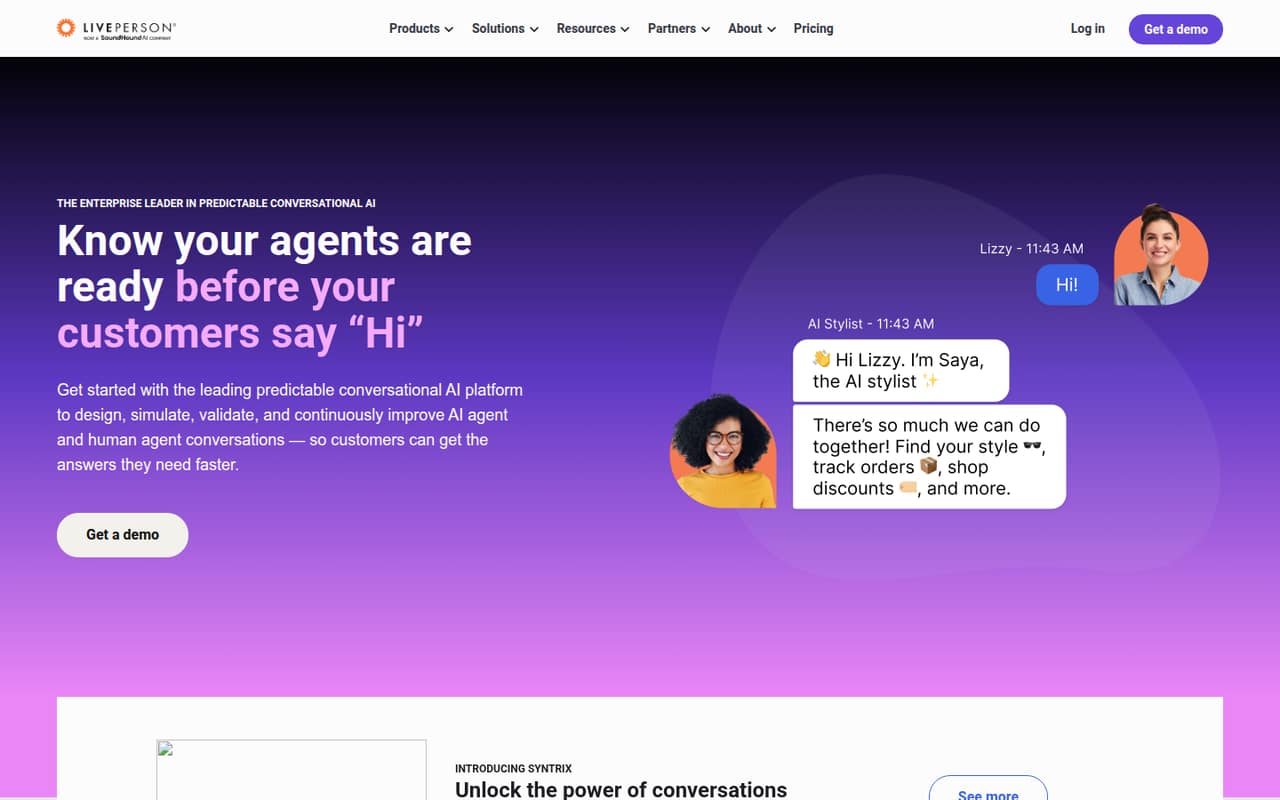
LivePerson is built for enterprise contact-center teams coordinating bots, agents, and multichannel conversations. A small team may find that scope more than it needs for basic customer chat. There is no free plan or published starting price, so a 1–10-person business should ask the vendor about minimum commitments and pricing before spending time evaluating it.
What works
- Coordinates bot and human-agent conversations
- Supports messaging and voice integrations
- Includes AI interaction simulation
What doesn't
- No free plan is listed
- Monthly and annual prices are not published
- SMS and WhatsApp add a 15% handling fee
- Best for high-intent leadsDriftDrift
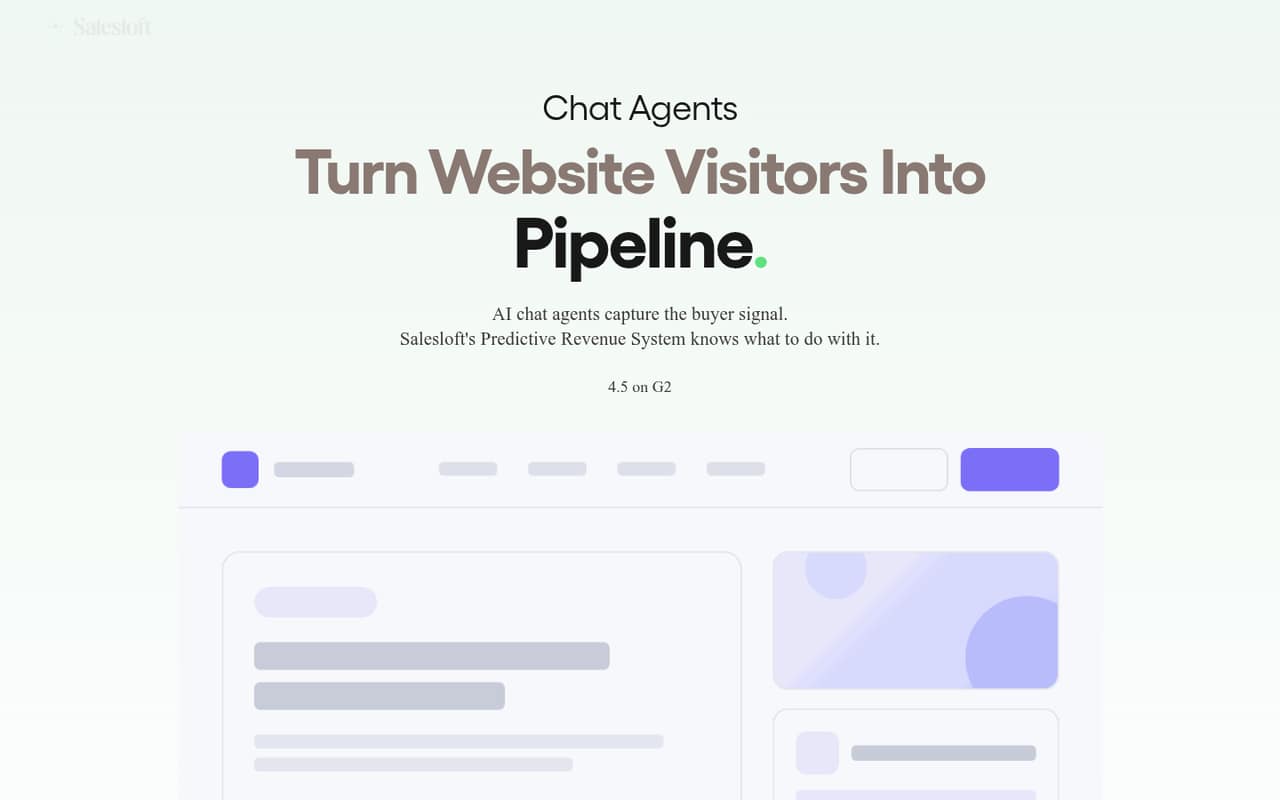
Drift focuses on sales teams with active website traffic and high-intent leads, particularly teams already using Salesloft workflows. Its listed starting price is $2,500 per month with annual billing, a steep commitment for most small teams. Consider it only if sales-focused chat is central to your process and the vendor confirms the plan fits your team.
What works
- Answers visitor questions through AI chat agents
- Captures visitor intent in real time
- Can qualify and route high-intent visitors
What doesn't
- No free plan is listed
- Premium starts at $2,500 per month with annual billing
- Monthly billing price is not published
03How we chose
We ranked these tools for teams of 1–10, not for enterprise feature counts. We weighed whether a free plan is available, what a few seats might cost, the stated limits and channel focus, and the setup questions a small team should resolve before buying. We also considered vendor documentation and Reddit sentiment as signals to check when comparing options, rather than treating anecdotes as guarantees. Where a starting price or small-team cost isn’t published, we say so instead of estimating it. A specialist tool can still rank lower if its price or focus is a poor fit for a small budget.
04Do you need live chat, or just a contact button?
First decide whether visitors need to talk to an agent on your site or just need a convenient way to message your business. Chaty is positioned as messaging buttons and links, while tawk.to, Chatwoot, and Crisp are options for live chat or a shared inbox. Those are different jobs, so don’t pay for a full support platform if a link to your existing messaging channels is enough.
Next, list the channels your team actually handles: website chat, WhatsApp, social messages, voice, or CRM-linked conversations. Tools such as Wazzup, Superchat, Glia, and LivePerson have more specific channel or industry focuses. Before you buy, check the vendor’s documentation for the steps to add your channels, route conversations, and give teammates access. Ask whether those features are included in the plan you can afford.
05What will a few seats really cost?
Compare the price at your actual team size, not just the starting price. LiveChat lists $19 per seat and says five seats start at $95 a month billed annually. Crisp has a free two-seat tier and a listed $45 monthly step up. Callbell has a three-agent minimum; Superchat says to check seat and messaging costs; Wazzup says costs scale by channel. Those details can change which tool is cheapest for your team.
Write down the number of people who need access, the channels you use, and whether you need automation or ticket controls. Then ask the vendor for the bill at that size and confirm any minimums, limits, or annual billing terms. If the vendor doesn’t publish a small-team price, treat the total as unknown until you get a quote. Start with a free tier when it covers the job, and upgrade only for a feature you’ll use.
Questions people ask
Which is the best chat box?
For a small team that wants live conversations without a listed subscription price, tawk.to is our first choice: it has a free plan with unlimited seats. If you need a shared inbox and a clear paid step up, compare Chatwoot’s free tier and $19 starting price with Crisp’s free two-seat plan.
What is the best app for live chat?
For a small business, the best app depends on the work: tawk.to for free live chat, Chatwoot for a shared inbox with a free tier and $19 starting price, or Crisp for a two-seat free plan. Check channel and seat limits before choosing; the lowest starting price may not cover your workflow.
What are the top 10 chat sites?
If you mean business tools for chatting with customers, our leading options are tawk.to, Chatwoot, Crisp, Chaty, Callbell, Wazzup, LiveChat, Olark, Superchat, and respond.io. They serve different needs, from free website chat to CRM-linked and multichannel messaging, so compare the channels and seat costs you need.
What are some 18+ live apps available?
This guide covers business software for customer conversations, not adult live-streaming apps. For customer support or sales chat, consider tawk.to, Chatwoot, or Crisp for small-team options. If you meant another kind of app, check its age rules, privacy terms, and safety controls before signing up.