
We may earn a commission if you buy through links on this page. It never changes a score or a ranking. How we make money
The bottom line
A browser-based cutout editor with useful refinement tools and credit-based plans from $3.32/month annually.
Small teams that regularly cut out product photos may find Clipping Magic useful: it pairs automatic background removal with tools for refining edges, including hair and precise cutouts. It runs in a browser, so it suits teams that want an image-editing tool without adding a desktop app to the workflow.
There is a free plan, but its limits are not published in the pricing details. Paid plans start at $3.99 monthly or $3.32 per month with annual billing, and charge by image credits rather than seats. That can work for occasional edits, but teams should check how credits are shared before budgeting for several people.
Good fit if
- Teams editing product photos
- People refining hair and edges
- Occasional image cutouts
Skip it if
- Teams needing published seat pricing
- Very high-volume editing on Light
- Buyers needing pay-as-you-go credits
ScoresHow it rates
What works
- Free plan is available
- Automatic background removal with manual refinement
- Hair tools and precision scalpel
- Background swaps for product photos
- Unused credits roll over within plan caps
What doesn't
- Free-plan limits are not published
- Pricing is credit-based, not per-seat
- No pay-as-you-go credit option
- Bulk Clipping is limited to listed higher plans
- Vendor does not publish integration details
01Who Clipping Magic is for
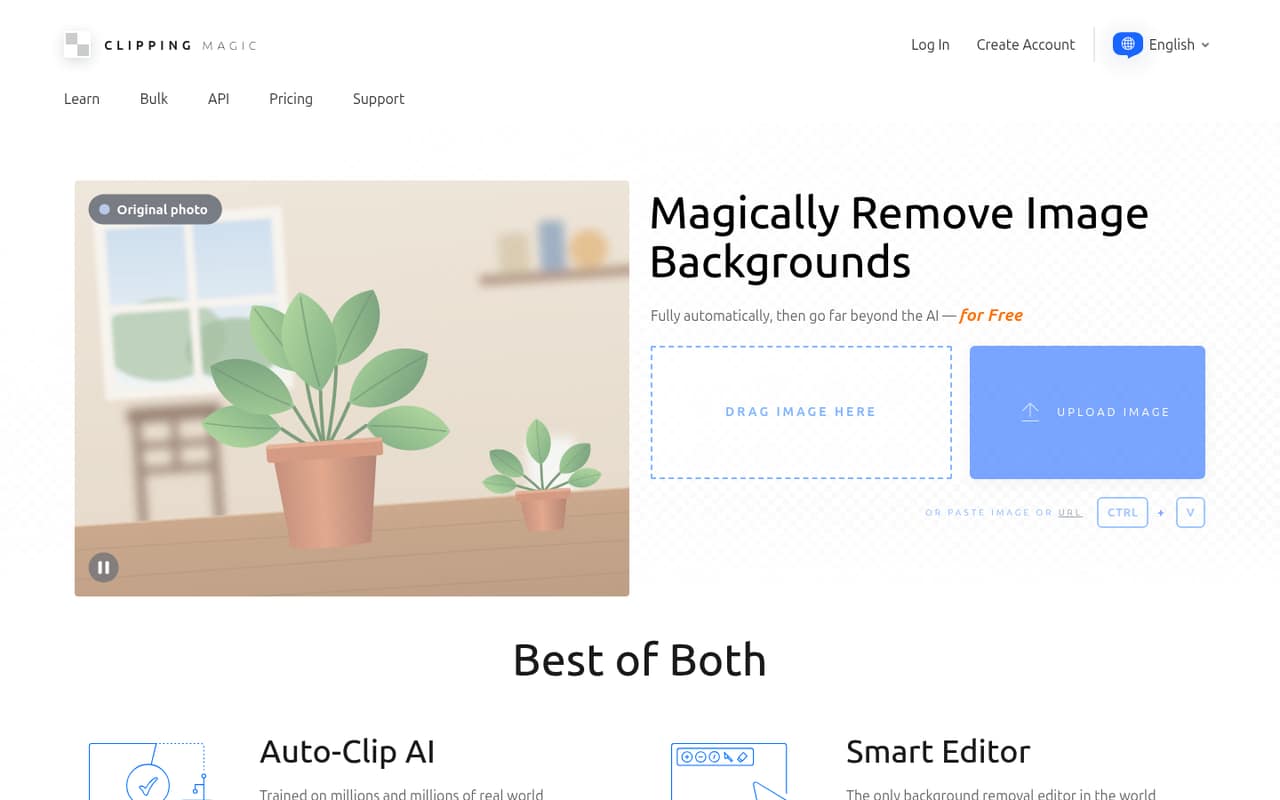
Clipping Magic is for small teams that need clean image cutouts, especially for product photography. It automatically removes an image background, then lets you refine the result with Keep and Remove marks, hair tools, and a precision scalpel. You can also replace backgrounds.
For a team of one to ten, the main question is how many images you edit, not how many people are on payroll: plans are organized around image credits, with one credit equal to one image. Light covers 15 credits per month, while Standard includes 100 and adds Bulk Clipping. The pricing details do not say whether several people can share one subscription, so ask the vendor before treating a plan as a team account. It is a sensible fit for regular cutouts, but teams that only edit a few images now and then should first check what the free plan allows.
02Clipping Magic free plan and trial
Clipping Magic has a free plan, but its included credits, export limits, and feature restrictions are not published in the pricing details. The vendor also does not list a separate free trial. That makes the free option useful to investigate, but not enough to budget around until you confirm what it permits.
The cheapest published paid plan is Light: $3.99 per month with monthly billing, or $3.32 per month on annual billing, charged yearly. It includes 15 credits monthly or 180 yearly, and one credit equals one image. Unused credits roll over up to 75 on the monthly plan or 900 on the yearly plan. If you need to edit more than that, Standard costs more but includes 100 credits monthly or 1,200 yearly and Bulk Clipping.
03What a small team pays for Clipping Magic
Light is the cheapest paid option: $3.99 per month, or $3.32 per month with annual billing. Annual billing is charged yearly, so that rate works out to $39.84 per person for a year. If each person needs a separate Light subscription, three people would pay $11.97 monthly or $119.52 yearly; five would pay $19.95 monthly or $199.20 yearly. Those are per-person calculations, not published team-seat prices: the vendor prices plans by image credits and does not specify shared access.
Light includes 15 credits monthly or 180 yearly. For regular editing, Standard is $7.99 monthly or $6.65 per month billed yearly, with 100 monthly or 1,200 yearly credits and Bulk Clipping. Pro costs $19.99 monthly or $16.65 annually per month equivalent, with 500 monthly or 6,000 yearly credits. Monthly plans have rollover caps; for example, Light caps rollover at 75 credits and Standard at 500. There is no pay-as-you-go option, though subscribers can renew early to add credits.
04Getting started with Clipping Magic
Clipping Magic is browser-based, so a desktop installation is not needed. Its workflow combines automatic background removal with manual editing: use Keep and Remove marks to refine what stays in the cutout, then use the hair tools or precision scalpel where more control is needed. Background swaps are available for replacing the original backdrop.
That combination should be approachable for occasional edits, while detailed cutouts may take practice with the manual tools. The vendor does not publish setup time, supported integrations, or details about how accounts and shared team access work. For a small team, the day-one check is whether your preferred image workflow can pass files to and from the editor in the way you need; ask the vendor about file formats, integrations, and multi-user access before buying. No integration should be assumed from the published plan details.
05When small teams outgrow Clipping Magic
The first sign of outgrowing Clipping Magic is running through your monthly credits. Light includes 15 images per month, Standard includes 100, and Pro includes 500. Larger monthly plans offer 1,000, 2,000, or 4,000 credits for $29.99, $44.99, or $74.99, respectively. Annual options include 12,000, 24,000, or 48,000 credits, with monthly equivalents listed at $24.99, $37.49, and $62.49 and charged yearly.
A growing team may also hit a planning snag if it needs predictable seat costs or a shared workspace: the published prices are credit-based and do not specify per-seat access. There is no pay-as-you-go option, so unused-credit rollover helps only within each plan’s cap; subscribers can renew early to add credits. If your team needs integrations, shared permissions, or a guaranteed number of named users, confirm those details with the vendor before moving up. Otherwise, upgrading makes sense when image volume justifies the next credit tier.
Questions people ask
Is Clipping Magic free?
Clipping Magic has a free plan, but the number of included credits and any export or feature limits are not published in the pricing details. A separate free trial is not listed. Check the free plan’s current terms before relying on it for regular work.
How much does Clipping Magic cost?
The cheapest paid plan, Light, costs $3.99 per month with monthly billing or $3.32 per month with annual billing, charged yearly. It includes 15 monthly or 180 yearly image credits. Higher-volume plans start with Standard at $7.99 monthly or $6.65 per month billed yearly.
How do Clipping Magic credits work?
One credit equals one image. Light includes 15 credits per month or 180 per year, while Standard includes 100 per month or 1,200 per year. Unused credits roll over up to a plan-specific cap, and subscribers can renew early to add credits.
Can Clipping Magic remove a background and replace it?
Yes. Clipping Magic automatically removes image backgrounds and includes background swaps. Its Smart Editor also offers Keep and Remove marks, hair tools, and a precision scalpel for refining the cutout.
Does Clipping Magic support bulk image editing?
Bulk Clipping is included with Standard, Pro, and the listed Pro credit plans. It is not listed as an inclusion for Light. The vendor does not publish a pay-as-you-go option; subscribers can renew early to add credits.