
We may earn a commission if you buy through links on this page. It never changes a score or a ranking. How we make money
The bottom line
Good field-team features, but the base fee, seat charges, and three-year term deserve a close look.
If your field crew needs job-based time tracking, schedules, and GPS tools in one place, ClockShark is worth considering. It has no free plan, and the listed Standard price starts at $42 per month plus $9.50 per user.
A 14-day trial gives a small team a chance to evaluate it before committing. One Reddit thread described ClockShark’s pricing and interface as heavy for that team’s setup, so compare the total with what you already use.
Good fit if
- Construction and field-service crews
- Teams tracking time by job
- Managers who need crew scheduling
Skip it if
- Teams that need a free plan
- Teams wanting a short commitment
- Office teams needing broad HR tools
ScoresHow it rates
What works
- Combines time tracking with job management
- Includes scheduling and job directions
- Supports payroll and job-costing reports
- Lists GPS, geofencing, and a crew map
- Pro includes ClockShark Lightning features
What doesn't
- No free plan
- Monthly base fee plus per-user charges
- Pricing notes list a three-year contract term
- Annual pricing is not published
- A Reddit thread found the pricing and interface heavy
01Who ClockShark is for
ClockShark is aimed at construction and field-service businesses that need to connect crew hours with jobs. Employees can clock in and out on mobile, while managers can keep job details and team conversations together, schedule work, assign tasks, and share directions to job sites. Reporting supports payroll, job costing, and labor management.
For a small team of one to ten people, the main question is whether those field-specific tools replace enough manual timekeeping and job coordination to justify a base fee plus a per-user charge. Standard is the cheaper entry point for teams needing standard time tracking; Pro is listed for teams needing Pro features. There is no free plan, but ClockShark offers a 14-day trial. A Reddit thread from a construction-focused buyer described the pricing structure and interface as heavy for its setup, so very small crews should compare the full monthly total with their current process.
02ClockShark free plan and trial
ClockShark does not offer a free plan. The pricing information lists a 14-day free trial, which gives a small team a limited window to assess the product before paying. The trial’s feature limits, seat limits, and whether payment details are required are not published in the pricing details here; ask ClockShark before signing up if any of those could affect your decision.
The cheapest listed paid option is Standard, at $42 per month plus $9.50 per user per month. That’s a base fee as well as a seat charge, not a flat $42 plan. Pro is listed at $63 per month plus $11.50 per user per month. Pricing notes also list a three-year contract term for all plans, so confirm the commitment and cancellation terms before moving a crew onto a paid plan.
03What a small team pays for ClockShark
The pricing page lists Standard at $42 per month plus $9.50 per user per month, and Pro at $63 per month plus $11.50 per user per month. Using those listed rates, one person costs $51.50 per month on Standard or $74.50 on Pro. A three-person team works out to $70.50 on Standard or $97.50 on Pro; five people cost $89.50 or $120.50, respectively. These are monthly totals calculated from the base fee and per-user charge.
The pricing notes list monthly prices and a three-year contract term for all plans. Annual pricing is not published, so there’s no supported annual total to compare. The listed per-user charges are the main cost that grows as you add seats. The pricing information does not list separate add-on prices. Before signing, ask ClockShark to confirm whether the trial has seat or feature limits, how additional users are billed, and the full commitment and cancellation terms. Pro is the listed option for teams that need Pro features; Standard is the lower-cost choice for standard time tracking.
04Getting started with ClockShark
ClockShark’s core workflow is built around employees recording time, managers assigning jobs and schedules, and reports supporting payroll and job costing. A small team should be ready to organize its jobs and crew schedules and decide how employees will record time against their work. The product also lists GPS, geofencing, and a map under crew management.
A setup-time estimate and a step-by-step onboarding process aren’t published in the information available here, so ask ClockShark what configuration a team your size needs. The same goes for integrations: confirm that it connects to your payroll or accounting system before you commit, and ask what data the connection passes. One Reddit user who had used ClockShark in construction said their former workplace had an employee action to attest that hours were correct. That may be worth asking about if time approval is part of your process.
05When small teams outgrow ClockShark
The first pressure point is cost: each added employee brings another per-user charge, on top of the monthly base fee. The listed Standard rate is $9.50 per user per month, while Pro is $11.50, and the pricing notes list a three-year contract term. A growing team should check how those charges change its total and confirm the contract terms before adding users.
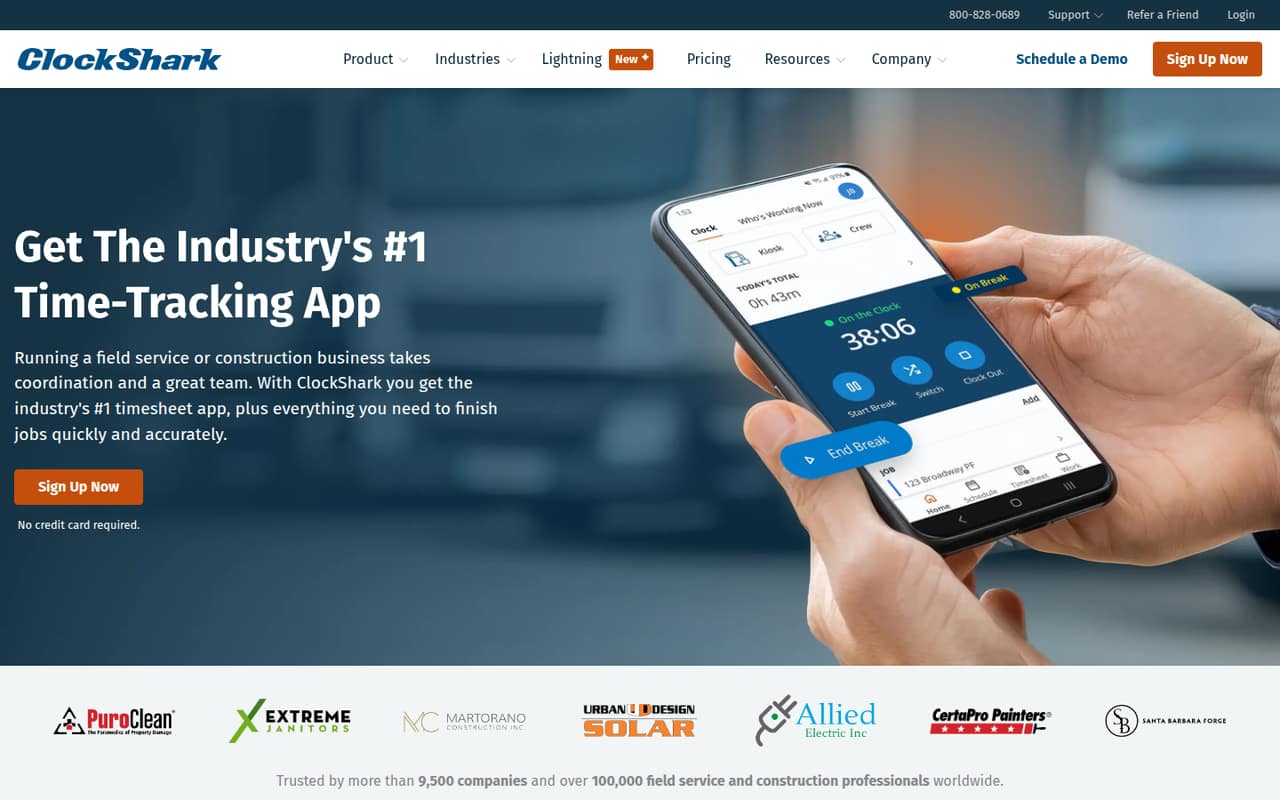
A team may also need Pro if it wants features listed for that plan. ClockShark’s homepage describes Lightning as providing AI job briefings, work checkoffs, and mileage tracking on Pro. If your needs shift toward broader HR or payroll management, confirm that ClockShark covers those specific workflows before relying on it as a replacement for other tools. One Reddit thread said ClockShark’s pricing structure and interface felt heavy for the team’s setup; that’s a useful reminder to compare the tools you’ll actually use with the full seat cost.
From the threadsWhat users say
The available Reddit comments are mixed and limited: one construction-focused user said their former workplace used ClockShark, while another thread called its pricing and interface heavy for that setup. We’d treat that as a reason to test the fit, not as a broad verdict.
Before this position, I used clockshark (construction industry) and we had it
the pricing structure and interface felt a little heavy for our setup
ClockShark is known for its GPS tracking, geofencing, and job costing
Yes, it may offer several features, but it felt like we were paying more for than we needed or were already managing elsewhere
Questions people ask
Does ClockShark have a free plan?
No. ClockShark does not have a free plan. The pricing information lists a 14-day free trial, followed by paid Standard or Pro plans. Trial limits and payment requirements are not published in the details here, so confirm those with ClockShark before starting.
How much does ClockShark cost for a small team?
Standard is listed at $42 per month plus $9.50 per user per month. That works out to $70.50 monthly for three people or $89.50 for five. Pro is listed at $63 per month plus $11.50 per user; three people work out to $97.50 monthly and five to $120.50.
What is the difference between Standard and Pro?
ClockShark lists Standard for teams needing standard time tracking and Pro for teams needing Pro features. Its homepage describes ClockShark Lightning, which offers AI job briefings, work checkoffs, and mileage tracking on Pro. Check with ClockShark for a complete plan-by-plan feature comparison.
Does ClockShark track employee locations?
ClockShark’s product menu lists GPS, geofencing, and a map under crew management. The available details don’t specify the exact location-tracking rules or settings. Ask ClockShark how tracking works, when location data is collected, and what controls managers and employees have.
Does ClockShark integrate with payroll software?
ClockShark offers time reporting for payroll, but the available product details don’t identify specific payroll integrations. If a connection is essential, ask ClockShark which systems it supports and confirm what information syncs before choosing a plan.
Sources
- ClockShark homepage
- ClockShark pricing, compiled via web search from clockshark.com, fervorstudio.ca, timecamp.com
- Reddit: Looking for the best time clock software and here's what Forbes listed
- Reddit: [CA] I’m desperate to find a timekeeping software
- Reddit: What is the best timesheet software for the construction industry?
- Reddit: Switched from ClockShark – here are the best time tracking alternatives we looked into