
We may earn a commission if you buy through links on this page. It never changes a score or a ranking. How we make money
The bottom line
Cloud9HR covers core HR and payroll jobs, but its quote-based pricing makes budgeting hard.
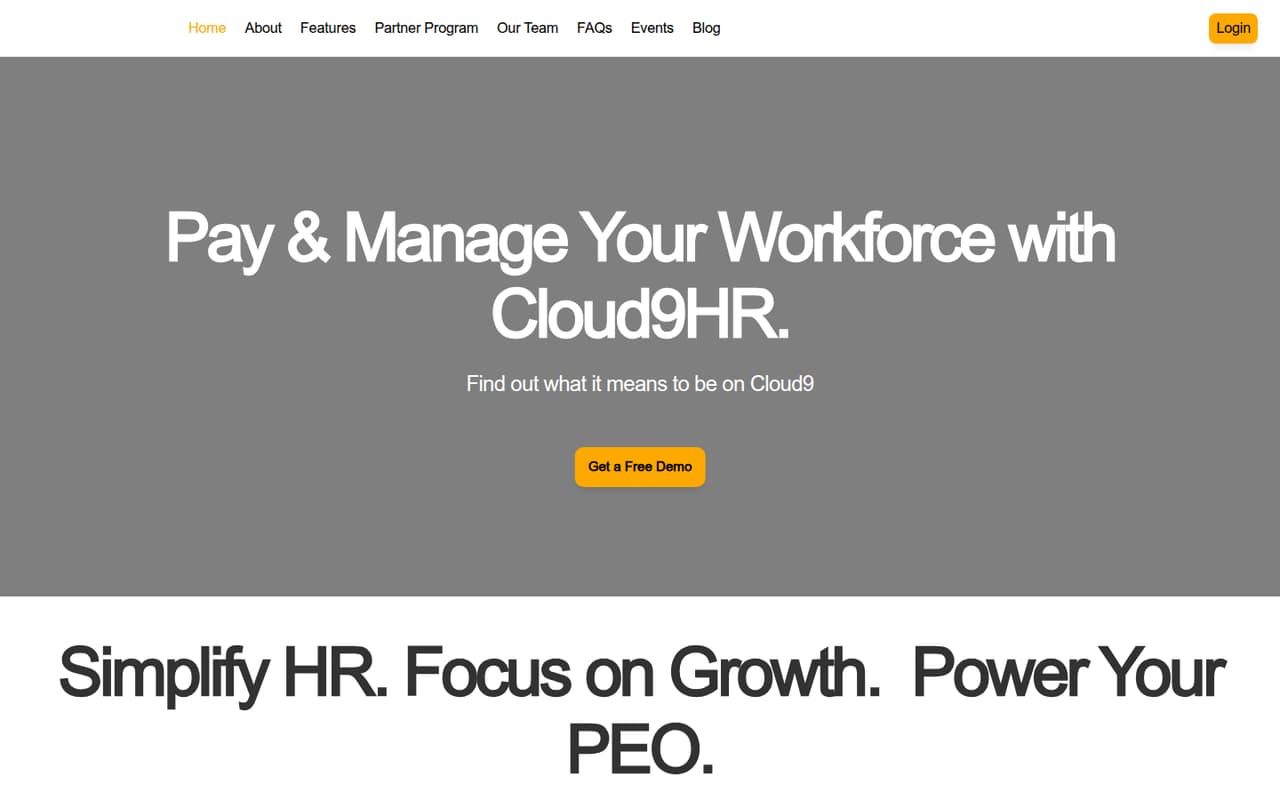
Cloud9HR combines payroll with an HRIS and workforce features for time off, clock-ins and clock-outs, and onboarding. It may suit a small team that wants these jobs together rather than spread across separate tools.
The pricing page lists no plans or starting price; pricing is quote-based, and billing terms are not published. There’s no listed free plan, and trial availability is not published. Ask for a quote for your headcount before comparing costs.
Good fit if
- Small teams consolidating HR and payroll
- Businesses tracking time off and attendance
- Teams needing employee onboarding tools
Skip it if
- Teams that need a free HR system
- Buyers who require published seat pricing
- Teams wanting a known setup timeline
ScoresHow it rates
What works
- Combines payroll and a full HRIS
- Tracks time-off requests
- Tracks employee clock-ins and clock-outs
- Supports employee onboarding
- Can integrate business systems
What doesn't
- No starting price is published
- Monthly and annual billing terms are not published
- No free plan is listed
- Trial availability is not published
- Seat limits and add-on prices are not published
01Who Cloud9HR is for
Cloud9HR is worth considering for a 1–10-person team that wants payroll and employee records in one system, along with practical workforce tasks. It is an HRIS with payroll, time-off tracking, clock-in and clock-out tracking, and employee onboarding. That gives a small business a set of core people-management jobs to evaluate in one vendor conversation.
The fit depends on your budget and how much support you want from software. Cloud9HR uses quote-based pricing, so a founder watching every subscription cannot compare its cost with a fixed per-seat plan from the pricing page alone. Ask for a quote at your current headcount and expected growth. It may be a better fit if you need the listed HR functions and are comfortable discussing your requirements with the vendor before you can set a budget.
02Cloud9HR free plan and trial
The pricing information lists no free plan for Cloud9HR. It also does not publish whether a free trial is available, or what a trial would include. That means you should not assume you can set up payroll or test the HRIS without first speaking with the vendor.
The cheapest way in is to request a quote; the starting price is not published. Ask whether Cloud9HR offers a trial or guided demo, whether either requires a sales conversation, and what functions are included. If you are comparing options on a tight budget, get those details before spending time on setup. Without a published free tier or trial terms, there is no confirmed self-serve route to assess the system at no cost.
03What a small team pays for Cloud9HR
Cloud9HR’s pricing is quote-based. The pricing page lists no plans, starting price, or add-on prices, and it does not publish monthly or annual billing terms. So we can’t calculate a reliable per-person cost for one employee or a total for a team of three or five. Ask the vendor for each headcount you expect to cover, including any planned hires.
The feature list includes payroll, HRIS, system integrations, time-off tracking, time tracking, and onboarding, but it does not say which are bundled or priced separately. Ask whether payroll, integrations, and workforce features are included in the quote, and whether there are setup charges or minimum seat requirements. Request both monthly and annual options if available, plus the full cost for your current team. Until you have that breakdown, Cloud9HR’s value for a small team is difficult to judge against tools with published seat prices.
04Getting started with Cloud9HR
Cloud9HR’s listed functions cover payroll, an HRIS, integrations, time-off requests, clock-ins and clock-outs, and employee onboarding. The information available does not set out an implementation timeline, setup steps, or a learning curve, so we can’t estimate how much staff time setup will take. Ask the vendor what your team needs to prepare and who handles configuration.
For day one, identify the business systems you need connected and confirm that Cloud9HR can integrate them. The integration capability is described broadly; specific supported systems and connection details are not listed. Also ask how employee records, time-off rules, and time tracking are configured, and what training is included. Those answers will help a small team understand whether setup is a short admin task or a larger project before signing.
05When small teams outgrow Cloud9HR
There are no published seat limits, plan tiers, or feature thresholds to show when a team would need to upgrade. Cloud9HR’s pricing is quote-based, so adding employees could change your quote, but the pricing details do not say how. Ask how costs change at your next likely headcount and whether any minimum seats or plan changes apply.
A growing team should also check whether the system supports its next needs, rather than assuming the listed HRIS covers them. The stated features include payroll, time tracking, time-off tracking, onboarding, and integrations; details about other capabilities are not published. Before committing, ask about the functions you expect to need as hiring increases, and get any limits or extra charges in writing. If predictable costs or specific capabilities matter more than the listed core tools, compare Cloud9HR’s quote with alternatives before switching.
Questions people ask
How much does Cloud9HR cost?
Cloud9HR uses quote-based pricing. The starting price, per-seat rate, add-on prices, and monthly or annual billing terms are not published. Request a quote for your current headcount and for any planned growth, and ask the vendor to itemize included features and possible setup fees.
Does Cloud9HR have a free plan or trial?
No free plan is listed. Trial availability and terms are not published, so ask Cloud9HR whether you can try the system or get a demo before buying. Confirm which functions are included and whether access requires a sales conversation or a commitment.
What does Cloud9HR include?
Cloud9HR is described as an HRIS with payroll. Its listed functions include tracking time-off requests, employee clock-ins and clock-outs, onboarding, and integrations with business systems. Ask the vendor which of these are included in your quote and what integrations are supported.
Can Cloud9HR integrate with our business systems?
Cloud9HR is described as able to integrate business systems, but the specific supported systems and integration details are not published. Give the vendor a list of the tools your team uses and ask which connections are supported, whether they require extra fees, and who configures them.
How long does it take to set up Cloud9HR?
A setup timeline and implementation steps are not published. The time required may depend on your payroll needs, employee records, and integrations. Before signing, ask what your team must prepare, who handles configuration, and whether training or implementation support is included in the quote.