
We may earn a commission if you buy through links on this page. It never changes a score or a ranking. How we make money
The bottom line
Consider it for hybrid-workload automation, but ask the vendor for pricing and specifics first.
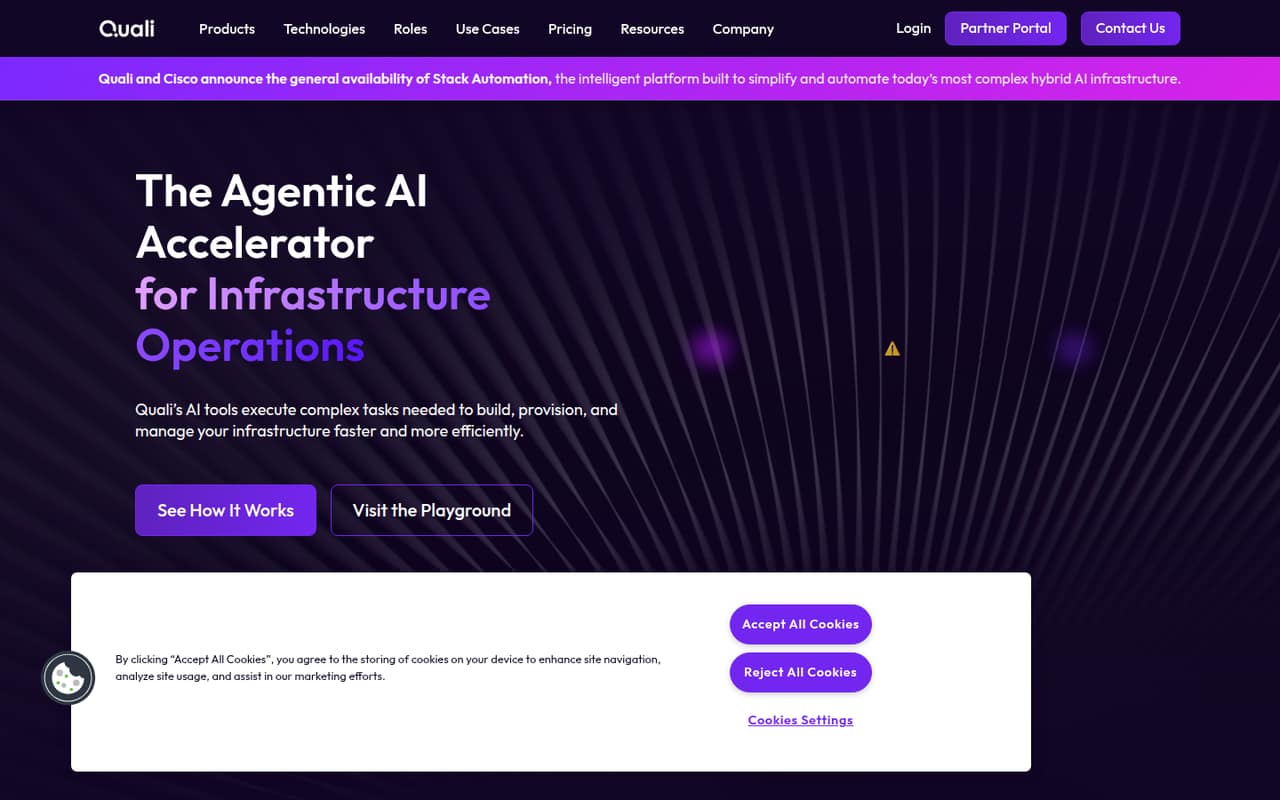
CloudShell is positioned by Quali as infrastructure automation for hybrid workloads. That gives small teams a broad idea of its purpose, but the homepage doesn't spell out CloudShell-specific features, setup steps, or integrations.
The vendor doesn't publish CloudShell pricing or free-plan terms on its pricing page; that page lists Torque plans instead. We can't calculate a per-seat cost for a small team, so ask Quali for a quote and a product walkthrough before setting a budget.
Good fit if
- Teams automating hybrid workloads
- Buyers comparing infrastructure automation tools
- Teams willing to request a quote
Skip it if
- Teams requiring a known monthly price
- Buyers seeking a clear free tier
- Teams needing published setup details
ScoresHow it rates
What works
- Explicitly targets hybrid workloads
- Positions itself around infrastructure automation
- Could fit a focused hybrid-automation evaluation
- Its top-line use case is easy to identify
- Gives buyers a clear starting point for vendor questions
What doesn't
- CloudShell pricing isn't published
- The vendor doesn't list a CloudShell free plan
- CloudShell-specific feature details are sparse
- Setup steps and learning curve aren't clear
- No CloudShell seat costs are available to compare
01Who CloudShell is for
CloudShell is worth considering if your small team needs infrastructure automation for hybrid workloads. Quali's homepage gives that as the product's focus, but doesn't describe specific tasks or supported environments in its published CloudShell text. That makes it a starting point for a vendor conversation, not enough to confirm a technical fit.
For a team of one to ten, the key question is whether hybrid infrastructure automation is a current priority. If it is, ask Quali to show how CloudShell handles your use case and what work your team would own. If you're shopping for a general cloud command line, a simple infrastructure inventory, or a tool with a clear monthly price, the published description doesn't establish that CloudShell fits. Set a budget only after getting a CloudShell quote and confirming the product's scope.
02CloudShell free plan and trial
The vendor doesn't list a free plan for CloudShell. Its pricing page lists Torque plans rather than CloudShell pricing or billing terms, and CloudShell trial terms aren't published. Don't assume that a free trial is available; ask Quali directly whether it offers one and what access it includes.
That leaves no published free route to test before committing. Ask whether a trial or evaluation is available, how long it lasts, and whether it includes the features your team needs. The cheapest way in isn't published, either, so request CloudShell pricing before treating it as an option for a limited small-team budget.
03What a small team pays for CloudShell
The vendor doesn't publish CloudShell prices, a starting price, or CloudShell billing terms. Its pricing page lists Torque plans, which aren't CloudShell plans. So we can't give a reliable monthly or annual cost for one person, three people, or five people, and there is no published per-seat figure to multiply.
The vendor also doesn't publish CloudShell add-on prices. Before comparing it with other tools, ask Quali for a written quote for your actual team size and billing period. Confirm whether the price changes by seat, usage, environment, or another measure, and whether onboarding or add-ons cost extra. Those are questions to resolve, not published CloudShell charges. Until Quali provides the numbers, small teams can't tell whether CloudShell fits a tight subscription budget or calculate what adding seats would cost.
04Getting started with CloudShell
The published CloudShell description doesn't explain setup steps, the learning curve, or which integrations a small team needs on day one. It identifies infrastructure automation for hybrid workloads as the product's focus, but doesn't give enough detail to estimate implementation effort. We can't responsibly call setup easy or difficult from that description alone.
Before choosing CloudShell, ask Quali for a setup walkthrough based on your infrastructure and the people who would manage it. Confirm prerequisites, configuration work, training needs, and which integrations are available for your environment. Also ask what the smallest workable deployment looks like for a team of one to ten. Those answers will tell you whether this is a short evaluation or a larger project; the vendor's published CloudShell text doesn't settle that question.
05When small teams outgrow CloudShell
There are no published CloudShell seat limits or plan tiers to use as an upgrade trigger. The vendor doesn't publish its CloudShell pricing or billing terms, so we can't identify a team size where costs rise or a feature limit that forces an upgrade. The pricing page lists Torque plans, not CloudShell plans, so those prices shouldn't be used to estimate CloudShell growth costs.
For now, judge fit by whether CloudShell's hybrid-workload automation matches the work your team needs to do. Before signing, ask Quali how pricing changes as users or workload needs grow, what limits apply, and what happens if you need capabilities beyond the initial use case. If those answers are unclear, or the quoted cost no longer fits your budget, compare alternatives before expanding. The vendor's published information doesn't establish a specific point at which a team outgrows CloudShell.
Questions people ask
What is Quali CloudShell?
Quali's homepage describes CloudShell as infrastructure automation for hybrid workloads. Its published CloudShell description doesn't explain specific tasks, supported environments, or integrations, so ask the vendor to show how it would handle your team's use case before deciding.
Is CloudShell free?
The vendor doesn't list a free plan for CloudShell, and trial terms aren't published. Ask Quali whether it offers an evaluation and what access or time limits apply. Don't assume that a free trial is available based on the product's name.
How much does Quali CloudShell cost?
CloudShell pricing isn't published. The vendor's pricing page lists Torque plans, not CloudShell prices or billing terms. Ask Quali for a quote for your team size, billing period, and intended use, and confirm whether onboarding or add-ons affect the total.
Does CloudShell support hybrid workloads?
Quali positions CloudShell as infrastructure automation for hybrid workloads. The published description doesn't detail which environments or specific configurations it supports. Confirm that your infrastructure is covered by asking the vendor to demonstrate your use case.
Is Quali CloudShell the AWS command-line shell?
The CloudShell reviewed here is Quali's product, which the company describes as infrastructure automation for hybrid workloads. The published description doesn't identify it as an AWS command-line shell. If you mean a different product named CloudShell, check that product's vendor and documentation.