
We may earn a commission if you buy through links on this page. It never changes a score or a ranking. How we make money
The bottom line
Useful team coaching ideas, but a 10-person minimum and unpublished prices make budgeting difficult.
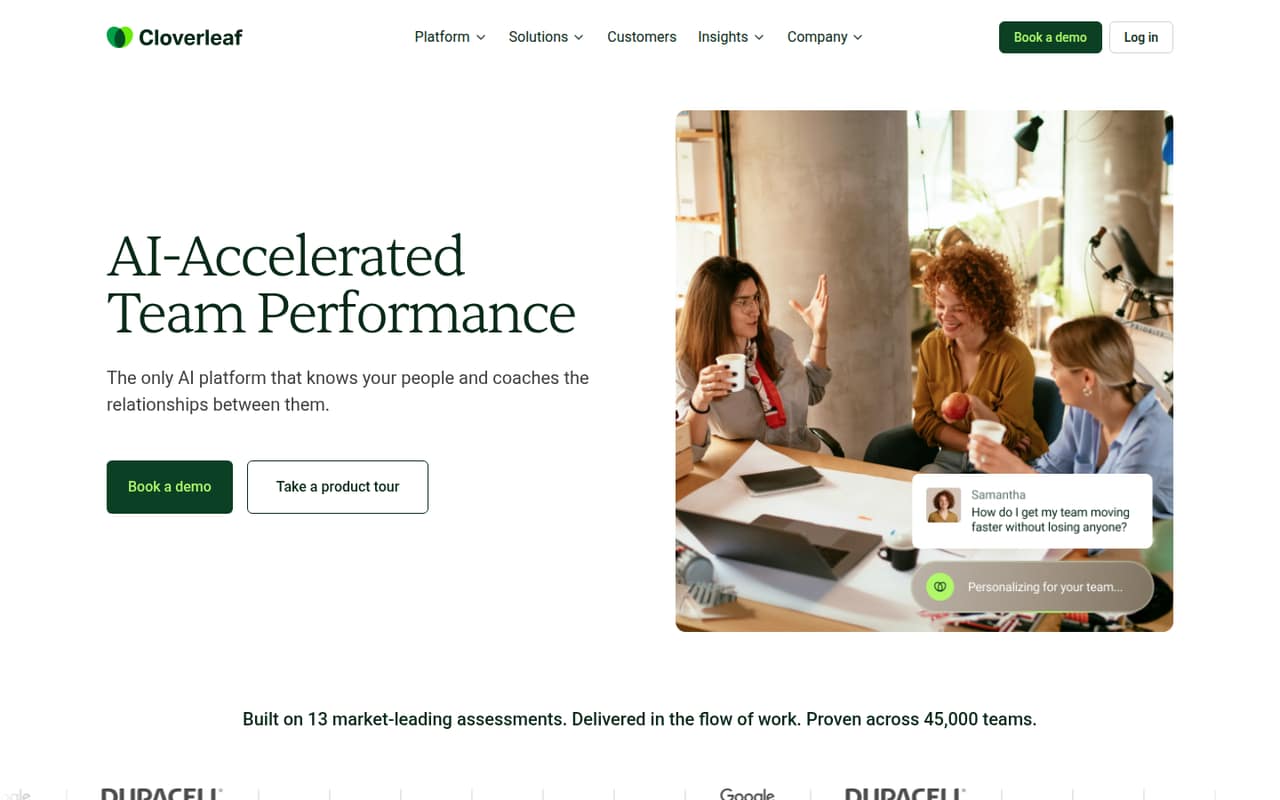
Cloverleaf uses behavioral assessment data to create profiles and coach how colleagues work together. Its listed features include manager coaching, conversation practice, support for team changes, and team analytics. That’s a focused toolkit for teams that want relationship coaching, not just another place to store HR records.
For a small team watching every subscription, the buying case is less clear. The vendor lists an SMB plan for teams under 50 employees, with a 10-person minimum, but doesn’t publish rates or billing terms. There’s no free plan, and the free-trial duration isn’t published. Ask for a written quote before deciding whether it fits your budget.
Good fit if
- Teams of 10 to 49 employees
- Managers coaching team relationships
- Teams practicing difficult conversations
Skip it if
- Teams with fewer than 10 people
- Buyers needing public seat prices
- Teams seeking a free ongoing plan
ScoresHow it rates
What works
- Combines data from 13+ assessments
- Offers insights into working relationships
- Coaches managers and direct reports
- Includes practice for challenging conversations
- Tracks team adoption and behavior change
What doesn't
- No free plan is listed
- SMB plan requires at least 10 people
- Monthly and annual prices aren't published
- Free-trial duration isn't published
- Setup effort and integrations aren't specified
01Who Cloverleaf is for
Cloverleaf is aimed at organizations that want to improve how people work together, with an SMB plan listed for teams under 50 employees. The plan has a 10-person minimum, so a team of one to nine people falls below its stated entry size. For a small company that has reached 10 people, the main question is whether managers will use relationship coaching often enough to justify a per-person subscription.
In plain terms, Cloverleaf combines information from 13+ behavioral assessments into profiles, then uses those profiles to offer coaching about colleagues’ working styles and potential friction. The listed features also cover manager coaching, practicing challenging conversations, and support when team roles change. It may fit teams investing in manager development, onboarding, or team development. It is a harder fit for a buyer who just needs basic HR administration or wants a clear public price before speaking with sales.
02Cloverleaf free plan and trial
Cloverleaf does not list a free plan. The pricing information lists a free trial for the SMB Team Plan, but the vendor doesn’t publish how long it lasts. It also doesn’t state what features, seat count, or assessment access the trial includes, so ask for those details before inviting the team.
The cheapest listed route is the SMB Team Plan, for teams with fewer than 50 employees and a minimum team size of 10. The price is per person, but the vendor doesn’t publish a monthly or annual rate. That means there’s no stated free way to keep using Cloverleaf, and a trial shouldn’t be treated as a long-term plan. Before starting one, confirm its end date, whether a payment method is required, and what the team will lose when it ends.
03What a small team pays for Cloverleaf
The pricing page lists an SMB Team Plan for fewer than 50 employees, charged per person, with a minimum team size of 10. It does not publish a monthly price, an annual price, or billing terms. So we can’t give a reliable cost for one person, a three-person team, or a five-person team—or compare monthly billing with annual billing. In any case, teams of three or five are below the listed minimum; ask the vendor whether it offers an exception.
For a team that meets the 10-person minimum, the per-seat total is also not calculable from the published rates. The vendor lists an Enterprise Platform for organizations with 50 or more employees, but does not publish its rate either. No add-ons are listed in the pricing details, so there’s no published add-on cost to include in a small-team budget. Request a quote that spells out the price per person, billing frequency, minimum commitment, trial terms, and any extra fees before comparing plans.
04Getting started with Cloverleaf
Cloverleaf’s listed product description gives a useful outline of what teams can do: build assessment-based profiles, get relationship insights, coach managers, and practice challenging conversations. But the vendor doesn’t publish a setup timeline, the steps for creating profiles, or how much manager training is needed. We’d ask for a walkthrough of the first-week process and what employees need to do before coaching begins.
The vendor also doesn’t publish an integration list in the details available for this review, so we can’t confirm whether the workplace channels your team already uses are supported. Coaching is described as being delivered through workplace channels, but the specific channels aren’t named. Before buying, confirm which tools connect, whether connections are included in the plan, and what administrators need to configure. Without those answers, setup effort is hard to estimate for a small team with limited HR or IT time.
05When small teams outgrow Cloverleaf
The clearest size threshold is 50 employees: Cloverleaf lists its SMB Team Plan for organizations under 50 and an Enterprise Platform for organizations with 50 or more. A growing team should ask when it needs to move plans and whether the Enterprise Platform changes the features, contract terms, or support. The vendor doesn’t publish those details or the Enterprise price, so the cost of crossing that threshold is hard to forecast.
There’s also an entry-size limit to consider before growth even starts. The SMB plan requires at least 10 people, which rules it out for smaller teams unless the vendor offers an exception. For teams already eligible, a practical reason to reconsider is budget uncertainty: neither plan has a published per-person rate or billing terms. That doesn’t mean Cloverleaf lacks room to grow, but a team that needs predictable costs should get written pricing and plan-change terms before building it into manager or onboarding routines.
Questions people ask
Does Cloverleaf have a free plan?
Cloverleaf does not list a free plan. The SMB Team Plan includes a free trial, but the vendor doesn’t publish its duration or the trial’s feature and seat limits. Ask for the trial end date and what happens when it expires before enrolling your team.
How much does Cloverleaf cost for a small team?
The vendor lists per-person pricing for the SMB Team Plan but doesn’t publish monthly or annual rates. It also sets a minimum team size of 10. Ask for a written quote with the per-person price, billing terms, and any minimum commitment to calculate your actual cost.
Can a team of three or five use Cloverleaf?
The listed SMB Team Plan has a minimum team size of 10, so a team of three or five is below its stated minimum. The vendor doesn’t publish an exception for smaller teams. Ask whether it will sell a smaller account and what the minimum charge would be.
What does Cloverleaf do for managers?
Cloverleaf’s listed features include coaching for managers, direct reports, and working relationships. It combines behavioral assessment data into profiles and offers insights into how people may work together. The vendor also lists conversation practice for challenging discussions and support as team roles change.
Which integrations does Cloverleaf support?
The vendor describes coaching delivered through workplace channels, but the channel names and integration list aren’t published in the product details available for this review. Ask Cloverleaf which tools connect, whether those connections are included in your plan, and what setup work your team will need.