
We may earn a commission if you buy through links on this page. It never changes a score or a ranking. How we make money
The bottom line
A $0 IDE with plugin flexibility, but setup and reliability concerns may matter to small teams.
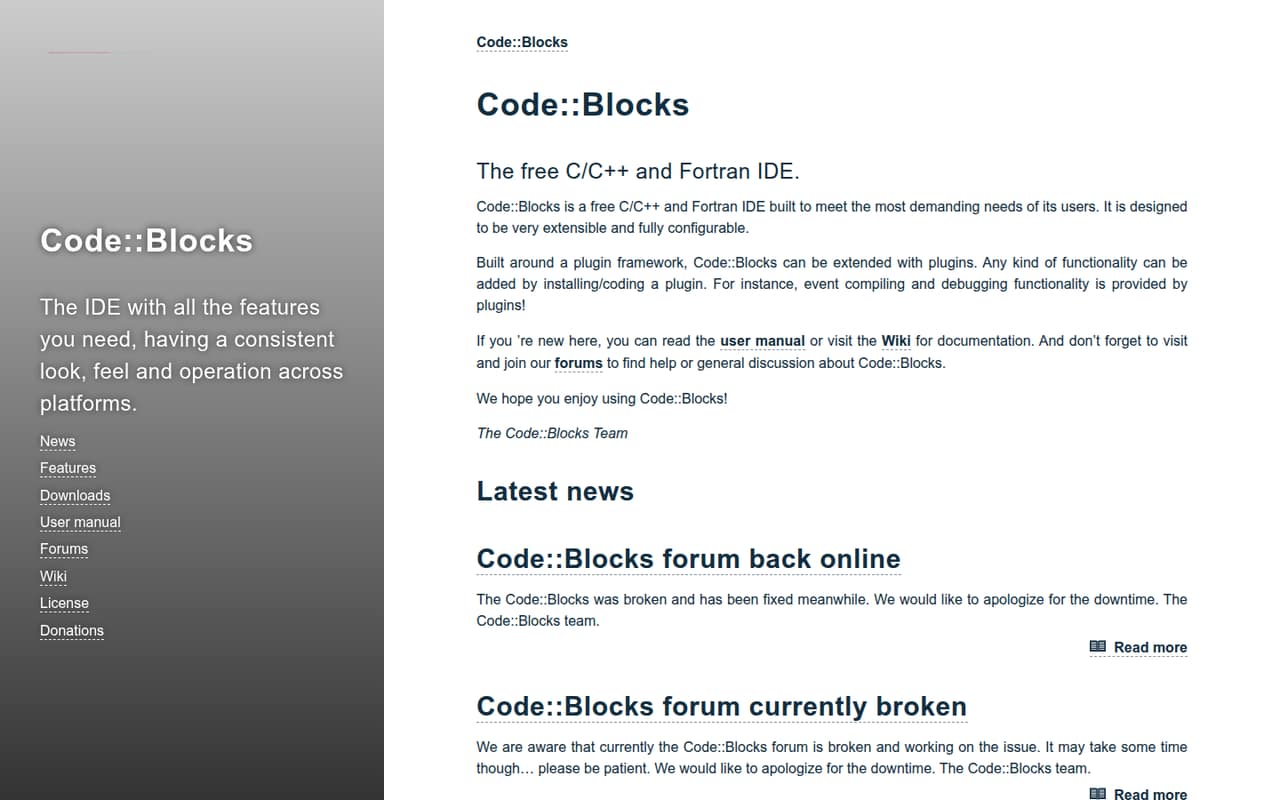
Code::Blocks is a free, open-source IDE for C, C++ and Fortran. Its plugin framework lets teams configure the editor and add functionality, including compiling and debugging through plugins.
For a team watching every subscription, the price is hard to beat: $0 for one person or five. The trade-off is that compile and debug functionality comes through plugins, and Reddit users report mixed experiences, including crashes and glitches on Linux.
Good fit if
- Budget-conscious C and C++ learners
- Small teams using Fortran
- Developers who want plugin flexibility
Skip it if
- Teams needing published support commitments
- Groups wanting managed team controls
- Linux users wary of reported glitches
ScoresHow it rates
What works
- Free to download and use
- GPLv3 open-source license
- Supports C, C++ and Fortran
- Plugin framework lets users extend functionality
- Configurable to suit individual workflows
What doesn't
- Compile and debug functionality comes through plugins
- Seat and usage limits are not published
- No paid plan or trial is listed
- A Reddit user reports Linux crashes and glitches
- Support options are not published
01Who Code::Blocks is for
Code::Blocks makes sense for a one-to-ten-person team that needs a C, C++ or Fortran IDE and has little or no software budget. In plain terms, it gives developers an environment for writing code, then lets them add functionality through plugins. The homepage says compiling and debugging are provided by plugins, so teams should check which extensions fit their workflow rather than assume every tool is built in.
The price is a strong fit for students, hobby projects and small teams that can share setup knowledge. The plugin framework is useful if you want to configure the IDE or add functionality yourself. It may be a harder fit for a team that expects published service commitments or centrally managed team features: the vendor does not publish those details in its pricing information. Reddit discussions show a split: some people value the IDE’s built-in setup, while others describe problems on Linux.
02Code::Blocks free plan and trial
The pricing page lists Code::Blocks as free to download and use under the GPLv3 open-source license. It also lists support for open-source plugins. There is no paid plan or monthly or annual billing option listed, so the free version is the way in; a separate free trial is not listed.
The homepage describes an extensible IDE for C, C++ and Fortran, with compile and debug functionality published by plugins. That means the free download is not the same as a published, all-included feature bundle: your team may need to find and install the plugins it wants. The vendor does not publish seat or usage limits, so ask if your organization needs a specific licensing or deployment arrangement.
03What a small team pays for Code::Blocks
The pricing page lists one option: Free (Open Source), at $0. For one person, that is $0 per month and $0 per year. The same per-person arithmetic comes to $0 monthly and $0 annually for three people, or $0 monthly and $0 annually for five. Code::Blocks is free and open source; the vendor does not publish monthly or annual billing options.
There is no listed paid tier or add-on price to include in a team budget. The pricing information supports open-source plugins, but it does not list prices for plugins or provide seat-based plan rates. Seat and usage limits are also not published, so we would not assume a particular maximum team size from the free price alone. For a small team, the direct software cost is simple; the less predictable part is the time needed to choose and configure plugins. If your organization needs license clarification or support terms, ask the vendor before rolling it out.
04Getting started with Code::Blocks
The homepage describes Code::Blocks as configurable and extensible, with added functionality coming from plugins. Its key setup task is deciding what your team needs for compiling and debugging, then finding suitable plugins. The vendor does not publish a setup-time estimate or a complete plugin compatibility list in the available pricing details, so allow time to check the fit for your toolchain.
User accounts on Reddit describe different levels of effort. One commenter says Code::Blocks has some setup built in and automatically configured, while another reports crashes and glitches on their Linux system. Those are individual experiences, not a guarantee for every setup. Before a team adopts it, agree on the plugins and configuration everyone should use. The homepage does not specify which integrations a small team needs on day one, so confirm plugin availability for your workflow rather than assuming it.
05When small teams outgrow Code::Blocks
There is no published seat-based upgrade point: the pricing page lists a free open-source option and does not publish seat or usage limits. The vendor also does not publish paid tiers or team-management features. For a growing group, the reasons to reconsider are more likely to be workflow and reliability than a per-seat bill: shared setup, preferred build processes, or confidence in the IDE on each developer’s system.
Reddit feedback is mixed. A user in a C programming thread says Code::Blocks was functional and lightweight but crashed and glitched often on their Linux system. A commenter in a C++ thread calls it buggy and outdated on Linux, while another says it has useful built-in setup. One commenter suggests using CMake to separate the build process from a particular IDE, which may help a team accommodate different editors. Treat these reports as individual opinions, and check your own platform and team workflow before moving.
From the threadsWhat users say
Reddit sentiment is mixed: some commenters value Code::Blocks’ built-in setup, while others report Linux bugs and question its continued appeal. The discussion also reflects that developers’ preferred workflows differ.
while functional and lightweight, it crashes and glitches often on my system
VSCode needs some amount of manual configuration to get it to work well, stuff that Code Blocks has built in and automatically set up
Tried Code::Blocks on Linux last year, was not happy. Buggy, outdated and a dead community (looking at you, r/codeblocks)
The best tool for you is the one you're most productive with
Questions people ask
Is Code::Blocks free?
Yes. The pricing page lists Code::Blocks as free to download and use under the GPLv3 open-source license. It does not list monthly or annual billing options, a paid plan, or a separate free trial. Seat and usage limits are not published, so ask the vendor if your organization needs clarification about a particular deployment.
Which programming languages does Code::Blocks support?
Code::Blocks is described as an IDE for C, C++ and Fortran. Its homepage says compiling and debugging functionality is provided by plugins. Check that the plugins you plan to use suit your team’s language and development workflow; the vendor does not publish a complete plugin compatibility list in the pricing information.
Does Code::Blocks include compiling and debugging?
The homepage says compiling and debugging functionality is provided by plugins. The IDE also has a plugin framework that lets users extend and configure it. So a team should check which plugins it needs for its workflow instead of assuming compile and debug tools are included as built-in features.
Can a team customize Code::Blocks?
Yes. Code::Blocks is designed to be configurable, and its plugin framework lets users extend its functionality by installing or coding plugins. The vendor does not publish seat or usage limits, or a list of paid team features. For a shared setup, agree on the plugins and configuration your developers will use.
Is Code::Blocks reliable on Linux?
Experiences shared on Reddit differ. One user says Code::Blocks crashed and glitched often on their system, and another commenter reports a poor Linux experience. Those are individual reports, not a guarantee that every installation will have problems. Check it on the operating systems and workflows your team uses before standardizing on it.
Sources
- Code::Blocks homepage
- Code::Blocks pricing, compiled via web search from fosshub.com, techzella.com, wikipedia.org, ntu.edu.sg, uptodown.com
- Reddit: Code::Blocks alternatives for linux?
- Reddit: Is VS Code a real alternative to Code::Blocks?
- Reddit: Desperately looking for an alternative to Code::Blocks for embedded development