
We may earn a commission if you buy through links on this page. It never changes a score or a ranking. How we make money
The bottom line
Useful website protection for small teams, but storage limits and no free plan matter.
A small team with a website to protect may find CodeGuard worth considering: the pricing page lists daily backups, malware scanning and fixes, and change alerts on every plan. The Personal Plan starts at $5 per month when billed annually, with one site and 5GB of storage.
There’s no free plan or trial listed. Plans scale by sites and storage, not published seat counts, so teams should check how many websites and how much data they need before comparing costs.
Good fit if
- Solo site owners needing daily backups
- Small agencies managing client websites
- Teams that want malware fixes
Skip it if
- Teams that need a free plan
- Sites likely to exceed 5GB
- Buyers needing published seat pricing
ScoresHow it rates
What works
- Daily backups are included on every listed plan
- MalwareGone scanning and fixes are included
- ChangeAlert email notifications are included
- Plans scale up to 100 sites
- Email backup can be enabled via APIs
What doesn't
- No free plan or trial is listed
- Personal Plan has a 5GB storage limit
- Personal Plan is listed only with annual billing
- Seat limits and per-seat pricing are not published
- One Reddit user reported a site-over-quota issue
01Who CodeGuard is for
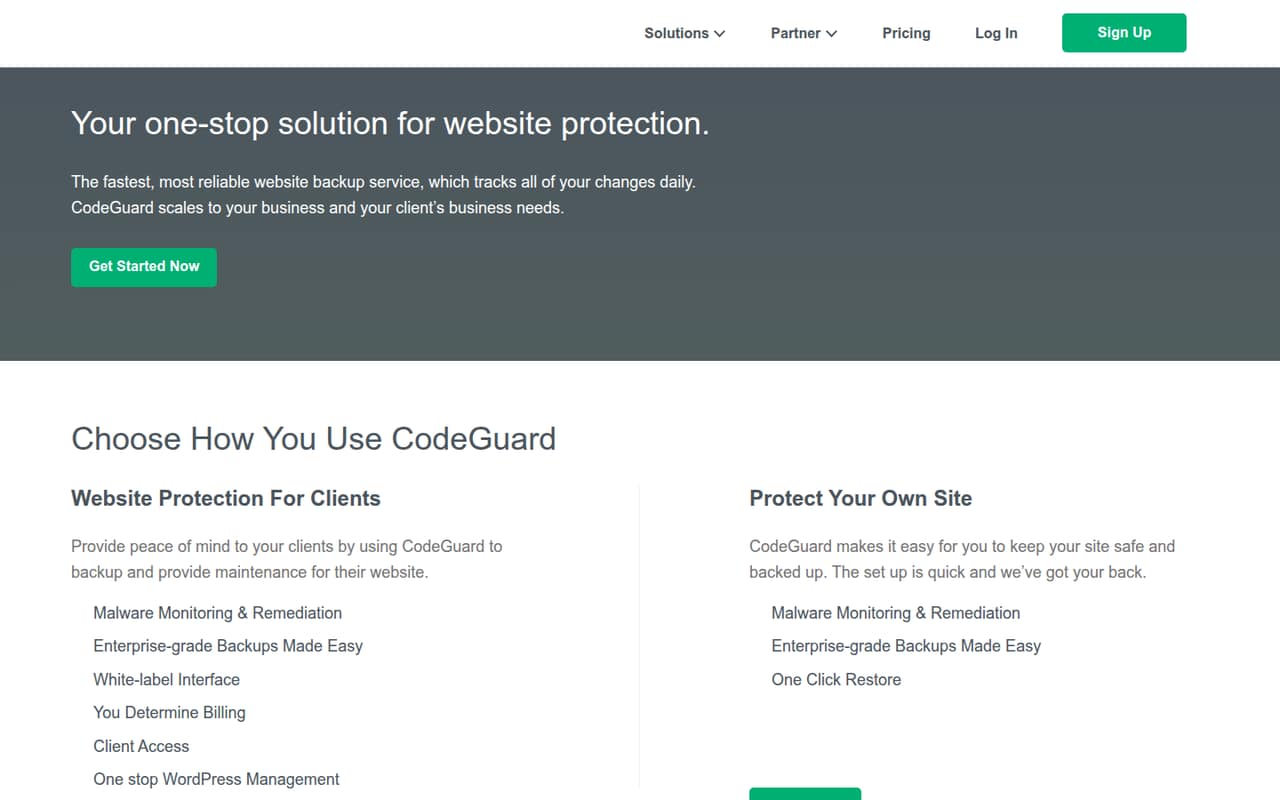
CodeGuard is for small teams that need to protect websites, rather than manage general-purpose files. It backs up sites daily and tracks changes; its plans also list malware scanning and fixes through MalwareGone, plus ChangeAlert email notifications. The service also offers WordPress plugin updates, migration, staging, and features for agencies and hosting partners.
A solo owner with one site can start with the Personal Plan. Freelancers and single-person agencies may need Professional for up to 12 sites, while the Team plan covers up to 25. Those limits are about sites and storage, not team size: CodeGuard’s listed pricing doesn’t give a seat allowance. For a team of one to ten, the fit depends on the number and size of websites you manage, not simply how many people need access. It suits a modest protection budget, but teams with larger sites should check storage needs first.
02CodeGuard free plan and trial
CodeGuard doesn’t list a free plan or free trial. Its cheapest listed option is the Personal Plan at $5 per month when billed annually. That includes one site, 5GB of storage, daily backups, MalwareGone threat scanning and fixes, and ChangeAlert email notifications.
The pricing page doesn’t list a month-to-month price for Personal, so the $5 rate requires annual billing. If you manage more than one site or need more storage, the next listed option is Professional: $39 per month equivalent with annual billing, or $49 with monthly billing. Before signing up, compare the 5GB limit with your site’s backup needs. One Reddit user reported hitting a quota warning, though that post described an older purchase and doesn’t establish how the current plan would handle your site.
03What a small team pays for CodeGuard
The pricing page lists Personal at $5 per month equivalent, billed annually, for one site and 5GB. That’s the lowest listed price for one person, though it isn’t a monthly-billing option. Professional costs $49 monthly or $39 per month equivalent when billed annually; it covers 12 sites and 50GB. Team costs $99 monthly or $79 per month equivalent billed annually, with 25 sites and 125GB.
For a rough team comparison, split Team’s price evenly: three people would be $33 each monthly, or about $26.33 each on the annual rate; five would be $19.80 each monthly, or $15.80 each on the annual rate. These are arithmetic examples, not CodeGuard seat prices: the listed plans are organized by sites and storage, and seat pricing isn’t published. The pricing page lists no add-ons. Choose based on the websites you protect, then ask CodeGuard about user access and any costs not shown.
04Getting started with CodeGuard
The vendor doesn’t publish a setup-time estimate or a learning-curve rating on its pricing page, so we wouldn’t promise a quick setup. A practical first step is to count the websites you’ll protect and check their backup storage needs against the plan limits. Then confirm how team members get access; the listed pricing doesn’t specify seat limits.
One commenter on r/WordPress says CodeGuard plugs into cPanel, and the product also offers email backup that can be enabled for users or customers via APIs. That points to possible routes for hosting partners and more technical teams, but the published material doesn’t establish which hosting integrations are supported or give setup instructions. Before choosing a plan, ask the vendor how your hosting provider connects, what permissions are needed, and how to add teammates. For WordPress sites, plugin updates and rollback for failed updates are among the listed features.
05When small teams outgrow CodeGuard
Storage and site counts are the clearest reasons to move up a plan: Personal covers one site and 5GB, Professional 12 sites and 50GB, Team 25 sites and 125GB, and Small Business 100 sites and 500GB. The listed prices rise from $5 per month equivalent for Personal to $39 for Professional, $79 for Team, and $239 for Small Business, all at annual rates. Monthly rates are listed for the three higher plans.
A team may also outgrow the pricing model if it needs published per-seat costs or clearer user limits; those aren’t listed. One WordPress Reddit thread describes a site-over-quota warning after a user bought a subscription, and another commenter suggests checking backup options with the hosting provider. That is one user’s report, not proof that every site will hit a limit. Check your actual site size and ask about account access before upgrading or moving.
From the threadsWhat users say
The available Reddit discussion is mixed: one user reports a quota problem, while commenters describe selective restore and cPanel support positively. It’s a small set of anecdotal opinions, not a broad measure of customer satisfaction.
I woke up this morning to a "site over quota" error message
CodeGuard is very good with selective restore
It does plug into cPanel so many hosting providers upsell it
You should be able to create a temporary backup with your hosting provider and perform the updates
Questions people ask
Does CodeGuard have a free plan?
No free plan or free trial is listed. The cheapest listed option is Personal at $5 per month when billed annually. It covers one site and 5GB of storage, with daily backups, MalwareGone threat scanning and fixes, and ChangeAlert email notifications.
How much does CodeGuard cost for a small team?
Professional is listed at $49 per month or $39 per month equivalent when billed annually. Team is $99 monthly or $79 per month equivalent billed annually. Those plans include 12 and 25 sites respectively; the pricing is based on sites and storage, not published seat counts.
What does CodeGuard back up?
CodeGuard’s listed plans include daily website backups. The service tracks site changes, and the Reddit discussion describes selective file restoration. Email backup is also available for users or customers via APIs. Check with the vendor for details about what your specific hosting setup and plan will cover.
Does CodeGuard remove malware?
The pricing page lists MalwareGone threat scanning and fixes on all four plans. CodeGuard also offers malware remediation. Confirm with the vendor what remediation covers for your site and whether any situation falls outside the plan’s included protection.
Can CodeGuard update WordPress plugins?
Yes. CodeGuard offers automatic WordPress plugin updates and can roll back updates that fail. The listed plan details don’t specify a separate charge for this feature. Ask the vendor how to enable it and whether it supports the plugins and hosting setup you use.