
We may earn a commission if you buy through links on this page. It never changes a score or a ranking. How we make money
The bottom line
Good for occasional shared coding; confirm how Pro is billed before adding it to a team budget.
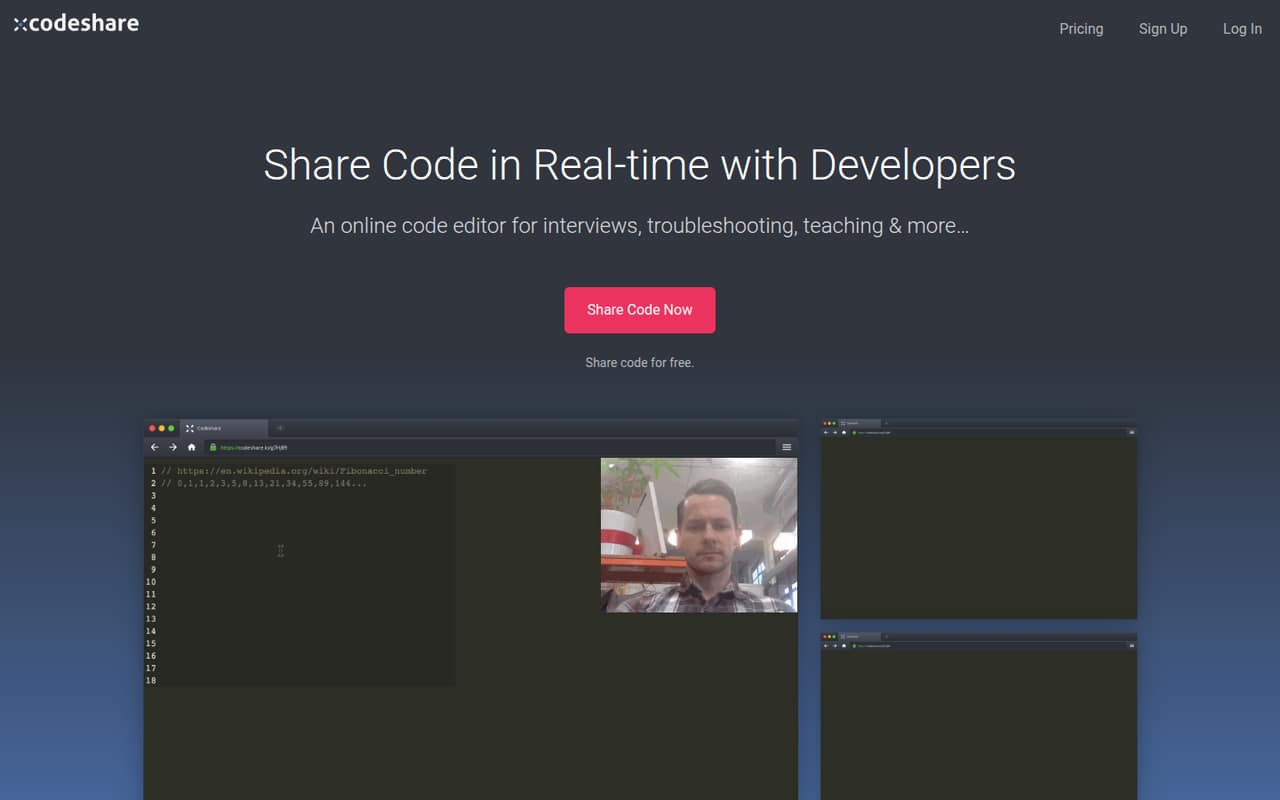
Codeshare is an online editor for sharing code in real time, with use cases including pair programming, interviews, troubleshooting and teaching. Its free plan covers 20 saved Codeshares and unlimited collaborators, which is enough to try it for occasional sessions.
Pro is listed at $49 per month and adds unlimited saved Codeshares, view-only mode, no ads and default settings. The pricing details don’t say whether Pro is a flat fee or per seat, so a small team should confirm its actual bill before upgrading.
Good fit if
- Occasional code-sharing sessions
- Pair programming with collaborators
- Interviewers sharing coding tasks
Skip it if
- Teams needing a published per-seat price
- Teams needing documented integrations
- Frequent users who need more than 20 free saves
ScoresHow it rates
What works
- Free plan includes 20 saved Codeshares
- Free plan allows unlimited collaborators
- Browser-based editor for shared code
- Pro adds unlimited saved Codeshares
- Pro includes view-only mode and no ads
What doesn't
- Pro is listed at $49 per month
- Per-seat or flat-fee billing is not published
- Annual pricing is not published
- Free plan is limited to 20 saved Codeshares
- Custom-plan pricing is not published
01Who Codeshare is for
Codeshare suits a small team that needs to put code in front of someone else without setting up a shared development environment. The vendor describes it as a browser-based editor for real-time sharing, with uses including pair programming, troubleshooting, coding interviews and teaching.
For a one-to-ten-person team, the free plan is a reasonable place to start if code sharing is occasional: it includes 20 saved Codeshares and unlimited collaborators. That makes it useful for interview tasks, quick reviews or a lesson where several people need to see the same code. It is not a replacement for a full development environment; the listed features focus on sharing and collaboration, not a broader suite of coding tools. If your team regularly saves more than 20 sessions, or wants view-only access and no ads, Pro is the next listed plan. At $49 per month, its value depends on whether that price covers the team or each person.
02Codeshare free plan and trial
Codeshare’s Free plan costs $0 per month and includes 20 saved Codeshares with unlimited collaborators. That gives a small team room to share code for occasional interviews, teaching, pair programming or troubleshooting without paying for each collaborator. The listed plan details do not include a free trial; the free plan is the no-cost starting point.
The main stated limit is the 20 saved Codeshares. The vendor does not list view-only mode, ad removal or default Codeshare settings among Free’s inclusions; those appear on Pro. If your use stays within 20 saved sessions, the free plan may be enough. If you need unlimited saved Codeshares or those Pro features, the listed upgrade is $49 per month. Annual billing prices are not published.
03What a small team pays for Codeshare
The pricing page lists Free at $0 per month and Pro at $49 per month in USD. Annual-billing prices are not published. Pro includes unlimited saved Codeshares, unlimited collaborators, view-only mode, no ads (including for collaborators) and default Codeshare settings. A Custom plan is also listed, but its price is not published.
For one person, the listed Pro price is $49 per month. For a team of three or five, the total bill is not published: the pricing details do not say whether $49 is a flat plan price or a per-seat rate. If billed per seat, the arithmetic would be $147 per month for three people and $245 for five, but those are estimates, not confirmed Codeshare prices. Ask the vendor to confirm the billing basis before budgeting. No paid add-ons are listed, so there are no published add-on costs to include in a small-team estimate.
04Getting started with Codeshare
Codeshare describes its editor as browser-based, so the core job is to write or copy code in an online editor and share it with collaborators. That points to a lighter start than installing a desktop coding tool, especially for a one-off interview, lesson or troubleshooting session. The listed uses also include pairing and real-time observation of coding tasks.
The vendor does not publish setup steps, account requirements or a learning guide in the details we can verify. Integrations are not named in the feature list either. A small team should check whether participants need accounts, how sharing links and permissions work, and whether Codeshare connects to the tools already used for interviews or team communication. The basics sound approachable, but do not assume advanced workflow integrations or a particular onboarding process without confirmation.
05When small teams outgrow Codeshare
The clearest trigger to upgrade is hitting the Free plan’s limit of 20 saved Codeshares. Pro removes that stated saving limit and adds view-only mode, no ads and default Codeshare settings, while keeping unlimited collaborators. Teams that need those features should compare their value with the listed $49 monthly price.
A growing team may also outgrow Codeshare if it needs a documented per-seat budget, integrations or broader development tools. The vendor does not publish whether Pro’s price is per person or per team, so the cost for three or five people needs confirmation before committing. The listed feature set centers on sharing code and collaborating in the browser; it does not establish whether Codeshare covers other workflow needs. Ask about billing and required integrations first. If the answers do not fit your team’s process or budget, a more complete development environment may be a better match.
Questions people ask
Is Codeshare free?
Yes. Codeshare lists a Free plan at $0 per month. It includes 20 saved Codeshares and unlimited collaborators. The stated limit is on saved Codeshares, so teams that need unlimited saved sessions or Pro features such as view-only mode should compare the $49-per-month Pro plan.
How much does Codeshare Pro cost?
The pricing page lists Pro at $49 per month in USD. Annual billing prices are not published. The pricing details also do not say whether $49 is a flat fee or a per-seat rate, so ask Codeshare to confirm the cost for your team before upgrading.
How many people can collaborate on Codeshare?
Both the Free and Pro plans list unlimited collaborators. That does not clarify whether the Pro price is per person or per team, however. The listed collaborator limit and the billing basis are separate questions; confirm how Pro is charged if several people will use it.
What does Codeshare Pro add?
Pro lists unlimited saved Codeshares, unlimited collaborators, view-only mode, no ads (including for collaborators), and default Codeshare settings. It costs $49 per month according to the pricing details. Annual pricing and whether the fee is per seat are not published.
Can Codeshare be used for coding interviews?
Yes. Codeshare lists coding interviews as a use case: interviewers can set coding tasks and observe candidates in real time. The published feature details do not spell out a separate interview plan or interview-specific integrations, so confirm any workflow requirements with the vendor.