
We may earn a commission if you buy through links on this page. It never changes a score or a ranking. How we make money
The bottom line
A focused Microsoft 365 signature tool, priced for at least 10 licenses.
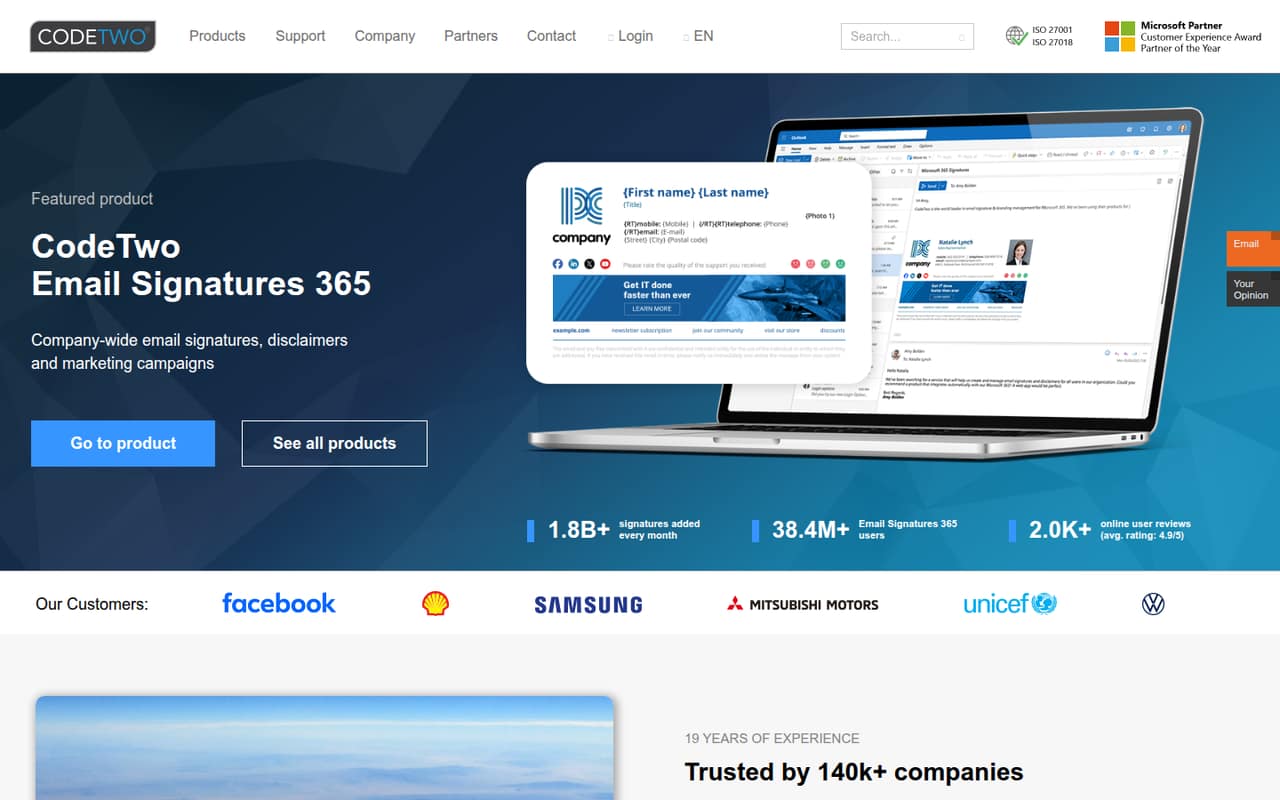
CodeTwo Email Signatures 365 centralizes company signatures, disclaimers, and marketing campaigns for Microsoft 365. It also manages branding across devices, which can help keep company email consistent.
There’s no free plan, and the paid plan starts at 10 licenses. At the listed rates, a team of one to five pays for 10 seats; a 14-day trial, extendable to 21 days, is the no-cost way to evaluate it.
Good fit if
- Microsoft 365 organizations
- Teams standardizing email signatures
- Companies with 10 or more users
Skip it if
- Solo users seeking a free plan
- Teams needing fewer than 10 licenses
- Businesses outside Microsoft 365
ScoresHow it rates
What works
- Centralizes company-wide email signatures
- Supports disclaimers and marketing campaigns
- Manages branding across devices
- 14-day trial requires no credit card
- One plan includes all listed features
What doesn't
- No free plan
- Minimum purchase is 10 licenses
- Trial feature limits are not published
- Pricing above 500 users is custom
- Setup steps and effort are not published
01Who CodeTwo Email Signatures 365 is for
CodeTwo Email Signatures 365 is for organizations using Microsoft 365 that want one place to manage company email signatures. It can also add disclaimers and marketing campaigns to signatures, and the homepage says it manages branding across devices.
The paid plan is aimed at organizations with 10–500 users and requires at least 10 licenses. That makes the price easier to justify for a team that needs consistent branding across many company email accounts, but awkward for a founder or a small group of three to five. They still face the 10-license minimum.
The product is a fit when signatures need to be managed for the organization rather than handled one person at a time. If your team only needs a simple signature for a few inboxes, the minimum may outweigh the convenience. CodeTwo offers a 14-day trial without a credit card, so a small team can check whether the centralized controls suit its workflow before paying.
02CodeTwo Email Signatures 365 free plan and trial
CodeTwo Email Signatures 365 has no free plan. The homepage lists a 14-day free trial that does not require a credit card, and the pricing information says the trial can be extended to 21 days.
The trial is the only listed no-cost way to try the product. The vendor does not publish the trial’s feature limits in the available pricing details, so ask whether it includes the signature, disclaimer, and campaign features your team wants to evaluate.
After the trial, the cheapest paid option is the single plan, One plan. All features. It requires a minimum of 10 licenses, even if your team has fewer people. A small team should confirm the total charge and license terms with the vendor before subscribing.
03What a small team pays for CodeTwo Email Signatures 365
The pricing page lists One plan. All features. at $1.22 per user per month with annual billing or $1.36 per user per month with monthly billing. The minimum is 10 licenses, so the smallest listed bill is $12.20 per month on annual billing or $13.60 month to month. Annual billing is about 10% cheaper per seat.
A single person still pays for 10 licenses: $12.20 or $13.60 monthly, depending on billing. A three-person team pays the same minimum total, which works out to about $4.07 or $4.53 per actual team member. A five-person team also pays the same total, or about $2.44 or $2.72 per person. These per-person figures divide the minimum bill across active team members; the plan still requires 10 licenses.
The listed plan includes unlimited signature templates and has a one-month minimum subscription. Custom pricing applies above 500 users. No add-ons are listed in the pricing details, but ask the vendor about any costs not shown before signing up.
04Getting started with CodeTwo Email Signatures 365
The vendor’s homepage describes company-wide signature management for Microsoft 365 and branding across devices, but it does not publish a setup-time estimate or a step-by-step onboarding process. We would not assume setup is instant: ask the vendor what admin access, configuration, and rollout work your organization will need.
Microsoft 365 is the platform to confirm first, since the product is specifically presented for Microsoft 365 and Office 365. The homepage does not list other required integrations or explain how the product handles each email client, so check that your team’s devices and sending workflows are covered before committing.
The product’s purpose is straightforward: manage signatures, disclaimers, and marketing campaigns centrally. The learning curve and exact setup effort are not published in the available product details. Use the no-card trial to verify the workflow with your team, and ask about onboarding support if you need help configuring it.
05When small teams outgrow CodeTwo Email Signatures 365
The clearest constraint for a small team is the 10-license minimum. A team that stays below 10 people pays for seats it may not use. If your company grows past 10 users, that minimum becomes less of a burden; the listed per-user price continues to apply within the plan’s stated range of 10–500 users.
Above 500 users, the pricing information says custom pricing applies. That is the point to ask CodeTwo for a quote rather than relying on the published per-user rates. The listed plan has unlimited signature templates, so the available pricing details do not point to a template cap as a reason to move up.
The product may also be the wrong fit if your business moves away from Microsoft 365, since that is the platform named on the homepage. Before switching tools, check whether your needs have changed: the product’s listed scope is signatures, disclaimers, marketing campaigns, and cross-device branding. Other requirements should be confirmed with the vendor.
Questions people ask
What is CodeTwo Email Signatures 365?
CodeTwo Email Signatures 365 is a tool for managing company email signatures, disclaimers, and marketing campaigns for Microsoft 365 and Office 365. The homepage also says it manages signatures and branding across devices. It is designed for centralized company-wide management rather than just creating one person’s signature.
Is CodeTwo Email Signatures 365 worth it?
It may be worth considering if your Microsoft 365 organization needs centrally managed signatures, disclaimers, or campaigns. The main drawback for a small team is the 10-license minimum. At the listed rates, that means paying for 10 seats even if fewer people need the product.
What does CodeTwo Email Signatures 365 cost?
The pricing page lists $1.22 per user per month with annual billing or $1.36 with monthly billing. There is a 10-license minimum, making the smallest listed monthly total $12.20 or $13.60. The plan is One plan. All features.
Does CodeTwo Email Signatures 365 have a free plan?
No free plan is listed. The homepage offers a 14-day free trial without a credit card, and the pricing information says the trial can be extended to 21 days. Ask the vendor which features are available during the trial, since its limits are not published in the pricing details.
How do I disable CodeTwo signatures in Outlook?
The available product details do not explain how to disable a CodeTwo signature in Outlook. Ask your Microsoft 365 administrator or CodeTwo support for the instructions that match your organization’s setup. If you are evaluating the product, also confirm how signature changes affect your team’s email workflow.