
We may earn a commission if you buy through links on this page. It never changes a score or a ranking. How we make money
The bottom line
A generous free form builder that earns its paid price when your team needs approvals or signatures.
Cognito Forms is worth considering if your team needs calculations, payments, signatures, or approval workflows—not just a basic form. The free Individual plan gives one user unlimited forms and 100 entries a month, with Cognito Forms branding.
For paid features, Pro starts at $19 per month with annual billing, or $24 month to month. Teams of up to five can use Team for $49 per month billed annually or $62 month to month, with workflow and approval tools.
Good fit if
- Small teams automating approvals
- Forms that collect payments
- Teams needing calculations or signatures
Skip it if
- Teams needing more than 100 free entries
- Groups that need many included seats
- Forms requiring native text messaging
ScoresHow it rates
What works
- Free plan includes unlimited forms
- Free users can accept payments
- Paid plans add signatures and approvals
- Team includes five users
- Supports document generation and calculations
What doesn't
- Free plan is limited to 100 entries monthly
- Free forms carry Cognito Forms branding
- Pro user limit is not published
- Text messaging requires a third-party integration
- Changing form fields may require Zapier remapping
01Who Cognito Forms is for
Cognito Forms fits a solo operator or a small team of up to five that needs more than a way to collect answers. It builds online forms for data collection and can add calculations, payment collection, electronic signatures, document generation, and approval workflows. That makes it a practical option for teams moving repeatable paperwork or sign-offs online.
A one-person operation can start free, or pay for Pro when it needs signatures, save-and-resume, or branding removal. For a team that needs shared workflow and approvals, Team costs $62 month to month or $49 per month with annual billing and includes five users. The free tier is generous for low-volume work, but 100 entries a month is a real ceiling. If your process needs text messages, an official community reply points to third-party integrations rather than a native option.
02Cognito Forms free plan and trial
The free Individual plan includes one user, unlimited forms, 100 entries per month, payment availability, and Cognito Forms branding. It is enough to publish forms and collect a modest number of submissions without a subscription. The plan’s published limits make it less suitable for a busy intake process or a team that needs multiple users.
Pro is the first paid plan, at $24 month to month or $19 per month when billed annually. It lists 2,000 entries monthly, electronic signatures, save and resume, and removal of Cognito Forms branding. Cognito Forms also offers a 14-day free trial; the trial’s specific plan features are not published in the pricing details. If you need approvals and a shared team setup, Team is the plan that lists those features, rather than Pro.
03What a small team pays for Cognito Forms
For one paid user, Pro lists at $24 per month with monthly billing or $19 per month billed annually—$228 upfront for the year. The Individual plan is free if its one-user and 100-entry limits work for you. Pro’s user limit is not published, so check with Cognito Forms before treating it as a multi-user plan.
For a team of three or five that needs workflows and approvals, Team includes five users and costs $62 monthly or $49 per month billed annually. That works out to about $20.67 per person monthly for three users, or $12.40 for five, on monthly billing. At the annual rate, those figures are about $16.33 and $9.80 per person per month, paid upfront.
Team includes five monthly guests. Additional users cost $5 per user per month on plans that allow them. Guest add-ons start at $25 per month for up to 50 guests. These extras matter if clients or other outside participants need access.
04Getting started with Cognito Forms
Start by building a form for data collection, then add calculations, payments, signatures, or workflow steps if the process needs them. The vendor does not publish a setup-time estimate, so allow time to map your fields and approval steps before sharing a form. The Individual plan lets one user create unlimited forms, which is enough to begin without buying seats.
For integrations, an official Cognito Forms community reply points to Microsoft Power Automate, Zapier, and Make as ways to send text messages through third-party services. A Reddit user working with Zapier says that after changing or removing form fields, they needed to edit the Zap step and add the fields again; another commenter suggests testing a new submission and remapping as needed. That is worth accounting for if your form fields change often. The vendor’s community reply says it has focused on the mobile web experience rather than a mobile app.
05When small teams outgrow Cognito Forms
The first pressure point is volume: Individual stops at 100 entries a month, Pro at 2,000, Team at 10,000, and Business at 25,000. Enterprise lists unlimited entries. Seat limits rise too: Team includes five users, Business ten, and Enterprise twenty. If your group grows beyond the included seats, additional users cost $5 per month each on plans that allow them; confirm which plans allow additions before budgeting.
You may also need to move up for specific controls. Team is the first plan listing workflow and approvals, while Business lists 50,000 API requests a month and one year of audit-log history. Enterprise lists HIPAA compliance and single sign-on. For smaller teams, another friction point may be messaging: an official community reply points to third-party integrations for text messages. Reddit users discussing Zapier also note that changed or removed form fields can mean editing and remapping Zap steps. If your forms and integrations change frequently, include that upkeep in your decision.
From the threadsWhat users say
The small amount of Reddit discussion is practical rather than a broad verdict on the product. Comments point to useful integration workarounds and Zapier field-mapping upkeep, so sentiment is mixed and based on limited discussion.
You can do this in Cognito Forms right now through a third-party integration
If you update or remove fields you will need to edit your zap step and readd the fields
I'm new to the chat, and I am leveraging Cognito to build out a Consulting Business that targets small to medium size businesses stuck in disconnected manual processes
Our team has looked into a mobile app before, and so far we've focused on making the mobile web experience as solid as possible
Questions people ask
What is Cognito Forms?
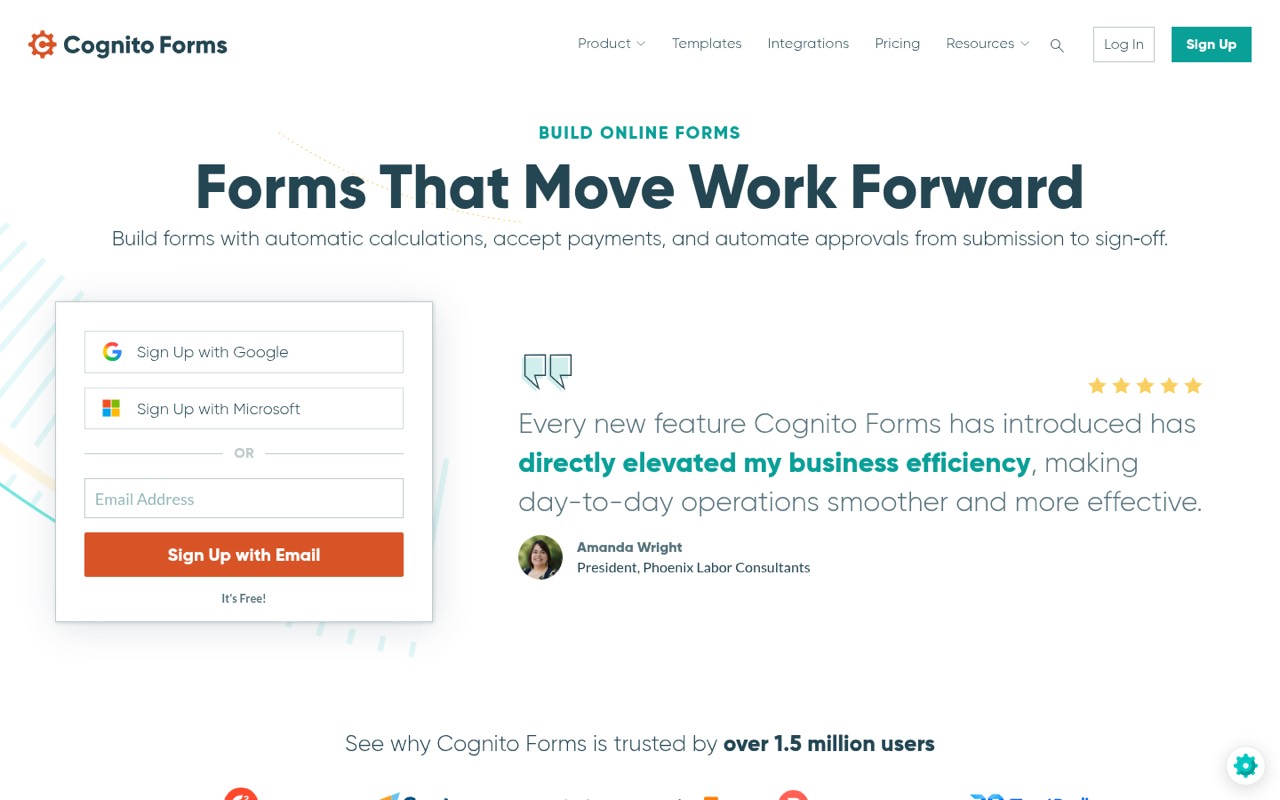
Cognito Forms is an online form builder for collecting data and moving work through customized workflows. Its listed capabilities include automatic calculations, payments, approval workflows, electronic signatures, document generation, and integrations with other apps.
What does the Cognito Forms free plan include?
The free Individual plan includes one user, unlimited forms, 100 entries per month, and payments. Forms carry Cognito Forms branding. If you need more entries, signatures, save and resume, or branding removal, compare the paid plans.
How much does Cognito Forms cost for a small team?
Pro is $24 per month or $19 per month billed annually. Team is $62 month to month or $49 per month billed annually and includes five users. Annual rates are billed upfront. Additional users cost $5 per month on plans that allow them.
Can Cognito Forms automate approvals?
Yes. The Team plan lists workflow and approvals, and Cognito Forms describes approvals from submission through sign-off. Individual and Pro do not list workflow approvals among their included features, so a team that needs them should check Team.
Does Cognito Forms work with Zapier?
Reddit users discuss using Cognito Forms with Zapier. One commenter says that after changing or removing form fields, the Zap step may need editing and fields need to be added again. Another recommends testing a new submission and mapping the new fields as needed.