We may earn a commission if you buy through links on this page. It never changes a score or a ranking. How we make money
Most small teams don’t need a full survey platform. If you’re collecting routine answers, starting with a free builder can keep costs down; pay when you need things like team workspaces, branding, approvals or payment collection. Tally and Fillout stand out for low-cost team use, while Google Forms is a straightforward pick for teams already using Google accounts. Before choosing, check the free plan’s response limits and whether the listed price covers your whole team or just one seat. Several vendors don’t publish enough seat pricing to calculate a reliable bill for a few people.
Quick picksThe shortlist
 TallyTallyBest for small teams · $20/mo
 FilloutFilloutBest for Airtable · $15/mo
 Cognito FormsCognito FormsBest for workflows · $19/mo
 Google FormsGoogle FormsBest for Google users · $7/mo
 forms.appforms.appBest flat team price · $19/mo
 Zoho FormsZoho FormsBest for Zoho teams · $10/mo
 JotformJotformBest for payment forms · $34/mo
 WPFormsWPFormsBest for WordPress · $4.13/mo
 StrawPollStrawPollBest for quick polls · $4/mo
 TypeformTypeformBest for customer feedback · $28/mo
01Compared at a glance
| Tool | Score | From | Free plan | Trial |
|---|---|---|---|---|
| TallyTally | 8.6 | $20/mo | Yes | — |
| FilloutFillout | 8.4 | $15/mo | Yes | — |
| Cognito FormsCognito Forms | 8.0 | $19/mo | Yes | 14 days |
| Google FormsGoogle Forms | 7.8 | $7/mo | No | 14 days |
| forms.appforms.app | 7.2 | $19/mo | Yes | — |
| Zoho FormsZoho Forms | 7.6 | $10/mo | Yes | — |
| JotformJotform | 6.8 | $34/mo | Yes | — |
| WPFormsWPForms | 6.8 | $4.13/mo | Yes | — |
| StrawPollStrawPoll | 7.3 | $4/mo | Yes | — |
| TypeformTypeform | 6.5 | $28/mo | Yes | 14 days |
02The picks, in detail
- Best for small teamsTallyTally
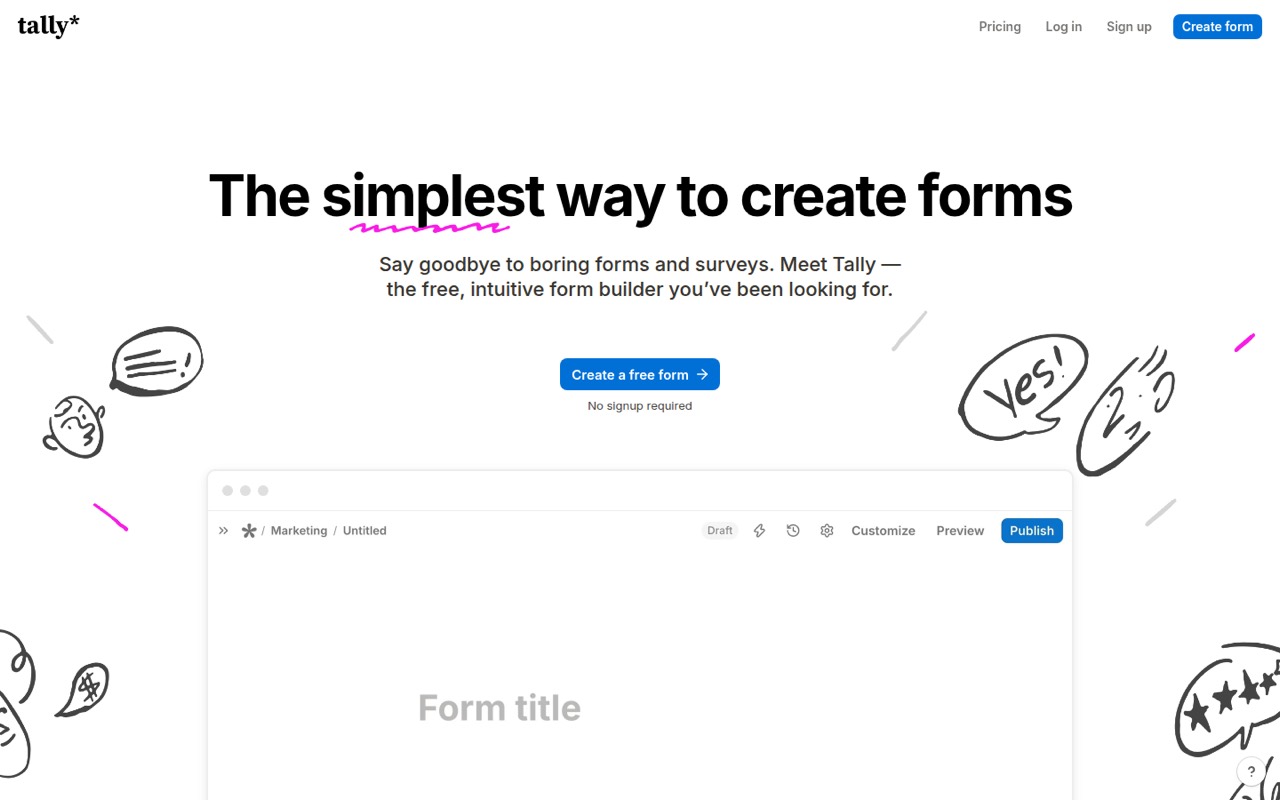
Tally is a strong starting point for a small team that wants forms without adding a monthly bill. The vendor lists a free plan and a Pro plan from $20, with Pro relevant when you need branding or team workspaces. Its range includes client intake, payments and signatures, so it can cover more than occasional surveys. Check whether the free tier meets your specific limits before upgrading.
What works
- Free plan includes unlimited forms and submissions under fair-use guidelines
- Conditional logic and calculations are included at no cost
- Free plan supports payments, signatures, and file uploads
What doesn't
- Reddit users say response analysis can mean working with raw data
- Pro is required to remove Tally branding and use custom domains
- Pro's annual price is not listed
- Best for AirtableFilloutFillout
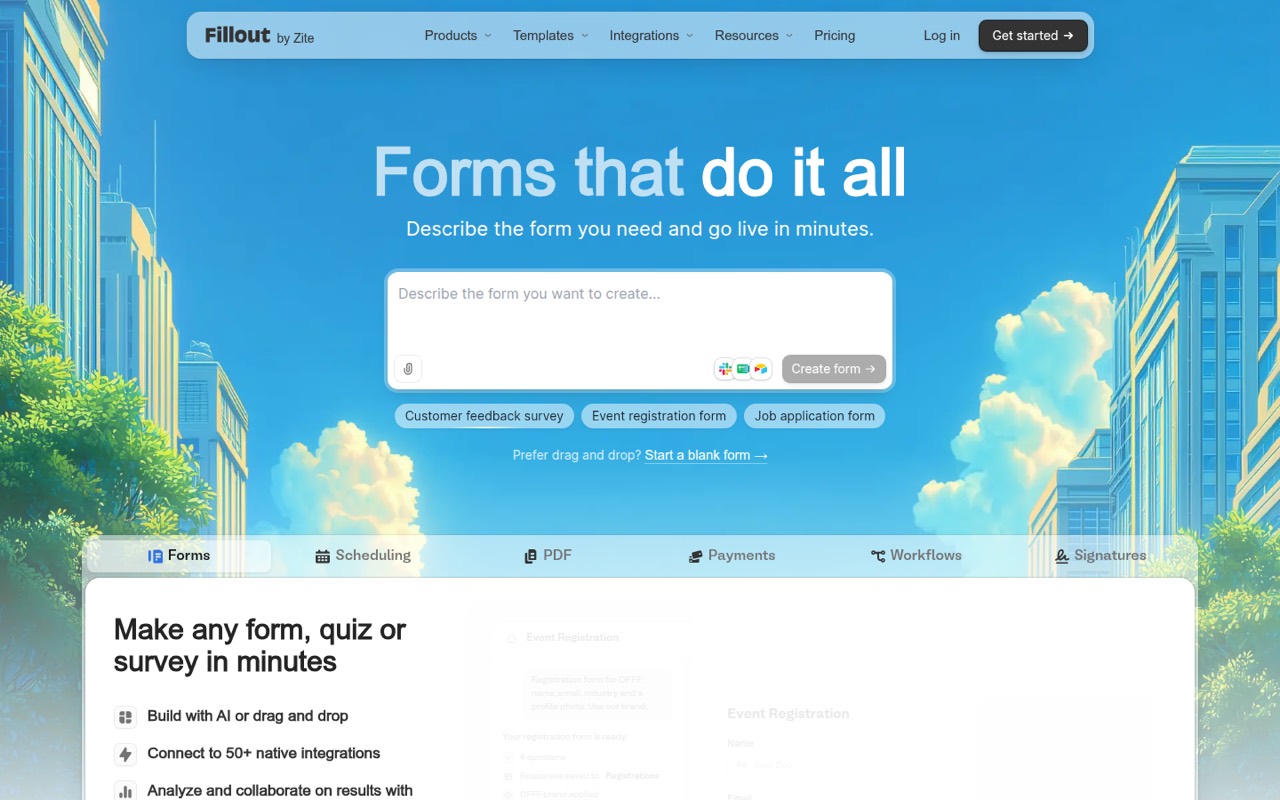
Fillout suits small teams that want a useful free plan without per-seat pricing. Its listed starting price is $15, and the vendor describes it as offering unlimited seats. That makes it easier to budget for a team of a few people than tools that charge by user. It’s especially worth considering if you use Airtable; confirm which features require a paid plan before building a larger workflow.
What works
- Free plan includes unlimited forms and seats
- Free tier allows 1,000 responses monthly
- Paid plans do not charge per seat
What doesn't
- Free plan caps responses at 1,000 per month
- Starter still limits teams to 2,000 responses
- No Fillout branding removal until Pro
- Best for workflowsCognito FormsCognito Forms
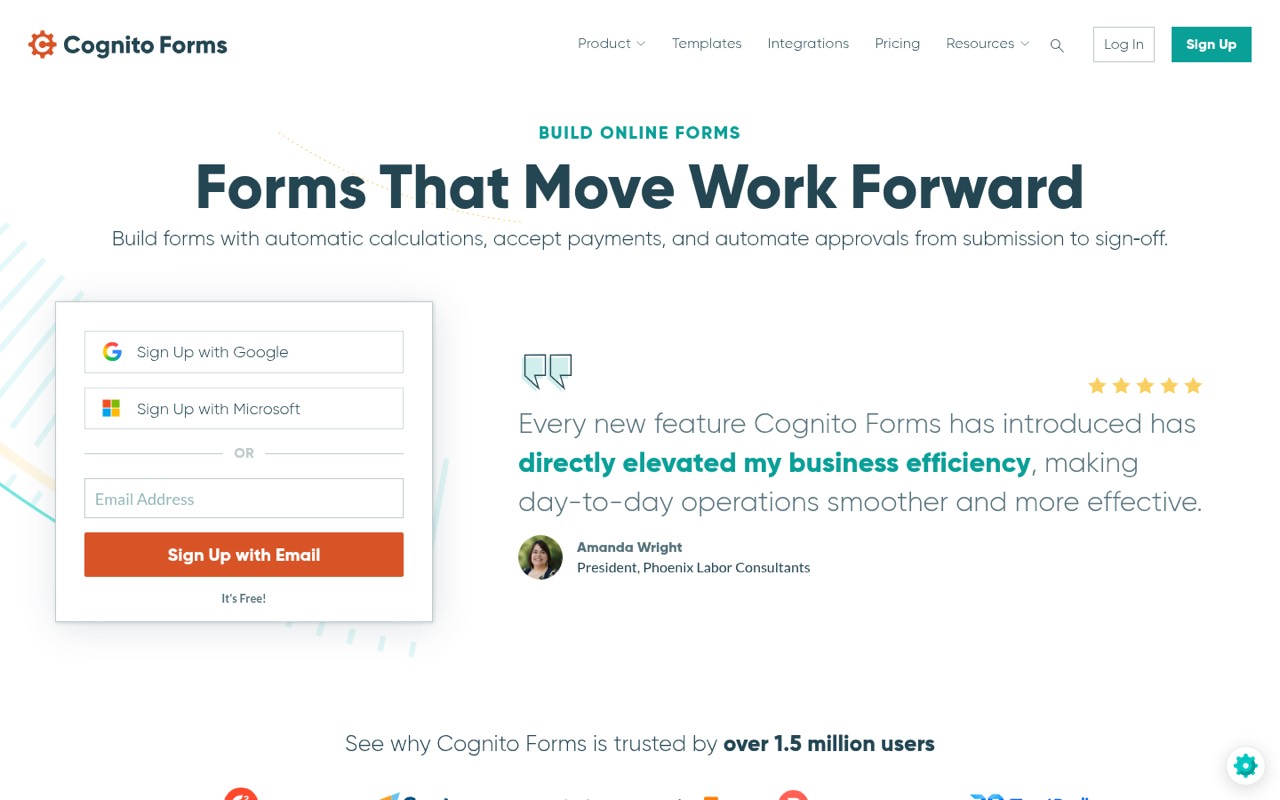
Cognito Forms has a free plan and starts at $19, making it a practical option when forms need to do more than collect answers. The vendor highlights approvals, payments, calculations and signatures as use cases. Those extras can justify a paid plan for a small team, but may be unnecessary for simple feedback forms. Check the plan limits against the workflow you want to automate.
What works
- Free plan includes unlimited forms
- Free users can accept payments
- Paid plans add signatures and approvals
What doesn't
- Free plan is limited to 100 entries monthly
- Free forms carry Cognito Forms branding
- Pro user limit is not published
- Best for Google usersGoogle FormsGoogle Forms
Google Forms is a straightforward choice for routine feedback and simple quizzes, especially for teams already using Google accounts. The listed Workspace starting price is $7 per user monthly with annual billing, so three seats would start at $21 per month on that basis. Choose it for basic forms rather than specialized payment or approval workflows, and check which Workspace plan fits your team.
What works
- Supports surveys, questionnaires, custom forms, and quizzes
- Includes multiple question types, including file uploads
- Reorder questions with drag-and-drop
What doesn't
- Forms response and creation limits aren't published
- Workspace plans charge per user
- No separate free Workspace plan is listed
- Best flat team priceforms.appforms.app
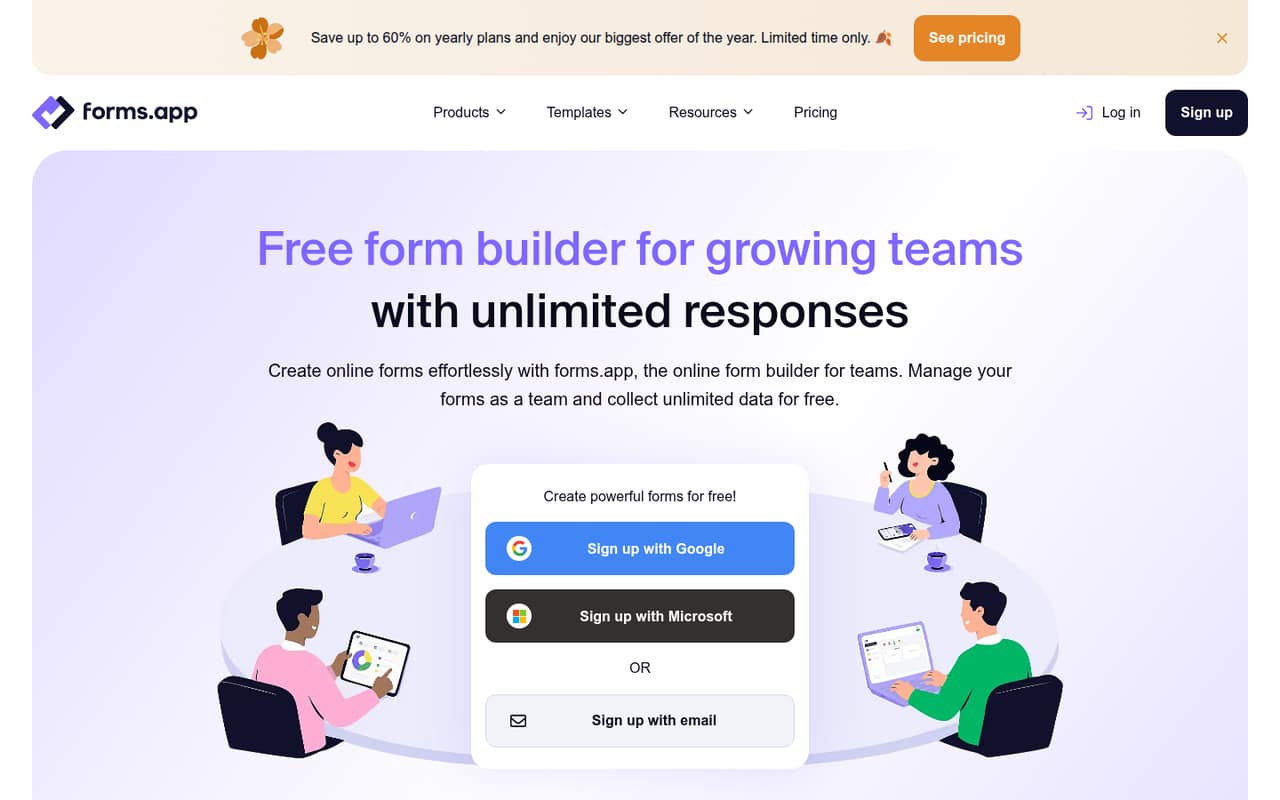
forms.app offers a free plan for simple forms, while its Basic plan is listed at a flat $29 monthly with unlimited members. That can be easier to budget for than a per-seat plan as your team grows. The vendor highlights templates and conditional logic, and says Basic suits teams needing shared access. Check the free plan’s limits and whether Basic includes the features your forms require.
What works
- Free plan includes unlimited responses
- Basic includes unlimited team members
- More than 5,000 customizable templates
What doesn't
- Free plan is limited to five forms
- Free storage is 10 MB
- Basic limits teams to 25 forms
- Best for Zoho teamsZoho FormsZoho Forms
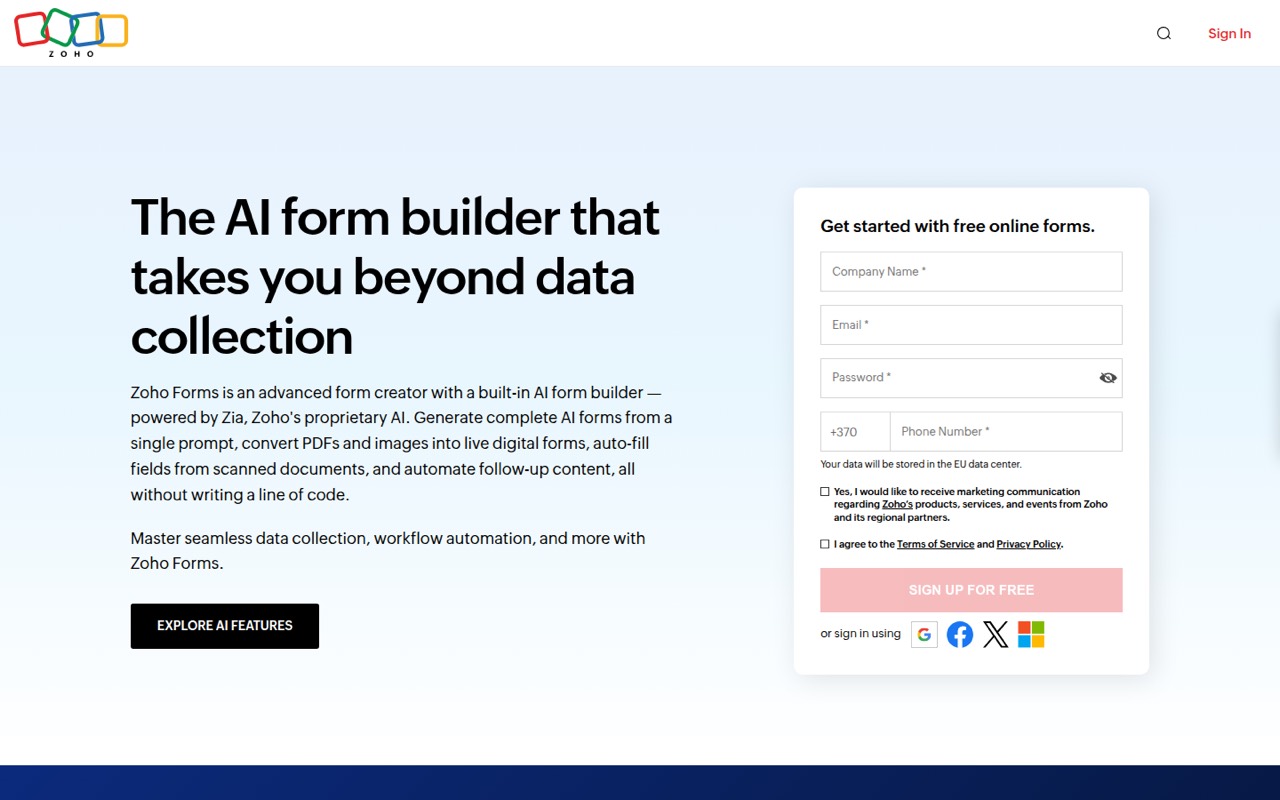
Zoho Forms is a flexible option for teams already using Zoho or collecting forms regularly. The vendor lists a free plan and a starting price of $10, with a team tier starting at 10 seats. That seat threshold may work well for a team near the top of the 1–10 range, but ask which plan and billing period the starting price covers before committing.
What works
- Free plan includes three forms and 500 monthly submissions
- Standard supports 10 users and 25,000 monthly submissions
- AI can generate forms from prompts
What doesn't
- Free plan limits users to three forms
- Small paid teams must buy the 10-user Standard plan
- Submissions stop when a plan's monthly cap is reached
- Best for payment formsJotformJotform
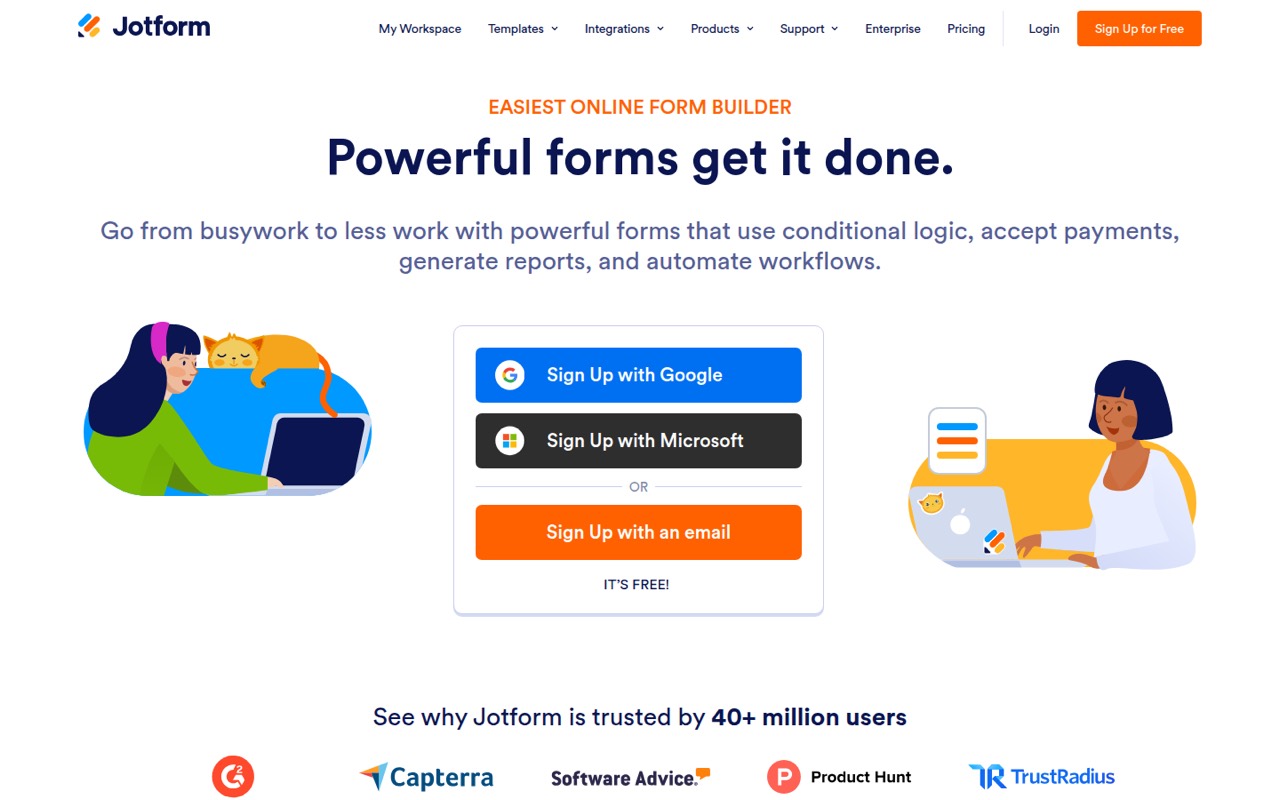
Jotform is worth a look when a form needs to collect payments, use conditional logic or start an automated process. The vendor lists a free plan and paid plans from $34. That is a higher starting point than several small-team options, so it makes most sense when those workflow features matter. Check the free-plan limits and the price for the number of seats your team needs.
What works
- Conditional logic can tailor forms to responses
- Collect payments, fees, or donations in forms
- Connect submissions to other business apps
What doesn't
- Free plan allows just 100 monthly submissions
- Starter forms retain Jotform branding
- Team seat allowances are not published
- Best for WordPressWPFormsWPForms
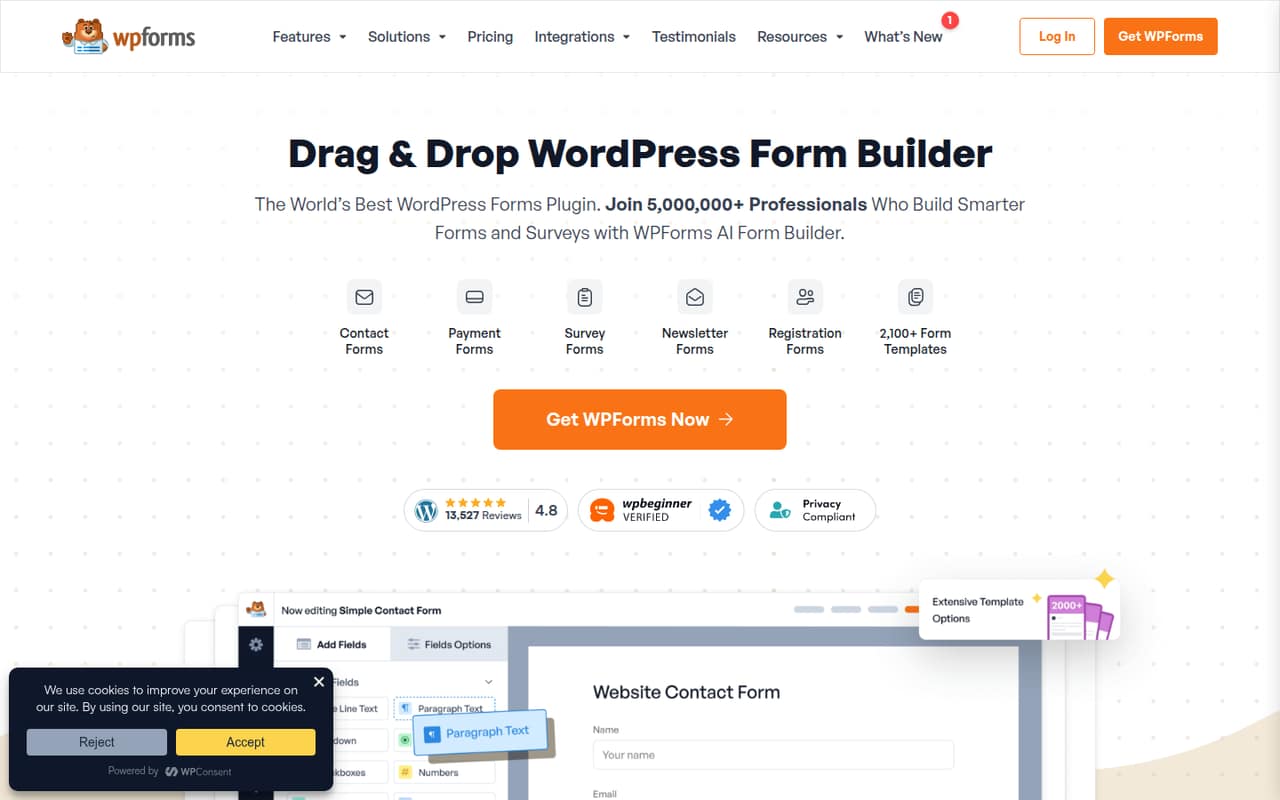
WPForms fits teams that run their site on WordPress and want forms, surveys or payment collection in that setting. Its listed starting price is $4.125, and the vendor says paid plans allow unlimited users. The free plan has limits, and the design controls and annual bill are worth checking before you choose. It’s less suitable if your team needs a standalone form platform.
What works
- Drag-and-drop builder for custom forms
- More than 2,100 templates listed
- Conditional logic can show or hide fields
What doesn't
- Free-plan limits are not published
- Monthly billing prices are not published
- Paid pricing is listed as annual charges
- Best for quick pollsStrawPollStrawPoll
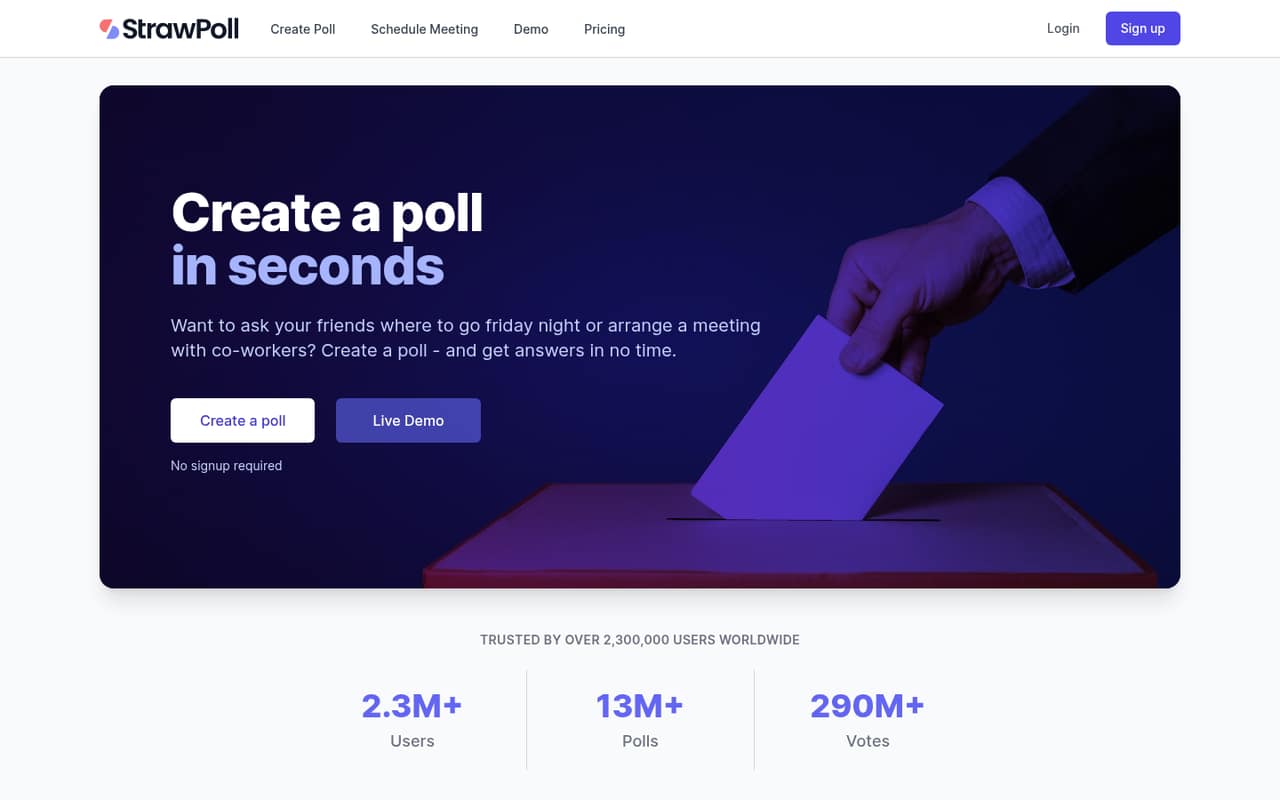
StrawPoll is a budget-friendly option for quick group decisions and meeting-time polls, rather than a general-purpose workflow builder. The vendor lists a free plan and paid plans from $4. Check workspace and vote limits if your team expects to use it regularly. For intake forms, payments or more involved logic, a broader form builder will likely be a better fit.
What works
- Free plan includes unlimited polls and votes
- Live results appear as pie charts or bar graphs
- Meeting polls help groups find suitable times
What doesn't
- Free votes include ads
- Free email invites stop at 50 monthly
- Basic allows 500 ad-free votes monthly
- Best for customer feedbackTypeformTypeform
Typeform offers form and research features for teams collecting customer feedback or automating lead follow-up. Its listed starting price is $28, but the free plan allows 10 responses, and seat costs can rise. That makes it harder to recommend for a team watching every subscription unless the research features are important. Confirm paid seat pricing and response limits before moving a live form.
What works
- Builds forms, surveys and quizzes
- AI can adapt forms and analyze responses
- Growth Flow automates lead follow-up
What doesn't
- Free plan allows only 10 monthly responses
- Paid plans limit included users
- Plus costs $79 monthly for three users
03How we chose
We ranked tools for teams of 1–10, putting useful free plans, predictable costs for several people and straightforward starting points ahead of specialist features. We compared listed starting prices, seat details and plan limits, and considered how much setup a small team may need for basic forms versus workflows, payments or research. We also consider vendor documentation and Reddit sentiment when they clarify limits or setup questions. Where a vendor does not publish seat pricing or billing details, we say so rather than estimating a team bill.
04Check the free plan before you build
A free plan is useful only if its limits fit the form you need to run. Check response or vote caps, the number of users, and whether features such as branding, team workspaces or conditional logic are included. Typeform’s free plan, for example, is listed with a 10-response limit, while Tally lists a free plan and charges for Pro when you need branding or team workspaces. If your form will collect payments, signatures or approvals, confirm those features are available on the plan you can afford. Keep the first version simple: a basic feedback form has different needs from a form that routes submissions into a process. If the vendor’s plan page doesn’t make a limit clear, ask before you share the form with customers.
05Work out the bill for your team
A starting price is not always the cost for everyone who needs access. Google Workspace lists a starting price of $7 per user monthly with annual billing, while Fillout says it has unlimited seats and forms.app lists a $29 monthly Basic plan with unlimited members. Those models lead to different bills as a team grows. Zoho Forms’ team tier starts at 10 seats, which may be more than a smaller team needs. For tools that don’t publish seat costs or billing details, ask for a quote for your exact team size. Also check whether the feature you need sits on a higher tier. A low entry price won’t help if a response cap or missing workflow feature forces an upgrade.
Questions people ask
Do small teams need a paid form builder?
Not always. For routine feedback or simple quizzes, a free plan may be enough. Pay when you need features such as team workspaces, branding, payment collection, approvals or higher limits. Check the plan details for the forms you expect to run before upgrading.
Which form builder has unlimited seats?
Fillout is described as offering unlimited seats, and forms.app lists unlimited members on its $29 monthly Basic plan. WPForms says paid plans allow unlimited users. Confirm which features are included at the relevant tier before choosing based on seat limits alone.
How much does a form builder cost for five people?
It depends on the vendor’s pricing model and plan. Google Workspace starts at $7 per user monthly with annual billing, or $35 for five users on that basis. Some vendors list flat or unlimited-seat plans; others don’t publish enough seat pricing to calculate a five-person bill.
When should a team move beyond free forms?
Consider upgrading when response limits interrupt your work, or when you need paid features such as branding, shared workspaces, payments, approvals or signatures. Compare the cost for everyone who needs access, and check that the paid tier includes the specific feature you need.