
We may earn a commission if you buy through links on this page. It never changes a score or a ranking. How we make money
The bottom line
Collaborator's plans are listed, but its product fit and actual cost remain unclear.
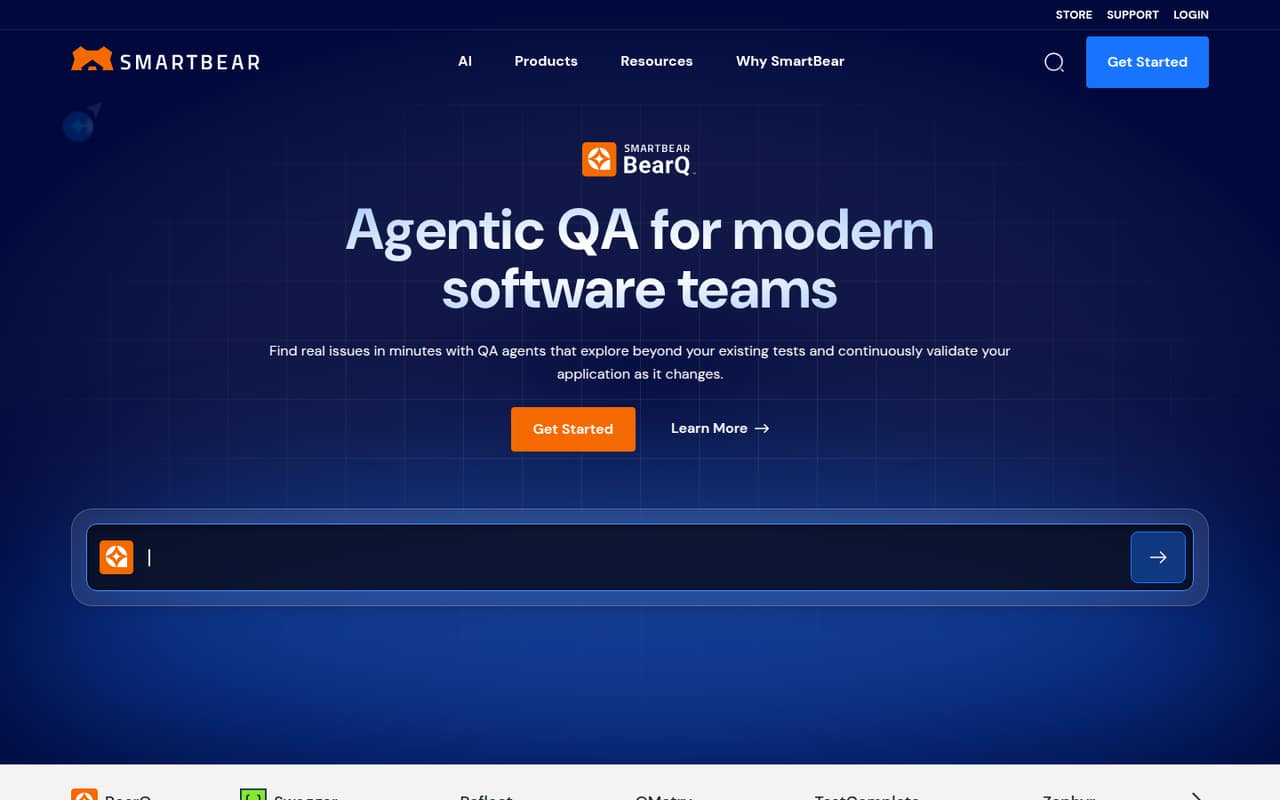
Small teams should confirm what Collaborator does before budgeting for it. SmartBear's homepage describes the company's software quality offerings, but does not identify Collaborator or establish its specific features or audience.
The pricing notes list a 30-day trial, a Team plan for up to 25 users, and an Enterprise plan based on licenses owned. Neither plan has a published price, so a small team's cost is unclear.
Good fit if
- Teams verifying a SmartBear product
- Buyers who can request a quote
- Teams comfortable with a trial
Skip it if
- Teams needing clear product details
- Buyers requiring upfront seat costs
- Teams choosing on feature comparisons
ScoresHow it rates
What works
- Team plan lists capacity for up to 25 users
- A 30-day free trial is listed
- Enterprise plan lists unlimited capacity based on licenses owned
- Both Team and Enterprise plans are named
- Plan details give teams a starting point for vendor questions
What doesn't
- SmartBear's homepage does not identify Collaborator
- Collaborator-specific features are not established
- The vendor does not publish plan prices
- Monthly and annual billing terms are not published
- Setup steps and integrations are not established
01Who Collaborator is for
A 1–10-person team can fit within the Team plan's listed limit of up to 25 users. But seat capacity alone doesn't tell us whether Collaborator fits your job. SmartBear's homepage presents the company as a software quality provider, with offerings in testing, API lifecycle management, autonomous QA, and observability. It doesn't identify Collaborator or explain what that product does.
That leaves a basic buyer question unanswered: what task would your team use Collaborator to handle? We wouldn't recommend budgeting for it until SmartBear confirms the product's purpose, intended users, and relevant features. If you're evaluating it for a specific workflow, ask for a product walkthrough and written details before comparing it with other QA tools. The listed 30-day trial may help you assess fit, but the product's scope needs to be clear first.
02Collaborator free plan and trial
There is no free plan listed. The pricing notes list a 30-day free trial for both the Team and Enterprise plans. Team is for up to 25 users; Enterprise is described as unlimited, based on licenses owned. The trial's price is listed as free, but the notes don't spell out its feature limits, whether a payment method is required, or what happens when the trial ends.
For a 1–10-person team, Team is the listed entry point, but its price isn't published. Ask SmartBear whether the trial includes the features your workflow needs, whether all seats are available during the trial, and what the paid plan costs afterward. Don't assume a free tier continues once the 30 days are over.
03What a small team pays for Collaborator
The pricing notes don't publish a starting price for either plan, and they don't specify monthly or annual billing. So the cost for one person is not published; the cost for three people is not published; and the cost for five people is not published. There is no reliable per-seat math to apply, and we can't compare monthly with annual billing from the listed information.
The Team plan is for up to 25 users and includes a 30-day free trial. Enterprise is listed as unlimited based on licenses owned, also with a 30-day trial. No add-ons are listed. That doesn't confirm whether add-ons are available, so ask SmartBear about any extra charges, minimum seat purchases, and whether the quote changes with team size. Until the vendor provides a quote, a small team can't tell whether Collaborator fits a tight software budget.
04Getting started with Collaborator
Setup effort is hard to judge because SmartBear's homepage doesn't identify Collaborator or describe its setup. The available product description doesn't establish what a team configures, what skills are needed, or how long onboarding takes. It also doesn't establish which integrations are available.
Before starting a trial, ask SmartBear for setup steps, any prerequisites, and the integrations your team needs on day one. Request a clear list of supported workflows and a guided walkthrough if your team depends on connecting the tool to existing systems. The 30-day trial gives a defined evaluation window, but the listed pricing details don't say what support or onboarding comes with it. We would treat setup effort and learning curve as unknown until the vendor answers those questions.
05When small teams outgrow Collaborator
The listed Team plan allows up to 25 users, so a 1–10-person team isn't close to that plan's stated seat ceiling. Enterprise is described as unlimited based on licenses owned, which suggests a larger-capacity option, but its price and licensing details aren't published. Ask SmartBear what happens when a team needs more than 25 users and how additional licenses are priced.
For a small team, the more immediate reason to move on may be product fit rather than headcount. The homepage doesn't establish Collaborator's specific features or audience, so buyers can't tell whether it covers their workflow or where its limits are. Before committing, confirm the features included in Team, the Enterprise upgrade terms, and any usage or license restrictions. Without those details and a quote, it's difficult to predict when an upgrade would be necessary—or whether another tool is a better match.
Questions people ask
What is Collaborator used for?
SmartBear's homepage describes the company and its software quality offerings, but doesn't identify Collaborator or explain its use. We can't confirm the product's purpose from that description. Ask SmartBear for a product overview and a list of supported workflows before deciding whether it fits your team.
Does Collaborator have a free plan?
No free plan is listed. The pricing notes list a 30-day free trial for both the Team and Enterprise plans. They don't specify whether the trial requires payment details, which features it includes, or what happens when it ends, so confirm those terms with SmartBear.
How much does Collaborator cost for one, three, or five people?
Those prices aren't published. The pricing notes don't give a monthly or annual rate, so we can't calculate a reliable per-person cost for one, three, or five users. Ask SmartBear for a quote that states seat minimums, billing terms, and any additional charges.
What does Collaborator's Team plan include?
The listed Team plan is for up to 25 users and includes a 30-day free trial. Its paid price, feature details, and billing terms aren't published in the pricing notes. Ask SmartBear to confirm which features are included and whether any license or usage limits apply.
Is Collaborator Pro a legitimate plan?
The pricing notes list Team and Enterprise, not a plan called Collaborator Pro. That doesn't establish whether a Pro offer exists elsewhere. Before paying for an offer using that name, verify the plan and seller directly with SmartBear and ask for official pricing and terms.