
We may earn a commission if you buy through links on this page. It never changes a score or a ranking. How we make money
The bottom line
Strong workflow control and a useful free tier, with setup effort that can slow a small team down.
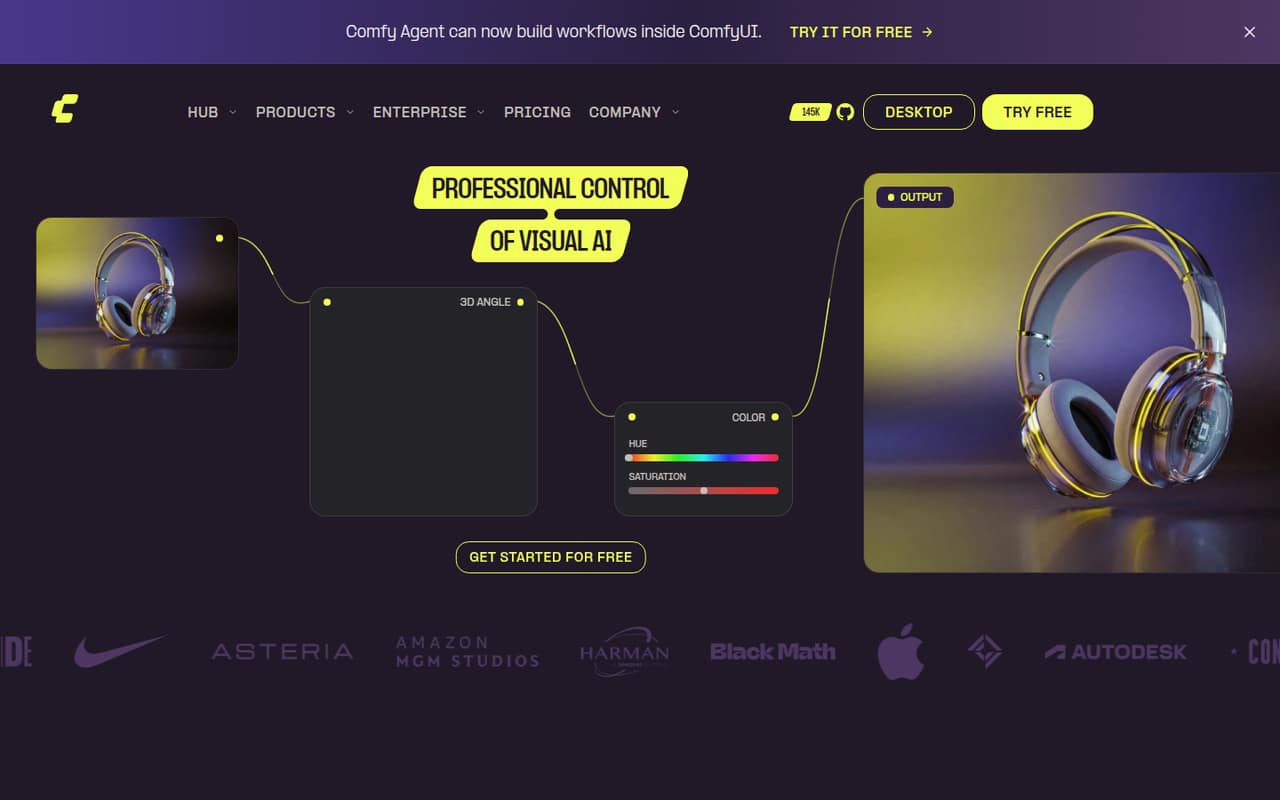
ComfyUI gives teams a visual canvas for connecting AI models, processing steps, and outputs. You can run it on desktop hardware, use Comfy Cloud, or deploy workflows through an API.
The free Cloud plan includes five GPU runs and new-user Agent credits. Paid Cloud plans start at $16 per month with annual billing, but Reddit users describe a steep learning curve and occasional workflow setup problems.
Good fit if
- Teams building repeatable AI workflows
- Users who want adjustable node-level control
- Developers deploying workflows as APIs
Skip it if
- Teams wanting one-click setup
- People who dislike visual node graphs
- Teams needing predictable support targets
ScoresHow it rates
What works
- Free plan includes five real-GPU runs
- Workflows are visible and adjustable
- Community templates provide starting points
- Desktop, Cloud, and API options
- Team plan supports up to 50 members
What doesn't
- Node workflows can become messy
- Community workflows may need troubleshooting
- Free Cloud use is limited to five runs
- GPU usage can add variable costs
- Support response targets are not listed
01Who ComfyUI is for
ComfyUI fits a small team that wants to build and adjust visual AI workflows rather than rely on a simple prompt box. On its canvas, you connect models, processing steps, and outputs, so the steps in a workflow stay visible. That can suit a design or content team refining repeatable image or other AI workflows, or a developer who wants to deploy one as an API.
For a one- to five-person team watching its budget, the free Cloud plan is a low-cost way to try the product. Paid Cloud plans start at $16 per month per listed Standard subscription with annual billing. You can also run ComfyUI on desktop hardware, though the pricing page does not list a separate desktop price. The trade-off is learning time: Reddit users describe the node canvas as powerful but messy, and some report broken nodes or dependencies in workflows they find online. It is a better fit for teams comfortable troubleshooting than for people who want a polished, one-click generator.
02ComfyUI free plan and trial
The Free plan is aimed at trying Comfy Cloud and Comfy Agent. The pricing page lists five free runs on real GPUs and free Agent credits for new users. There is no separate free-trial period listed; the free plan is the starting point.
Five runs are enough to see how Cloud workflows and the Agent feel, but they are a small allowance for regular team production. The pricing page does not state how many workflows those runs cover or publish the new-user Agent credit amount. Desktop use is a separate route: ComfyUI can run on your own hardware, but the listed free Cloud runs should not be mistaken for unlimited Cloud access or a stated desktop-app price. If the free Cloud allowance runs out, Standard starts at $20 monthly or $16 per month with annual billing.
03What a small team pays for ComfyUI
For one person, Standard is $20 month to month, or $16 per month on annual billing, paid yearly at $192. Its listed features include 50,400 annual credits, a 30-minute maximum workflow runtime, four concurrent Agent sessions per workspace, five API builds, and two deployments.
For three separate Standard subscriptions, the math is $60 monthly or $48 per month on annual billing—$576 for the year. For five, it is $100 monthly or $80 per month on annual billing—$960 for the year. Those are per-subscription calculations; the plans do not list a team discount for Standard.
If shared credits matter more, the Team plan lists $700 monthly or $630 per month on annual billing, with up to 50 members and a shared credit pool. That is not a per-seat price, and the FAQ says Team pricing varies by credit commitment, with tiers from $200 to $2,500 per month. Add-ons can change the bill: Comfy API GPU use is $1.75–$11.23 per GPU hour, billed by the second, and network storage is $0.20 per GB monthly.
04Getting started with ComfyUI
Expect more setup and learning than with a basic image-generation interface. You build workflows by connecting nodes, and community templates can give you a starting point. Comfy Agent can plan, build, and run a workflow from a task description, but the pricing page lists different session limits by plan.
Reddit users describe mixed first steps. In one thread, a new user said they had no idea what they were doing, while a commenter said a ChatGPT-generated workflow file could be dragged into ComfyUI and run. In another discussion, users reported broken nodes and dependency issues with workflows found online. That makes template choice and troubleshooting part of the setup, rather than a guaranteed one-click install.
For day one, decide whether the team will run on desktop hardware or Comfy Cloud, then choose a community template or build a workflow. An API deployment is available for teams connecting workflows to their own app, but it is not necessary for basic use.
05When small teams outgrow ComfyUI
The first limit is often Cloud usage, not team size. Standard includes 50,400 credits per year on annual billing, a 30-minute maximum workflow runtime, five API builds, and two deployments. Creator raises the annual credit allowance and adds importing your own models; Pro lists a one-hour workflow runtime, ten API builds, and five deployments. Those higher tiers cost more, and API GPU use is billed separately by the second.
A team may also outgrow the workflow experience before it reaches a plan limit. Reddit users describe node graphs turning into “messy spaghetti,” and another discussion reports broken nodes and dependency problems in workflows found online. That may be a reason to standardize templates or simplify who maintains them; teams wanting a linear, one-click interface may prefer a different tool.
For shared credits and collaboration, Team lists up to 50 members, but its published plan price is $700 monthly or $630 per month on annual billing, with credit-commitment tiers also listed from $200 to $2,500 monthly. Ask ComfyUI which tier matches your usage before budgeting.
From the threadsWhat users say
Reddit sentiment is split: users value ComfyUI’s flexibility, but newcomers report a rough learning curve and workflow setup snags. The node graph itself is a plus for some and a source of clutter for others.
I had absolutely no clue what I was doing
Simply drag and dropped that into ComfyUI and it just worked
I absolutely hate the messy spaghetti every ComfyUI workflow turns into invariably
broken nodes, dependency issues,
Questions people ask
Does ComfyUI cost money?
Comfy Cloud has a Free plan with five runs on real GPUs and free Agent credits for new users. Standard starts at $20 per month, or $16 per month with annual billing. ComfyUI also runs on desktop hardware, but the pricing page does not publish a separate desktop-app price.
Can ComfyUI generate videos?
ComfyUI is a workflow platform, and Reddit users discuss using it for video-generation workflows. What it can generate depends on the models and workflow you use. The product details do not promise a specific video feature or include a list of supported video models, so check the workflow requirements before setting it up.
Is Comfy Desktop free?
ComfyUI can run on your own desktop hardware, but the pricing page does not publish a separate price for the desktop app. Its Free plan is described as a way to try Comfy Cloud and Agent, with five real-GPU runs and free Agent credits for new users.
Can a beginner use ComfyUI?
Yes, but expect a learning curve. Community templates and Comfy Agent can help you get started, and one Reddit commenter said a generated workflow file worked after being dragged into ComfyUI. Other users report messy graphs and broken nodes or dependencies in workflows they found online.
Can my team deploy ComfyUI workflows as an API?
Yes. ComfyUI lists API deployment as a way to run workflows from your own app or as production APIs. Standard includes five API builds and two deployments, while Pro lists ten builds and five deployments. API GPU usage is billed separately by the second.