
We may earn a commission if you buy through links on this page. It never changes a score or a ranking. How we make money
The bottom line
Strong messaging and audience tools, with pricing too opaque for easy small-team budgeting.
Community brings SMS, MMS, WhatsApp and other messaging channels together with audience profiles, segments, automations, analytics and AI tools. That’s a broad toolkit for businesses that need to talk directly with an audience, not just send occasional texts.
For a small team, the big question is cost. The pricing page lists a Small Business plan with five platform admin roles, but doesn’t publish its price or usage limits. There’s no listed free plan or trial, so ask for a quote before committing.
Good fit if
- Brands engaging audiences by message
- Teams that need audience segmentation
- Businesses using multiple messaging channels
Skip it if
- Teams needing a free starting plan
- Buyers requiring predictable seat pricing
- Small businesses sending occasional updates
ScoresHow it rates
What works
- Supports SMS and MMS messaging
- Includes WhatsApp and Apple Messages for Business
- Combines audience data in member profiles
- Automations can trigger when members join a community
- Includes audience analytics and AI tools
What doesn't
- Small Business pricing is unpublished
- No free plan is listed
- No free trial is listed
- Usage limits are unpublished
- Additional seat limits are unpublished
01Who Community is for
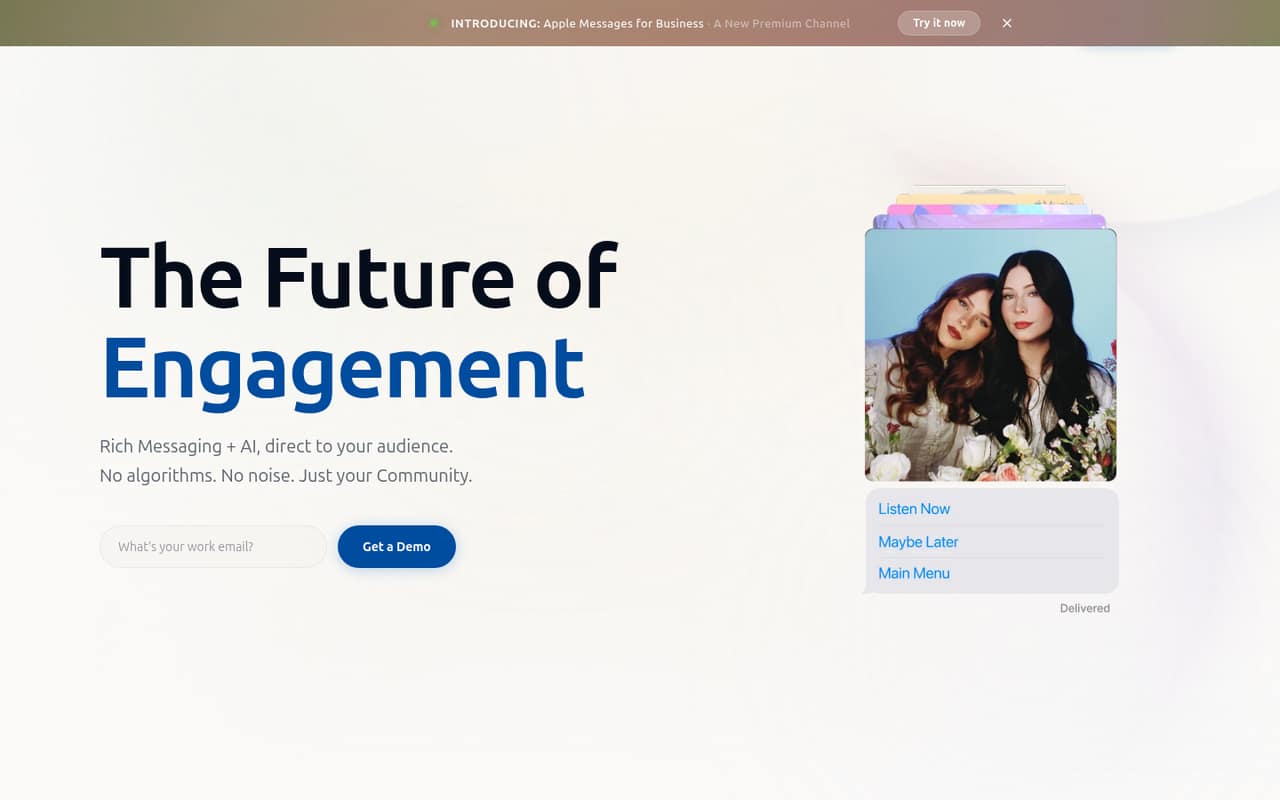
Community is for businesses that want to engage an audience through direct messages, rather than relying only on email or social posts. It supports SMS, MMS, WhatsApp and Apple Messages for Business, with RCS in early access. Member profiles bring together audience data, demographics, interests and engagement history, while segments help target different groups.
That breadth may suit a small marketing or audience team, including a business with one to five platform admins. The pricing page lists five admin roles on its Small Business plan, but doesn’t publish the price, usage limits or additional seat limits. So it’s hard to tell whether the plan fits a particular budget or audience size without asking for a quote. We’d consider Community when direct audience engagement is an important, recurring job—not just an occasional text blast.
02Community free plan and trial
Community’s pricing information lists no free plan and no free trial. That means there’s no listed no-cost option for a small team to try its messaging, audience profiles, automations or analytics before buying.
The cheapest listed way in is the Small Business plan. It includes five platform admin roles, but the monthly price, usage limits and additional seat limits are unpublished. The pricing information also says annual billing requires a custom quote. Before signing up, ask Community for the full quote and whether it includes the channels and message volume you expect to use. Without those details, a team can’t calculate a reliable starting budget from the published plan information.
03What a small team pays for Community
The pricing page lists three plans: Small Business, Mid Market and Enterprise. It doesn’t publish a monthly or annual price for any of them. For one person, a team of three or a team of five, the monthly cost per seat is therefore not calculable from the listed prices. There’s no published annual total or per-seat rate to compare, either; annual billing requires a custom quote.
Small Business includes five platform admin roles, but the price and usage limits are unpublished. That means a team of one, three or five can’t know whether the plan’s total cost changes with its seats or messaging use. Ask the vendor for an itemized quote for your seat count, message volume and channels. The pricing information lists no add-ons, but that doesn’t establish whether extra services or usage charges apply. Confirm any such charges, along with the plan’s usage limits, before budgeting.
04Getting started with Community
Community combines messaging channels with member profiles, segmentation, automations, analytics and AI tools. The listed feature set gives a small team several areas to configure, from audience groups to messages and automations that trigger when members enter a community. The vendor doesn’t publish setup time or a step-by-step onboarding requirement in the available pricing and feature details, so we can’t put a reliable number on the effort.
The listed messaging channels include SMS, MMS, WhatsApp and Apple Messages for Business; RCS is in early access. Which channels your team can activate, and what setup each requires, are questions to confirm with Community. The available details also don’t specify integrations with other tools. Before buying, ask what you need to connect on day one, whether setup help is included and how much audience data needs to be prepared.
05When small teams outgrow Community
The first likely pressure point is plan fit. Small Business lists five platform admin roles, but the vendor doesn’t publish additional seat limits or usage limits. A team that needs more than five admin roles, or that expects messaging needs to grow, should get those thresholds and any upgrade requirements in writing before committing.
Community also lists Mid Market and Enterprise plans, both with custom-quote pricing and unpublished seat and usage limits. That gives larger organizations higher-tier options, but it doesn’t show what triggers an upgrade or what a growing team would pay. If your audience or messaging volume is increasing, ask for the costs at today’s size and a realistic larger size. Without published limits or prices, a team may find it difficult to forecast the point where it needs to move up—or whether the next plan still fits its budget.
Community in the news
Questions people ask
Does Community have a free plan?
The pricing information lists no free plan. The cheapest listed option is Small Business, which includes five platform admin roles. Its price and usage limits are unpublished, so ask Community for a quote and what usage that price covers before deciding whether it fits your budget.
How much does Community cost for a small team?
Community’s pricing page doesn’t publish monthly or annual prices for Small Business, Mid Market or Enterprise. That means we can’t calculate the cost for one person or a team of three or five. Annual billing requires a custom quote, so request an itemized price for your team size and expected usage.
What messaging channels does Community support?
Community lists SMS, MMS, WhatsApp and Apple Messages for Business. RCS is listed as being in early access. Ask the vendor which channels are available for your account and what setup or usage requirements apply, since those details affect whether the platform fits your audience.
What can Community automate?
Community lists automations that can trigger when members enter a community. Its features also include audience segmentation, member profiles and AI tools such as suggestions, campaign summaries and chatbots. Ask the vendor which automation actions are available on the plan you’re quoted, since plan-specific feature limits aren’t published.
Does Community offer a free trial?
The pricing information lists no free trial. The Small Business plan is the cheapest listed entry point, but its price is unpublished. Before committing, ask Community whether it can provide a demo or another way to evaluate the messaging channels, audience tools and limits relevant to your team.