
We may earn a commission if you buy through links on this page. It never changes a score or a ranking. How we make money
The bottom line
Strong workload coverage, but no free plan and a learning curve make careful pricing essential.
Commvault Cloud brings security, identity, and recovery together for enterprise data across hybrid and cloud environments. Its 30-day trial gives a small team a way to evaluate a workload, but there is no free plan and pricing depends on what you protect.
Published per-user prices start at $1.70 monthly for Microsoft 365 Backup, while several broader recovery products require a quote. Reddit users report both helpful support and a complicated experience, so we’d pin down licensing and setup needs before committing.
Good fit if
- Teams backing up Microsoft 365
- Businesses with mixed cloud workloads
- Organizations wanting less backup upkeep
Skip it if
- Teams needing a permanent free plan
- Buyers wanting one simple bundle price
- Teams that need full on-prem control
ScoresHow it rates
What works
- 30-day free trial across listed products
- Microsoft 365 Backup starts at $1.70 per user monthly
- Covers cloud and hybrid recovery needs
- Cloud-native workflows for AWS and Google Cloud
- Some Reddit users praise support and reliability
What doesn't
- No free plan
- Annual-billing rates are not published
- Several recovery products require custom quotes
- Add-on prices are not published
- Reddit users describe licensing and setup as complicated
01Who Commvault Cloud is for
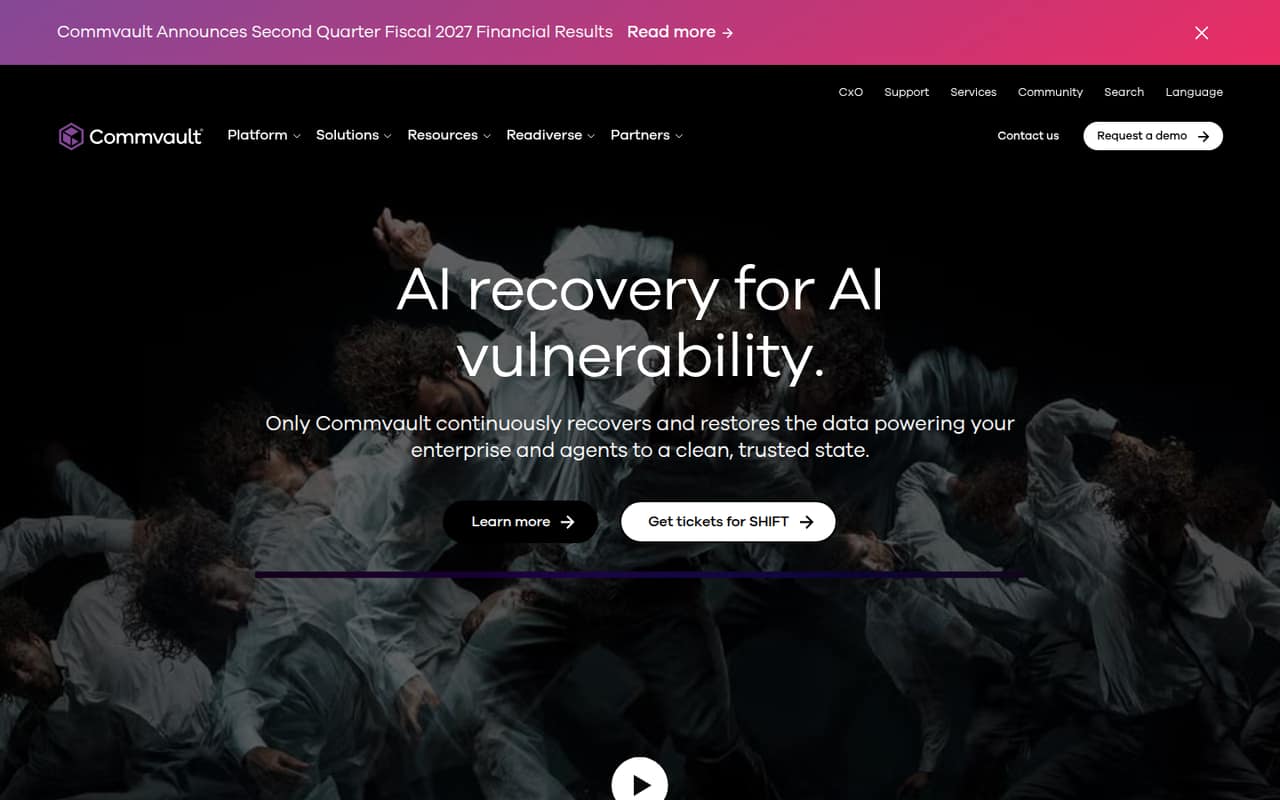
Commvault Cloud is a better fit for a small team with important business data to protect than for a team looking for a basic, free backup app. The homepage describes a platform that brings security, identity, and recovery together, with recovery across hybrid environments and cloud-native workflows for AWS and Google Cloud.
For a team of one to ten, the sensible starting point is the specific workload: Microsoft 365, Salesforce, endpoints, virtual machines, databases, or files and object data. Prices and billing units differ across those products, so there isn’t one small-team bundle price. Microsoft 365 Backup is a relatively low-cost entry point; broader operational, autonomous, and cyber recovery products are quote-based. Reddit users say the cloud option can reduce infrastructure upkeep compared with on-premises software, though it also means less direct control. We’d consider it when recovery matters enough to justify a paid tool and someone can own configuration and licensing.
02Commvault Cloud free plan and trial
Commvault Cloud does not have a free plan. The listed products include a 30-day free trial, which is a chance to evaluate a workload before paying, not an ongoing free tier. Trial limits, such as the amount of data or number of users included, are not published in the pricing details; ask Commvault what applies to the product you want to try.
The cheapest listed paid entry point is Microsoft 365 Backup at $1.70 per user per month. That works out to $5.10 monthly for three users or $8.50 for five, before any applicable terms or add-ons. This is only the starting point for Microsoft 365 protection, not a price for the whole platform. If your team wants to protect another workload, check that product’s price and billing unit instead.
03What a small team pays for Commvault Cloud
The pricing listings show Microsoft 365 Backup at $1.70 per user per month: $1.70 for one person, $5.10 for three, and $8.50 for five. Those are monthly-rate calculations; annual-billing rates are not published. Salesforce Backup and Dynamics 365 Backup list at $3.60 per user monthly, or $10.80 for three and $18 for five. Endpoint Backup starts at $7.50 per user monthly, or $22.50 for three and $37.50 for five.
Other workloads use different units: Virtual Machine Backup is $102.49 per 10-VM pack monthly; Kubernetes Backup and Database Backup start at $90 per TB monthly; File & Object Backup starts at $58.50 per TB monthly. File & Object Archive lists at $900 per 100 TB monthly. Operational Recovery, Autonomous Recovery, and Cyber Recovery are quote-based. Data Migration, Data Access Manager, and Threat Scan/Threatwise add-on prices are not published. Ask for a quote that spells out workload, storage, and any add-ons.
04Getting started with Commvault Cloud
Setup effort depends on the workload and the way you want to manage backups. In one Reddit discussion, a Microsoft 365 user said the configuration was straightforward with global admin credentials and could be completed in under an hour; that user also described a manual configuration option. Another commenter said their initial setup was a little complicated but support helped with configuration. Those are individual reports, not a setup guarantee.
A small team should first choose what it needs to protect, then confirm the related product and access requirements. The homepage describes hybrid recovery and cloud-native workflows for AWS and Google Cloud; Microsoft 365, Salesforce, and Dynamics 365 each have separate listed backup products. Ask Commvault for the setup steps and access permissions for your exact workload. Reddit users also warn that the interface differs from the on-premises experience: one commenter said the cloud deployment offers a web version and less control over the environment.
05When small teams outgrow Commvault Cloud
Commvault Cloud is more likely to become a poor fit when the team needs a simpler, more predictable bill than when it hits a published seat ceiling. The listed per-user products don’t publish a maximum team size, and some workload prices include volume discounts only at larger thresholds: Microsoft 365, Salesforce, and Dynamics 365 list discounts at 750+ users. For a team of one to ten, the more immediate concern is whether each workload, storage amount, and any add-ons fit the budget.
Reddit users describe licensing as complicated, and one says the process can be a pain; another recommends paying close attention to licensing and expected storage. Teams that want full infrastructure control may also prefer on-premises software: commenters cite control as a reason to choose it, while noting the maintenance responsibility. Before growing the deployment, ask for a written price and usage scope. If the quote or administration burden no longer fits, compare other tools for the same workloads.
From the threadsWhat users say
Reddit sentiment is mixed: some users report that Commvault Cloud works well and appreciate responsive support, while others prefer on-premises control or find the licensing and configuration involved. These comments are individual experiences, not a guarantee of what a new customer will encounter.
Saas primarily focusing on simplicity and reduce maintenance overhead
the licensing while initially simple is overly complicated and a huge pain in the ass
Control over the environment is limited, but still not that bad
Questions people ask
Does Commvault Cloud have a free plan?
No. Commvault Cloud has no free plan, but the listed products include a 30-day free trial. The trial’s data, user, or storage limits are not published in the pricing details, so confirm them with Commvault for the workload you want to evaluate.
How much does Commvault Cloud cost for a small team?
It depends on the workload. Microsoft 365 Backup lists at $1.70 per user monthly, or $5.10 for three people and $8.50 for five. Salesforce Backup and Dynamics 365 Backup list at $3.60 per user monthly. Other products use per-user, per-VM-pack, per-TB, or custom pricing.
Does Commvault Cloud support hybrid environments?
Yes. Commvault’s homepage describes continuous recovery across hybrid environments and cloud-native recovery workflows for AWS and Google Cloud. Confirm that the exact workload and recovery setup your team needs are supported before choosing a product.
Is Commvault Cloud easier to manage than on-premises Commvault?
The cloud service is intended to reduce infrastructure management, but user experiences vary. Reddit commenters describe less control with the cloud deployment; others say SaaS can reduce maintenance overhead. Ask about the administration tasks and controls available for your workloads.
Are Commvault Cloud annual prices published?
Annual-billing rates are not published in the pricing details. The listed prices are monthly, and some products are quote-based. Ask Commvault for a written quote showing the billing term, protected workload, storage or usage limits, and any add-ons.
Sources
- Commvault Cloud homepage
- Commvault Cloud pricing, compiled via web search from commvault.com, eon.io, softwarefinder.com, resident.com
- Reddit: On-prem Commvault vs Commvault Cloud (Metallic)
- Reddit: Microsoft 365 Backups w/ Commvault (on-prem)
- Reddit: Commvault vs Microsoft O365 backup solution
- Reddit: Commvault Cloud Unity Platform: Vereenvoudigd Cyber- en Identiteitsherstel