
We may earn a commission if you buy through links on this page. It never changes a score or a ranking. How we make money
The bottom line
Useful for AI-made study maps and presentations, but small teams start at $15.90 monthly.
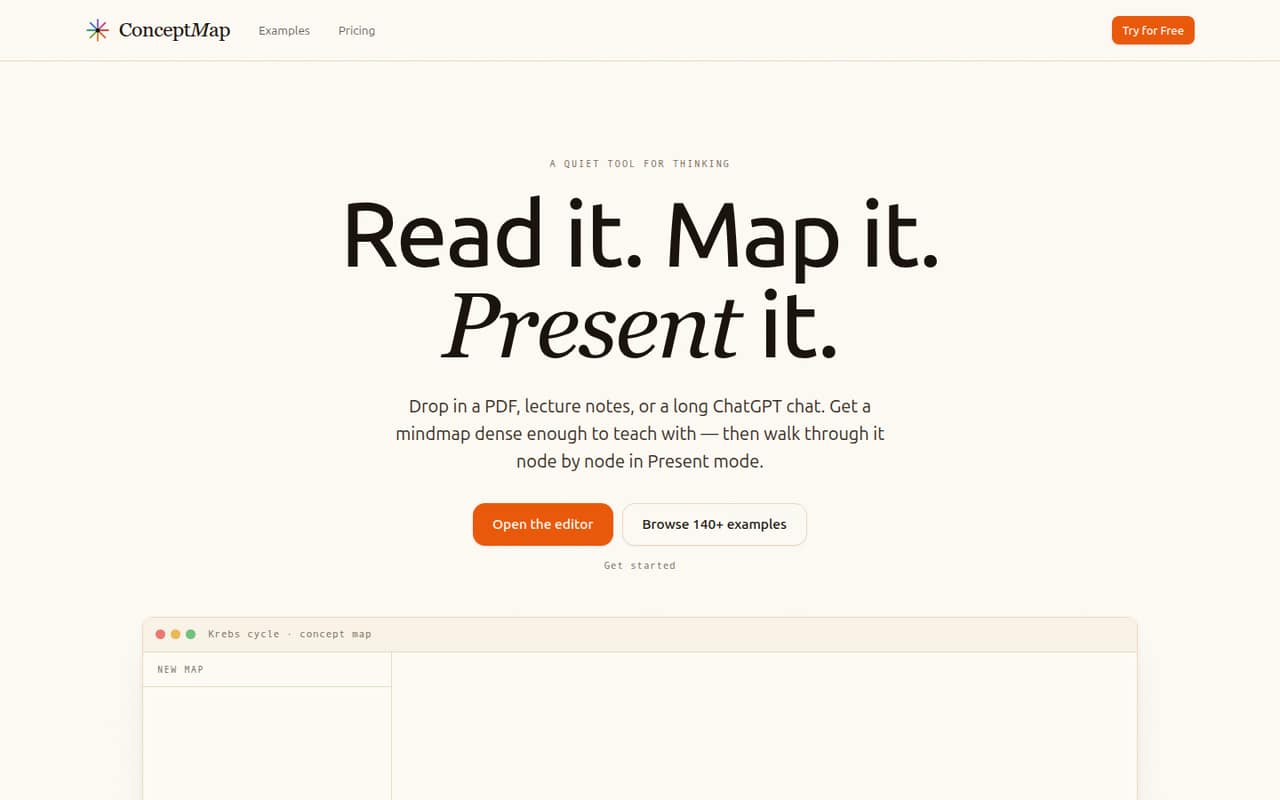
ConceptMap AI turns materials such as PDFs, notes, YouTube lecture URLs, and ChatGPT conversations into hierarchical mindmaps. Its Present mode walks through a map node by node, and public links let people view, present, or remix maps without signing up.
There’s no free plan. Pro starts at $15.90 per month and includes 500 AI credits monthly; Max is $49.90 per month for 5,000 credits. The vendor doesn’t publish annual prices or clarify whether plans are priced per seat or per team, so confirm the billing model before budgeting for several people.
Good fit if
- Teachers making lesson maps
- Students organizing reading materials
- Small teams sharing visual explainers
Skip it if
- Teams that need a free tier
- Groups needing published per-seat pricing
- Teams seeking confirmed third-party integrations
ScoresHow it rates
What works
- Turns several kinds of study materials into hierarchical maps
- Present mode walks through a map node by node
- Public links work without viewer accounts
- Viewers can remix shared maps
- Examples span disciplines, with 142 maps listed
What doesn't
- No free plan is listed
- Pro starts at $15.90 per month
- Annual plan prices are not published
- Seat-based versus team pricing is not published
- No add-ons or integration list is published
01Who ConceptMap AI is for
ConceptMap AI fits a small study group, teaching team, or research crew that needs to turn published material into visual outlines. It accepts PDFs, notes, photos of handwritten notes, YouTube lecture URLs, and ChatGPT conversations, then creates hierarchical mindmaps from a topic or published material. Present mode turns those maps into a node-by-node walkthrough, which may suit a teacher explaining a subject or a student reviewing one.
For a team of one to ten, the main budget question is whether everyone needs to create maps or only a few people need to make and share them. Public links let viewers access, present, or remix a map without signing up, which can reduce the need to pay for every viewer—but the vendor doesn’t publish whether a paid plan covers multiple creators. Pro starts at $15.90 monthly, so this is a paid specialist tool, not a no-cost team workspace.
02ConceptMap AI free plan and trial
ConceptMap AI doesn’t list a free plan. The cheapest published option is Pro at $15.90 per month, with 500 AI credits monthly and up to about 500 maps a month. Pro also lists unlimited maps and published links, plus access to premium models including Claude, GPT-5, Gemini Pro, Grok, and Mistral.
The pricing information lists a seven-day trial for eligible annual plans, but it doesn’t say which customers qualify or publish the annual price. Since annual prices aren’t listed, a team can’t compare the trial route with monthly billing from the published figures alone. Ask the vendor to confirm eligibility, the annual charge, and whether a trial converts automatically before signing up. If you want to try the product without a paid commitment, the vendor doesn’t list a free option.
03What a small team pays for ConceptMap AI
The pricing page lists Pro at $15.90 per month and Max at $49.90 per month. For one person, Pro is the lowest published monthly price. For three people, the arithmetic would be $47.70 monthly if Pro is charged per seat; for five, it would be $79.50. But the vendor doesn’t publish whether those prices are per user or for a team, so treat those totals as conditional estimates and confirm the billing unit before budgeting.
Max lists 5,000 AI credits per month and up to about 5,000 maps a month, compared with Pro’s 500 credits and about 500 maps. If Max were charged per seat, three seats would total $149.70 monthly and five would total $249.50—but that seat model isn’t confirmed. Annual prices aren’t published, and no add-ons are listed. The pricing page says eligible annual plans may start with a seven-day trial; it doesn’t publish which plans qualify.
04Getting started with ConceptMap AI
The basic workflow appears direct: provide a topic or material, generate a hierarchical map, then use Present mode or share a public link. Supported inputs include PDFs, notes, handwritten-note photos, YouTube lecture URLs, and ChatGPT conversations. The homepage also lists 142 example maps across disciplines, which gives a new user examples to browse before building one.
The vendor doesn’t publish a setup-time estimate, onboarding requirements, or a list of third-party integrations. For a small team, the practical first step is to try one representative source file and decide who needs to create maps versus who can use public links. Those links let viewers view, present, or remix maps without an account. If your day-one workflow depends on connecting a storage drive, learning platform, or team chat, ask the vendor whether that connection is supported; the listed input types don’t establish an integration.
05When small teams outgrow ConceptMap AI
The clearest reason to move up is usage: Pro lists 500 AI credits and up to about 500 maps per month, while Max raises those figures to 5,000. A team that regularly hits Pro’s allowance may need Max, listed at $49.90 monthly. The vendor doesn’t publish how credits are consumed, so ask how your typical inputs and map edits count before treating the map estimate as a guaranteed capacity.
A second pressure point is team billing. The published prices don’t clarify whether they cover one person or several, and annual rates aren’t published. That makes it hard to forecast costs as more coworkers create maps. Public links do help with sharing because viewers don’t need accounts, but they don’t answer how paid creator access works. If you need confirmed seat controls, integrations, or support terms before expanding, ask the vendor directly; those details aren’t in the published plan information.
Questions people ask
Does ConceptMap AI have a free plan?
No free plan is listed. Pro is the cheapest published option at $15.90 per month, with 500 AI credits monthly and up to about 500 maps a month. Eligible annual plans may start with a seven-day trial, but the vendor doesn’t publish which customers qualify or the annual price.
How much does ConceptMap AI cost for a team of five?
The pricing page lists Pro at $15.90 monthly and Max at $49.90 monthly, but the vendor doesn’t say whether those prices are per seat or per team. If Pro is per seat, five people would total $79.50 per month; confirm the billing unit with the vendor before budgeting.
What can I upload to ConceptMap AI?
The listed input types include PDFs, notes, photos of handwritten notes, YouTube lecture URLs, and ChatGPT conversations. ConceptMap AI can also create a map from a topic or published material. The vendor’s listed details don’t specify file-size limits or which file formats are accepted beyond those categories.
Can people view a ConceptMap AI map without an account?
Yes. Public map links let viewers access a shared map without signing up. The listed options include viewing, presenting, and remixing a map. The vendor doesn’t publish additional detail here about link permissions or whether creators can restrict access to selected viewers.
What is the difference between Pro and Max?
Pro lists 500 AI credits per month and up to about 500 maps a month for $15.90 monthly. Max lists 5,000 credits and up to about 5,000 maps monthly for $49.90, plus everything in Pro. Annual prices aren’t published, and the vendor doesn’t clarify whether either price is per seat.